How Would You Create A Variable Chamfer In This Scenario?

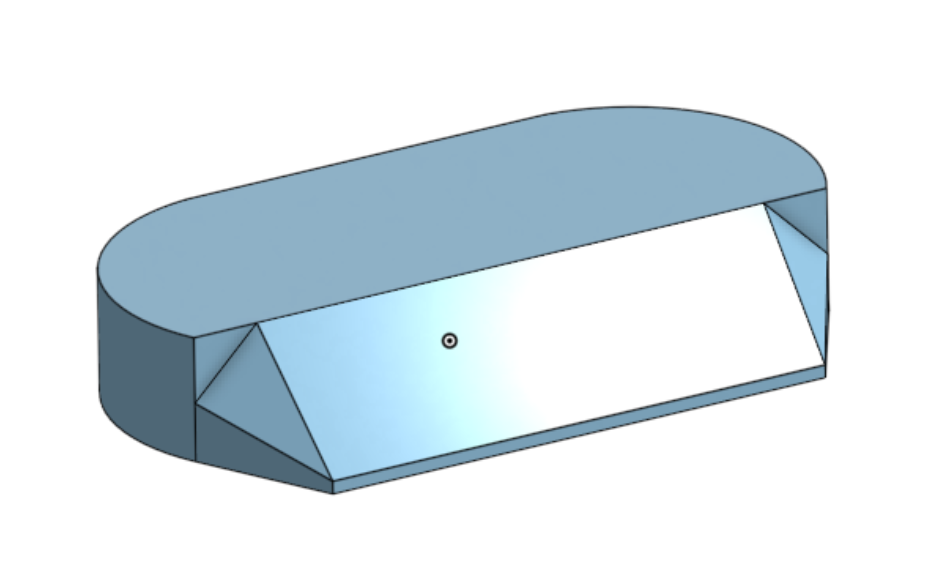
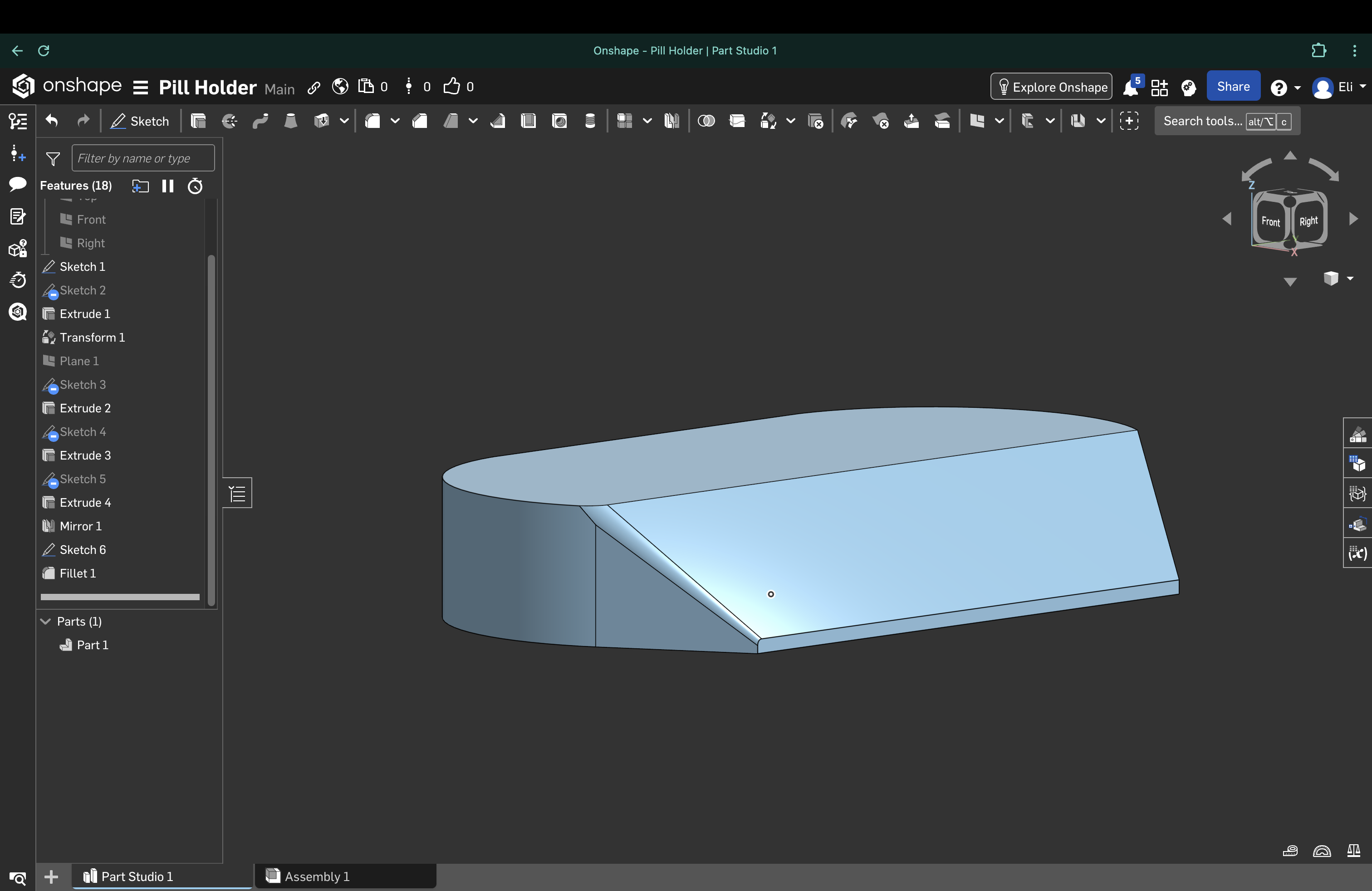
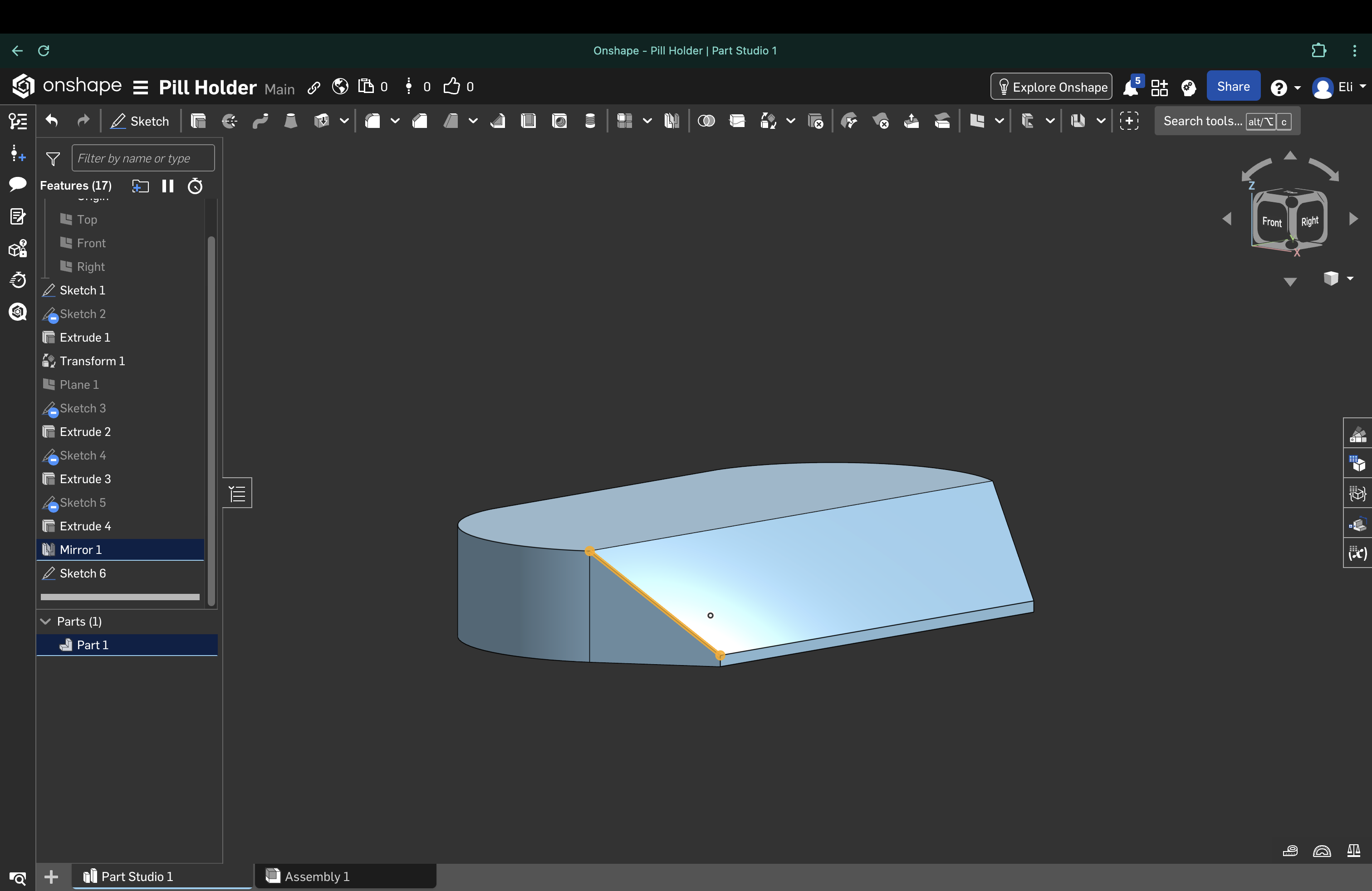
Hey Guys, Im new to 3D modeling and want to create a variable chamfer on this peice. I'd like the top point to have a wider chamfer, and taper to a more narrow chamfer on the bottom point. I wouldnt even know where to begin on this. Ive included an image of a similar profile using the fillet tool, but I want it to be a chamfer instead. Any help would be awesome!
Document link: https://cad.onshape.com/documents/933b92a8df4e8e58400da082/w/e7bbd878f6e5254625ec0c87/e/e026226c630b95f4d26ae8a0
Answers
-
-
Unfortunately, the built-in chamfer feature isn't able to do a variable chamfer. In simple cases, you could use a dirty trick: You already have the variable fillet. Use three of it's most reliable end points and create a 3-point plane. replace the fillet face with the plane. You can now control the chamfer with the variable fillet variables.
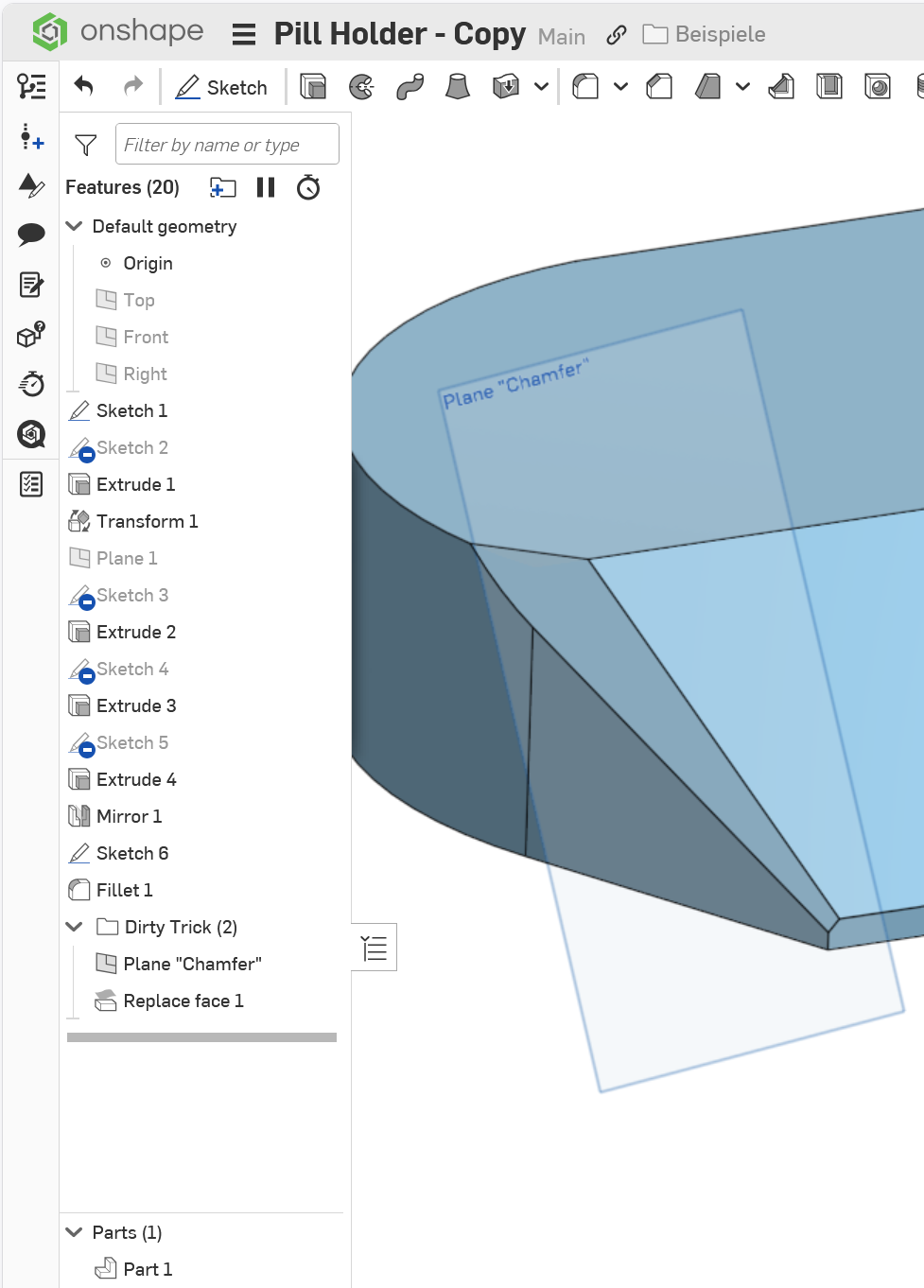
But remember: That is but a dirty trick. In more complex situations, I'd recommend using something driven by defined variables.
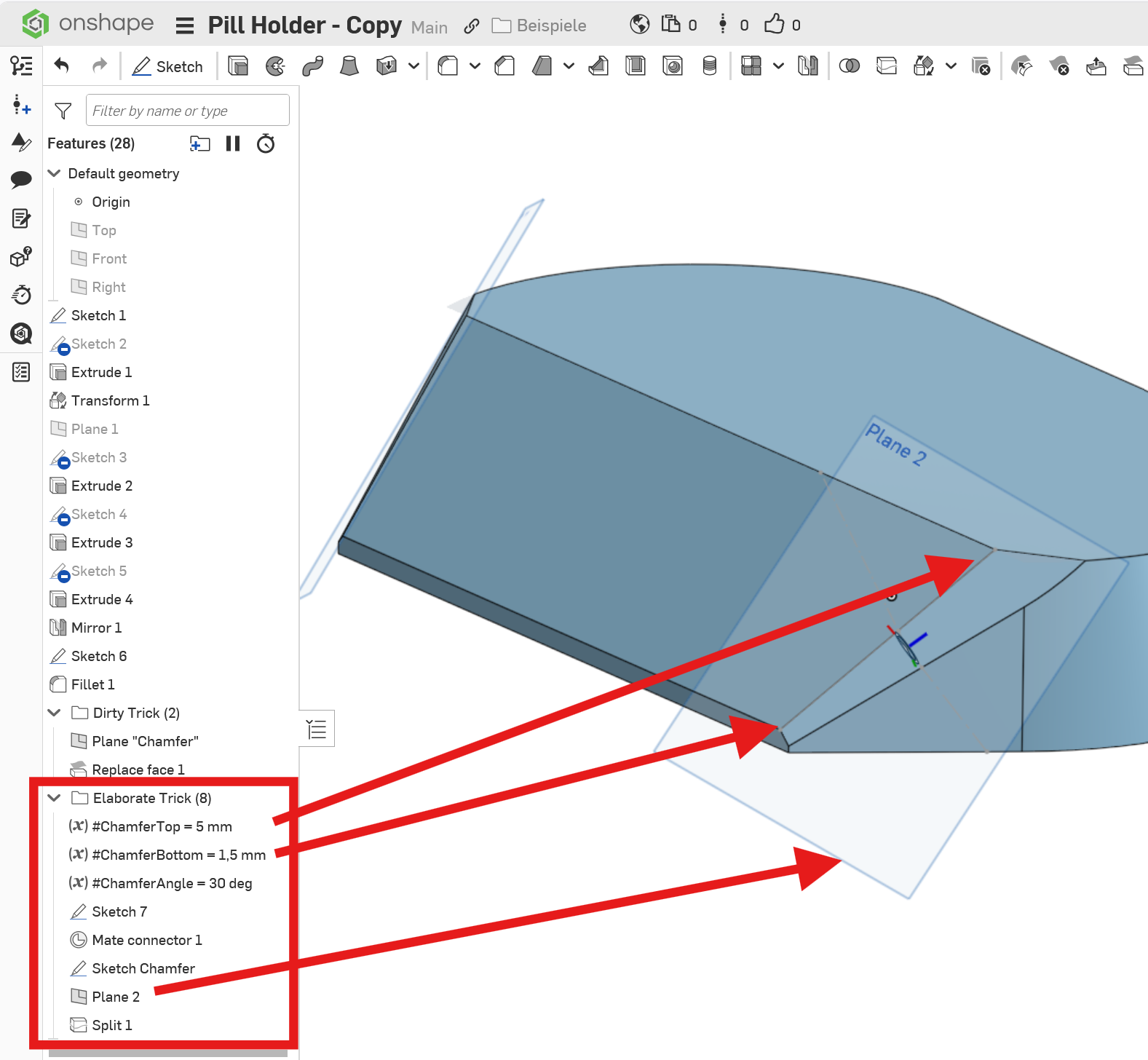
… or use a sweep with a draft angle. There are many more ways, depending on the situation.
0