Welcome to the Onshape forum! Ask questions and join in the discussions about everything Onshape.
First time visiting? Here are some places to start:- Looking for a certain topic? Check out the categories filter or use Search (upper right).
- Need support? Ask a question to our Community Support category.
- Please submit support tickets for bugs but you can request improvements in the Product Feedback category.
- Be respectful, on topic and if you see a problem, Flag it.
If you would like to contact our Community Manager personally, feel free to send a private message or an email.
New FeatureScript: Plastic Threads
Comments
-
@brunono553 that's a good idea. I did initially have a plan to let people add to the codebase, but you're the first one who asked to contribute. I can try to make a GitHub repo that I can push to the featurescript as we update it. I do have plans to add a couple of custom threads right now, the code is spaghetti code, so it'll be hard to refactor it to make it more usable without using Claude code, but it might not be that hard to implement a custom thread.
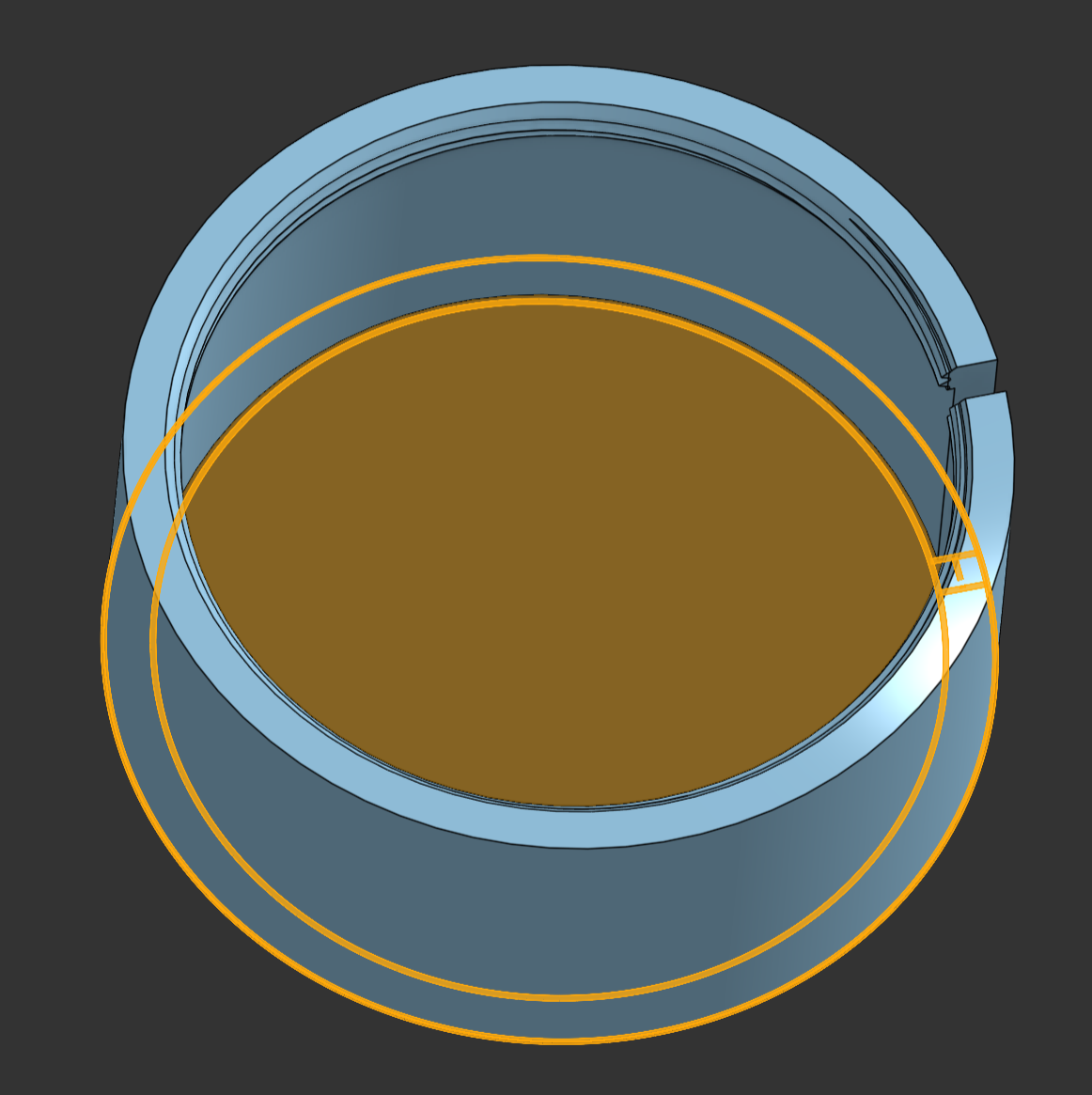
@boris_böhlen the problem you're having has to do with the order of when you thread vs cut and the size of the cut. First of all, the code accounts for partial cylinders, so if you cut a straight slot in the cylinder, it will account for that and only thread around the slot. Second, if you are cutting after threading (which is the more reasonable way to make this part), you might not be cutting into the cylinder enough, which means you end up with some threads left over on the inside of the cylinder. The first easy thing to try is cutting the slot in the cylinder first, and then adding the threads. If that doesn't work, then you can make the slot cut further into the center of the cylinder. Here's what I did to try the same thing
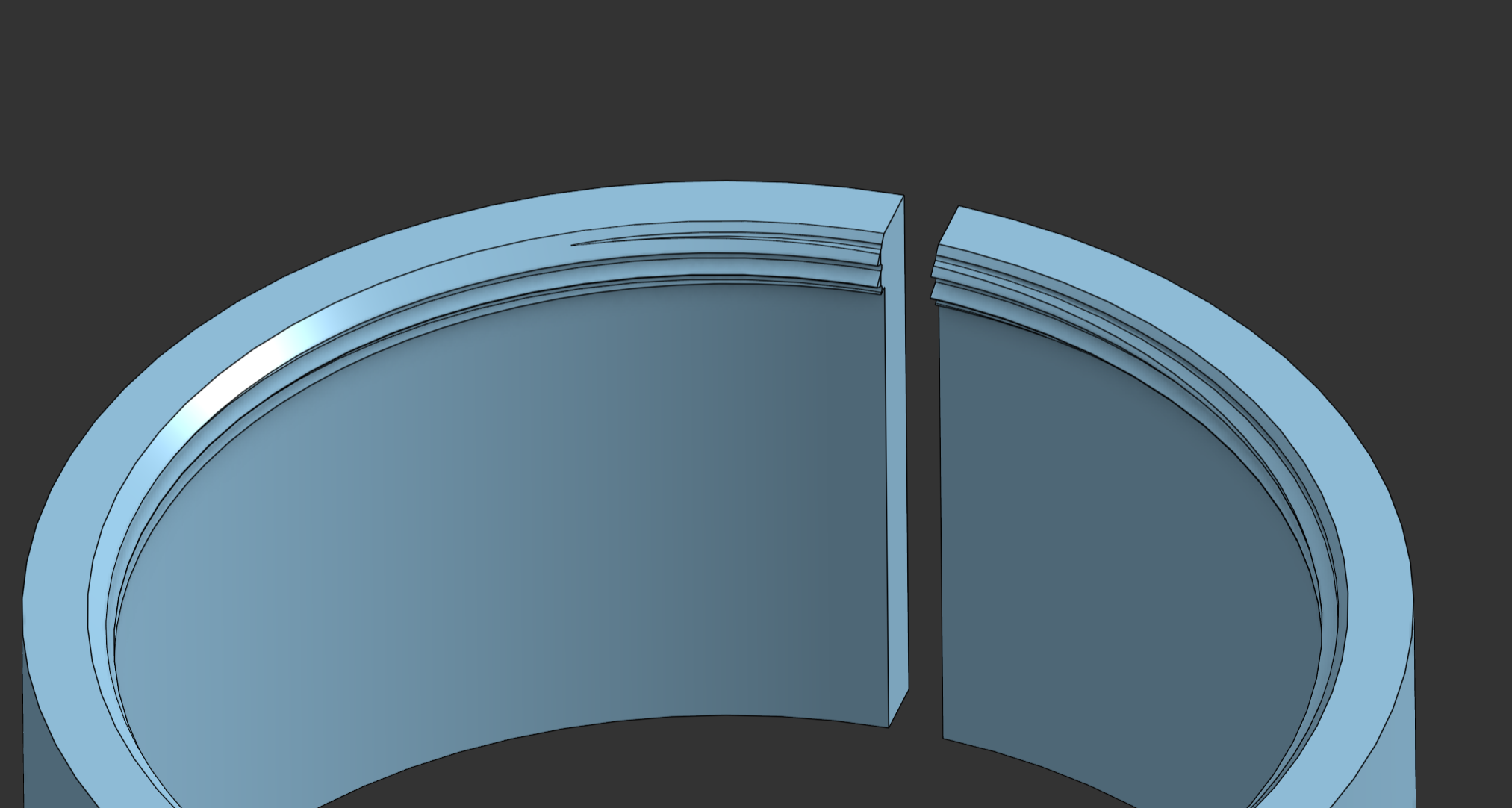
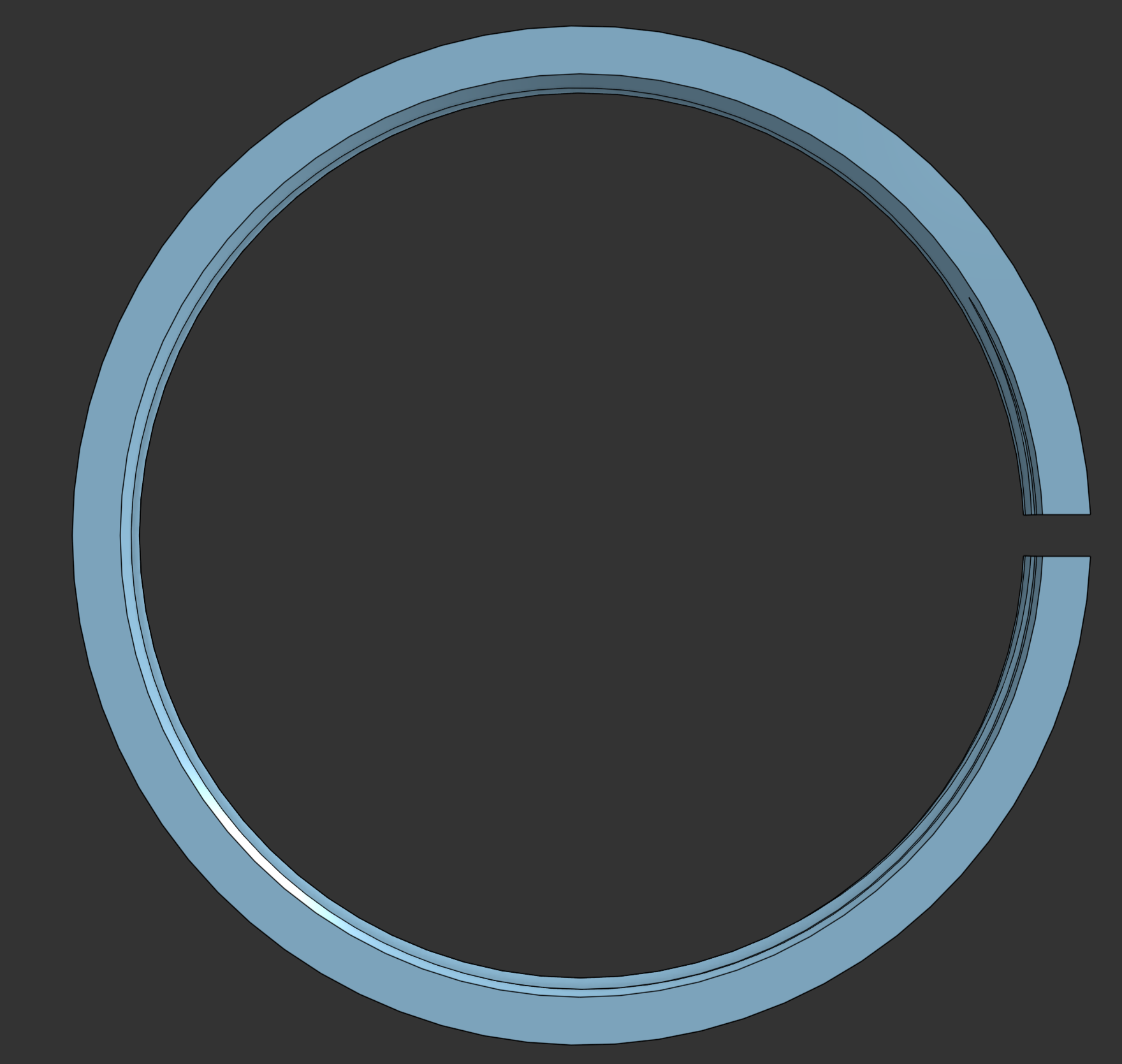
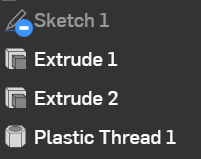
Here's the feature tree:
And the sketch:
 0
0 -
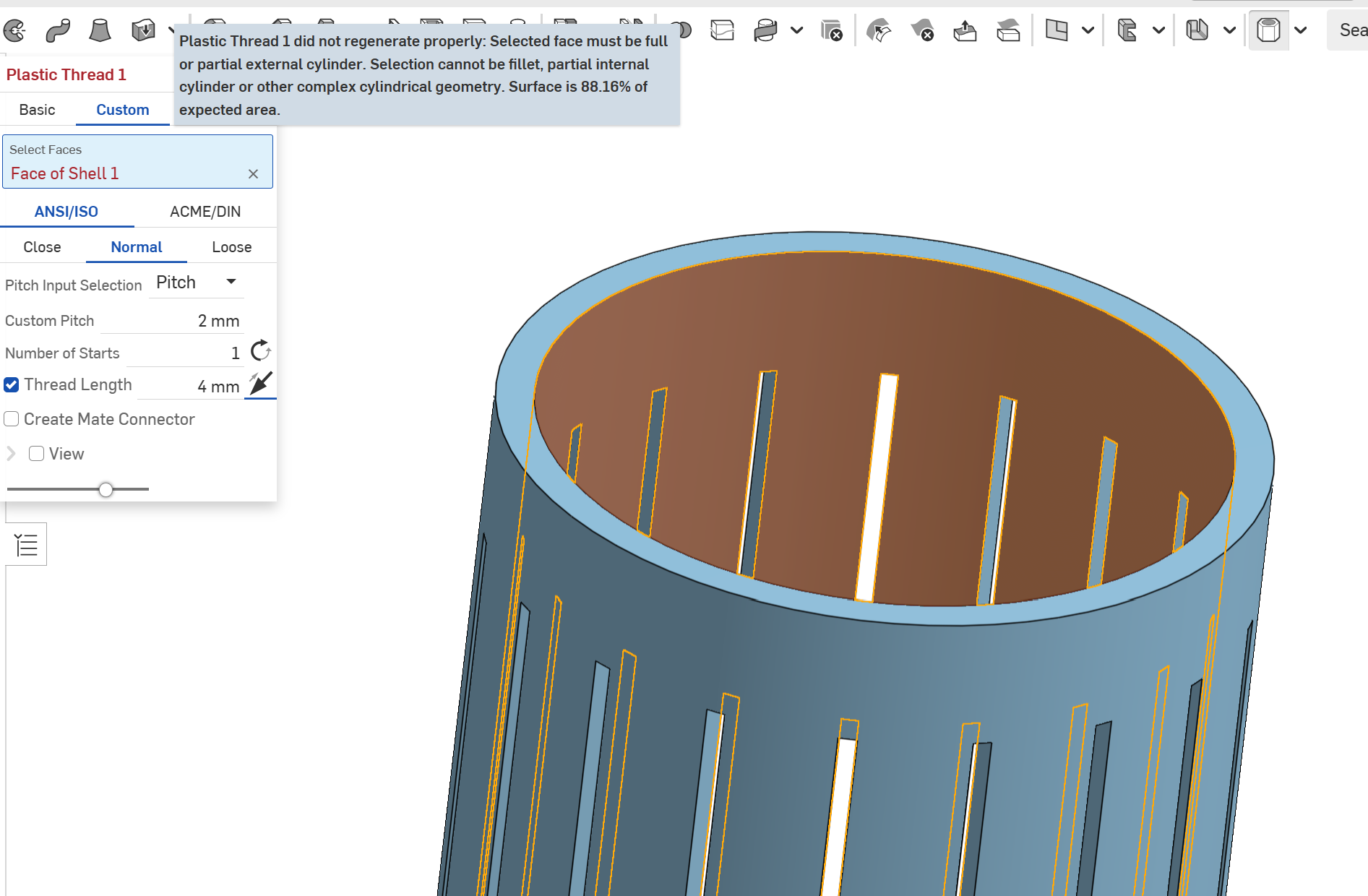
I love this script but I'm still having issues with partial internal threads. I've updated to the most recent version 1.6 but I'm getting an error about it not being able to generate partial internal threads… I've tried changing direction to no avail.
Edit: It didn't like the extrusions in the cylinder so I created the thread first then made the extrusions after the thread was created.
 1
1 -
@gyrex Yep, that's a safety check I have it do first to make sure the cylinder you're selecting doesn't have some weird geometry. The main intent was to prevent selecting a helical cylindrical face, which this tool creates on a thread, so I found it pretty quickly with some weird results. I've been thinking about adding a checkbox to remove all checks in the advanced mode so you can do whatever you want, and now I've finally done it. It's a new checkbox in the Advanced tab called Bypass All Checks.
You can see it in action here:
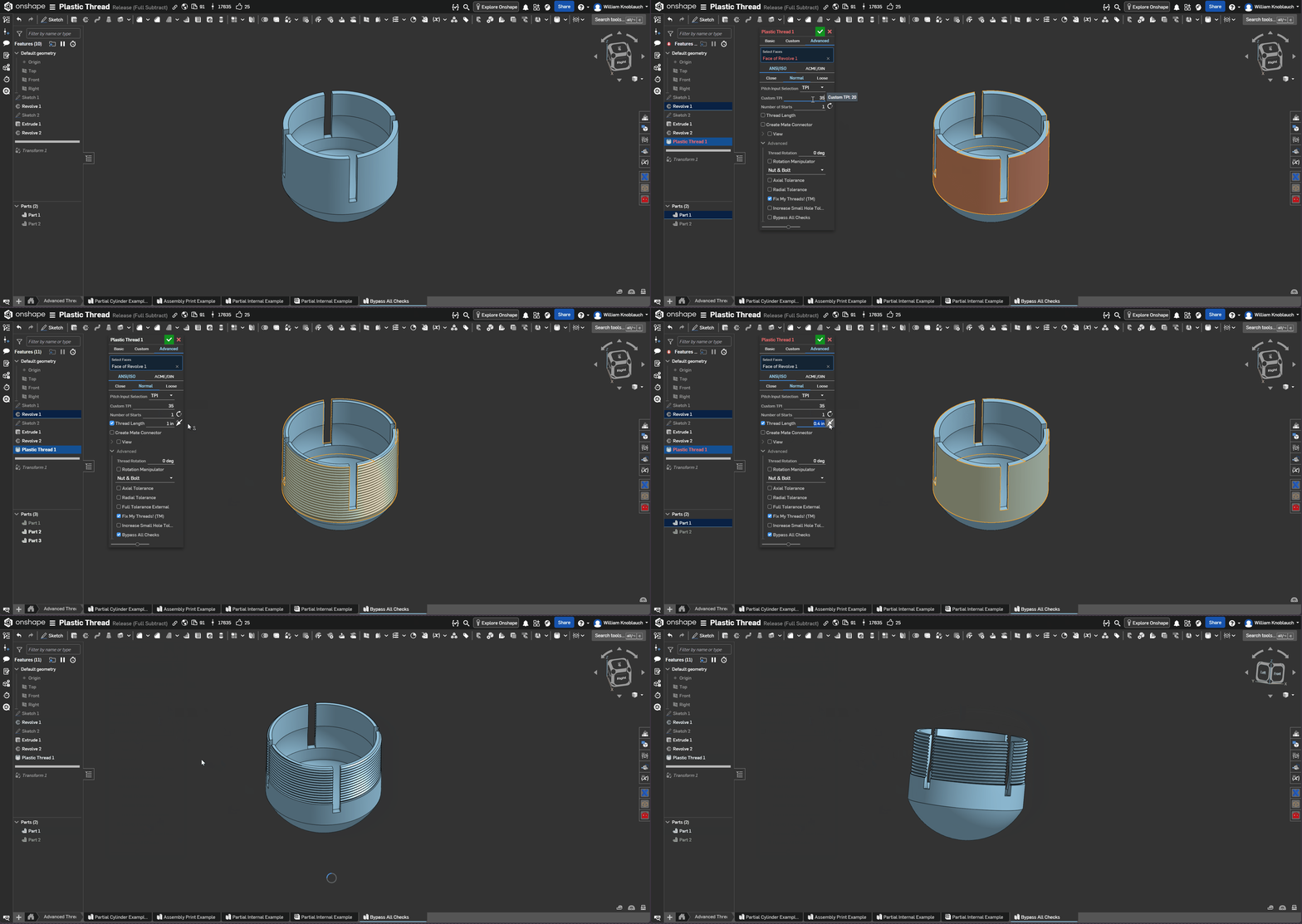
You can find it here, or you can update the featurescript by right-clicking and selecting Update.
1 -
Fantastic stuff! I've used your script on quite a few designs so I really appreciate the updates! Thanks for creating it mate :)
1 -
@brunono553 I just got around to implementing the custom profile angle, and it's live now.
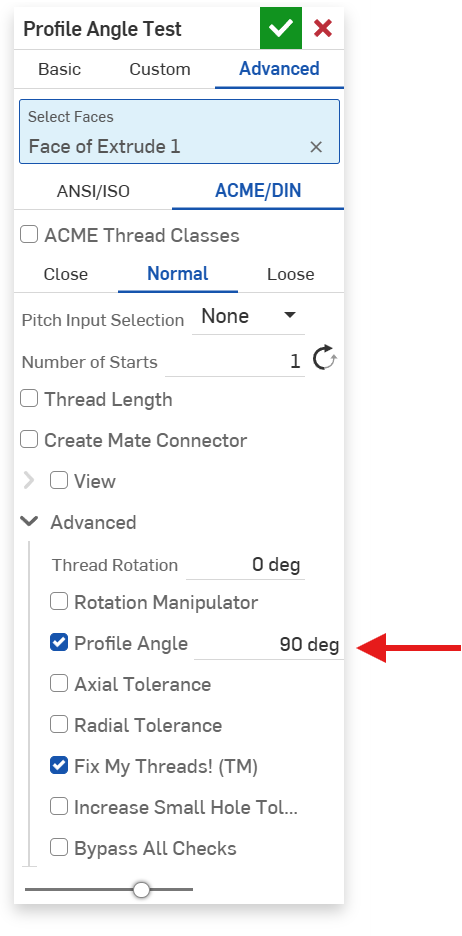
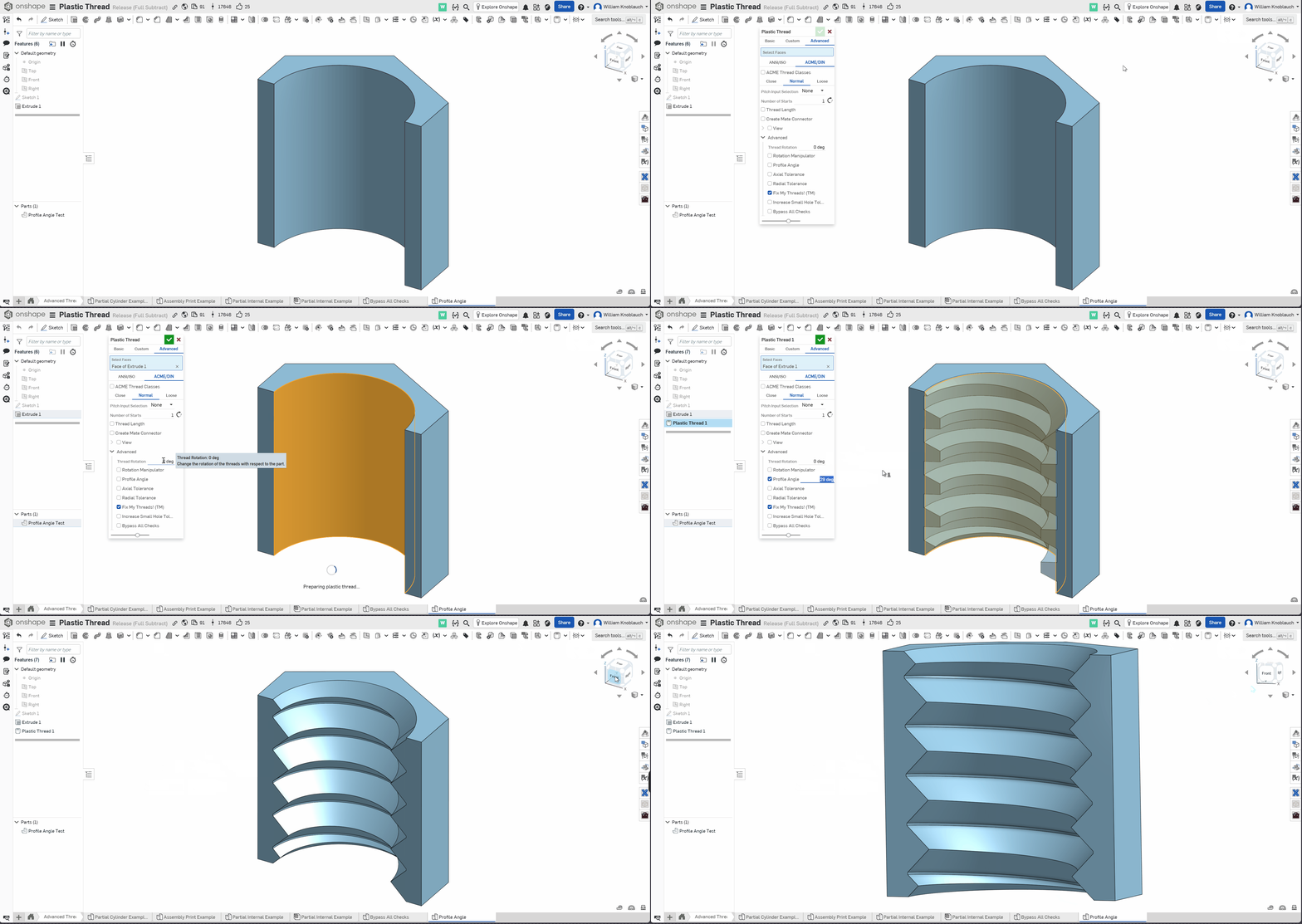
I'll spare you some of the details, but I was using a strange hard-coded "scale" value to determine the 29 deg angle of the ACME threads. I've come to my senses now and made it completely parametric, so now you can adjust the profile angle of either the ANSI or ACME threads (within reason). It might break a little because the angles were never designed to be supported in the first place, but it is an advanced feature for a reason.
Here's a quick demo (it should be fairly intuitive):
 0
0 -
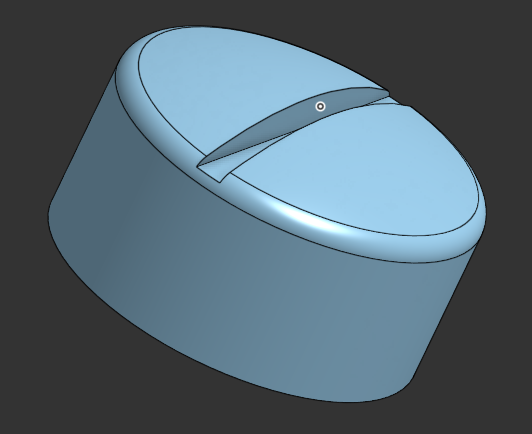
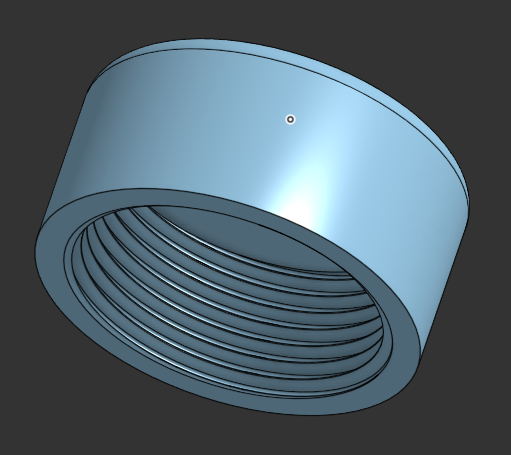
This 20-mm diameter cap covers the housing of the engine brushes in an old USD1,000 milkshaker that was discontinued (alongside its replacement parts) a while ago but still works perfectly. The cap was destroyed in an accident so a perfect candidate for my 3D resin printer (0.01mm resolution) and you saved my life! Awesome work, thank you.
 2
2 -
Hey, the idea to create a 3d printable thread is great.
But the thread angle should be 45 to prevent overhangs of any kind. Basic 3d FDM printing does not work with overhangs more than 45 degrees!0

