Welcome to the Onshape forum! Ask questions and join in the discussions about everything Onshape.
First time visiting? Here are some places to start:- Looking for a certain topic? Check out the categories filter or use Search (upper right).
- Need support? Ask a question to our Community Support category.
- Please submit support tickets for bugs but you can request improvements in the Product Feedback category.
- Be respectful, on topic and if you see a problem, Flag it.
If you would like to contact our Community Manager personally, feel free to send a private message or an email.
Best Of
Re: Improvements to Onshape - June 27th, 2025
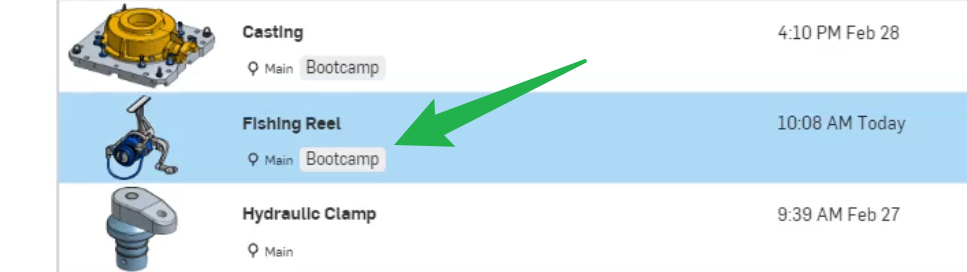
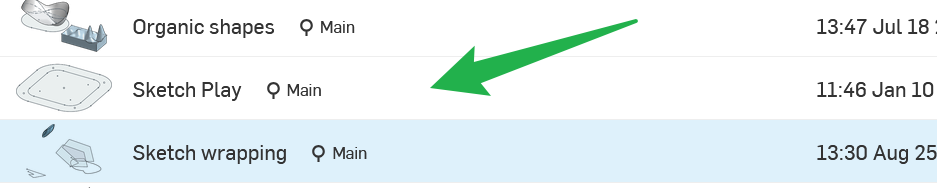
Am I missing something or are the Lables also not available in the document view anymore?
Thanks for considering the comments for future updates.

Re: How do you create "Parts" in OnShape
Step 2 , go to the Learning Centre first and check out Multi-part Studio etc.

Making a public facing profile to feature and share my creations
I spend a lot of time in onshape, mainly for open source projects that I share with others.
I also spend a lot of time writing code on github. GitHub makes it very easy to share my creations with the world.
I know there is link sharing, but there is no public facing account where I can share my projects.
It would be nice if I could just link my account in my bio in other places.
Just a thought, not a huge deal. Thanks!
Re: Autodesk to acquire PTC
Autodesk bought Eagle CAD (my favorite free schematic/PCB program). First they added a yearly license fee, and then they abandoned it altogether. I guess the plan was to force users like me to learn a new AutoDesk tool and pay for the privilege. That didn't work. I'm a KiCad user now.
I hate it when companies use preditory tactics to form a monopoly.


Re: Basic question: How do I create a part with exact dimensions?
Thanks everyone. I didn't think anyone replied (never got an email and there is about a 2-day gap between when I posted and the post timestamp). So I'm halfway through the project in Autodesk Fusion.
But I will bookmark this page and eventually try @MichaelPascoe 's suggestions and maybe do more tutorials (I did the very first one recommended by the site).
 lee_r709
Re: How to correct this notice: "sketch is not fully defined"?
Try the Onshape courses to get to grips with the basics.

Re: Basic question: How do I create a part with exact dimensions?
@MDesign nailed it. The Onshape Learning Pathways are by far the most efficient way to learn Onshape.
To answer your question:
- Create a new document.
- Within the part studio, create a new sketch on, lets say the Top Plane.
- Within that sketch, use the rectangle sketch tool to sketch a rectangle.
- Use the dimension tool and put dimensions on the rectangle. Make sure you constrain the rectangle to the origin of the part studio or else it will be able to move around.
- Within the dimensions, you can set them manually, or you can set them to variables.
- There are multiple types of variables:
- Configuration variables: If you use configuration variables you will have some quick inputs at the top of the document to quickly change the variables.
- Feature variables: If you use feature variables in the feature tree, they will be stored in the feature tree and you can edit them to change their values.
- There are also variable tables and variable studios, but I assume you wont need those for now.
- There are multiple types of variables:

Re: Approximate Face (New Custom Feature!) 🆕
I saw this pop up on the CADSharp page before you posted this and was like "since when did they have this?"
Gonna be doing some noodling and seeing if this can help me along with Edit Surface and later my Flex feature.
