Welcome to the Onshape forum! Ask questions and join in the discussions about everything Onshape.
First time visiting? Here are some places to start:- Looking for a certain topic? Check out the categories filter or use Search (upper right).
- Need support? Ask a question to our Community Support category.
- Please submit support tickets for bugs but you can request improvements in the Product Feedback category.
- Be respectful, on topic and if you see a problem, Flag it.
If you would like to contact our Community Manager personally, feel free to send a private message or an email.
Best Of

Re: Improvements to Onshape - November 21, 2025
Yes, Onshape will select objects within the selection window even if they are behind other surfaces. (Think acad wire frames)
the ~ key will allow you to cycle through those items under your pointer also.
SolidWorks would ignore the faces of transparent parts unless you hold shift. Onshape does not do that if color of the part is transparent (the alpha value of the part), but you do have the option to select through transparency when in the "isolate" or "make transparent" modes via a checkbox. SolidWorks has this option globally in the settings somewhere.

Re: Improvements to Onshape - November 21, 2025
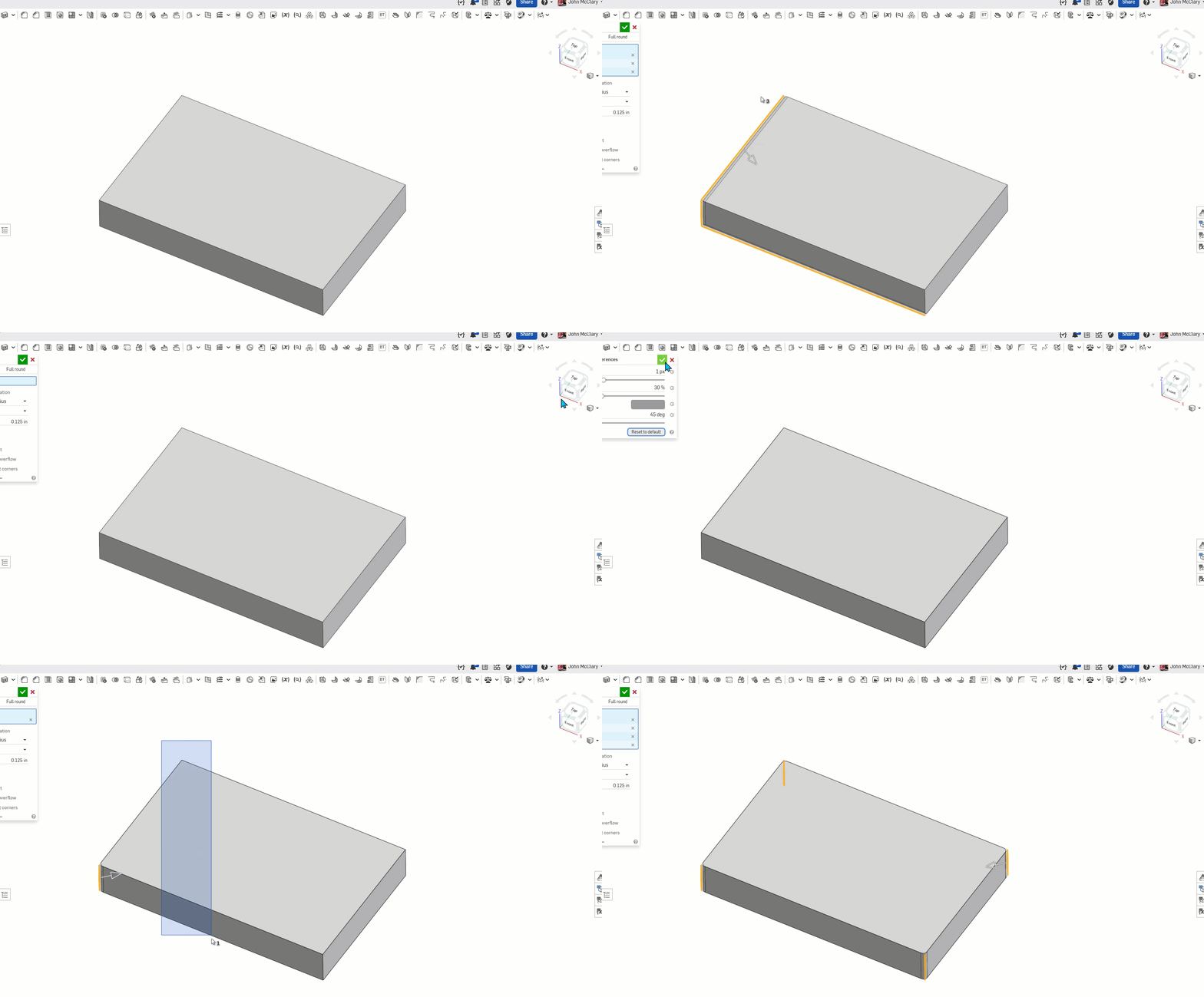
There is an issue with window selecting too. I submitted a ticket #399958
When the edge pixel size is changed, it will sometimes select additional edges.
The first half of the gif is with 0.6px the long edges are being selected even with the blue window select. Changing the line size back to default in the second half of the gif restores the expected behavior for a blue window select.
So, if anyone is having selection issues, try resetting your graphics preferences until they get this fixed