Welcome to the Onshape forum! Ask questions and join in the discussions about everything Onshape.
First time visiting? Here are some places to start:- Looking for a certain topic? Check out the categories filter or use Search (upper right).
- Need support? Ask a question to our Community Support category.
- Please submit support tickets for bugs but you can request improvements in the Product Feedback category.
- Be respectful, on topic and if you see a problem, Flag it.
If you would like to contact our Community Manager personally, feel free to send a private message or an email.
Best Of
Re: I need help with creating an airfoil with .dmx file whenever I import it it throws an error.
IT WORKED!!! I was able to add in the spline using the CSVxyz featurescript after I found one with xyz coordinates. Thank you so much!

Re: Mirror Problem
Hello Patrick. I think your current impression of the limitations of Onshape in the free version may be wrong. I too am a hobbyist, mostly woodworking. I have been an Onshape user for 7 years. Unless ultra-simple, all of my projects use Onshape to create my project or jigs and other aids to enable a feature or operation of that project that otherwise may not be practical, possible, or may eliminate being risky.
Seems you have initially come upon a frustrating stumbling block that leaves you with thinking Onshape is not a usable resource. After your searches for a resolution have come up empty, you have come to the right place. I have very little doubt that it is fixable. It may not be the Mirror feature, but something created beforehand or something missing that Mirror needs to be successful.
Besides Onshape being loaded with the tools needed to create, a valuable tool is this forum. Please post a link to your document so we can help you out. - Scotty
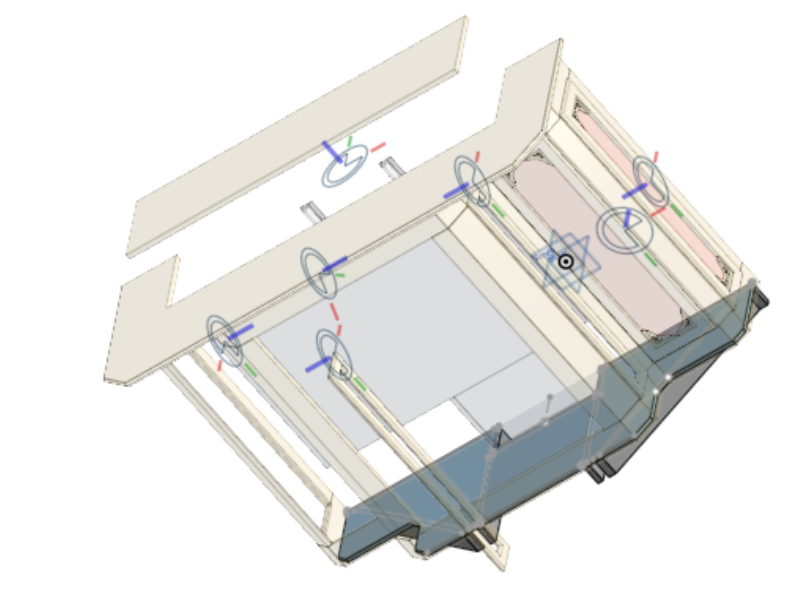
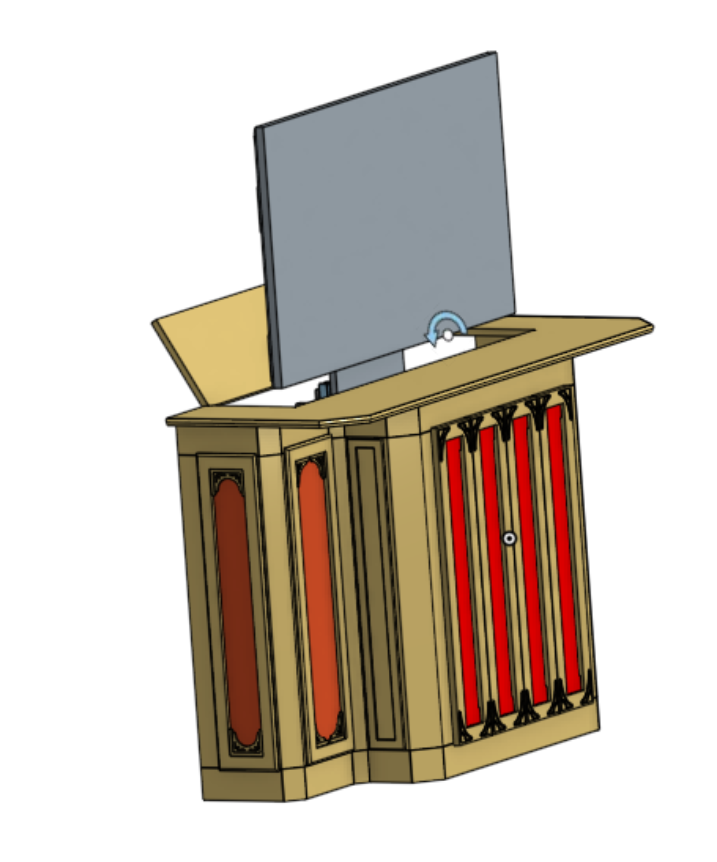
Not trying to show off. Just want to show how Onshape has enabled me:

Re: Assembly Planes - Where are they?
You should be able to pick any cylindrical or conical face for a section view, it creates the section along the axis of the face "snapping" to the nearest XYZ planes.

Re: Improvements to Onshape - October 31st, 2025
"RESIZABLE PROPERTIES DIALOG"
Great!!!
Now, please make dimension input fields in sketches also resizable! 😏

Re: Improvements to Onshape - October 31st, 2025
There is an update I keep waiting and wanting to see… I work with sheet metal often. On drawings- There needs to be a way to hide some of the automated bend notes. As it is, you can either hide all or show all. The automated bend notes will put multiple callouts on a singular bend line when there is a cutout somewhere on the line. - A bend note is added both sides of the cutout. Some bend lines have many cutouts along the bend. This makes for very messy drawings. I usually end up hiding all bend notes and manually inputing the bend callouts. I have run into this issue many times. I recommend an automated faint construction line that connects across the cutout spaces to show that it is a singular aligned bend. I hope this is an easy update to implement. Thank you!
Re: Understanding Managed In-Context Design, In context design within a doc, step 28
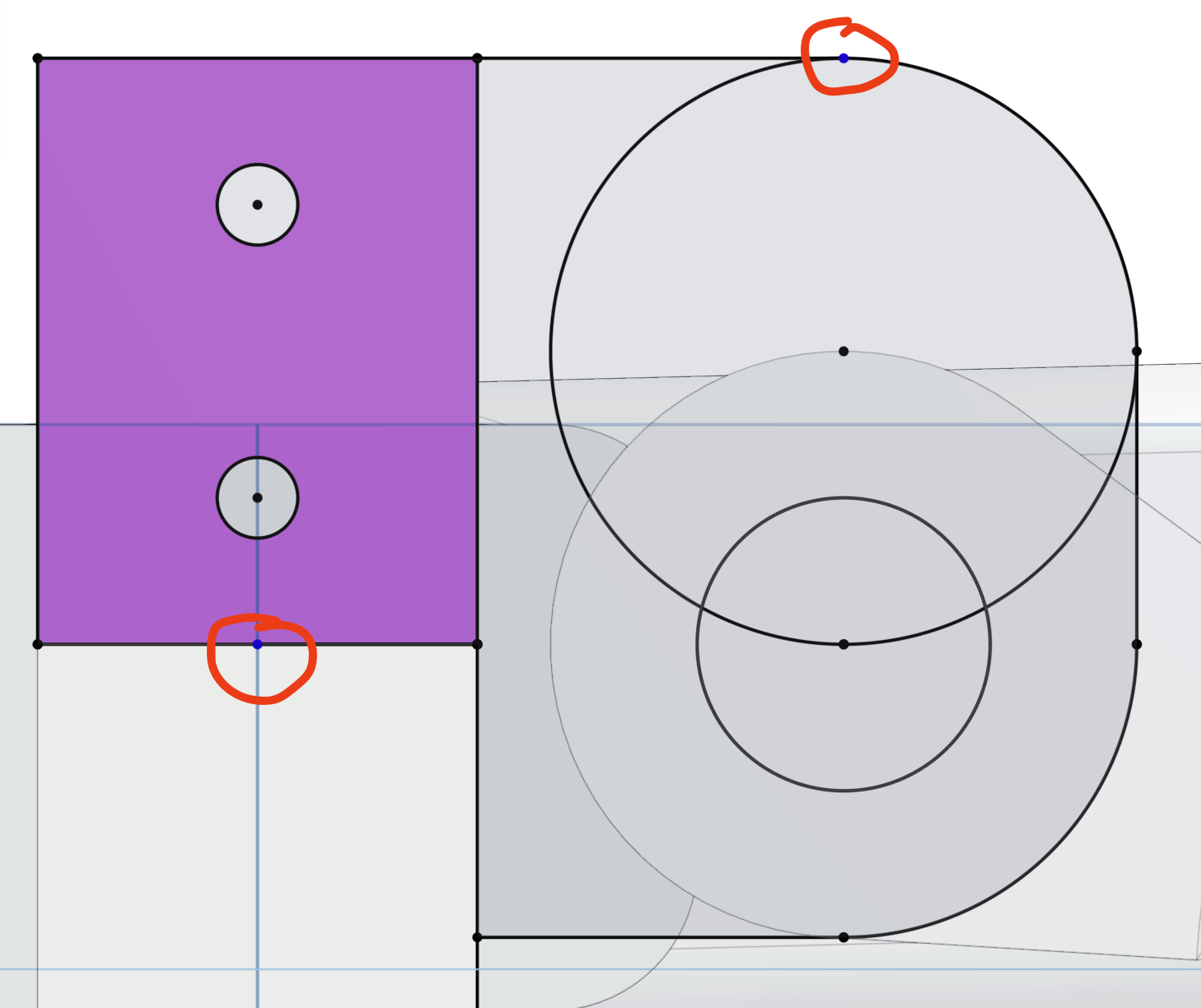
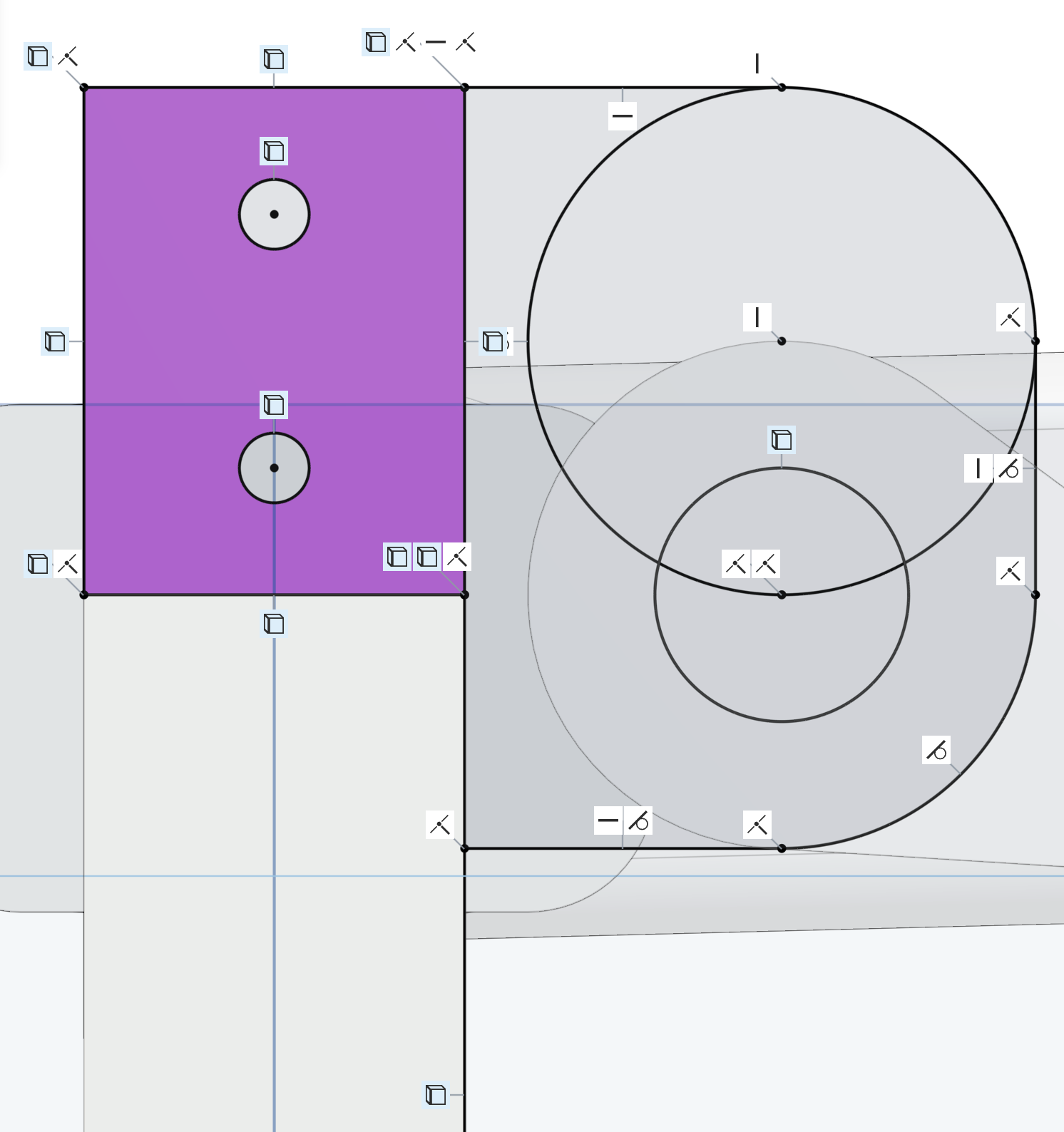
The lines might be black, but look carefully for some blue line endpoints. When I did the exercise, I had two endpoints I had to constrain.

Re: Improvements to Onshape - October 31st, 2025
Good stuff! I already set a shortcut for Previous View
