Welcome to the Onshape forum! Ask questions and join in the discussions about everything Onshape.
First time visiting? Here are some places to start:- Looking for a certain topic? Check out the categories filter or use Search (upper right).
- Need support? Ask a question to our Community Support category.
- Please submit support tickets for bugs but you can request improvements in the Product Feedback category.
- Be respectful, on topic and if you see a problem, Flag it.
If you would like to contact our Community Manager personally, feel free to send a private message or an email.
Best Of

Re: carving out a section of a large project to fit in the printer
Feel, uh… feel free to make a custom feature that generates these joints. I really like the look.
 _anton
Re: carving out a section of a large project to fit in the printer
There are a ton of ways to do it depending on what you're after. Get creative what 3D printing opens up too, quirks and all. I've had good luck designing some joints like this which are very slightly tapered. That way when they press fit in a clamp, the layer lines actually lock them together and no glue is needed. This particular design also looks really clean on the 3 visible sides if you care about that.
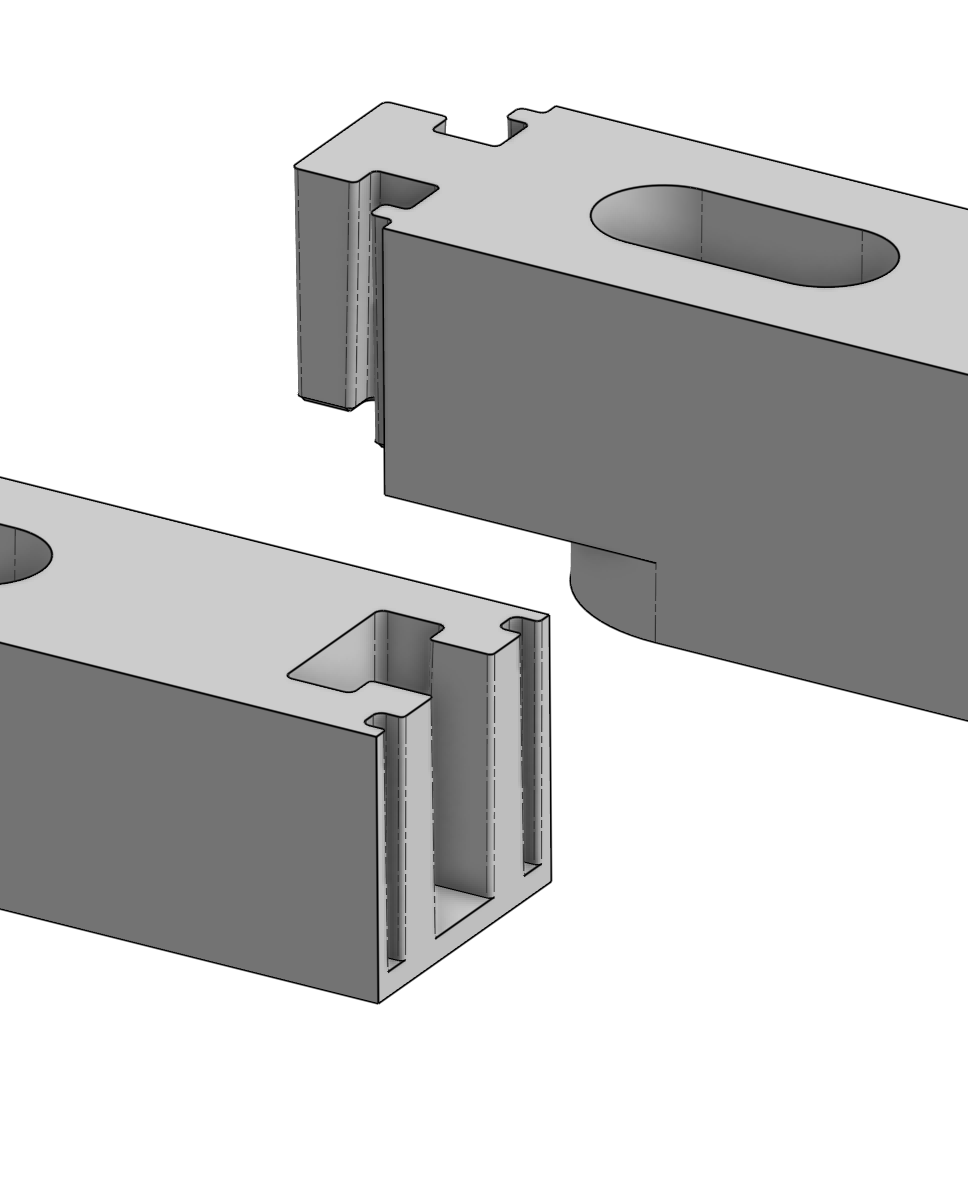
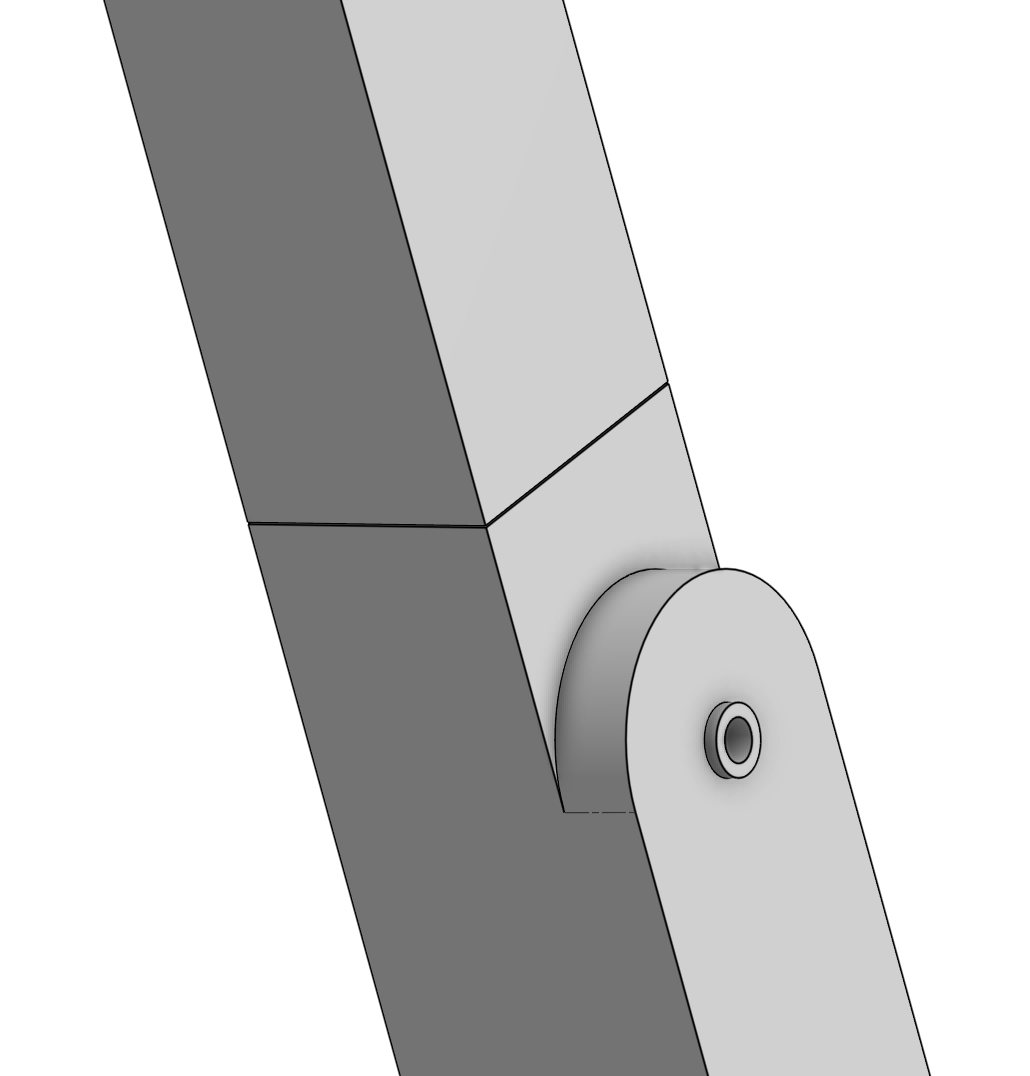
I took a quick look at your model, and have some thoughts.
- I wouldn't bother shelling it out for 3D printing. Just adjust the number of walls and infill % to get it hollow. That gives you a nice thick areas around whatever joints you design.
- In your case, you might consider creating negative dovetails (or something dovetail inspired) on the parts, and printing a separate dovetail bowtie part to press in like these. If you do a slight (like 0.5 - 1 degree) taper, you might be able to get a good strong joint with no glue.
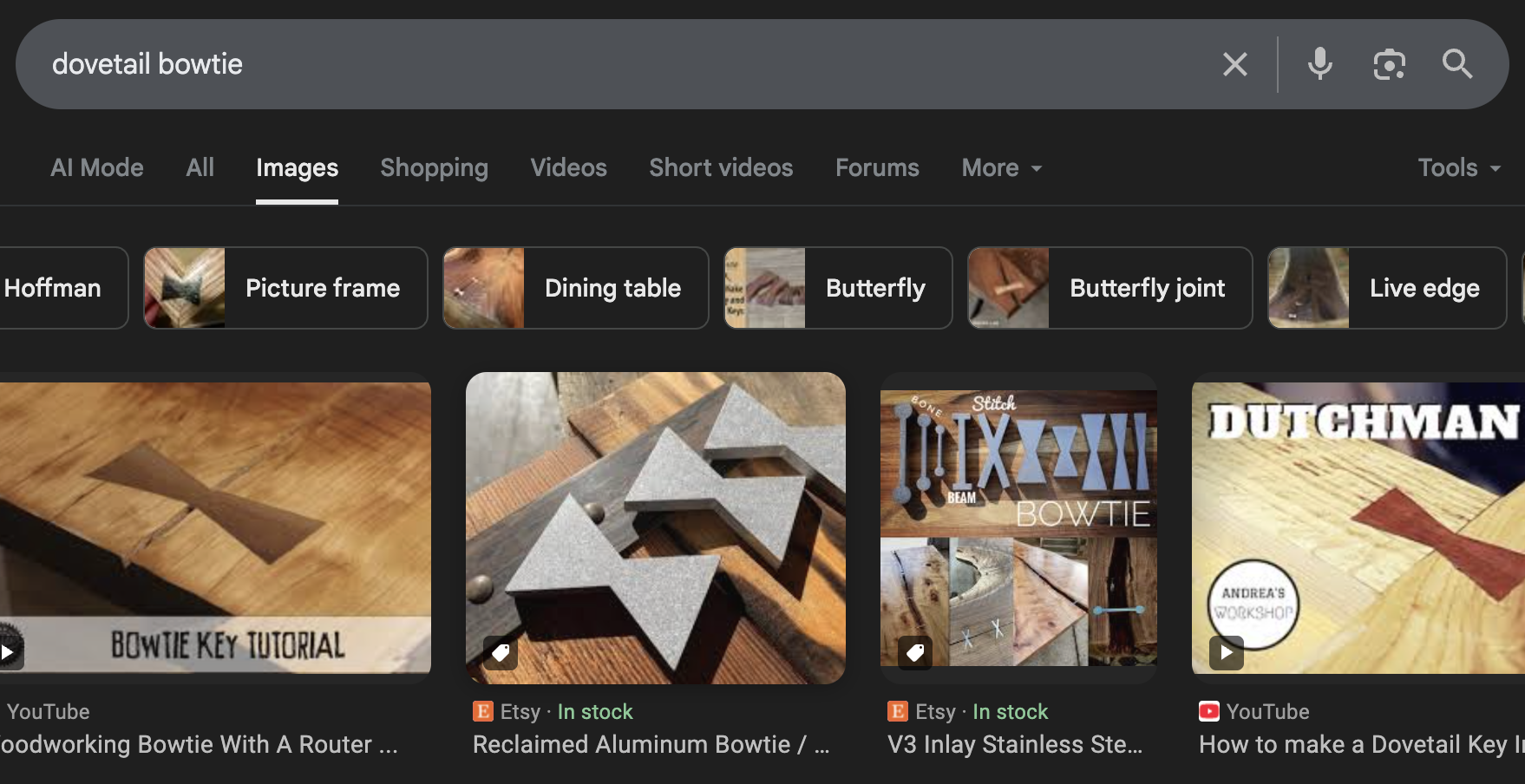
It would be cool to see some custom features to automate this kind of thing.

Re: Configurations - suppressing folders
The improvement request for parametrically suppressing folders:
_anton
Re: How to correct this notice: "sketch is not fully defined"?
@trenton_haynes631 You can design without fully defined sketches. You risk unexpected behavior after the undefined sketch if you make changes prior to the undefined sketch in the feature tree.
 MDesign

Re: Can you make a configurations table via CSV?
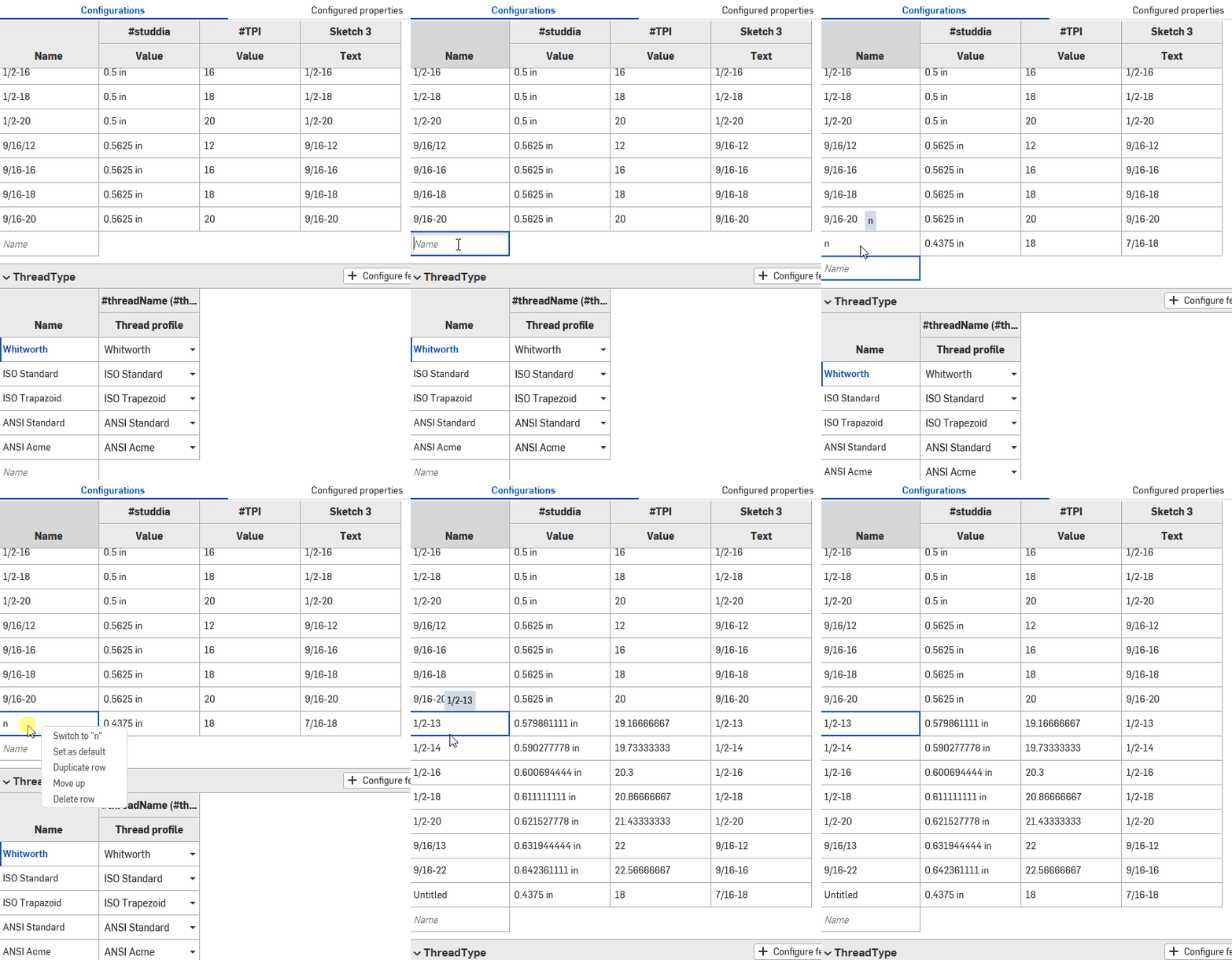
@MichaelPascoe You just have to create single junk line then ctrl+v in the first cell.
MDesign
Re: Is there a way to set certain dimension of drawing as non-printable?
thanks, romeograham
it's a solution and both view and notes are in the same sheet.
Currently, I mark these notes dimension in same view because it's good for update and management.

Re: Improvements to Onshape - June 27th, 2025
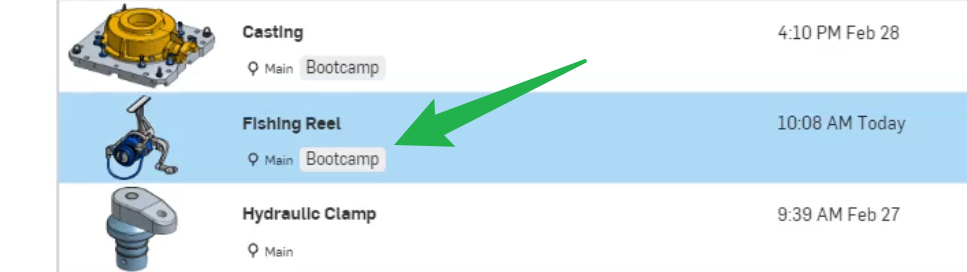
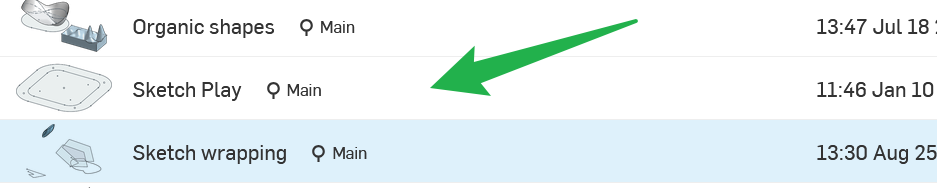
Am I missing something or are the Lables also not available in the document view anymore?
Thanks for considering the comments for future updates.
