Welcome to the Onshape forum! Ask questions and join in the discussions about everything Onshape.
First time visiting? Here are some places to start:- Looking for a certain topic? Check out the categories filter or use Search (upper right).
- Need support? Ask a question to our Community Support category.
- Please submit support tickets for bugs but you can request improvements in the Product Feedback category.
- Be respectful, on topic and if you see a problem, Flag it.
If you would like to contact our Community Manager personally, feel free to send a private message or an email.
Most recent part studio gone - restore from history not working

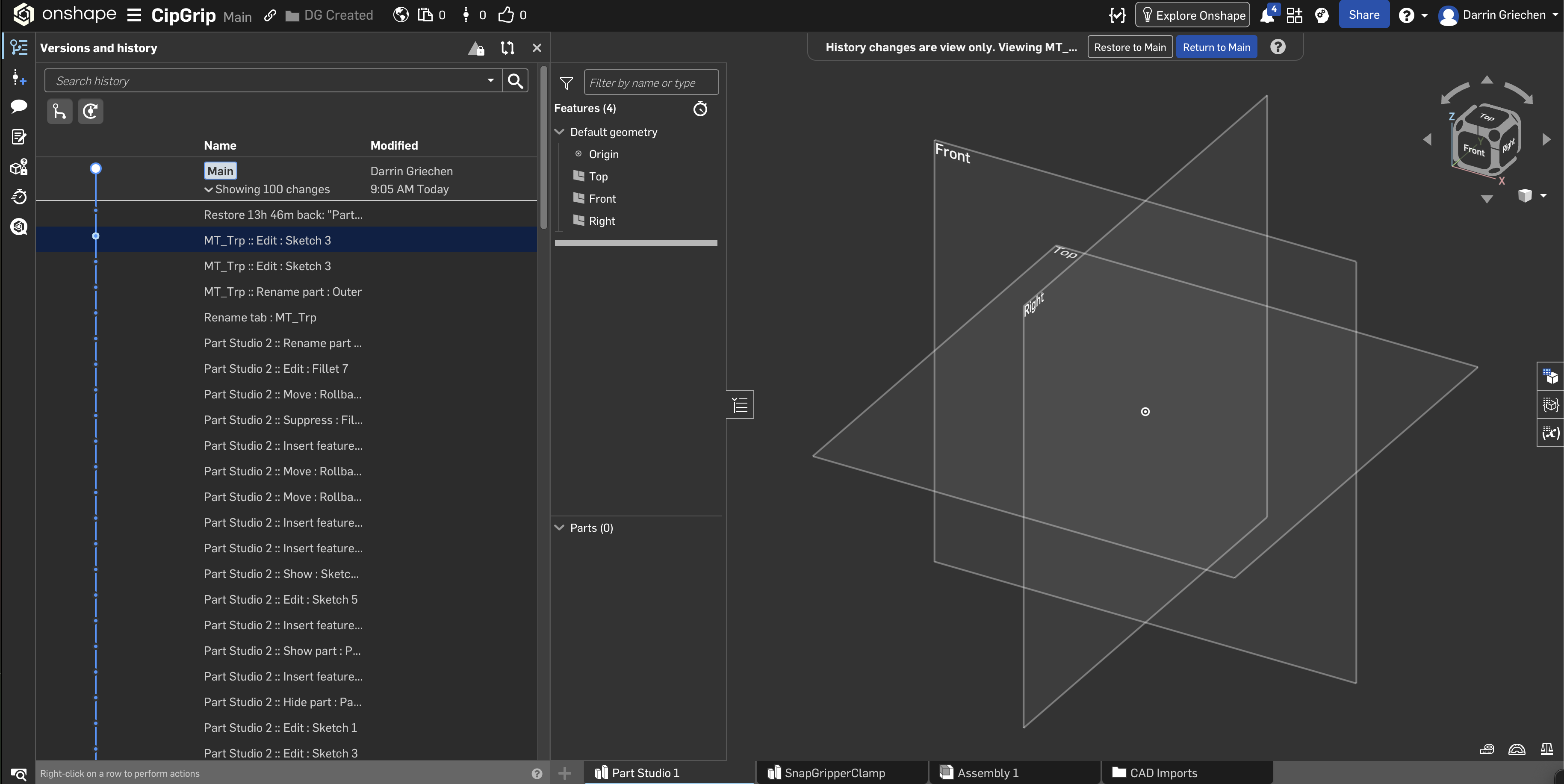
I created a part yesterday and this morning it is gone. It shows up in the history along with the commands, but when I click on a history element to view it, it doesn't show anything. Going as far back as the creation of the part studio doesn't show its creation. I'm baffled that it seems to be stuck in a glitch. I made sure that there were no duplicate sessions open too. Any ideas how to get my work back?
Best Answer
-
It's in the CAD Imports folder
Senior Director, Technical Services, EMEA0


Answers
-
It's in the CAD Imports folder
Senior Director, Technical Services, EMEA0 -
Thank you! I didn't know part studios could exist in the import folder. Appreciate you!
0