Welcome to the Onshape forum! Ask questions and join in the discussions about everything Onshape.
First time visiting? Here are some places to start:- Looking for a certain topic? Check out the categories filter or use Search (upper right).
- Need support? Ask a question to our Community Support category.
- Please submit support tickets for bugs but you can request improvements in the Product Feedback category.
- Be respectful, on topic and if you see a problem, Flag it.
If you would like to contact our Community Manager personally, feel free to send a private message or an email.
why am I not getting any sound on some lessons?

Learning Centre
Answers
-
I noticed I that too. I think some are just silent movies. But without the subtitles and backing piano track ;-)
2 -
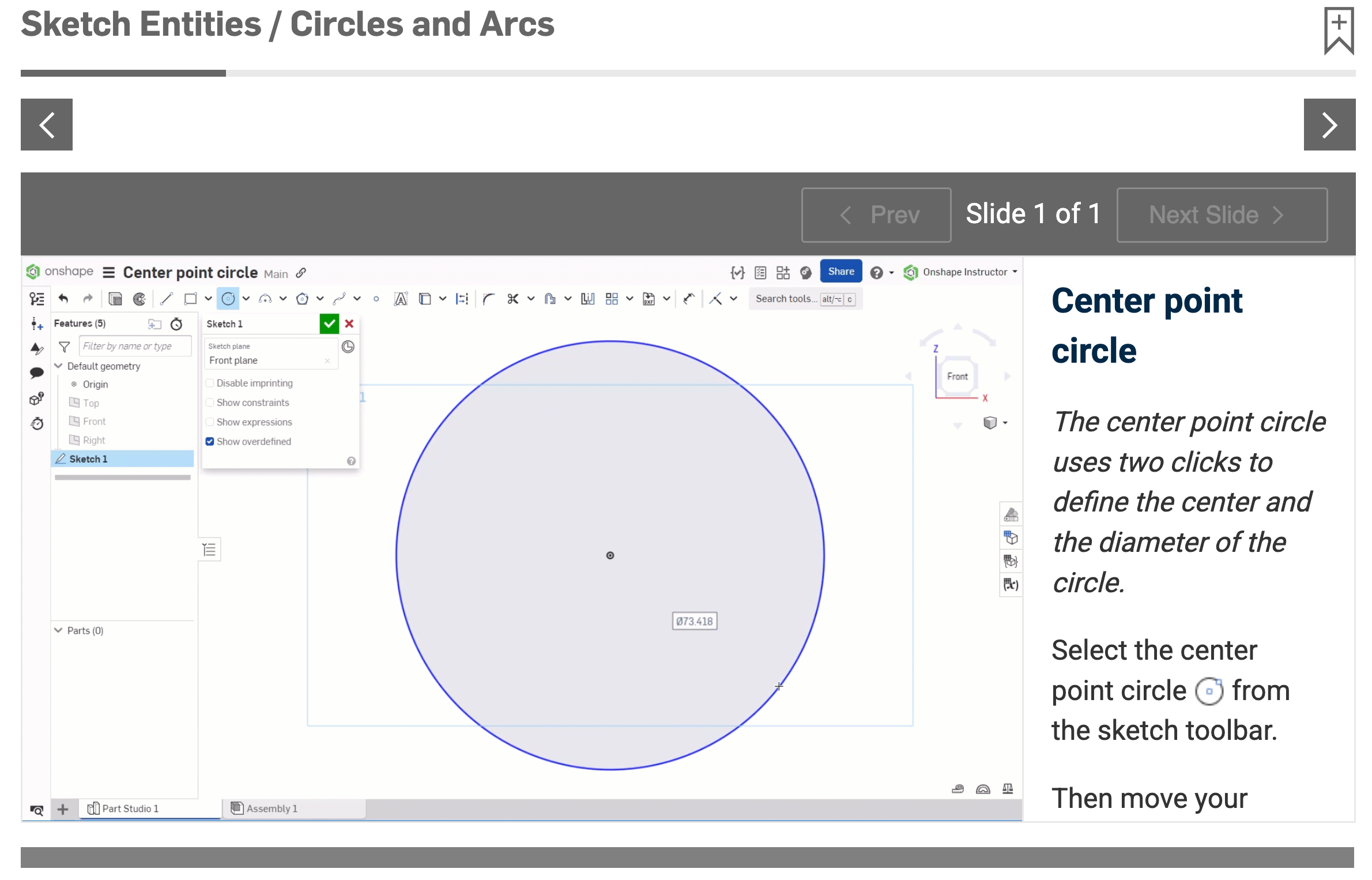
I am brand new to CAD, and experiencing entire sections of the training with NO AUDIO. The lesson is useless without the audio. It's not just a few moments of no audio.. it's the entire section.
Circles and Arcs for example. I can't progress in the training or pass the knowledge test as I could not hear a single word.
So disappointed.
1 -
Those sections are not supposed to have audio. You are doing the exercise - the video is just to reinforce the instructions down the right.
Senior Director, Technical Services, EMEA-1 -
I agree with Eric, I saw nothing that indicated we were supposed to be doing anything, plus the example screen is so small and the "Teacher" is going so fast that by the time you find the button they clicked on and look back at the screen they're finished with the example. Really need to slow down and zoom in so we have a chance to see what's going on, I mean after-all this is the Beginner category. The audio is of great help but zooming in on which buttons or drop downs are being selected would be a major plus.
1 -
I'm not sure if that's accurate. That section that is introducing the drawing tools. There are no exercises for us to do.
You can also tell that something's not right because you can't pause or jump to any points in the video.
0