Welcome to the Onshape forum! Ask questions and join in the discussions about everything Onshape.
First time visiting? Here are some places to start:
- Looking for a certain topic? Check out the categories filter or use Search (upper right).
- Need support? Ask a question to our Community Support category.
- Please submit support tickets for bugs but you can request improvements in the Product Feedback category.
- Be respectful, on topic and if you see a problem, Flag it.
If you would like to contact our Community Manager personally, feel free to send a private message or an email.
How do I blend the two inside faces too each other? I can't seem to get face blend to work. Plz Help

https://cad.onshape.com/documents/c5684b823c04af1ec354a756/w/4360f2a9b3dae329827ae9f2/e/e1df25300d4c
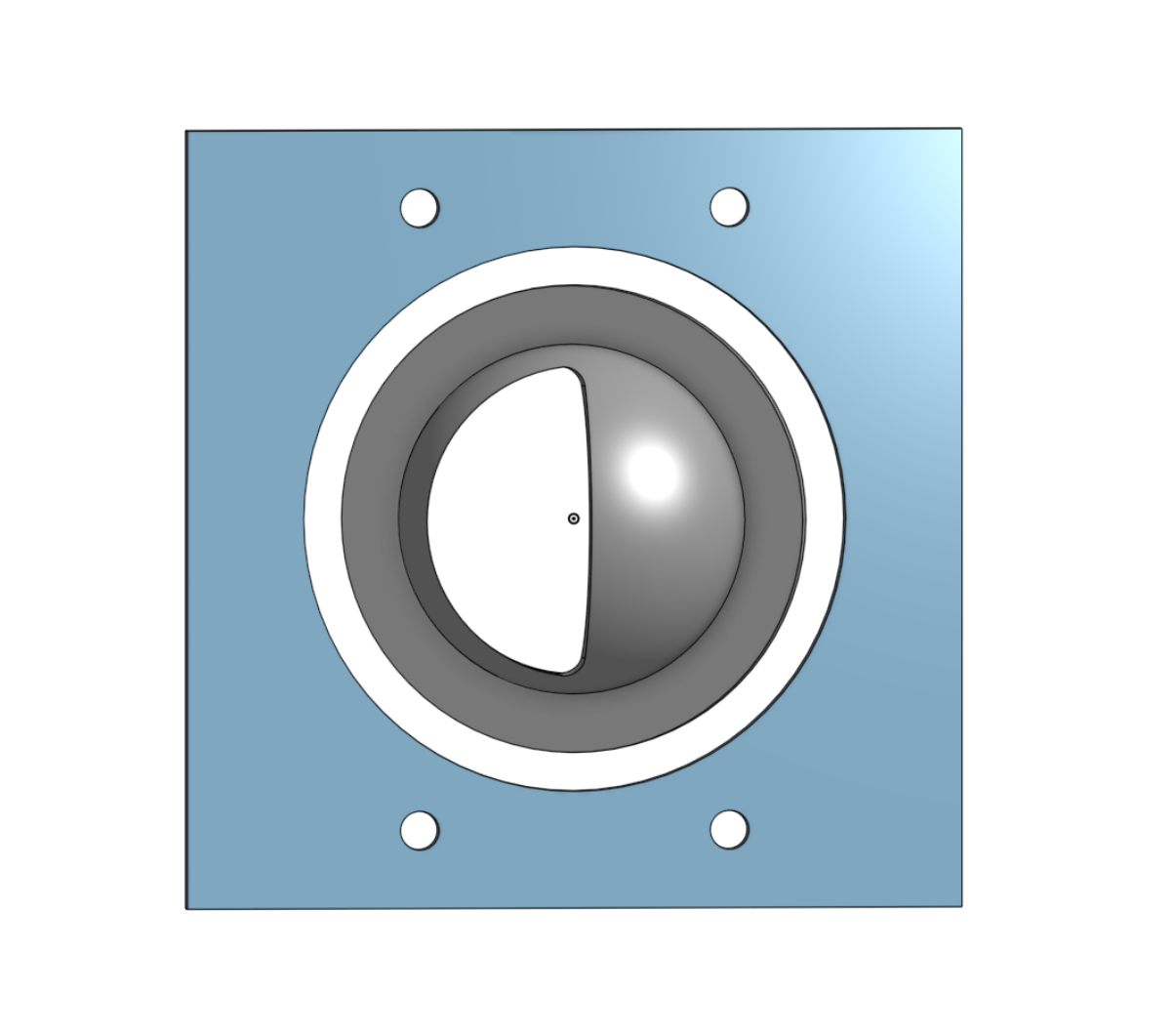
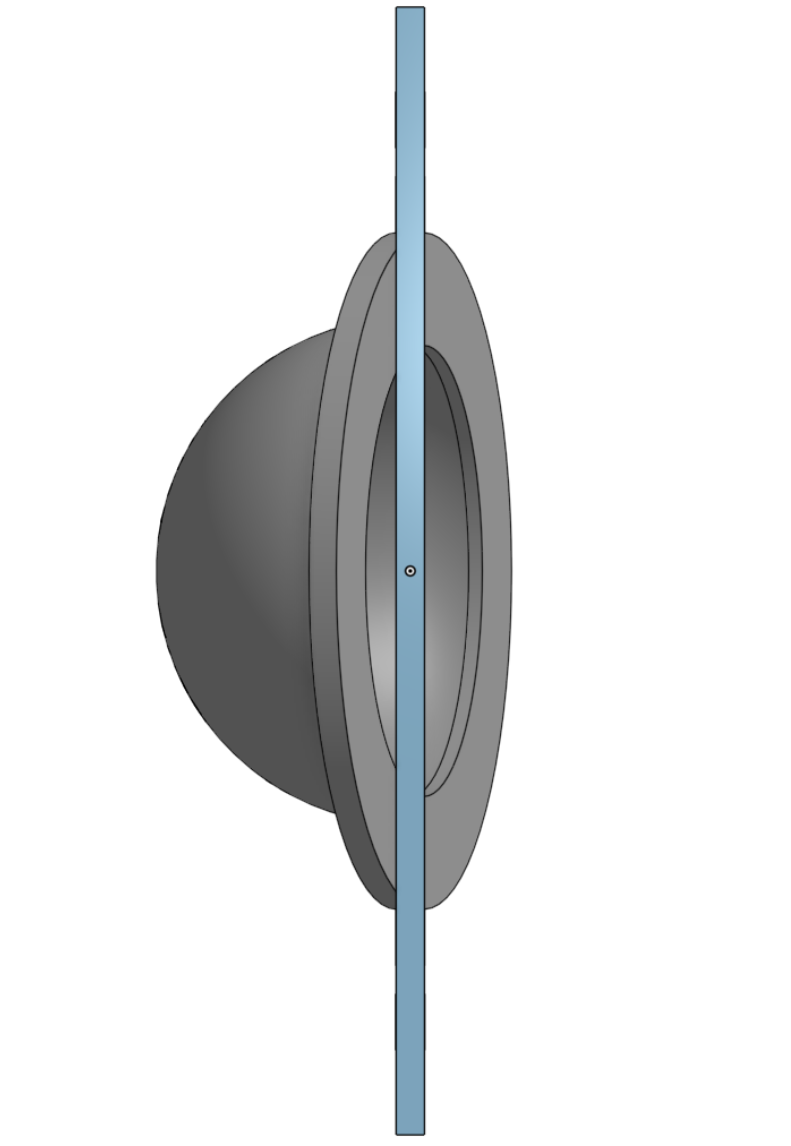
I want to blend a face between the outer perimeter of the center piece to the inner perimeter of the outer piece and can't seem to setup a face blend. Am I doing it wrong? is there a better function to use? any help would be appreciated.
Best Answer
-
Hey! Surface Blend is a surface tool—it does not work with solids. You would need to delete the inner faces first…
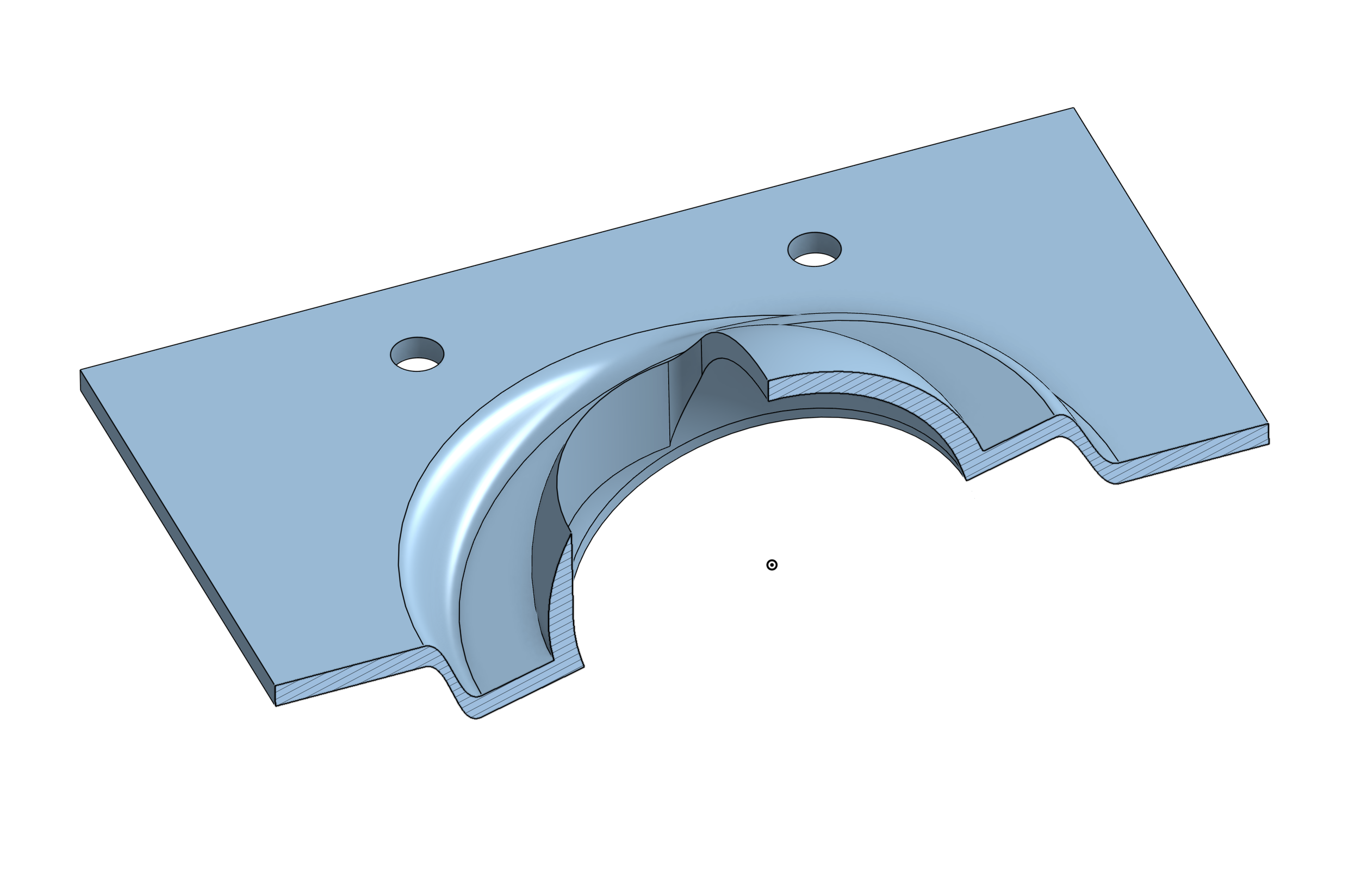
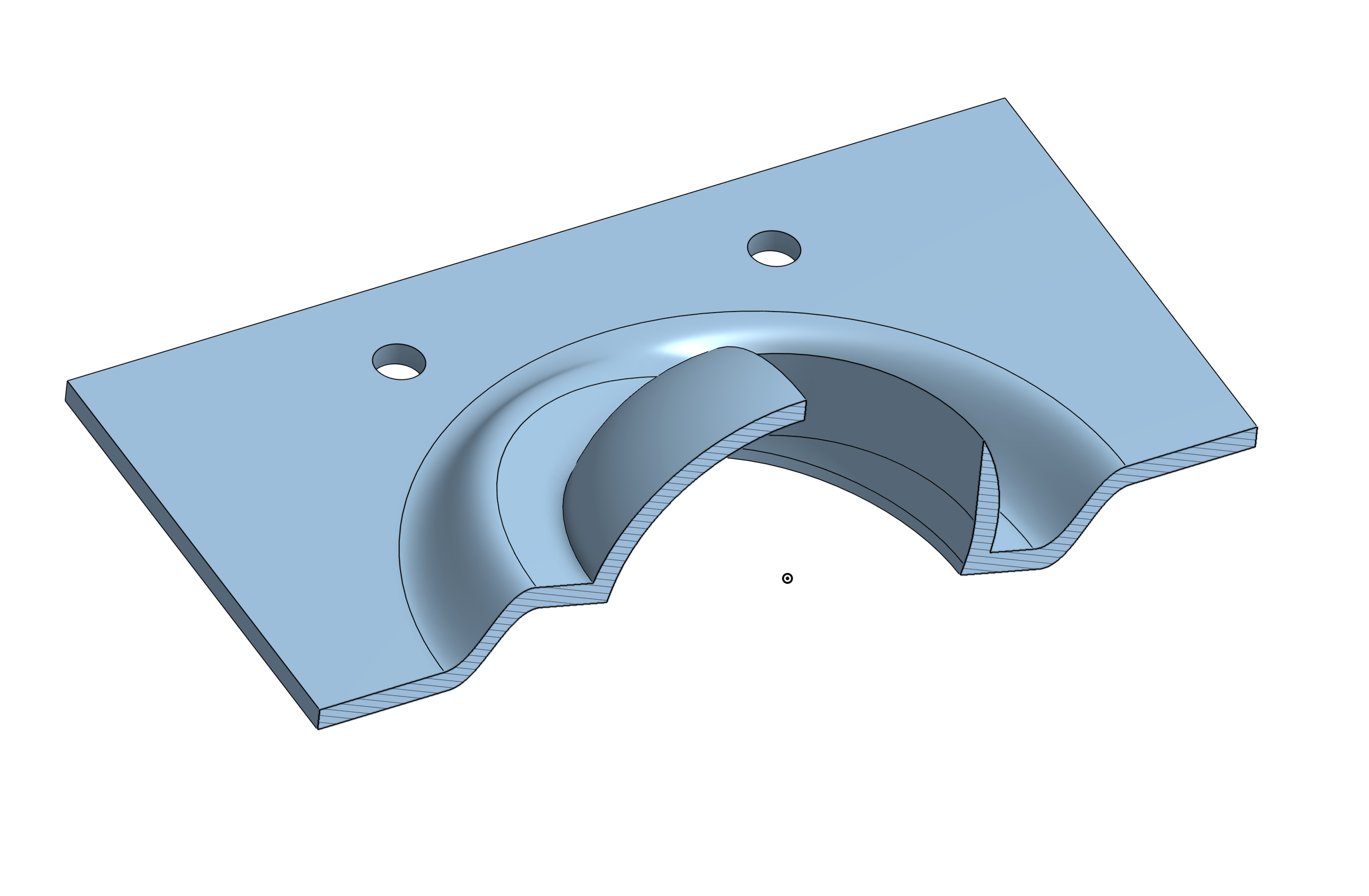
and then I’d go with a simple surface loft for the top side and another loft for the bottom.And since everything is quite tight… if you want to end up with the same wall thickness, some more modifications are needed :)
See my versions here:Greg Brown also has a video about a similar problem: https://www.youtube.com/watch?v=Rk3U3slQ9tA&t=930s
 1
1

Answers
-
Hey! Surface Blend is a surface tool—it does not work with solids. You would need to delete the inner faces first…
and then I’d go with a simple surface loft for the top side and another loft for the bottom.And since everything is quite tight… if you want to end up with the same wall thickness, some more modifications are needed :)
See my versions here:Greg Brown also has a video about a similar problem: https://www.youtube.com/watch?v=Rk3U3slQ9tA&t=930s
1 -
Thanks a Million. I appreciate the how to and the model for clarity. It really helps in learning the software!
0 -
very welcome! and it is an interesting problem.
And i'm sure there are better solutions than mine:)0