Welcome to the Onshape forum! Ask questions and join in the discussions about everything Onshape.
First time visiting? Here are some places to start:- Looking for a certain topic? Check out the categories filter or use Search (upper right).
- Need support? Ask a question to our Community Support category.
- Please submit support tickets for bugs but you can request improvements in the Product Feedback category.
- Be respectful, on topic and if you see a problem, Flag it.
If you would like to contact our Community Manager personally, feel free to send a private message or an email.
I cannot get this shape right

I am not a newbie and have a some experience with Onshape, but I am running into issues getting this shape right. It is a rectangular shape with 2 straight and 2 curved sides.
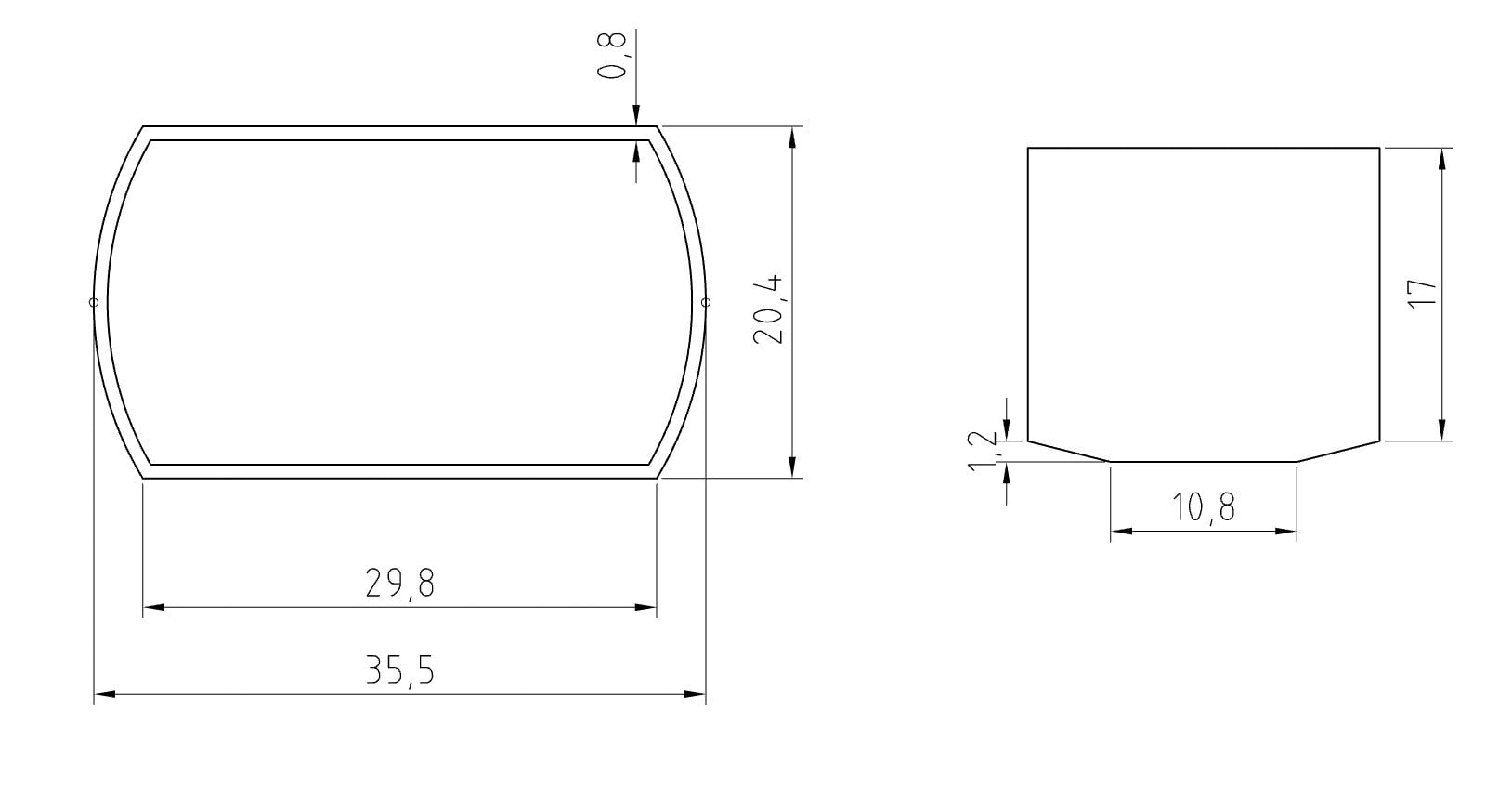
The bottom is where I am running into issues. The way I am trying to do it, is giving me unnecessary facets:
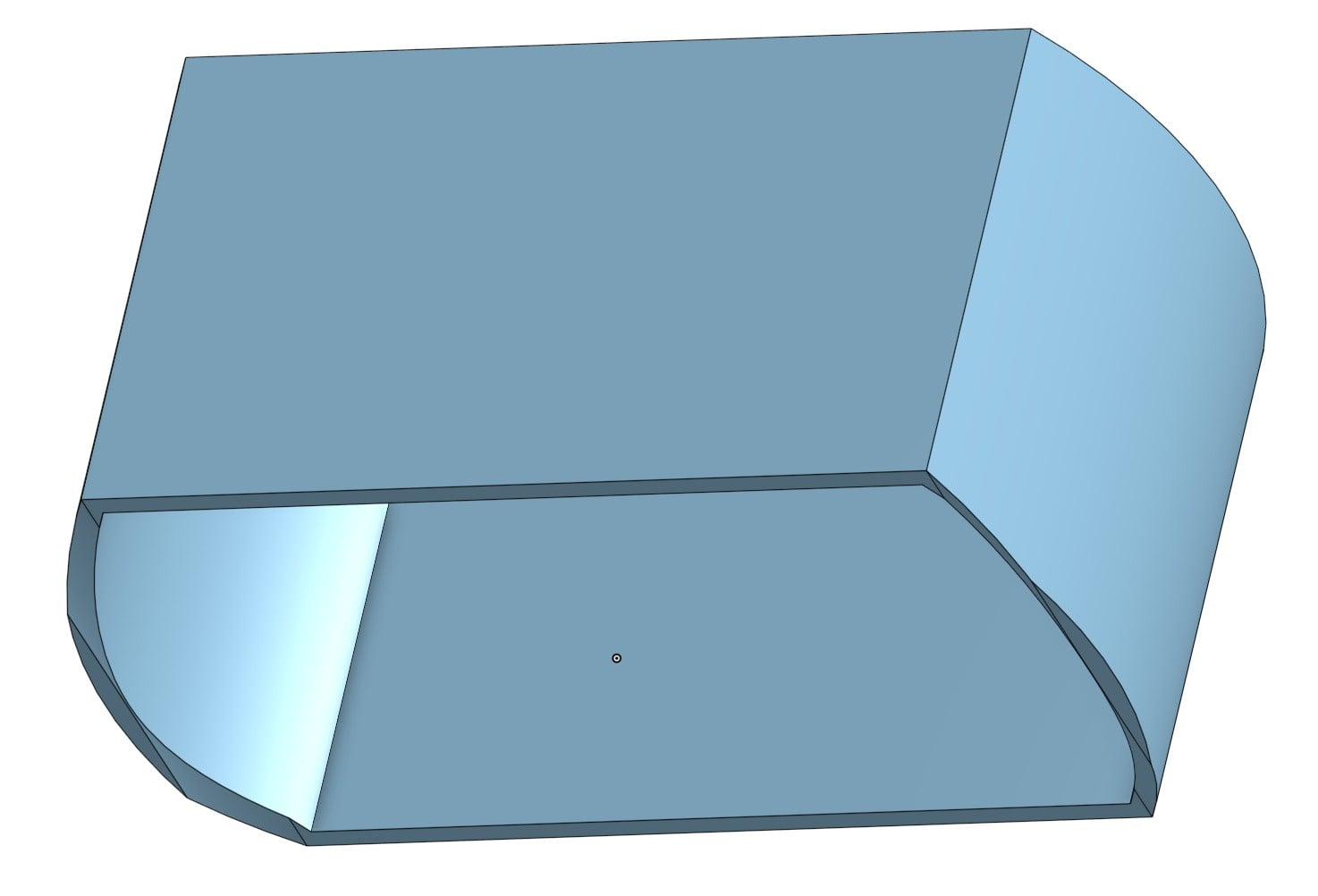
I just want the bottom edge to run smoothly from the corner to the bottom edge of the curved sides where it becomes horizontal again.
Any ides on how best to do this?
Here is the link to my model:
https://cad.onshape.com/documents/4e5e3e2468c7ec2c3db7f365/w/a0890bc192cff96bf648d72c/e/19591a1f609e58ee125155fb
Best Answer
-
Hi Matt,
Thanks, but I had tried that as well already. Issue is that it creates a slope at the bottom.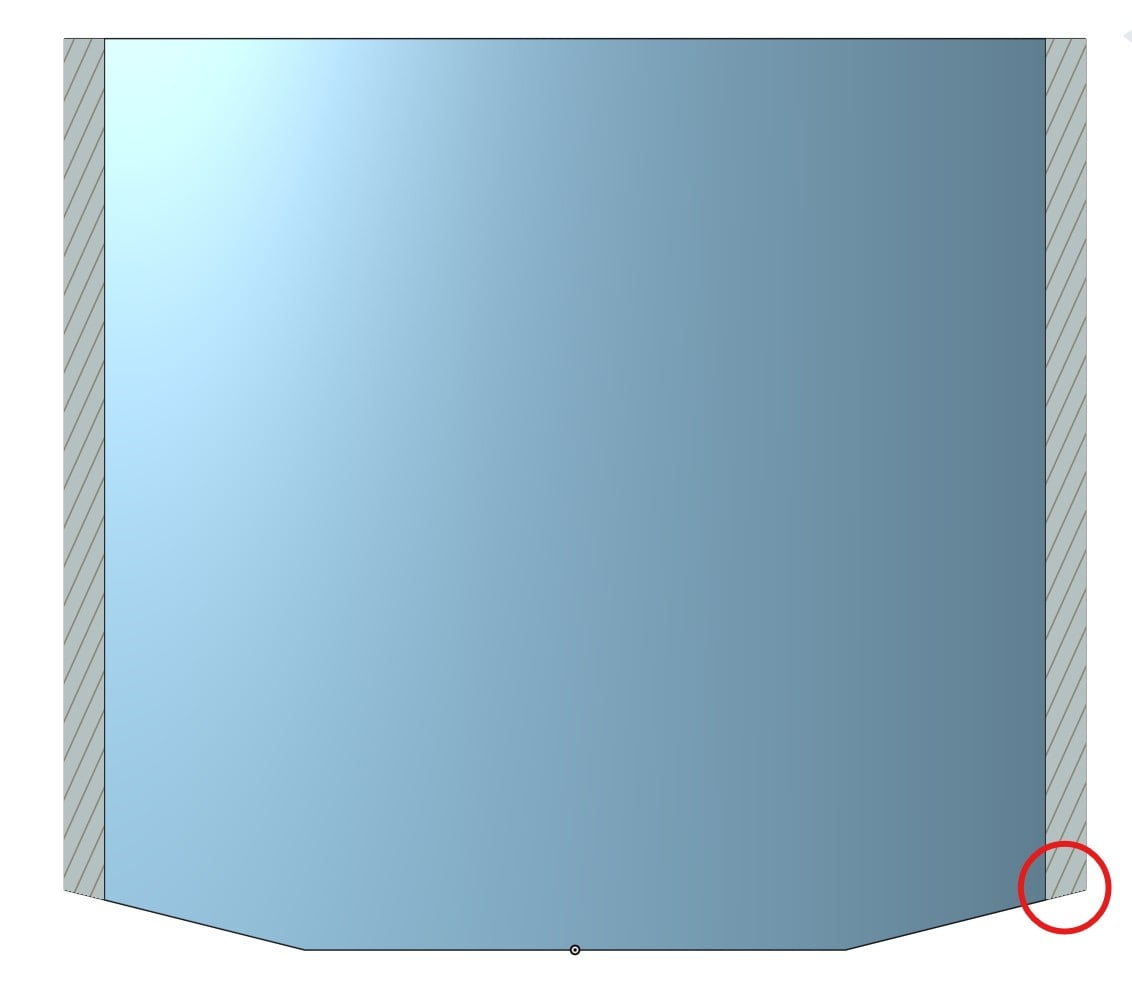
It got me thinking however, and I realized that I can by doing a remove loft with a path.
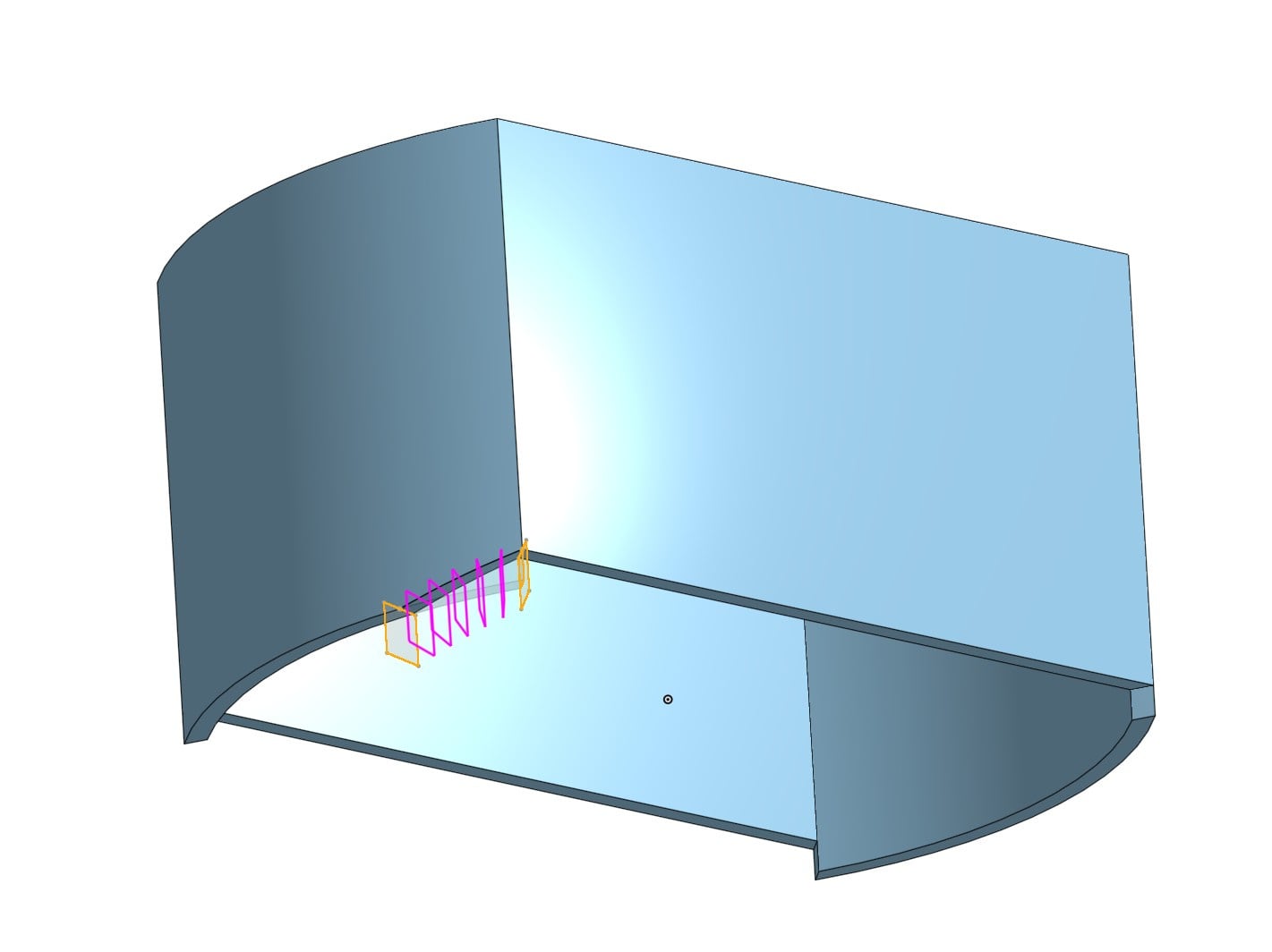
I now only have to mirror the feature a couple of times and have the shape I was looking for.
0
Answers
-
-
Sorry, double comment
0 -
Hi Matt,
Thanks, but I had tried that as well already. Issue is that it creates a slope at the bottom.
It got me thinking however, and I realized that I can by doing a remove loft with a path.
I now only have to mirror the feature a couple of times and have the shape I was looking for.
0 -
I went through your document and I'm confused at the final shape you want. You have a lot of features to make some sort of lip at the bottom. Is there another part that will attach to the bottom or elsewhere? Do you have a hand sketch perhaps of what the final design, with all parts if more than one, is intended to look like?
0 -
Here's maybe a much simpler way of doing that?
1 -
Hi Eric,
That is very helpful, thanks! You have shown me a lot of new options here.
Cheers, Jeroen
0

