Welcome to the Onshape forum! Ask questions and join in the discussions about everything Onshape.
First time visiting? Here are some places to start:
- Looking for a certain topic? Check out the categories filter or use Search (upper right).
- Need support? Ask a question to our Community Support category.
- Please submit support tickets for bugs but you can request improvements in the Product Feedback category.
- Be respectful, on topic and if you see a problem, Flag it.
If you would like to contact our Community Manager personally, feel free to send a private message or an email.
Having issues with making jigs using boolean and hollow parts

Hi,
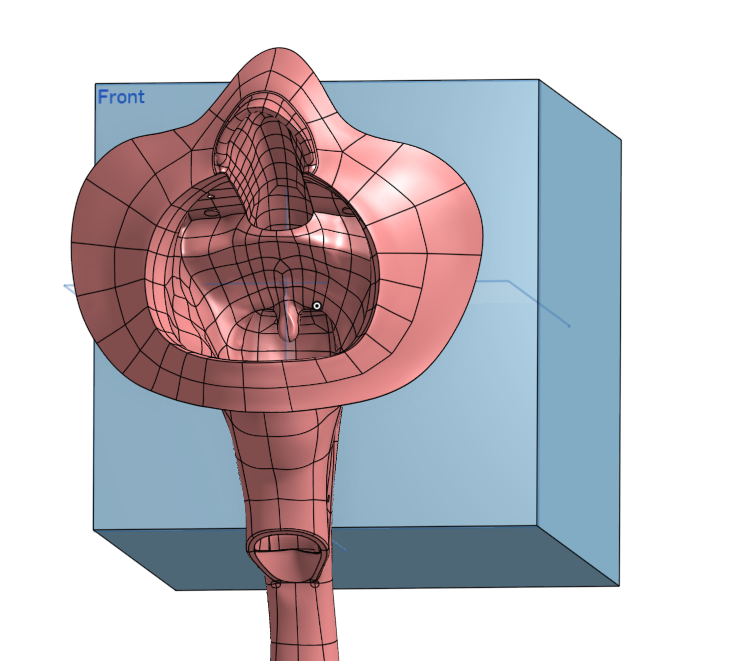
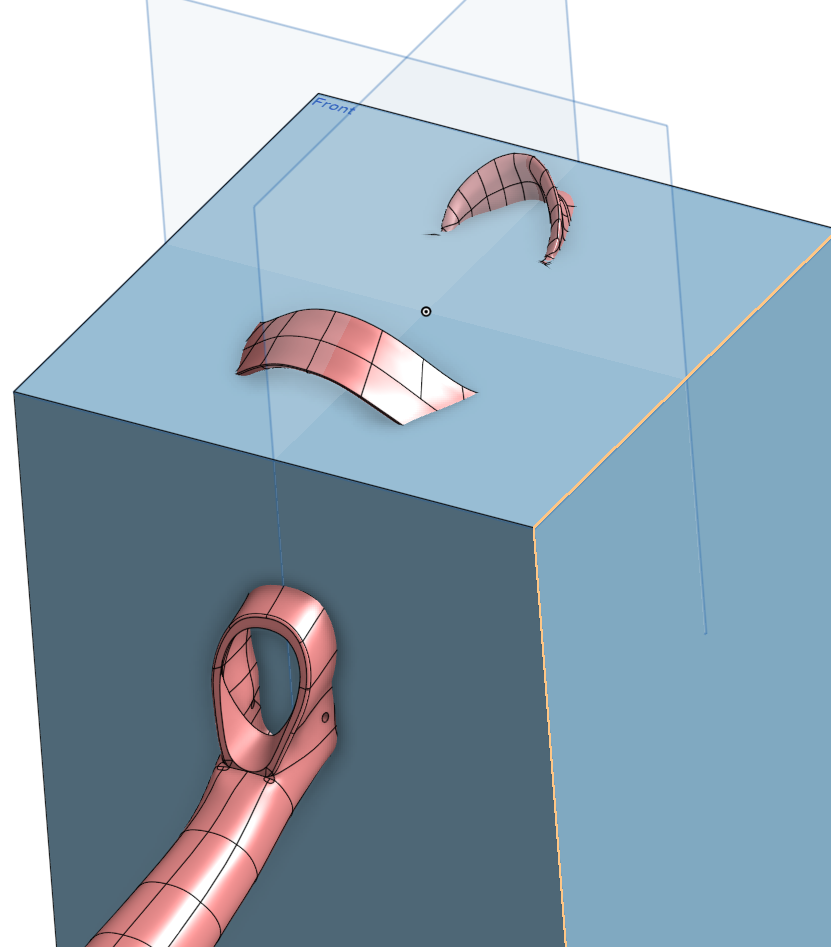
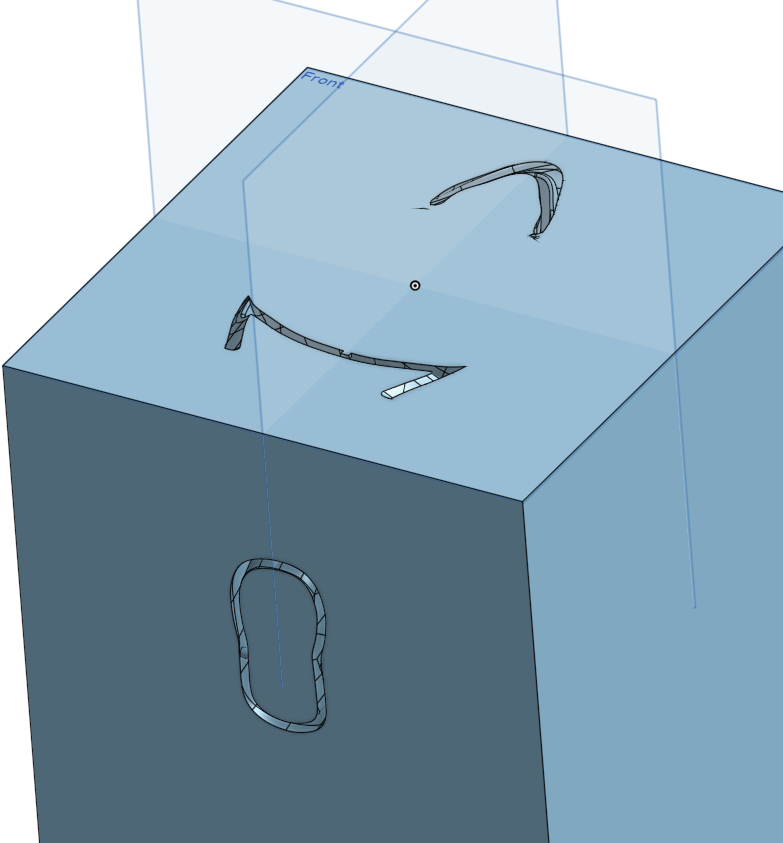
I’m currently working on creating various jigs for parts that we manufacture. This works well for solid parts using Boolean operations, but I would like to achieve the same result with hollow parts, as shown in the picture.
Is there a way to create only the imprint of the outer or inner surface of a hollow part, rather than simply subtracting the entire part from another object? Ideally, I would like to use the surface geometry to create a matching fixture or jig.
Also, the offset function doesn't seem to work for a lot of parts with more advanced geometry.
Thanks in advance.
Answers
-
It might be simplest to fill in the reference part then make the fixture.
1 -
You could always delete the unnecessary faces (that'd be the inside, then, I suppose) and model from there, connecting the outer surfaces to your jig basic shape. It is not like you're limited to solids.
0

