Welcome to the Onshape forum! Ask questions and join in the discussions about everything Onshape.
First time visiting? Here are some places to start:
- Looking for a certain topic? Check out the categories filter or use Search (upper right).
- Need support? Ask a question to our Community Support category.
- Please submit support tickets for bugs but you can request improvements in the Product Feedback category.
- Be respectful, on topic and if you see a problem, Flag it.
If you would like to contact our Community Manager personally, feel free to send a private message or an email.
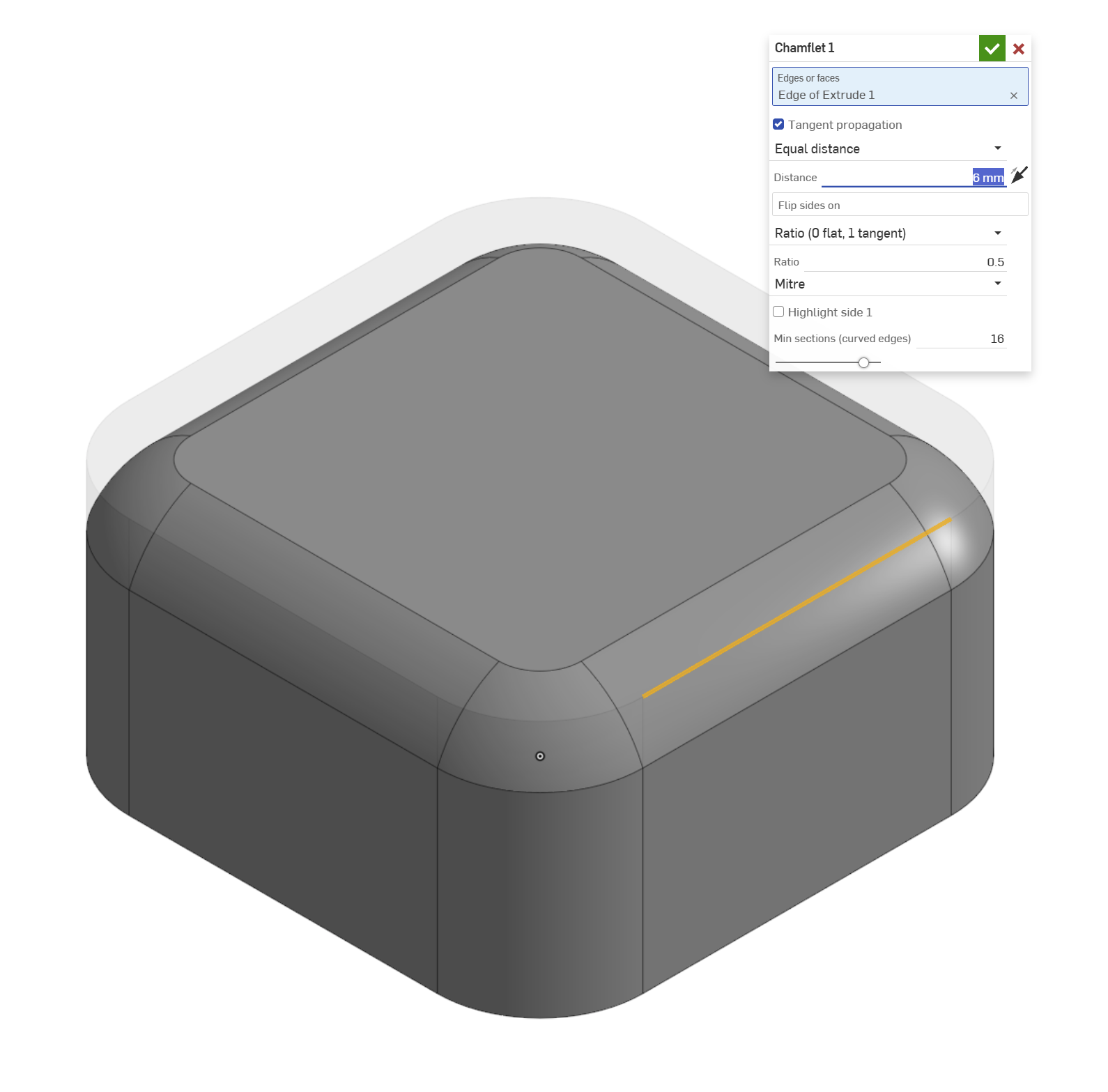
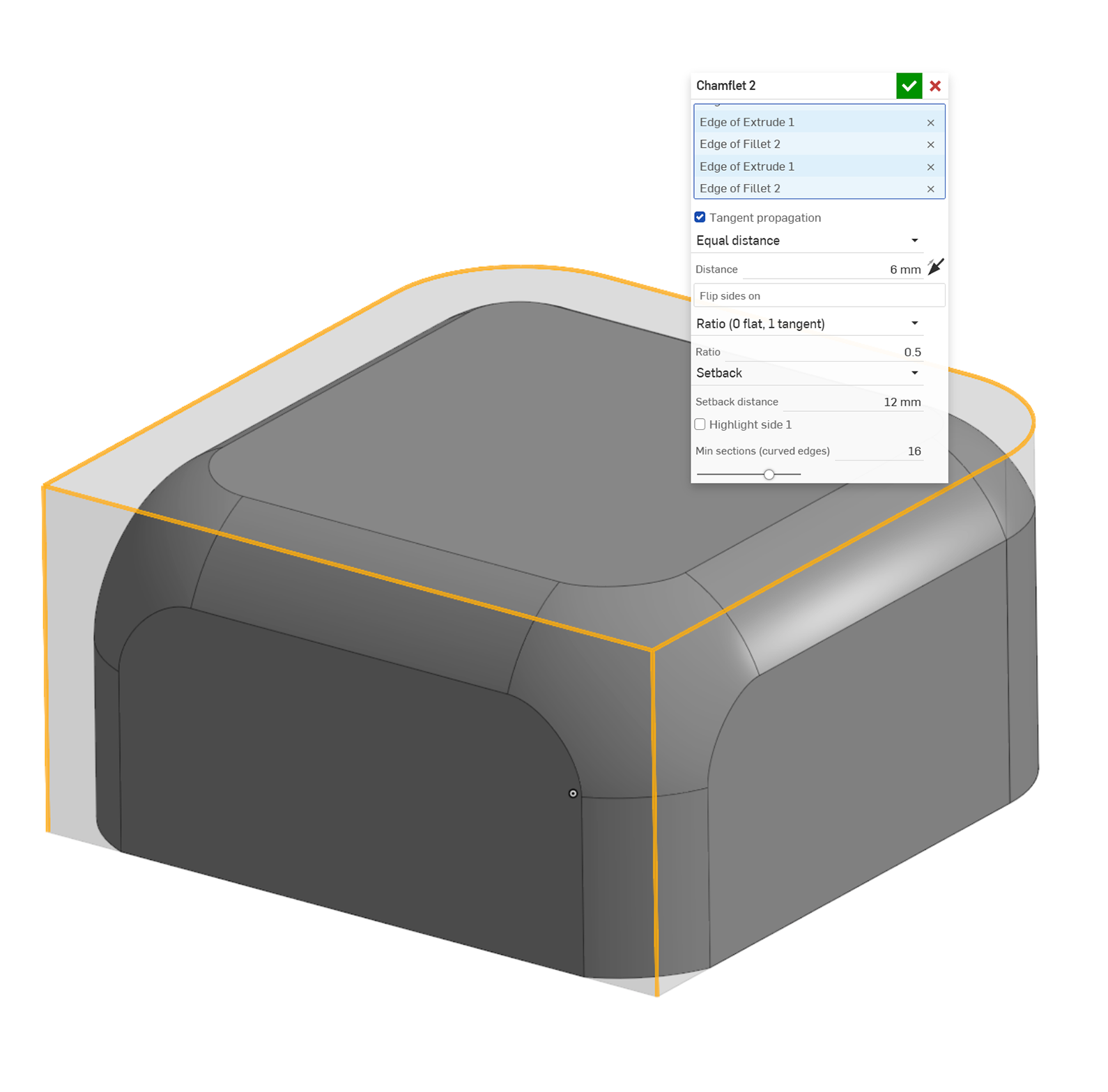
New Feature: Chamflet (arc/curved/rounded chamfer)

Over the past 15 years, I haven't had a single week without implementing some version of this feature manually. In many cases, especially when the chamfers are visually impactful, it helps light and reflections flow more cleanly over the surface. When it's part of an area you hold in your hand, it's just more comfortable. I'm still going to do these manually in my day job, since I use SolidWorks there, but as I transition more to Onshape for my personal projects, this will be a huge time saver.
To add it: Part Studio toolbar → Add custom features → search "Chamflet". There's a short PDF in the first tab that explains the options.
It's the first public version, so I'm sure there are cases I haven't hit yet. If it fails on your geometry, a screenshot or a link to the model would help. Feedback and ideas welcome.
Comments
-
Thank you for sharing. This is indeed a good idea and I know I have spent time myself doing this manually, too. I occasionally resorted to using the (on-board) conic fillet option instead, with a low rho value, but that still kills the edges. Chamflets are more distinct.
1
