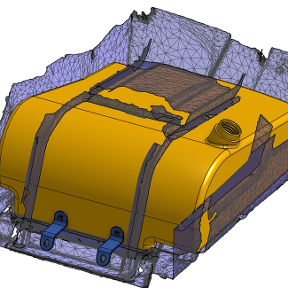
Problem with OnShape

Working through the introductory tutorials of OnShape. One command that does not work on my system is the curve constraint command. Not sure what I am doing wrong but it should be a simple double click to turn two segments into a curve. Do this over and again and two lines remain. Not a huge problem but one day I may want it to work..
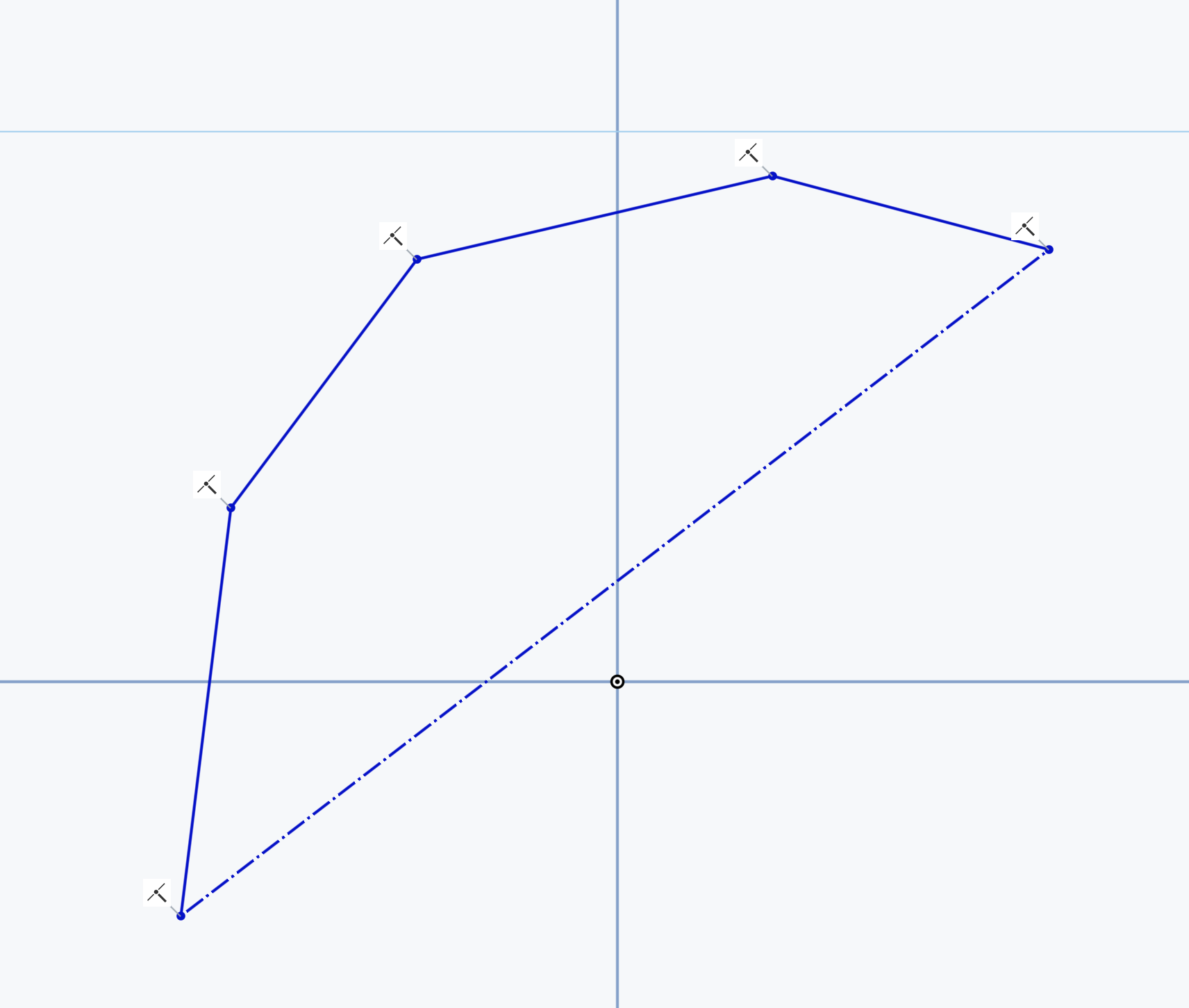
Any help would be gratefully appreciated .
Answers
-
The curve constraint ensures that two curves (e.g. Bézier curves) have the same curvature at the connection point. This constraint does not turn straight lines into curves.
2 -
Well that was anti climatic. 😂
 0
-
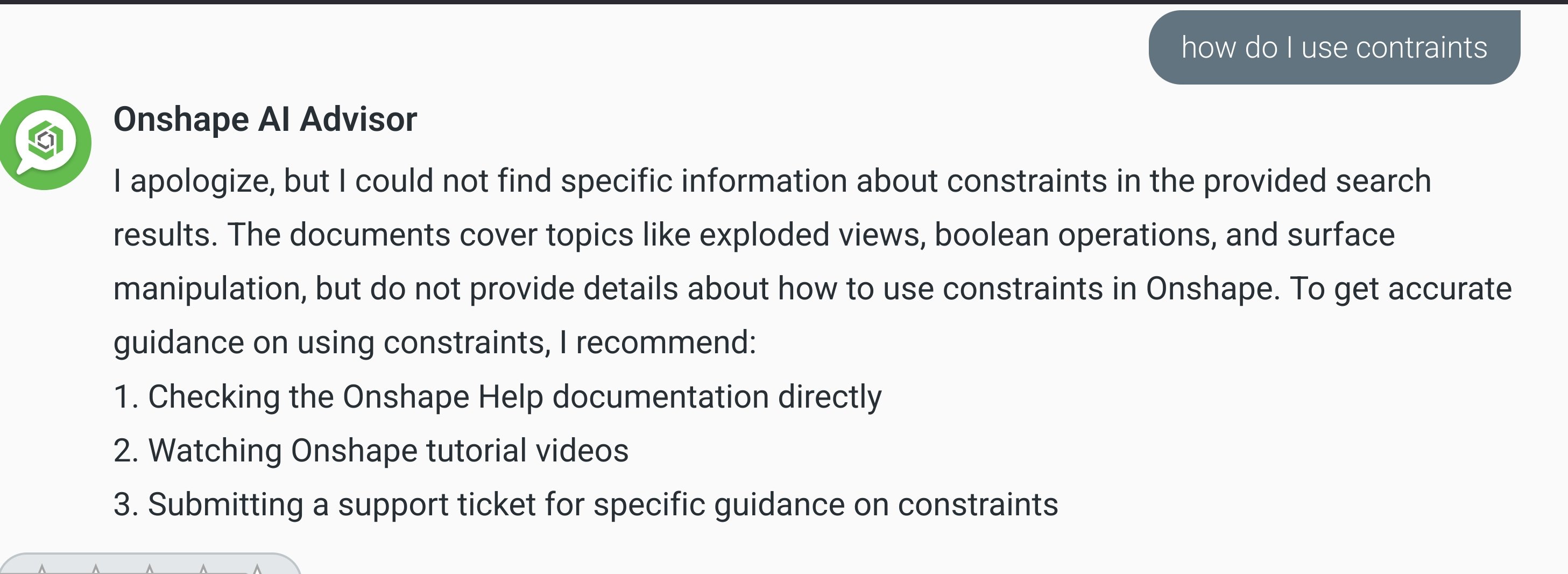
@NeilCooke I always misspell that word for some reason. ugh. Grok and chatgpt don't care if I misspell something. 🤣
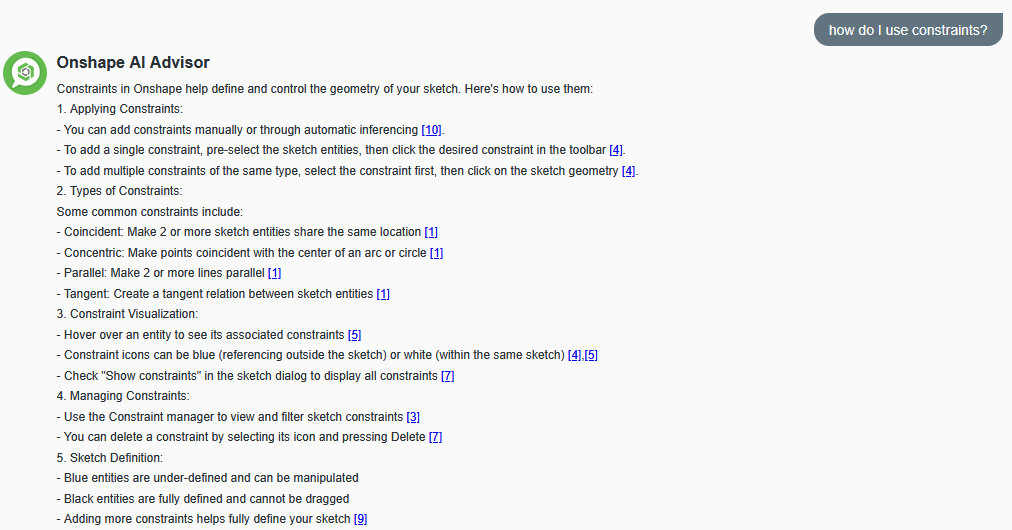
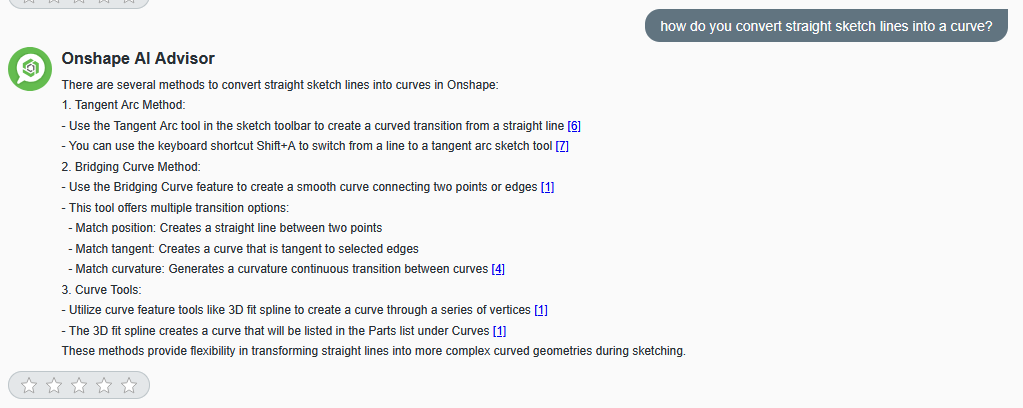
Here's a revised screenshot with corrected spelling. 🙄
@peter_marsh559 This link should help you find answers fairly quickly for things like constraints.
 1