How to use expressions to define a dimension relative to another?

Denwen
Member Posts: 50 ✭
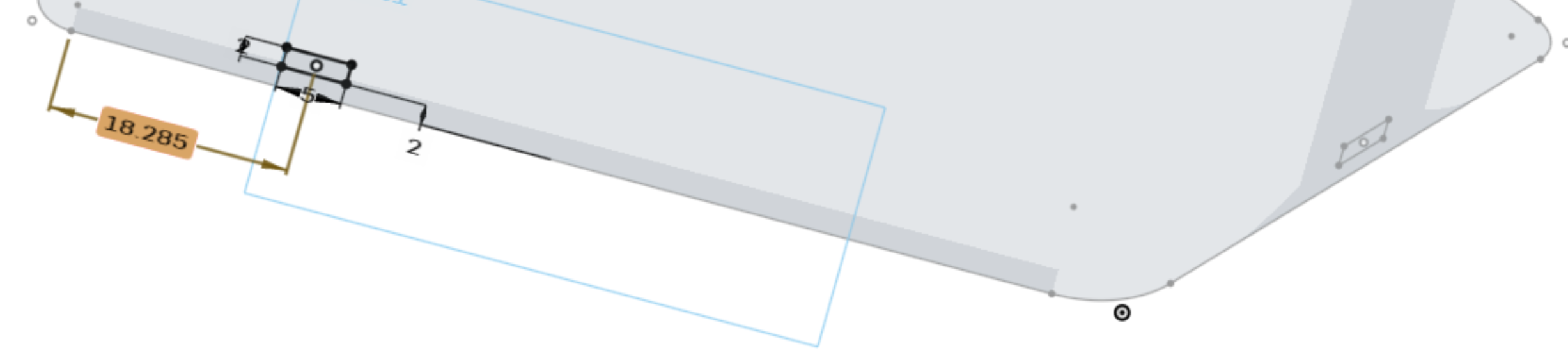
I have these two holes that I want to create, as shown below. The one on the right is in the middle of that surface (I used midpoint).
I am struggling to define the dimension highlighted. I would like it to be the same distance as the other hole is from the right wall. Is there any way to make this happen?
Tagged:
0
Answers
-
Hi Denwen,
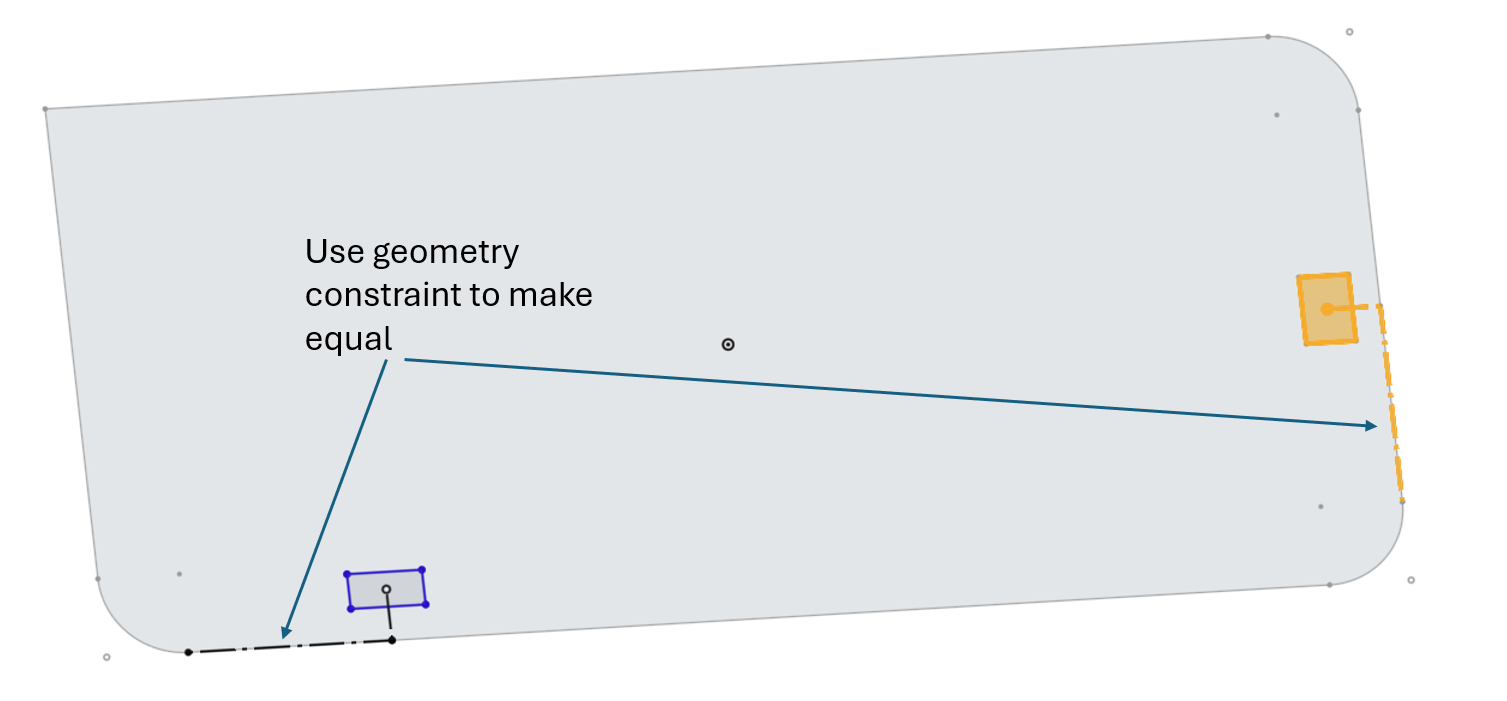
Probably the easiest way to achieve what I think you are trying to do is to use a geomtry contraint to make two reference lines equal. I know my geom is 2d whereas it looks like your sketch maybe on a 3d surface but the approach should work either way.
Hope this helps,
Paddy
1 -
Cool, thank you much for this suggestion!
0
