Subassembly in top level has errors, but at the subassembly there are none. How do I diagnose?

In the top level, I have this.
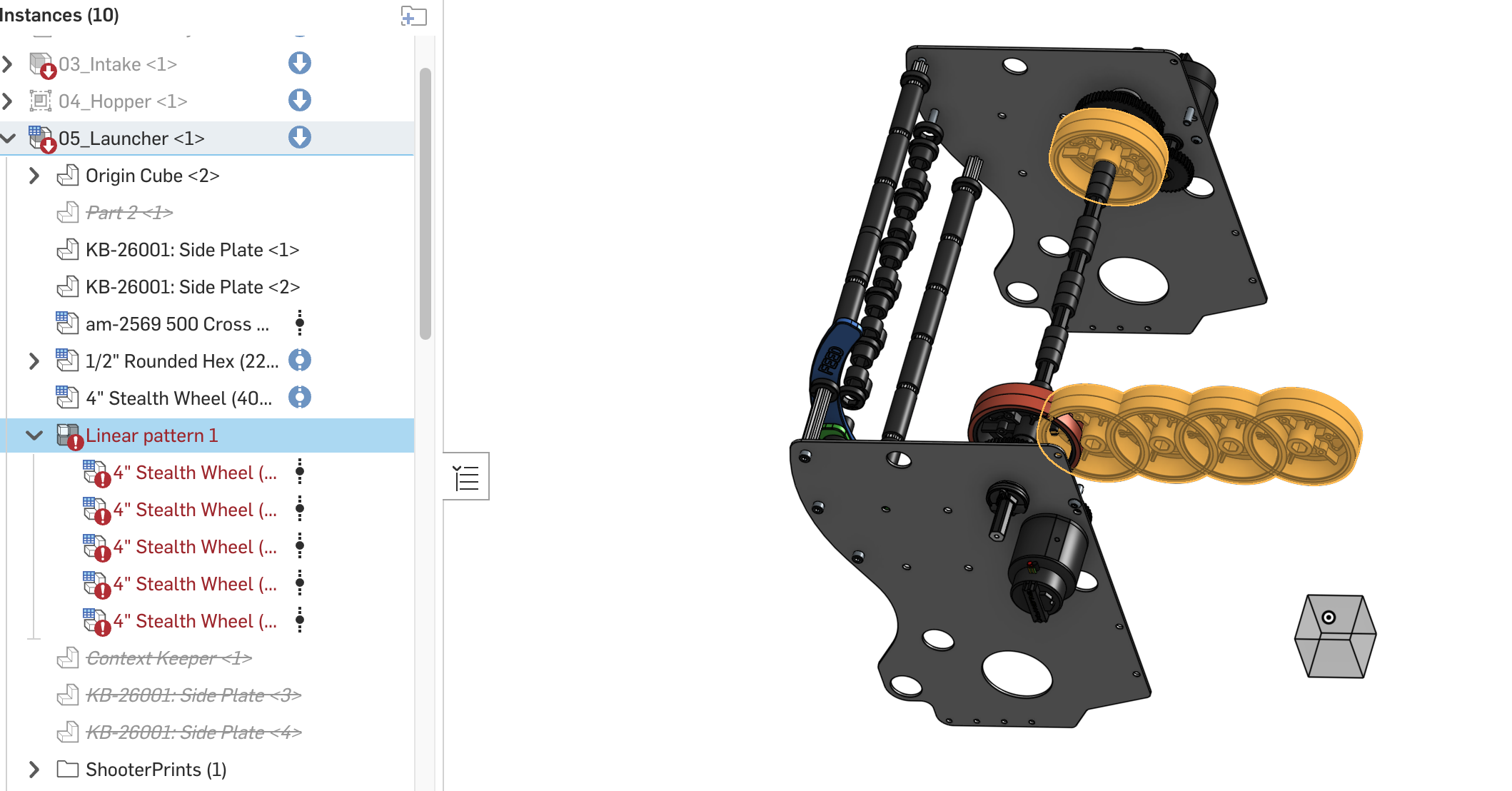
The Linear Pattern 1 is highlighted. When I hover, it says "Mate overdefines the assembly".
In the subassembly, all is well.
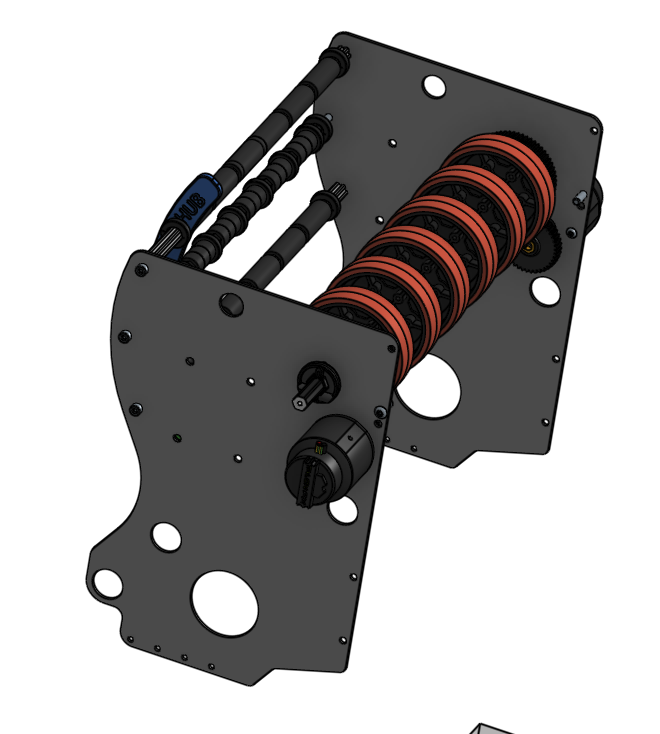
How do I troubleshoot which mate is a problem in the top level, as specified in the error message?
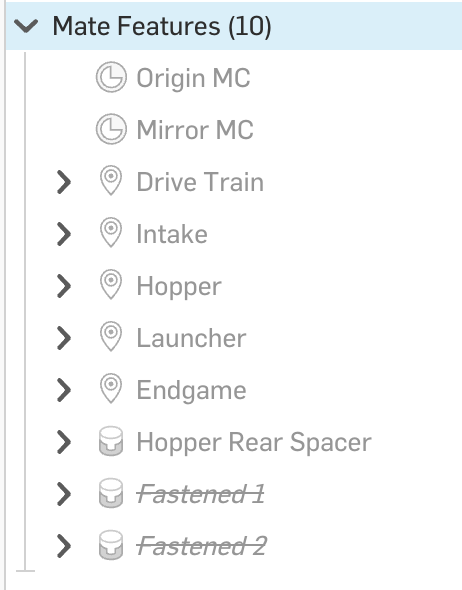
Here are the top level mates.
Here is a link to the model.
Thanks!
Answers
-
Hi, I also struggle a lot with this. "Mate is not consistent" is the message from subassembly mate at the moment for me. Other CAD systems highlights the overdefining mate in Top-Level assembly making it easy to troubleshoot. Onshape makes it very hard to troubleshoot. I have a ongoing support ticket on this…
0 -
Even more wierd:
My subasseblies are without errors. But at this time, in Top-level assembly, Onshape has notified me about a few mate errors in subassemblies that is "not consistent".
When I suppress all mate features in top level assembly, the errors in subassemblies persist. (For clarification, I am working in same document and all instances are from workspace)
I have no other explanation than this being a software error.
I tried doing the same suppression in your assembly, but noticed your subassembly "05_Launcher" was in fact containing a error. Your link is taking me to workspace, not a version, so changes has been done since you created the link, thus I am not seeing what you saw at the moment of posting link.
0
