Welcome to the Onshape forum! Ask questions and join in the discussions about everything Onshape.
First time visiting? Here are some places to start:- Looking for a certain topic? Check out the categories filter or use Search (upper right).
- Need support? Ask a question to our Community Support category.
- Please submit support tickets for bugs but you can request improvements in the Product Feedback category.
- Be respectful, on topic and if you see a problem, Flag it.
If you would like to contact our Community Manager personally, feel free to send a private message or an email.
Angled corner profile

Hello, I'm trying to make a 45 degree corner profile.
The problem I'm facing is that I have to turn and rotate each side of the profile and add an extrusion at an angle and I'm not sure what's the best instrument to achieve this.
So far I did this using the draft:
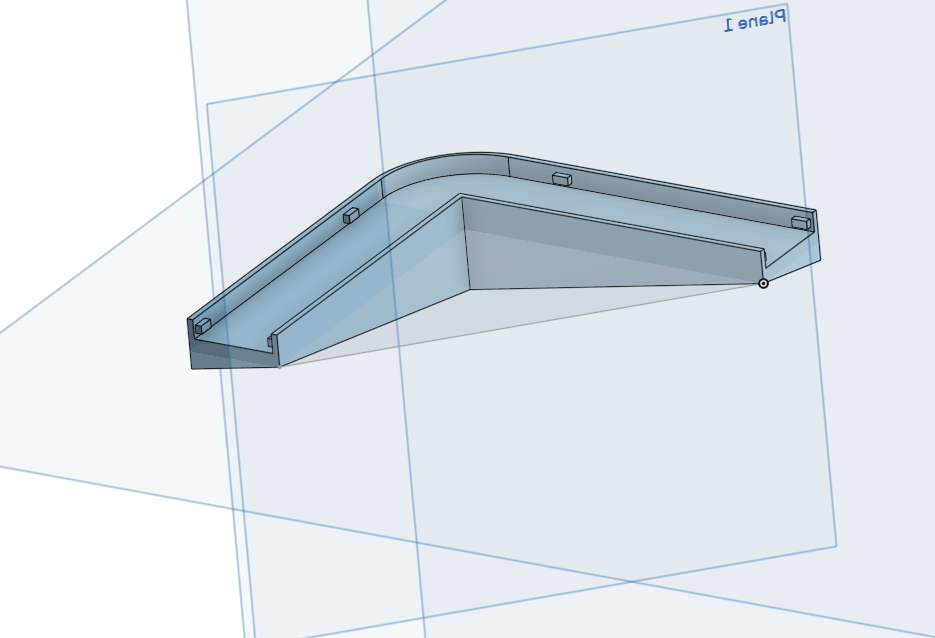
but I need both profile sides to be at the angle 45 degrees as on the picture below. Any ideas?
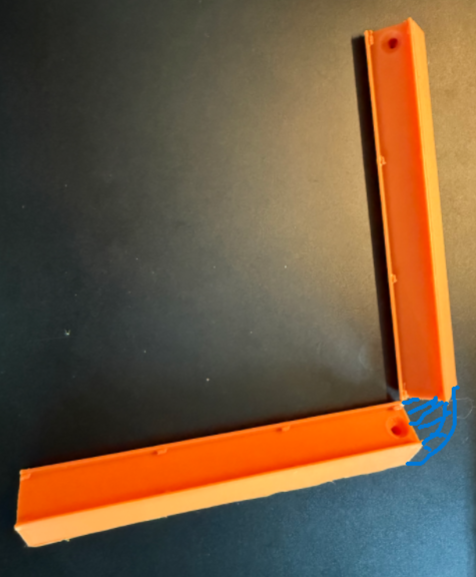
Link to a workspace - https://cad.onshape.com/documents/3d1d595fdf85c9bd0c93d398/w/2868b2ed85b6006ff54321b1/e/86445a646710f33815d6fc15?renderMode=0&uiState=6a255c428e92ad093f7d27c7
Best Answer
-
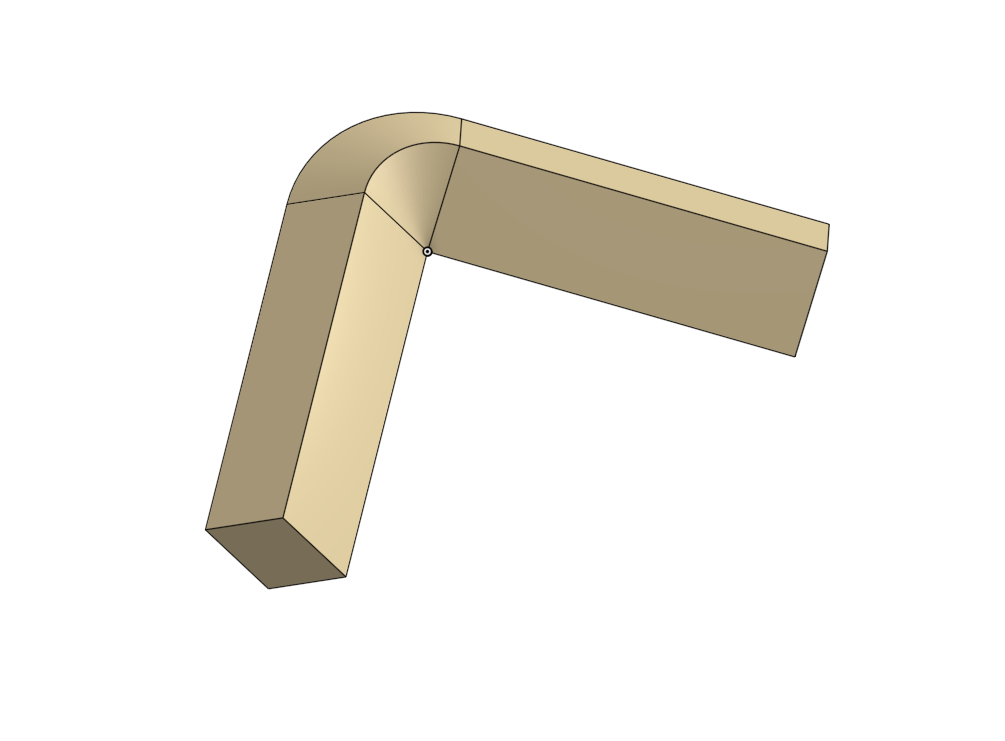
Are you looking for something like this? I used a loft with some guide curves.
0
Answers
-
Are you looking for something like this? I used a loft with some guide curves.
0 -
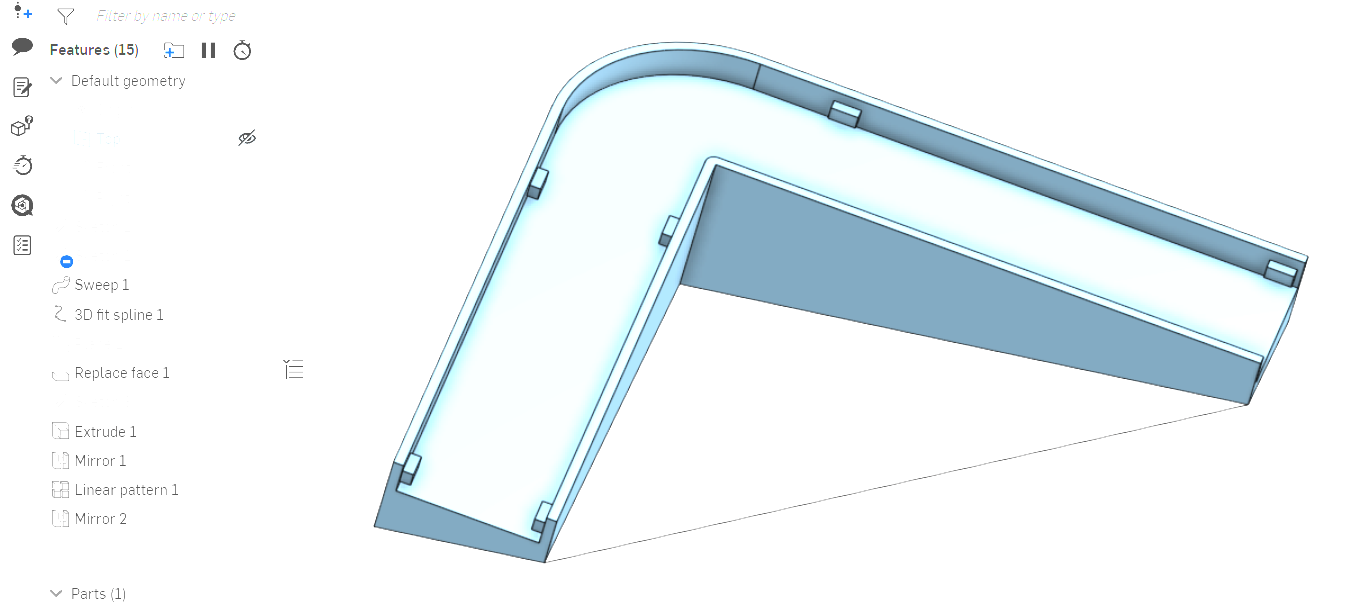
Here is a version using a sweep and replace face. Features down from 32 to 15. See next part studio for mitered corner.
 0
0 -
Do you have a public model so I could take a look?
The only thing is that I wanted to have a 3 sides like this:
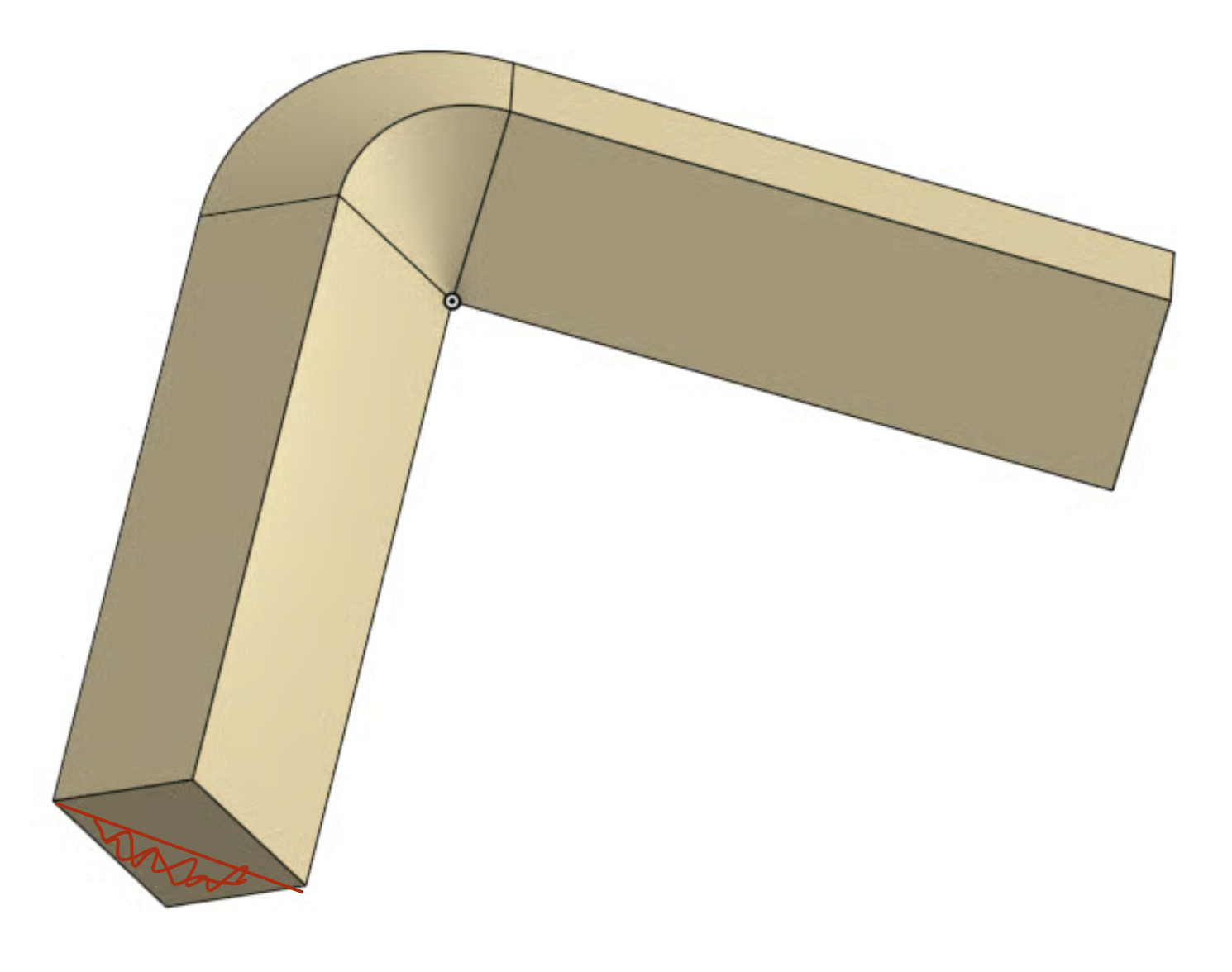
But I guess I can just extrude and remove it afterwards.
0 -
Hi Glen, I wanted it to have sides also turned at the angle, similar to what kenton_persons suggested.
0 -
ecactly! Do you have a public model so I could take a look?
0 -
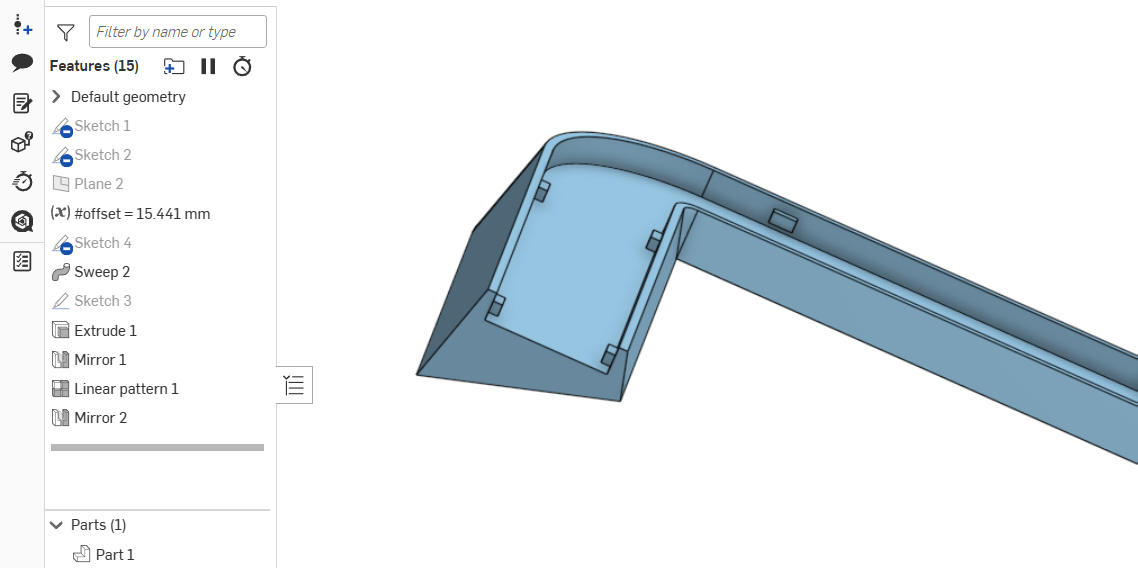
Modifying the sweep profile is all that's needed. If set up correctly even the replace face can go away.
0 -
Modifying the sweep profile is all that's needed. If set up correctly even the replace face can go away.
Attached is with the replace face eliminated and the sweep profile has been up dated to what ever you need. IMHO the sweep can get what you want.
 0
0 -
Ok, this seems to be the correct way to send a link. This is only the third time I've posted, and I'm still sorting it out.
To make it 3 sided, just sketch them that way, one on the front plane & one on the right plane and extrude them to the length you want. You should be able use the same technique with any shape. Then use the guide curves with the loft command, making sure that your curves are tangent. Hope this helps.
0
