Welcome to the Onshape forum! Ask questions and join in the discussions about everything Onshape.
First time visiting? Here are some places to start:- Looking for a certain topic? Check out the categories filter or use Search (upper right).
- Need support? Ask a question to our Community Support category.
- Please submit support tickets for bugs but you can request improvements in the Product Feedback category.
- Be respectful, on topic and if you see a problem, Flag it.
If you would like to contact our Community Manager personally, feel free to send a private message or an email.
Custom Feature: Tweep
Comments
-
Made some minor improvements to surface quality with v6, mostly in loop cases.
3 -
how to install?
0 -
Go to the Tweep document, and near the top there is a (+) button where you can add custom features to your toolbar.
How to add a custom feature to your toolbar while in a specific custom features document:

Thanks for the gif @MichaelPascoe
1 -
I know many of us were a little bit saddened to see Tweep retired when the devs brought the twist option to the native Sweep feature, but I never really let this one go in my heart.
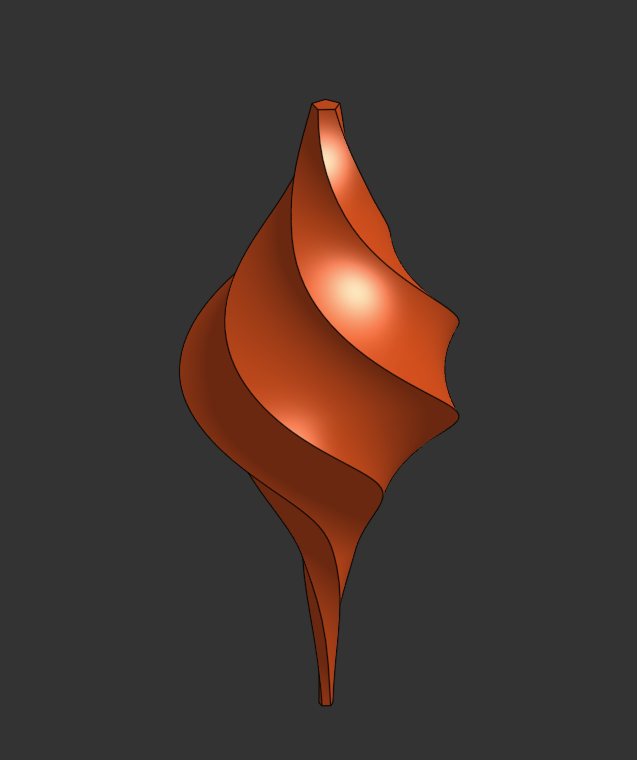
Big update soon.
6 -
A Twistmas ornament!
4 -
V7 of Tweep is live bringing a complete ground up refactor. Originally Tweep was born out of necessity for those times when you needed a sweep with a little extra personality. Back at a time when people didn't have a good option for drawing wire ropes, which was a weirdly common request on the forums during the month of December last year. I heard everyone's plea and whipped up the first version of Tweep over Christmas break just in time to be too late for the holidays. The developers at Onshape must have heard the community's pleas louder because It was only another month before they shipped native support for twist operations in the Sweep feature and went even further and supported scaling operations as well.
Short lived as it was, Tweep was dead. But never forgotten.
In memoriam I present to you Tweep - The Tweakable Sweep
Because global twist and scale parameters aren't enough. What if you want to twist and scale multiple segments of your sweep independently from one another? Multiple sweeps with independent twist parameters is an option, but what if you want to twist and scale those segments codependently with one another? In a nice smooth surfacey organic lofty sort of way. Standard library sweep wasn't built for that. Loft requires a bunch of support geometry before it'll get you there and probably it'll still wig out in some cases where the nearest connection point is the one you'd really rather it didn't grab onto.
Borrowing some identity from the ruled surface feature let me get some per-vertex override control to be able to finally solve the fencepost problem. No not that one. This other one.
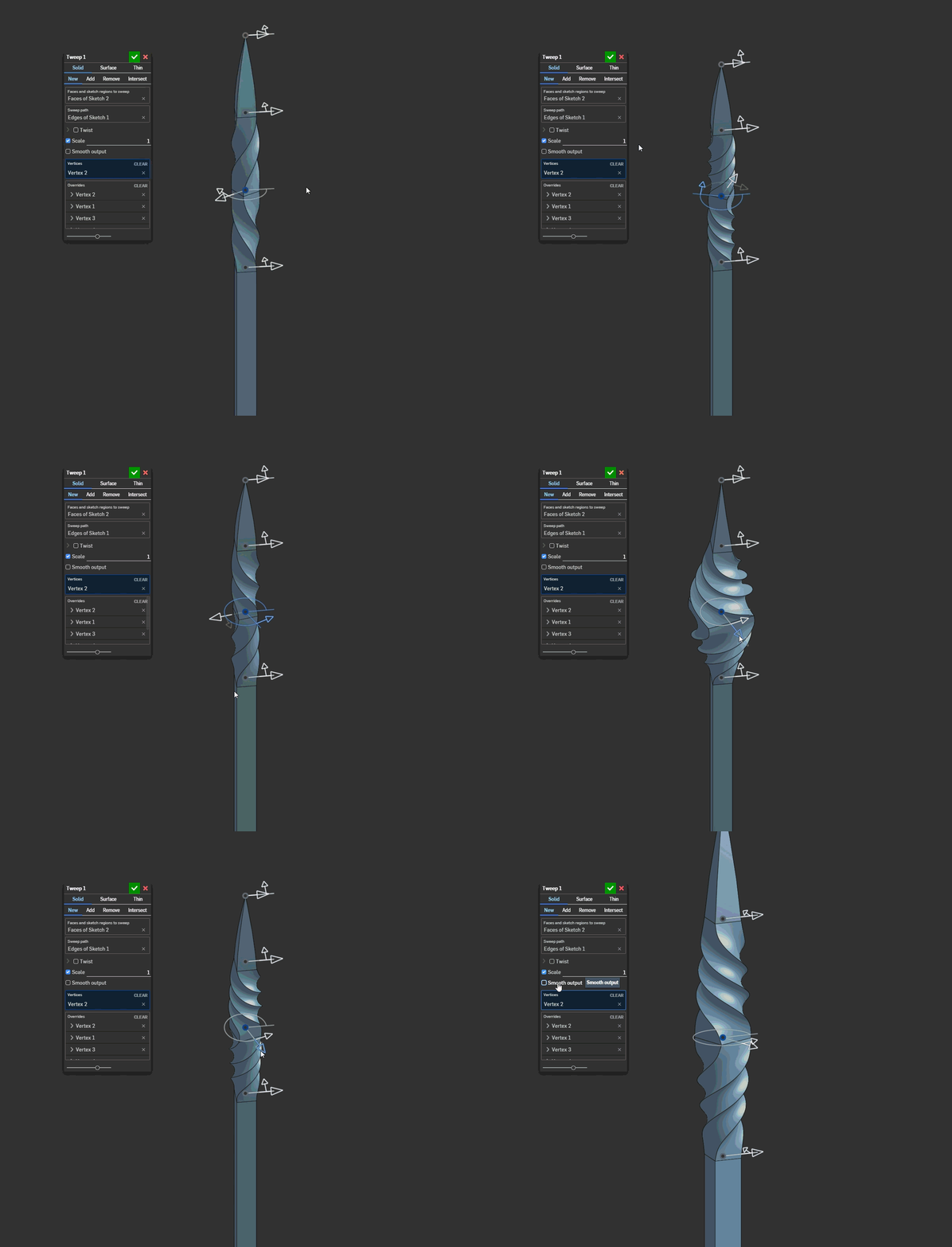
And if you paid close attention to that dialog in that gif you'll notice the smooth output checkbox. That does pretty much what it says it does. When selected the output will draw continuous smooth surfaces from start to finish of the Tweep instead of segmented ones.
when it canThis is a feature I've needed for many surfacing workflows that have nothing to do with a twisted or scaled output, it's just a useful tool to have.
I'll post more technical info about the feature later but I wanted to get this version out into people's hands to play with. There's a lot going on under the hood that has applications in other features I'm working on but for now Merry Twistmas everyone.
4 -
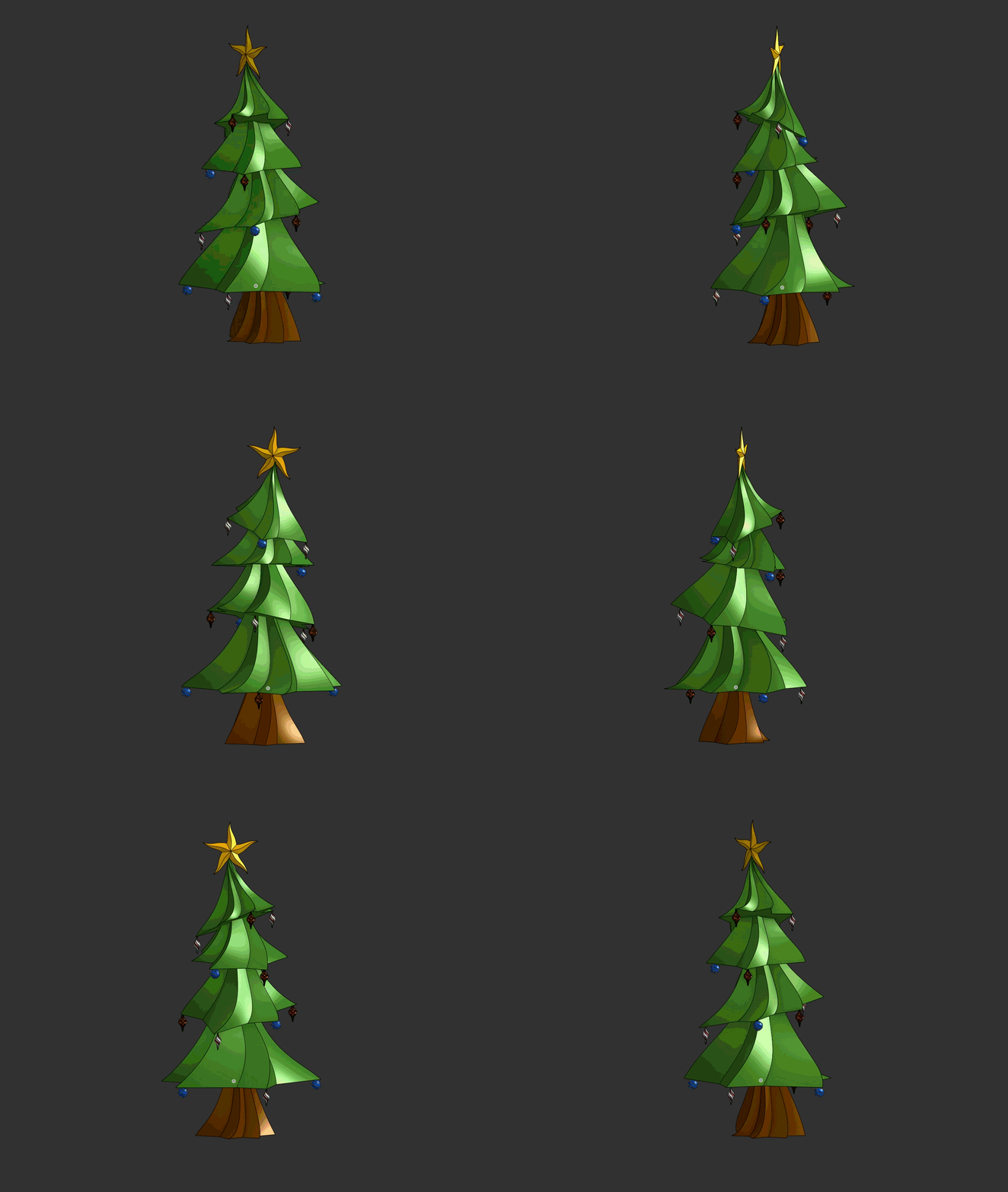
ah.. the christmas tree challenge! good times.
RENDERCAD
rendercad.ai - Photorealistic product rendering.
▚▞▚▞▚▞▚▞▚
________________________________________________________________________0


