Projected Extrude FeatureScript (V1.1.2)

TimRice
Member, Moderator, Onshape Employees Posts: 315 
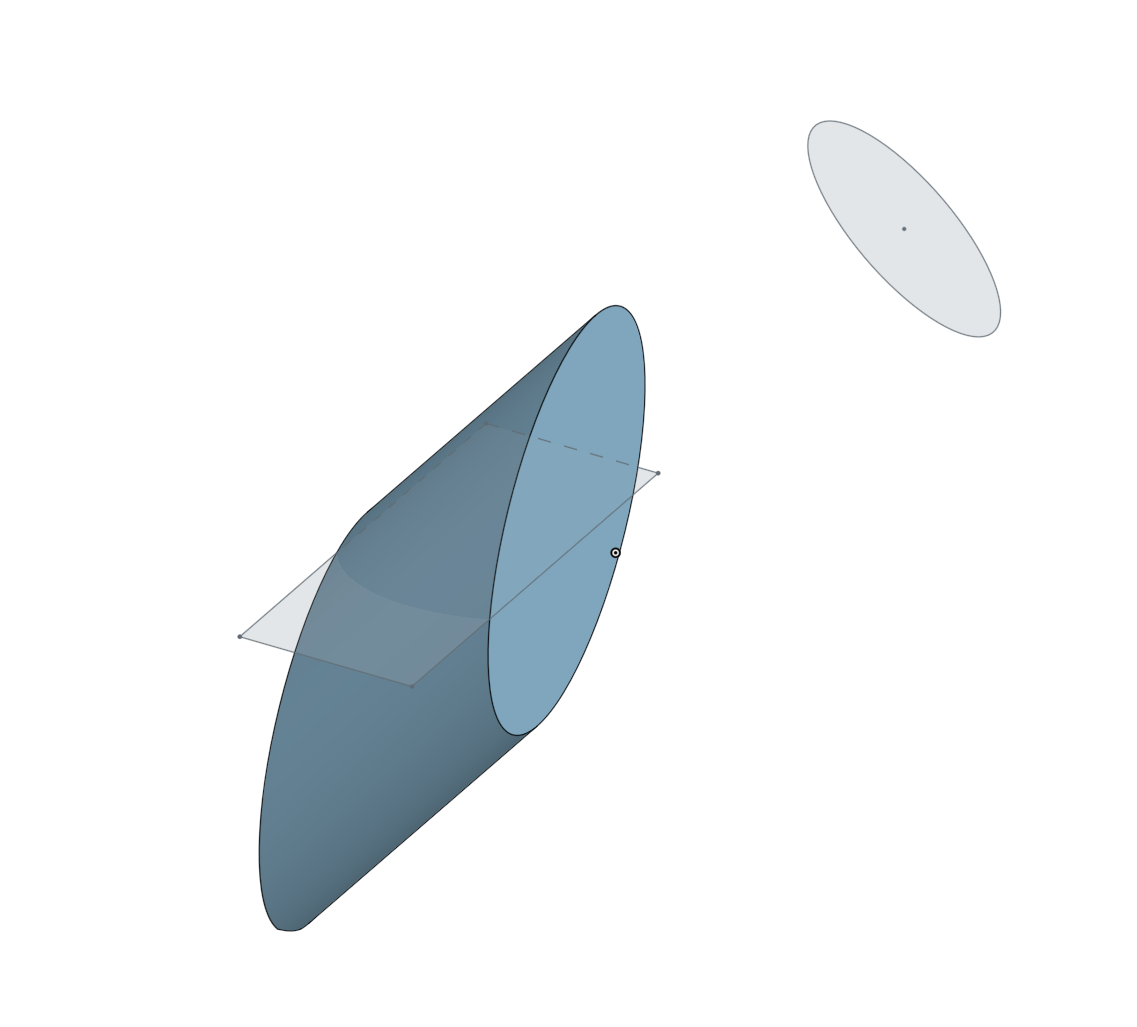
Over winter break I had some time to write this new featurescript which returns a part from the intersection of two nonparallel sketches. It is mostly a copy of the Projected curve feature which is already part of our feature set. Thanks to @lana and @Jake_Rosenfeld for the extra help!
Tim Rice | User Experience | Support
Onshape, Inc.
Onshape, Inc.
Tagged:
4
Comments
-
@TimRice
Here is a little bug-fix that fixes it not extruding enough:
https://cad.onshape.com/documents/b64a82008c08948ab7b4a3e9
0 -
Thanks, I'll take a look. Did you notice a specific case where it wasn't extruded enough?Tim Rice | User Experience | Support
Onshape, Inc.0 -
-
Tim this is great! Would it be possible to add a quick feature to extrude multiple faces on a single profile at once? Kinda like on the normal extrude feature.
Right now I am limited to only being able to select one isolate surface. Any lines cutting through a face separates the extrude not allowing to project the full part.
Would be legendary!
Thanks,
Leo0 -
@leo_ahrens
Thank you for the kind words! I am not sure what you mean though by the workflow you mentioned. Do you have a screenshot of the input geometry?Tim Rice | User Experience | Support
Onshape, Inc.0 -
Hey Tim,
It actually was an incredibly simple fix...
All I had to do was increase the "MaxNumberOfPicks" so I could Query multiple faces for each profile. It was set to only one pick each.
<div> precondition<span>{ </span><span style="background-color: transparent; color: inherit; font-size: inherit; font-family: Flama, sans-serif;">annotation { "Name" : "First profile", "Filter" : EntityType.FACE && GeometryType.PLANE, "MaxNumberOfPicks" : 10 }</span></div><div> definition.profileOne is Query; <span>annotation { "Name" : "Second profile", "Filter" : EntityType.FACE && GeometryType.PLANE, "MaxNumberOfPicks" : 10 }</span></div><div> definition.profileTwo is Query; <span>}</span></div>0 -
@leo_ahrens
What would actually be a better solution would be to remove theMaxNumberOfPickssection altogether, allowing unlimited selection for each profile. The resulting precondition will be:precondition { annotation { "Name" : "First profile", "Filter" : EntityType.FACE && GeometryType.PLANE } definition.profileOne is Query; annotation { "Name" : "Second profile", "Filter" : EntityType.FACE && GeometryType.PLANE } definition.profileTwo is Query; }
0 -
@leo_ahrens
Thank you for looking. I actually added the selection limit on purpose to ensure the two profiles are actually not coplanar. With N number of selections this could become more difficult/time consuming to check. I am looking to add support for selections of sketches in addition to faces which should allow multiple faces in a sketch to be selected. I will post here when the new version is ready.Tim Rice | User Experience | Support
Onshape, Inc.1 -
@TimRice
Glad you put this together! Ironic - my design needed this and I did it with existing tools and then 5 minutes later I saw this thread. Will be helpful on the next one. Thanks!www.accuratepattern.com2 -
@leo_ahrens
Just updated to V1.1.2 and added support for multiple planar faces or sketch inputs for both sides.
https://cad.onshape.com/documents/ea472c5bd213ba9124b90061/v/479fe4641dfa0356a0c36b47/e/0a8c561028bca4f5440ebd24
Tim Rice | User Experience | Support
Onshape, Inc.1 -
Awesome! Looks good, thanks.0


