How do I print an unshaded circle?

New to Onshape, searched and couldn't find an answer.
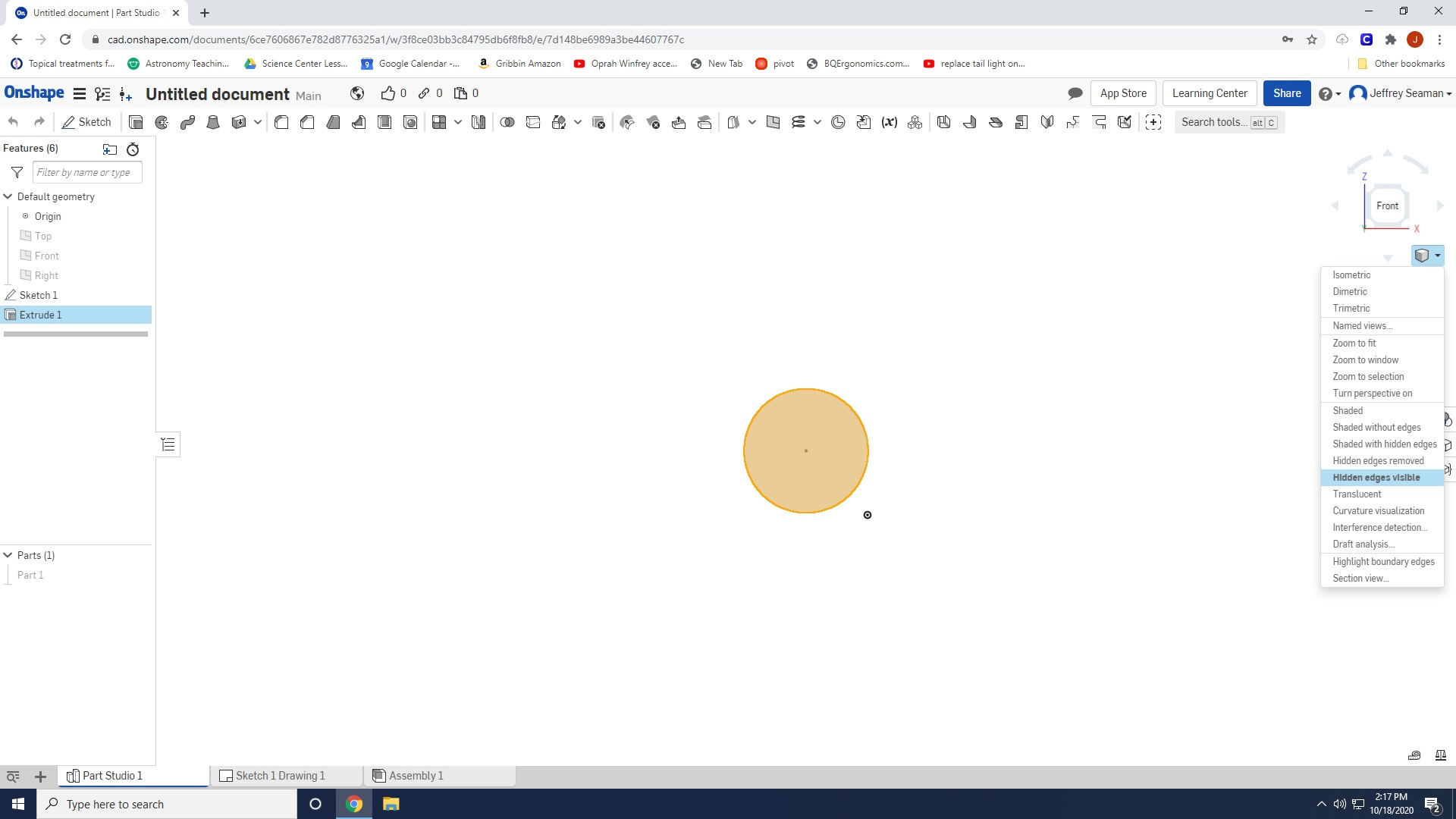
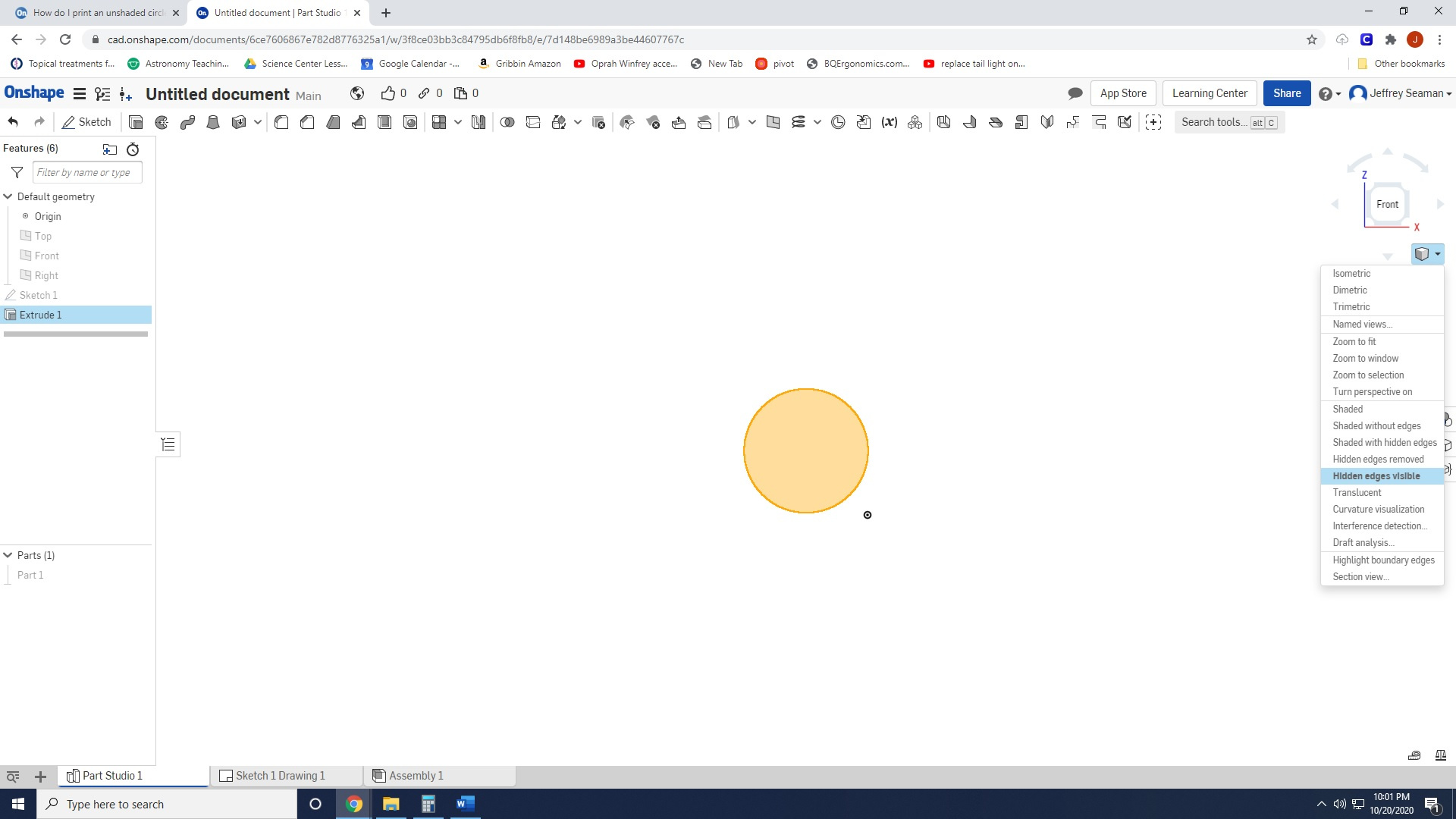
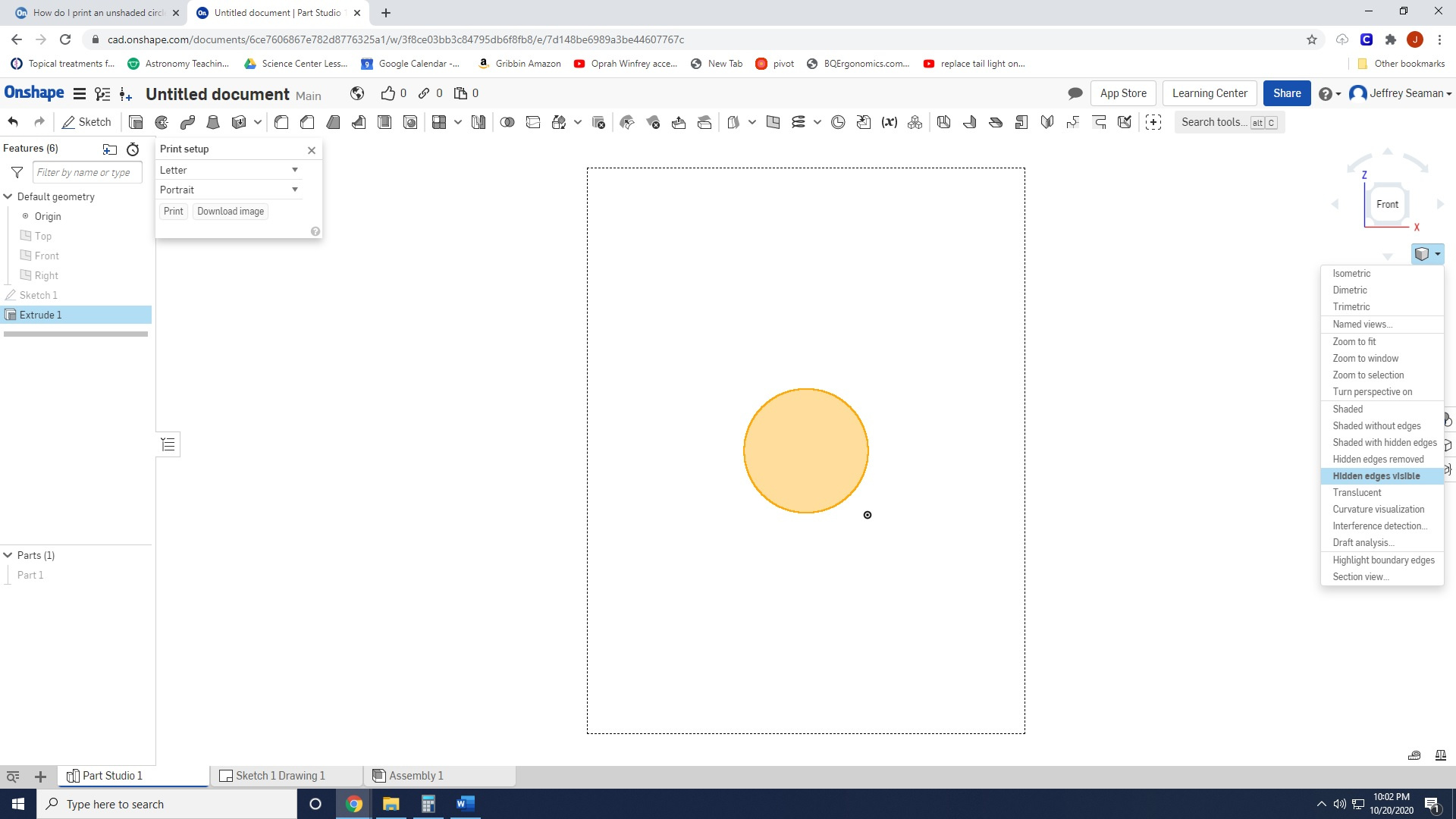
I need to print a circle with no shading. I tried going to the "Camera and Render Options", and selecting "Hidden, edges visible".
I am astounded something so seemingly simple can be so difficult.
Answers
-
And that didn't work for you? Seems simple enough to me.
Senior Director, Technical Services, EMEA0 -
Oh wait, did you just create a sketch on its own? An enclosed sketch will always be shaded. Make it 3D using the extrude feature, then the hidden with visible edges will work.Senior Director, Technical Services, EMEA0
-
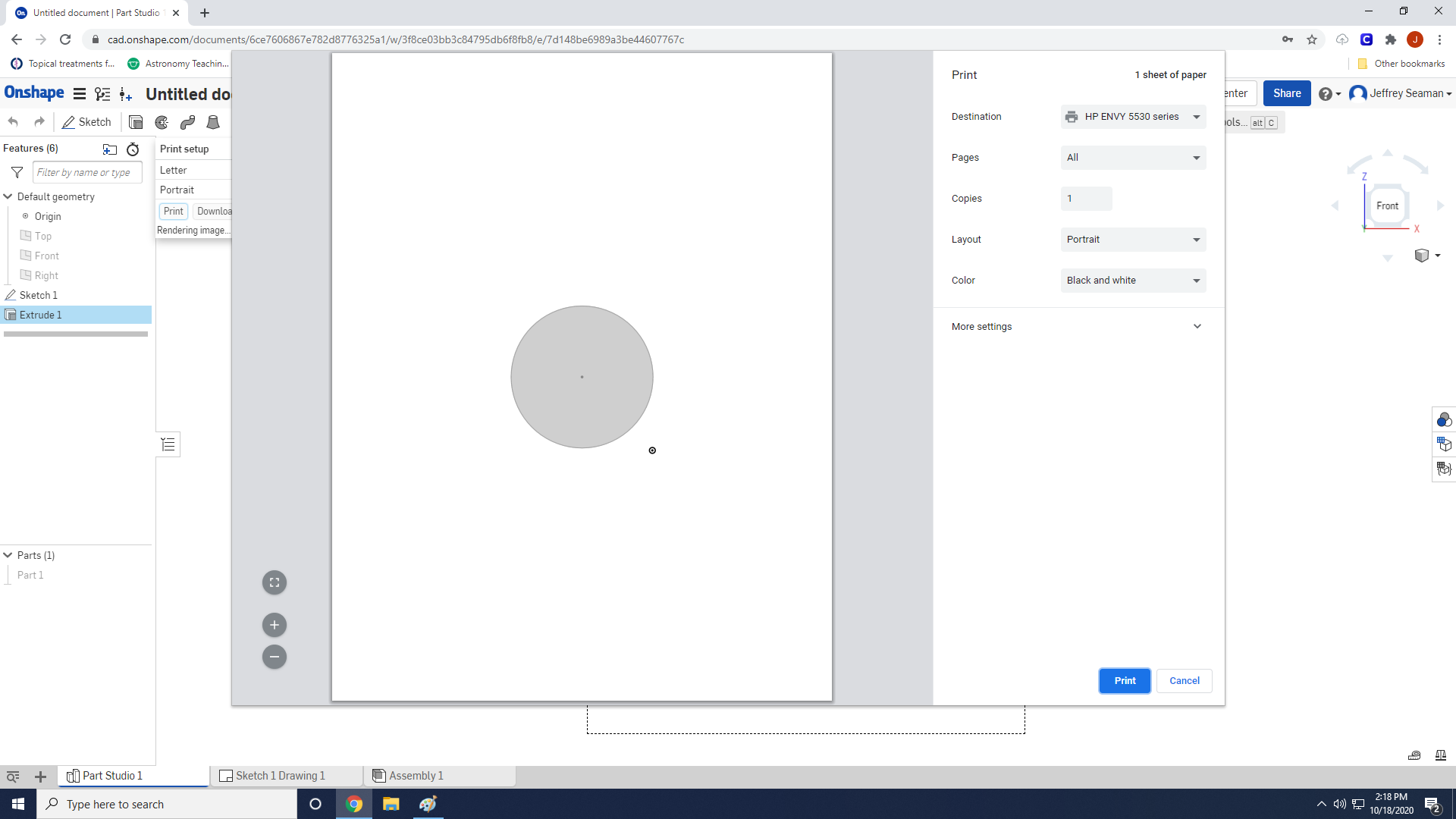
I extruded and it still prints shaded.
0 -
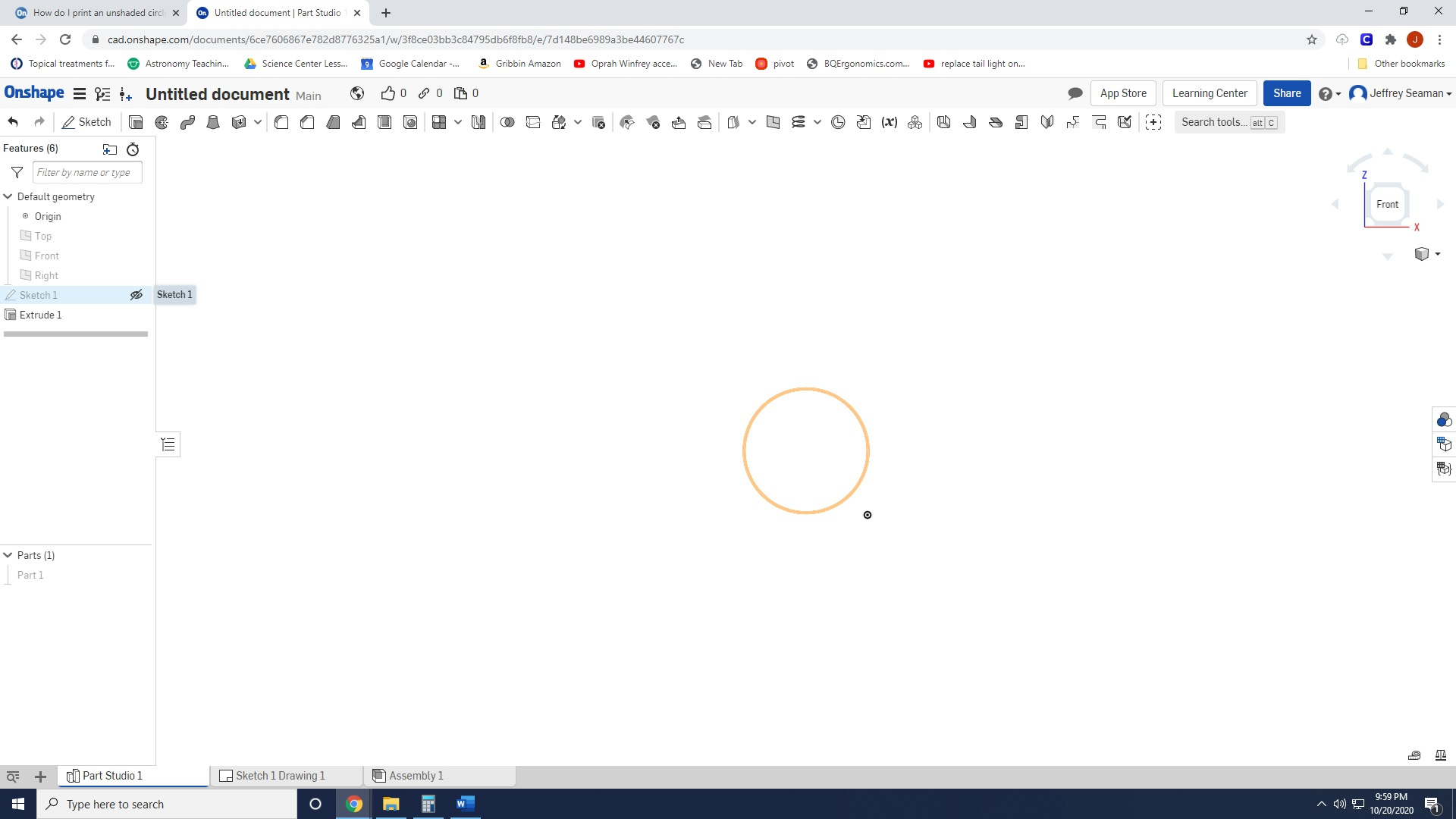
Hide the sketch
Senior Director, Technical Services, EMEA0 -
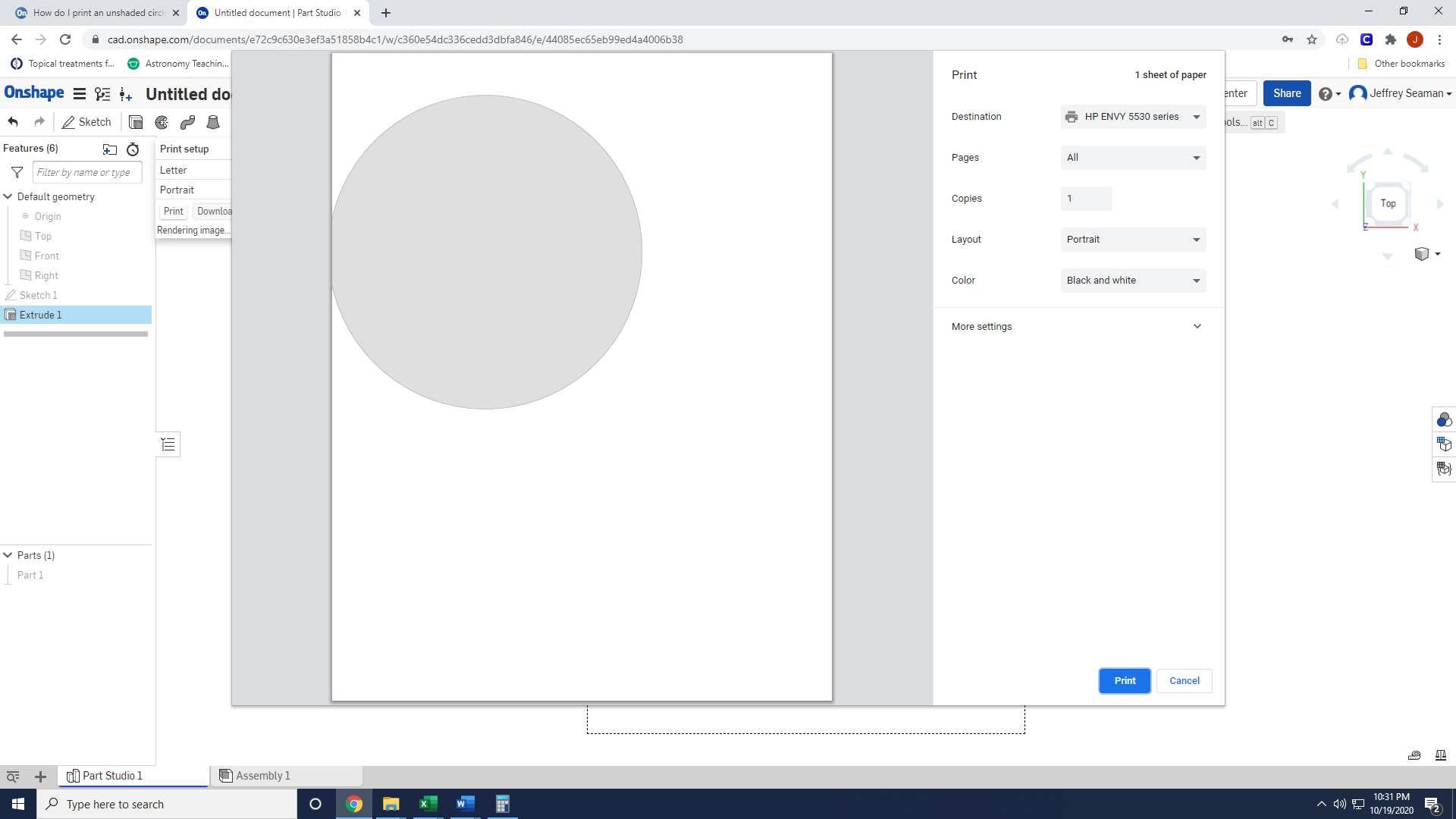
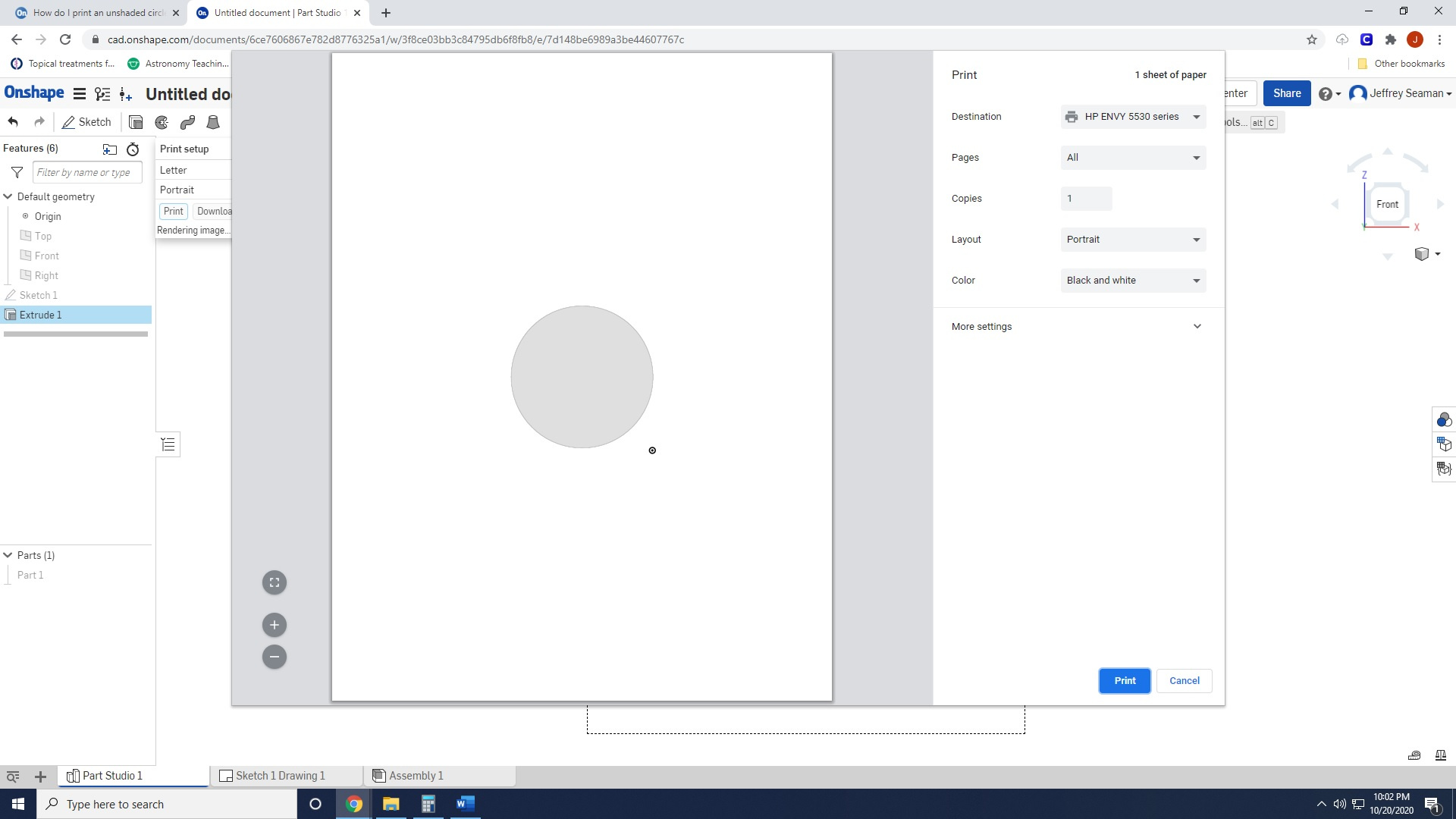
Okay, I made sure hidden edges visible was selected, the I hid the sketch, but it still prints with shading. Please see attached screenshot.
0 -
Print goes from the graphics area, so it's just like taking a screenshot but with higher resolution and an alpha channel. What you probably want is to make a drawing and export that as DXF/PDF or right click the sketch and export as DXF.
Get in touch: contact@alnis.dev | My personal site: https://alnis.dev
@alnis is my personal account. @alnis_ptc is my official PTC account.0 -
go to view cube, choose 'Hidden edges removed'
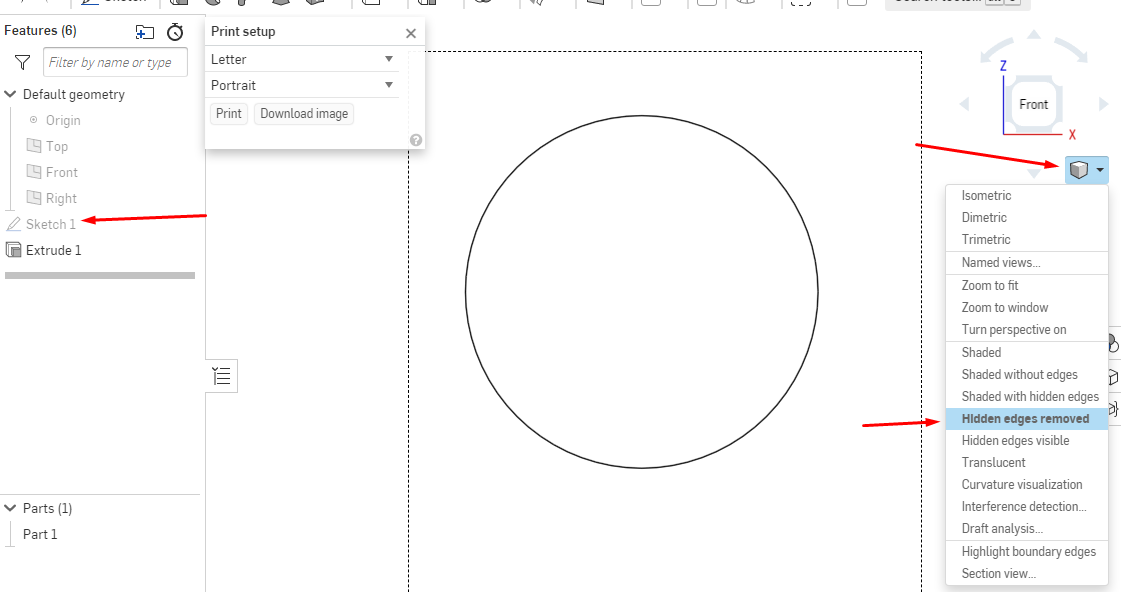 www.accuratepattern.com0
 -
I did those steps but it still prints it shaded.
0 -
It prints what it sees so if you select the solid like you have then that’s how it will print. Press space bar to deselect.Senior Director, Technical Services, EMEA0
-
I thought the selection could be problem but his Screen Shot 4 shows no selection and still shaded.
I have been unable to reproduce the shaded print when sketch is hidden. Not sure what is going on...
@jeff_sea876 this should be easy! you may want to submit to support; they are very helpful
www.accuratepattern.com0