Welcome to the Onshape forum! Ask questions and join in the discussions about everything Onshape.
First time visiting? Here are some places to start:- Looking for a certain topic? Check out the categories filter or use Search (upper right).
- Need support? Ask a question to our Community Support category.
- Please submit support tickets for bugs but you can request improvements in the Product Feedback category.
- Be respectful, on topic and if you see a problem, Flag it.
If you would like to contact our Community Manager personally, feel free to send a private message or an email.
Best Of
Re: How to select the farthest point on an item in a sketch?
make a vertical line tangent to the curve and place a point there.

Re: How to add a 1 mm deep slot in this inside offset around the whole piece
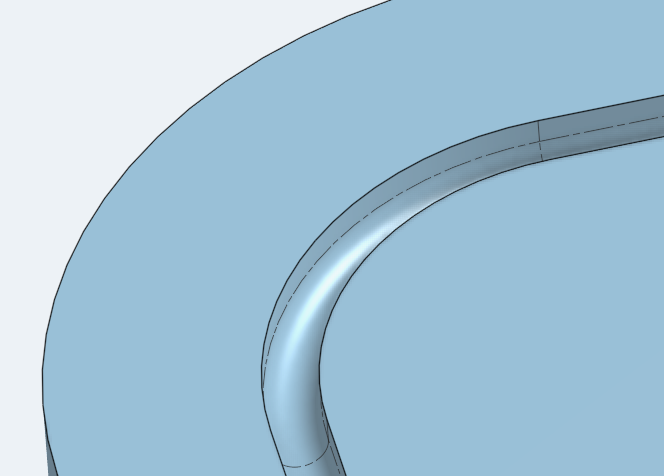
Round gaskets are usually put in square slots. When the gasket is compressed, it expands into the square area.

Re: How to add a 1 mm deep slot in this inside offset around the whole piece
It's one border line to draw in the sketch instead of 2. Easier to sketch and dimension, and more robust with changes.
Re: How to add a 1 mm deep slot in this inside offset around the whole piece
I believe the op is asking for a cut that follows the perimeter and not a full area extrude. You should use thin more often, might save some sketch time.
@pedro_carrizo I believe you mentioned a rounded slot so you'd have to build on martin's suggestion with a full round fillet to get the bottom of the slot rounded. You can also get there with a sweep profile and your path.
 MDesign
Re: Custom Features Collection
as an experiment, I added @MichaelPascoe to a notion database with tags just to see if it was feasible. But I think FS.Place may be the better option for now.
Re: How to add a 1 mm deep slot in this inside offset around the whole piece
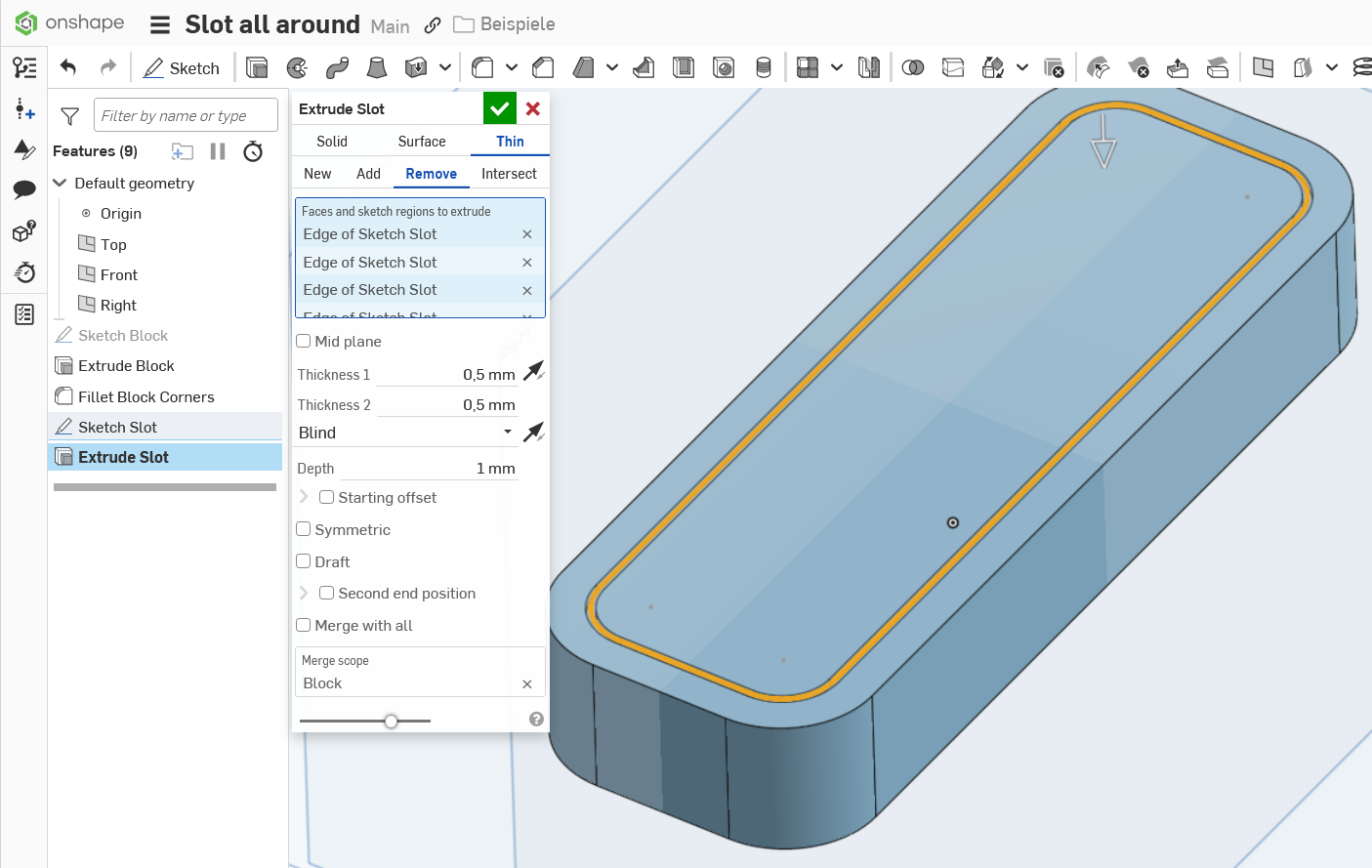
Extrude into the material with the options "thin" and "remove" with a value of 1mm each.

Re: How to add a 1 mm deep slot in this inside offset around the whole piece
@martin_kopplow what's the advantage using thin here and not just a solid remove? I don't really use thin. Maybe I should?

Re: Work with Trackpad on MacBook?
Trackpad isn't ideal (on any laptop) but with a little practice it works for small tasks on the go. I recommend a space mouse. There are compact wireless mobile types available.
One way to move the model is the arrow keys to rotate and pan. Arrow alone makes small rotaing moves. Shift-Arrow makes larger moves, CTRL-Arrow makes super small moves. CTRL-SHIFT-Arrow pans. Zoom should be rather easy on the track pad.
Re: New Custom Feature: EZ Wire
ive rewritten it several times today, but it's stable now, though only for edges at the moment. I need to add back in axes from circles and arcs. And work on the UI, which is not quite where I want it.
Re: DXF / DWG EXPORT UNITS
hopefully! have been caught out a couple times when the laser person tells me this part is tiny lol