Welcome to the Onshape forum! Ask questions and join in the discussions about everything Onshape.
First time visiting? Here are some places to start:- Looking for a certain topic? Check out the categories filter or use Search (upper right).
- Need support? Ask a question to our Community Support category.
- Please submit support tickets for bugs but you can request improvements in the Product Feedback category.
- Be respectful, on topic and if you see a problem, Flag it.
If you would like to contact our Community Manager personally, feel free to send a private message or an email.
Best Of
Re: Pattern on a curved surface.
I think the face pattern is failing because the first bump isn't on the same "face" as the subsequent ones…
I was going to say, probably best to make the bump as a "new" and pattern it as a part, and as Michael says, make the bottom of the bump overlap the main part.

Re: PLEASE explain "externally disambiguated" / "transient" / "robust" / "tracked" / "unstable" ID's etc
Sorry about that. I fixed the original link in my comment now. Period is removed and it works.

Re: PLEASE explain "externally disambiguated" / "transient" / "robust" / "tracked" / "unstable" ID's etc
@christopher_dziuba I took only a brief look at your feature.I see nothing wrong with your code. If you could point out the problem entities, I'll try to figure out what is going on.
 lana
lana
Re: Translating a part leaves sketches, extrusions, etc behind
I added constraints and dimensions to the sketches and moved the first sketch to the origin instead of using translate. Would this work?

Re: Same Part Repeated in BOM
I'm having the same problem as described by the OP, using the frames feature. The frames feature is designed to design the entire structure inside the part studio, which means you end up with a myriad of identical components in the assembly. As a workaround, the BOM table provides Name, Part Number and Description fields that can be edited manually. These can be used to tag identical parts with a certain text string. Then the table can be copied out (three dot menu) and pasted into Excel/Sheets to work out the totals. It's not a great workflow but not horrible either.
There are many parts that necessarily need to be created in a part studio, for example, parts whose geometry depends on the geometry of other parts. Trying to create each part in its own isolated part studio just so each unique parts exists only once and the BOM comes out nice would be far more tedious than using more intuitive approaches and then compiling a BOM manually at the end.
I'm curious how OnShape could implement this. Ideally the solution would not involve manually tagging parts. The software should identify parts that are 100% identical, and group them as being the same part. The moment a tiny bit, anything, of a part changes it becomes a different part.
MannyF
Re: Revolve for a non-symmetrical end cap
You can't revolve if the radius isn't constant. Try sweeping. Apply the wall thickness after this operation, that'll save you a lot of work.

Re: Revolve for a non-symmetrical end cap
Hey @adrian_blood,
It's not so clear to me what you are trying to achieve here, could you share your public document so people can have a look?
Maybe, you can just design your part as a solid body and then use the shell feature with 3mm wall thickness, is that what you need? Cheers

Re: Sketch could not be solved - Maximum size sketch
Breaking things up in multiple sketches is better for performance! It also makes it easier to troubleshoot issues when they come up.
One obvious way to simplify things would be to only draw the centerline! Also replacing "equal" constraints with a variable would remove a whole bunch (the corner radius for example).
If you can share your document and explain what your end goal is we might be able to suggest more specific solutions.
Re: PLEASE explain "externally disambiguated" / "transient" / "robust" / "tracked" / "unstable" ID's etc
This document has some simple illustrations :
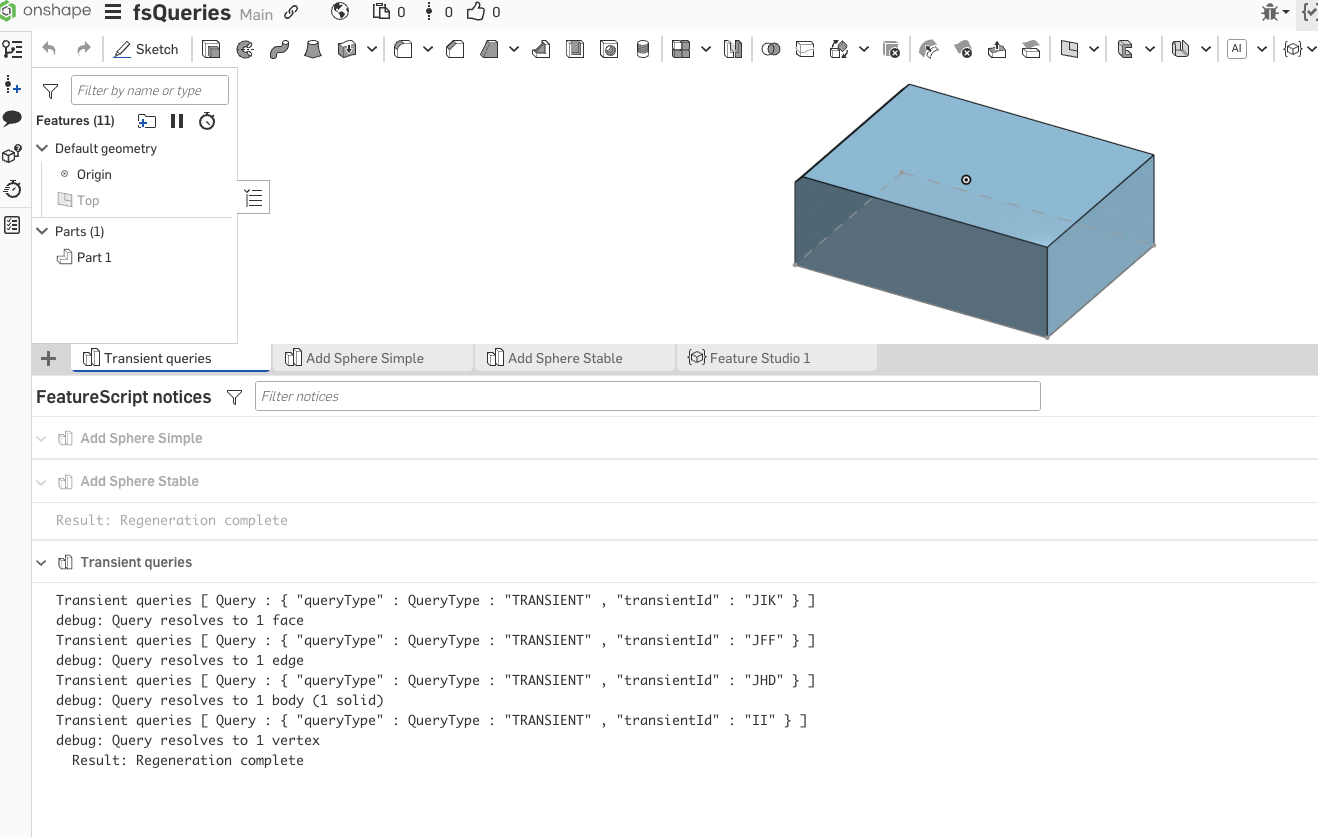
Transient queries are simple handles (transientId field is the important one) which we use to identify topology in current state. They are transient because as soon as something changes, the handles might also change.
Spheres simple and spheres stable illustrate use of forEachEntity ( which is a convenient wrapper for unstable component and external disambiguation) . In simple case red sphere "jumps" if we delete first vertex, in stable case it does not.
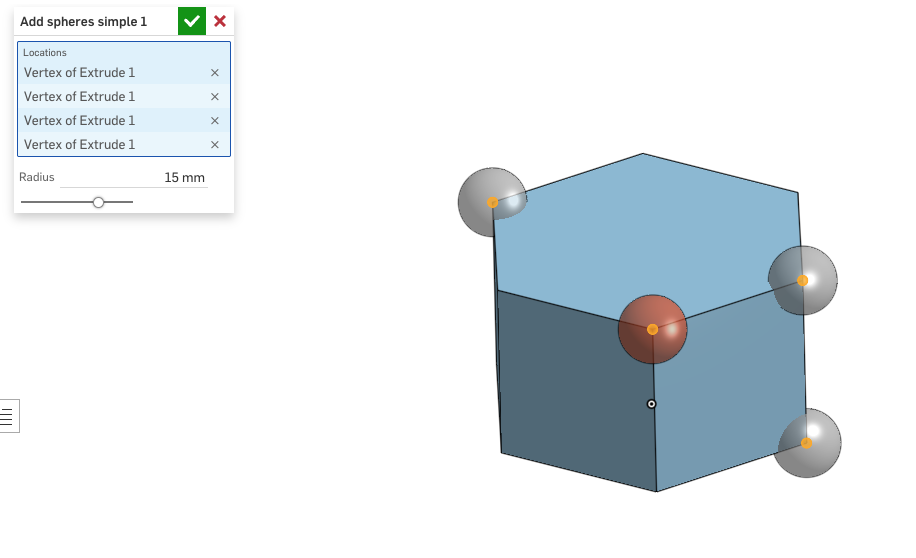
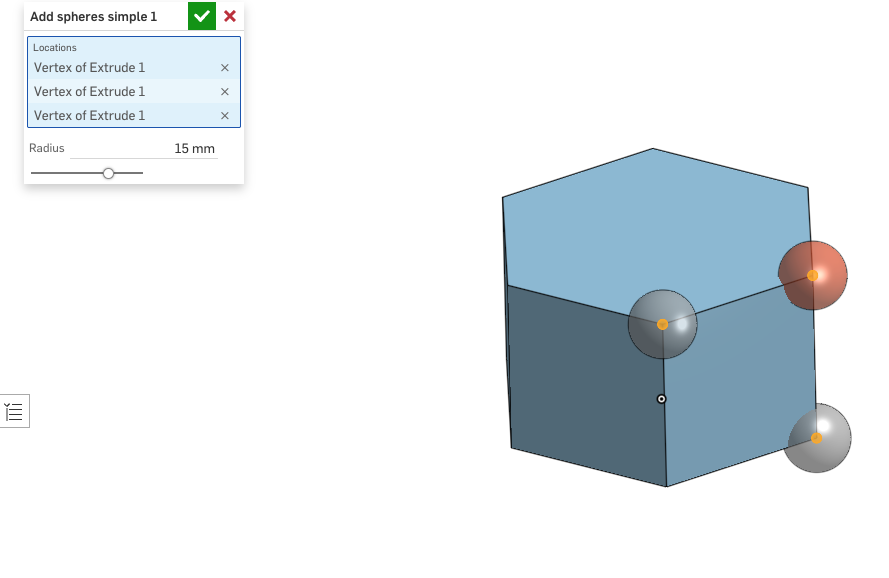
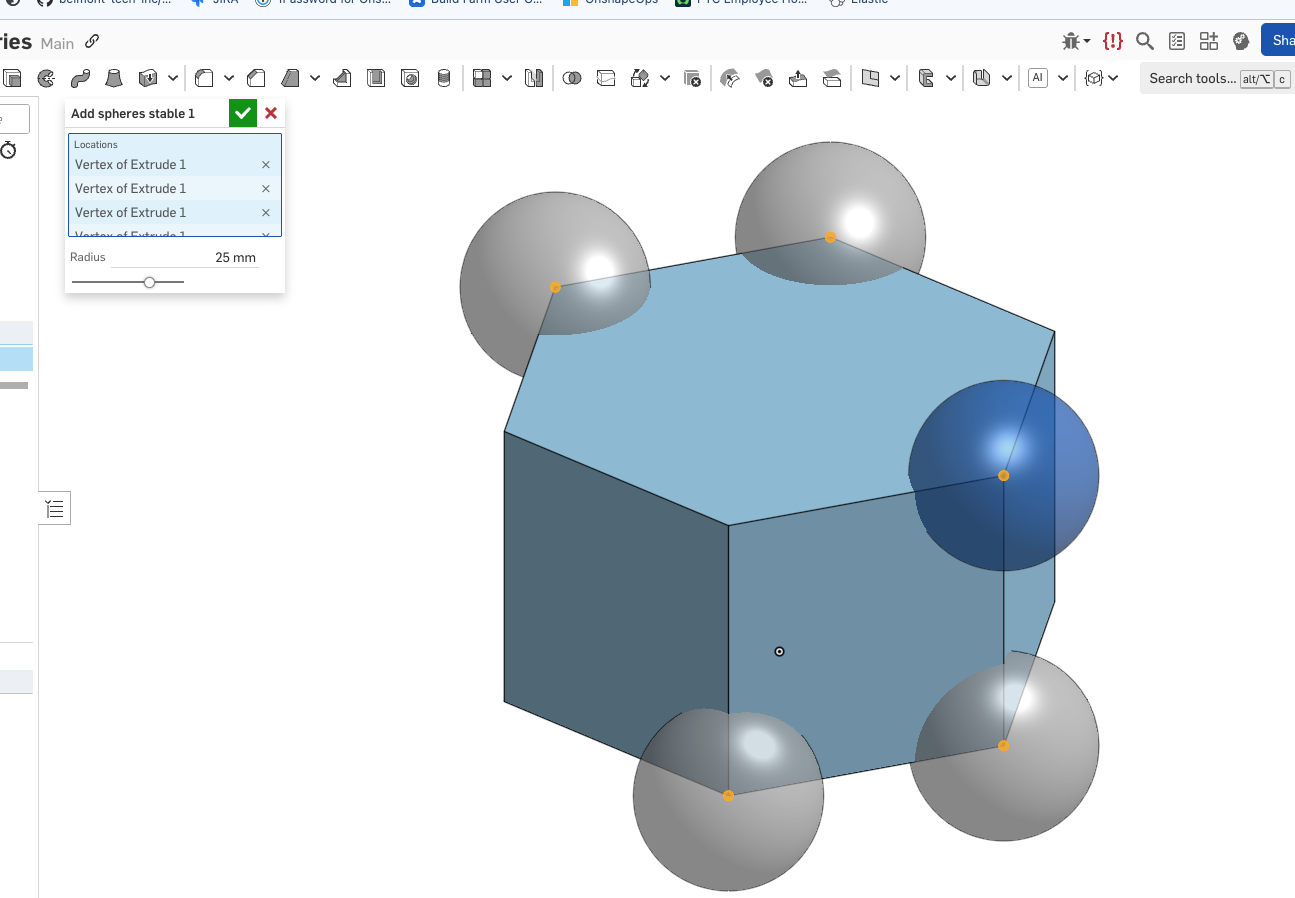
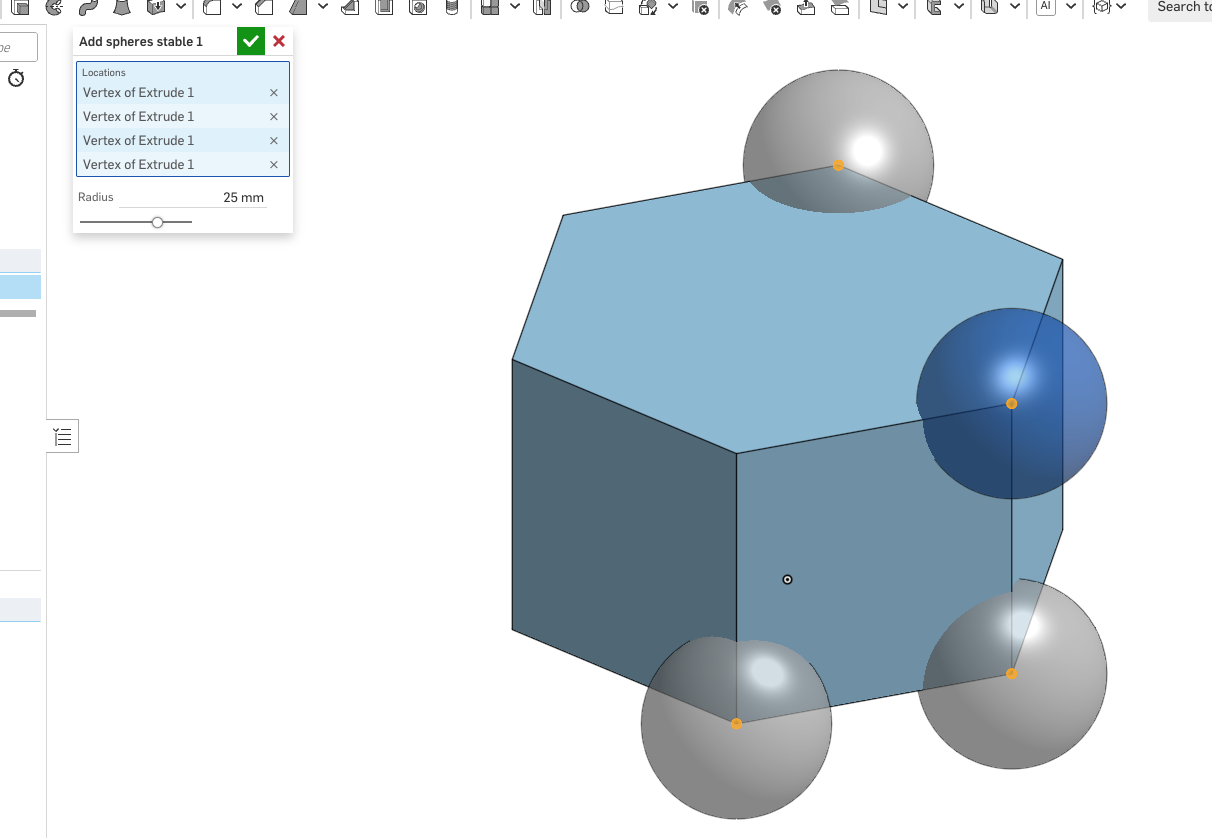
I know - this is short of explaining what is happening internally, but that is a much longer story - I'll come to it later.
lana
