Welcome to the Onshape forum! Ask questions and join in the discussions about everything Onshape.
First time visiting? Here are some places to start:- Looking for a certain topic? Check out the categories filter or use Search (upper right).
- Need support? Ask a question to our Community Support category.
- Please submit support tickets for bugs but you can request improvements in the Product Feedback category.
- Be respectful, on topic and if you see a problem, Flag it.
If you would like to contact our Community Manager personally, feel free to send a private message or an email.
Best Of
Re: Enter inches in mm project?
Agreed that those skills can be learned in CAD, but there is A LOT going on in CAD. I start my students off on the drawing board as they (hopefully) can use a pencil and rule so there is less overhead to learning the fundementals.

Re: Standard Content
If and when we get FeatureScript in assemblies, standard content could - in theory - become a lot smarter.
 S1mon
S1mon
Re: Custom Feature: Gridfinity Bin & Base Generators
you have to go to your Onshape and add the script by clicking the "Add custom feature" button.
Just in case it's useful, I made another version of a gridfinity generator that tries to follow more strictly the gridfinity dimensions. You can find it here, also with instructions into how to add it to your workspace:

Re: Standard Content
Agreed.
There is an auto-size button, that I never think to use, which selects the appropriate fastener for the hole and distance.
https://cad.onshape.com/help/Content/standard_content.htm#StepsD

I assume by "countersunk screws never ever appear to insert into the correct position", you mean that the snap mode isn't doing the right thing? That's annoying.
I was surprised to learn some tricks in this video:
S1mon
Re: New Custom Feature: Bi-Rail Surface
if you have two surfaces, you can just bled between them. Birail and monorail are more intended to be used for creating initial slabs when you have very little to work with, or maybe just scan data

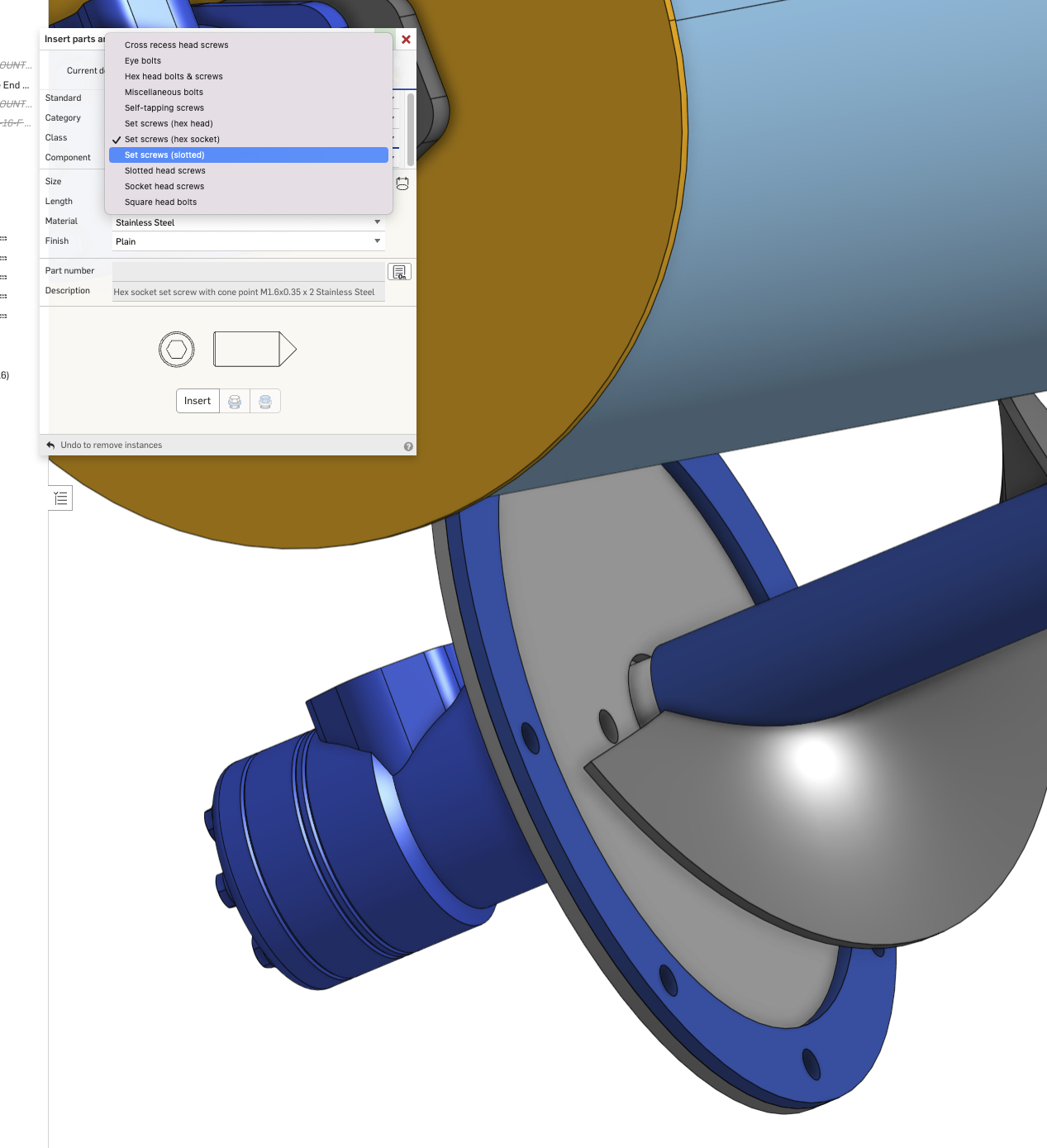
Standard Content
I find standard content extremely hard to use. I want something much more usable, more like a commercial catalogue. What are others using?

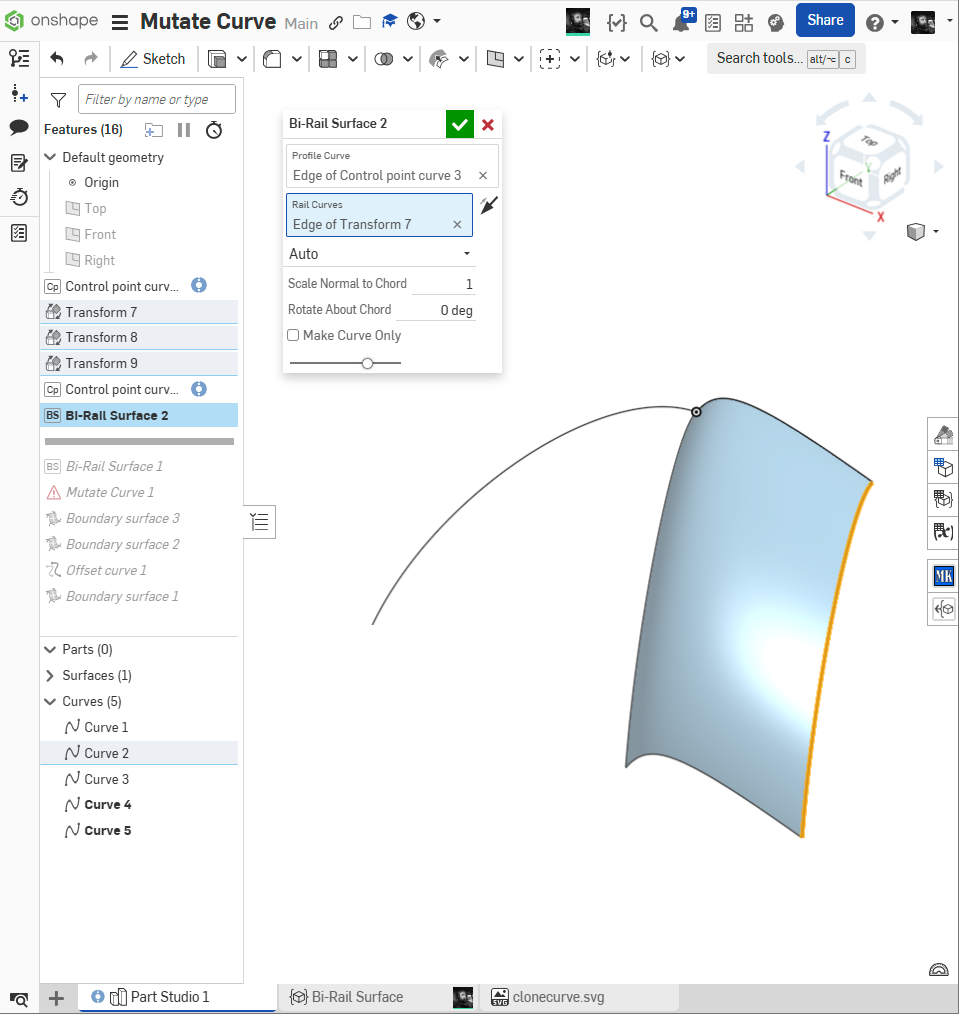
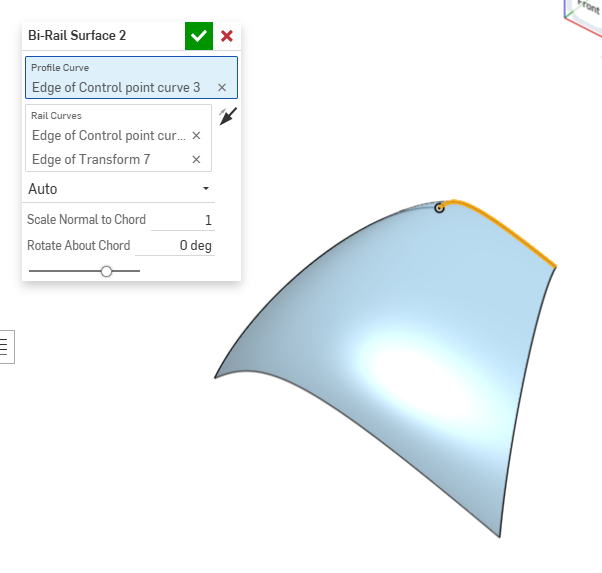
New Custom Feature: Bi-Rail Surface
Like a boundary surface, but with three curves, One Profile and two Rails
https://cad.onshape.com/documents/557b17f88f38ef73de260113/w/847f2ad071cb0e78bd856b1e/e/2815c8e4b818a854ab7b7ed6
Re: Working with meshes
Thanks Billy you have helped me take two more (not just one) steps in the direction of making my meshes useful in Onshape.

Re: Mass Properties Tool is quite painful
I do fully agree with the above.
I'll add one more, though: Auto-highlight all volumes that have no material assigned. Open or refer to a place (BOM?) where this can be corrected in a straightforward manner. Add a default material option for new parts.
