Welcome to the Onshape forum! Ask questions and join in the discussions about everything Onshape.
First time visiting? Here are some places to start:- Looking for a certain topic? Check out the categories filter or use Search (upper right).
- Need support? Ask a question to our Community Support category.
- Please submit support tickets for bugs but you can request improvements in the Product Feedback category.
- Be respectful, on topic and if you see a problem, Flag it.
If you would like to contact our Community Manager personally, feel free to send a private message or an email.
Best Of
Re: Improvements to Onshape, May 15, 2026
Oh boy! Boss is gonna like the annotation haloing let me tell you!

Re: Improvements to Onshape, May 15, 2026
Mate connectors via mate connectors is a huge quality of life improvement.
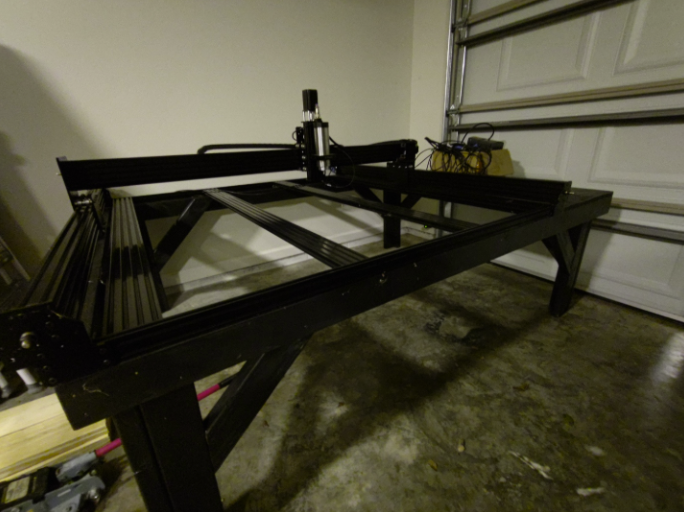
Looking forward to testing out CAM Studio again with all these improvements. Finally finished the base for my WorkBee!

Re: Having the legend "question" above the box where you want a title is .... not good.
This is where the breakdown is happening. Design Spark is a direct modeling tool, whereas Onshape is a parametric-based program. Think of it more like Fusion 360 or SolidWorks vs Design Spark seems more like Rhino or Sketchup. If you've never used parametric CAD programs, then it would make sense that you're not used to it.
I have my obvious biases, but I'm not gonna tell you which one is better or worse. You just need to get over the initial growing pains of learning a new CAD tool.
That said, this is what I actually used to learn Onshape, coming from 10+ years of Inventor Fusion and SolidWorks combined. It's a K-12 learning set of written tutorials with GIFs.
https://learn.onshape.com/learning-paths/intro-to-cad
 ry_gb
ry_gb
Re: Improvements to Onshape, May 15, 2026
@CADNurd You have a valid argument. Mate connectors have been that way since the beginning trying to get you from here to there. Understanding them is difficult because they are really 3 transformations combined into one. I can't justify them, but I do use all 3 at different times.
With this new referencible scheme, you can create any transformation stack you want. Most of the 3 built in transforms will be identity matrices and should be removed. If you don't check the realign, move or rotate, they shouldn't exist at all in the stack.
Why care? Speed. Every transformation is a matrix multiplication and it takes time.
 billy2
Re: Schematic Internal Threads
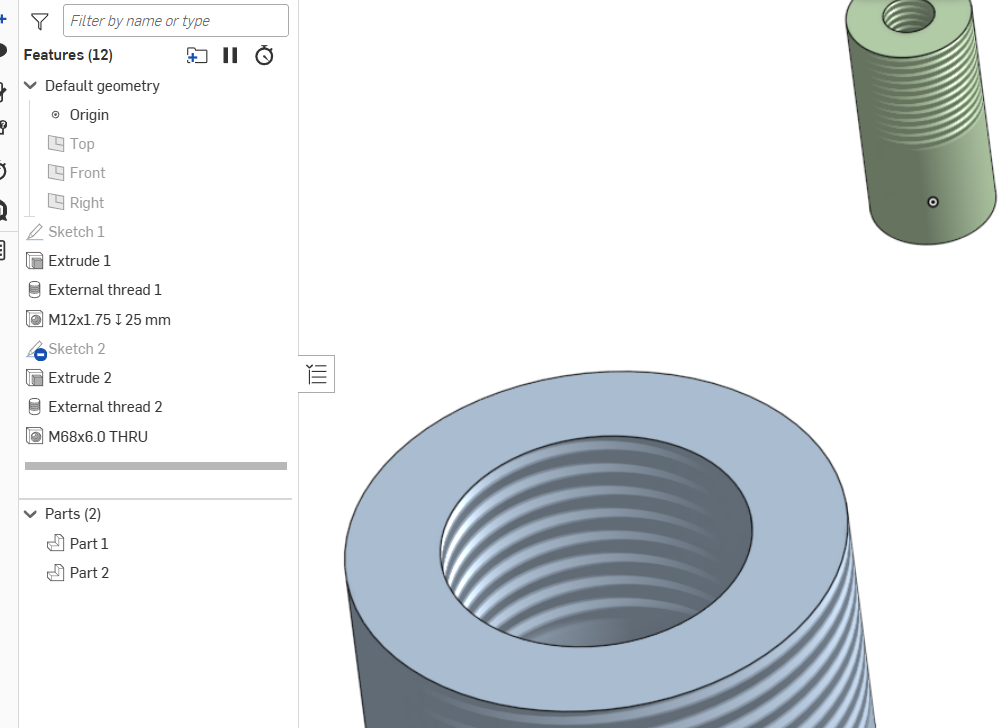
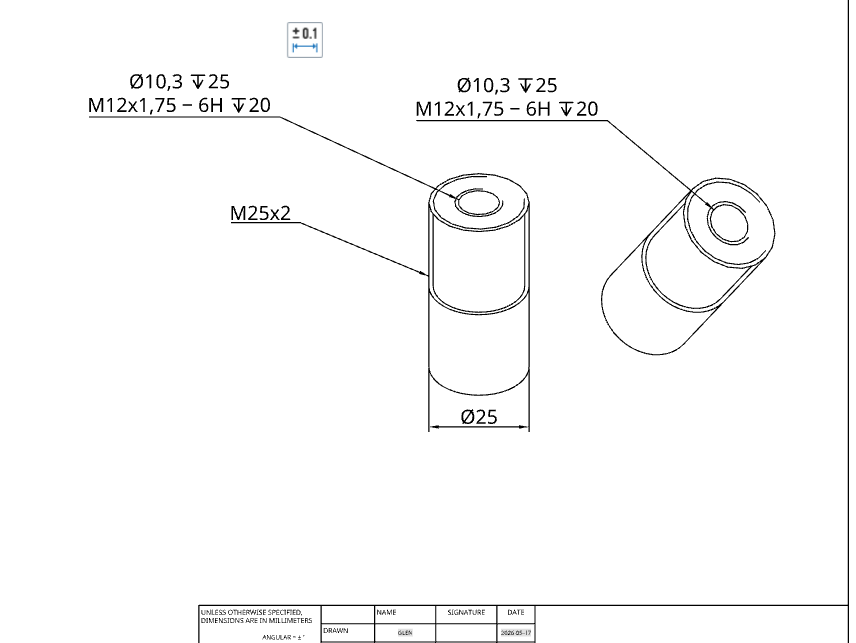
I see what's happening. The hole tool thread selection ends at 68-2.
There are some feature scrips that allow more options but you'll have to do a search through the previous posts. If you are unable to find then add your vote to previous enhancements requests.

Re: How to remove several constraints at a time?
 shawnrw