Welcome to the Onshape forum! Ask questions and join in the discussions about everything Onshape.
First time visiting? Here are some places to start:- Looking for a certain topic? Check out the categories filter or use Search (upper right).
- Need support? Ask a question to our Community Support category.
- Please submit support tickets for bugs but you can request improvements in the Product Feedback category.
- Be respectful, on topic and if you see a problem, Flag it.
If you would like to contact our Community Manager personally, feel free to send a private message or an email.
Best Of
Re: Can robust complex surfaces be modelled.
@MichaelPascoe updated the thread so there's a link at the top, I just realized my first link in that post was to the old query explorer which isn't the most helpful thing for discovery lol

Re: Can robust complex surfaces be modelled.
@MichaelPascoe You can leverage the qAdjacent filters in my latest iteration of Query Variable+ to march across a selection and grab new vertexes, edges, or faces that might not get grabbed by re-evaluating a standard query variable. I'm planning to add other functions like the distance or size queries to this feature so that they can be combined with features already integrated like the qGeometry filters to push query variables into that truly adaptive category for cases where the entire seed might change or disappear.
Like hypothetically if someone had a part studio that switched between a dozen configurations of import geometry and wanted to make stable mate connectors and references to faces in an assembly when they switch configs.
Re: Improvements to Onshape - October 10, 2025
Absolutely agree. This enterprise-enterprise connection is very unfortunate. Does not adress the required use case to work with external contractors at all.

Re: Can robust complex surfaces be modelled.
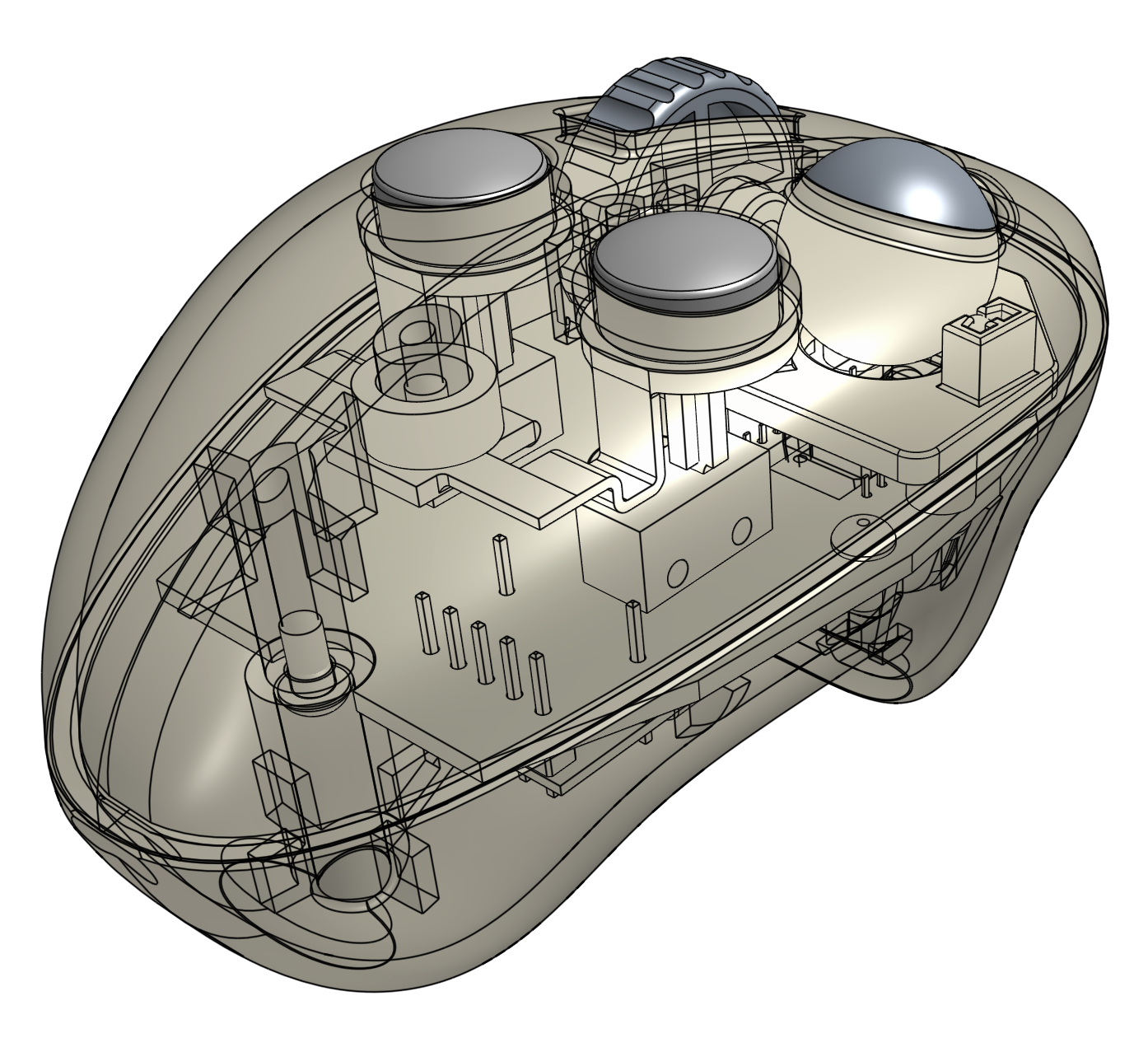
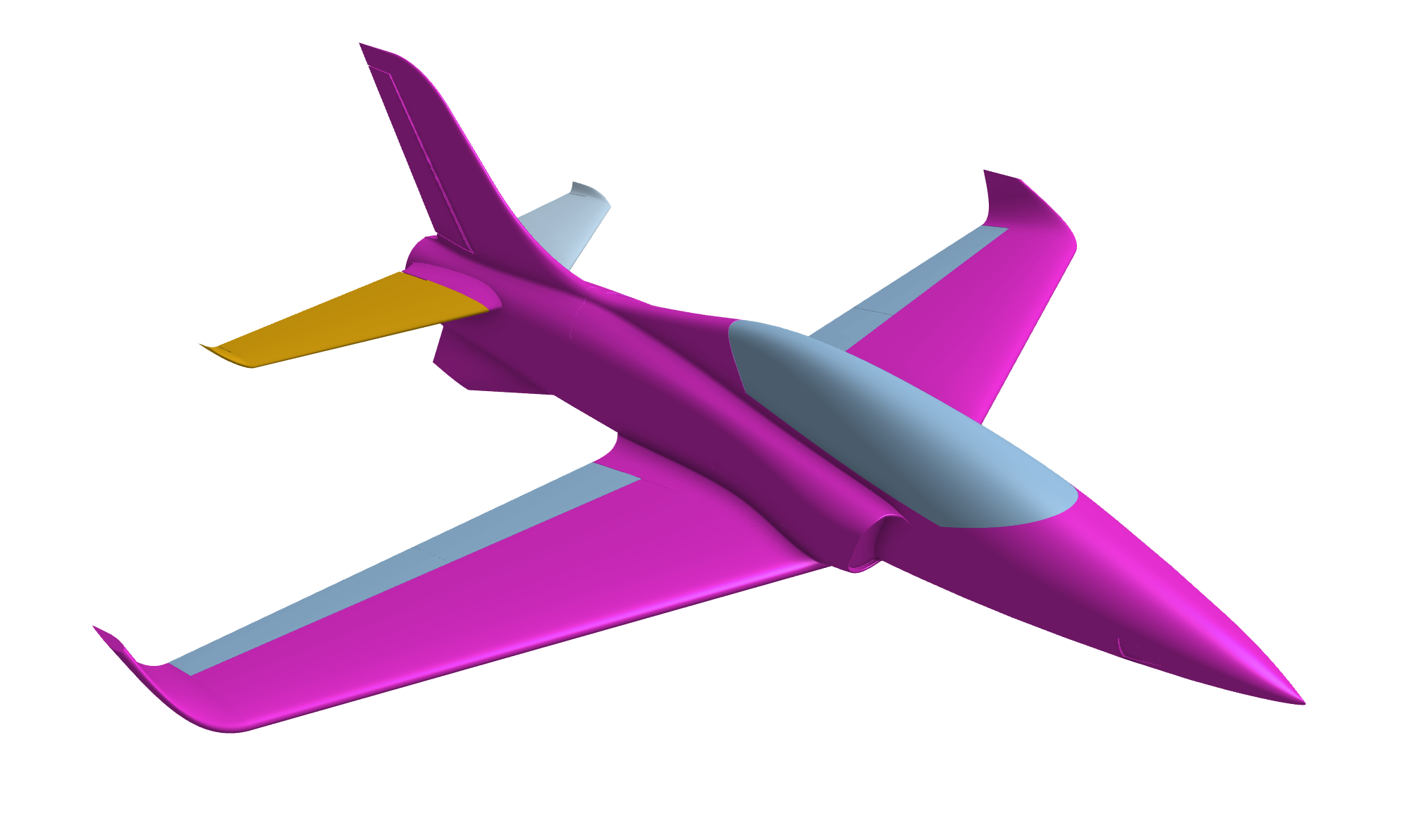
The short answer is yes. I have seen some amazing examples of complex and robust surface modeling from the Onshape Forums and from Onshape commercial customers. Complex surfaces are defined by curves which are in turn defined by parameters. The underlying math of how the surfaces are formed is complex, but it isn't random.
There are some good examples in the surfacing courses in the Learning Center.
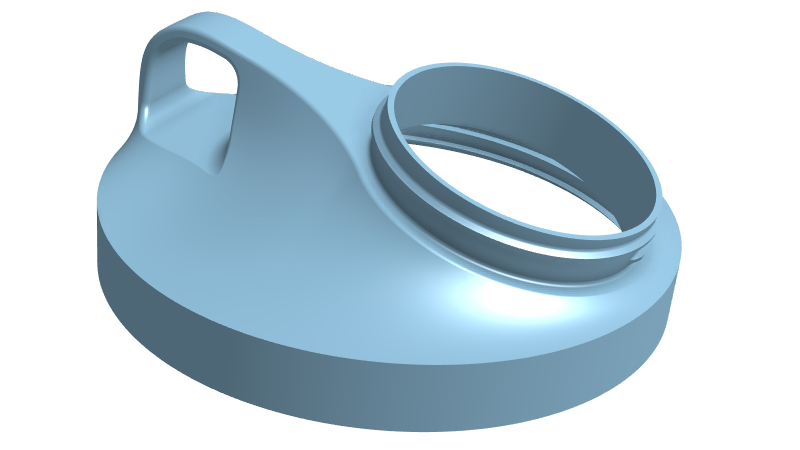
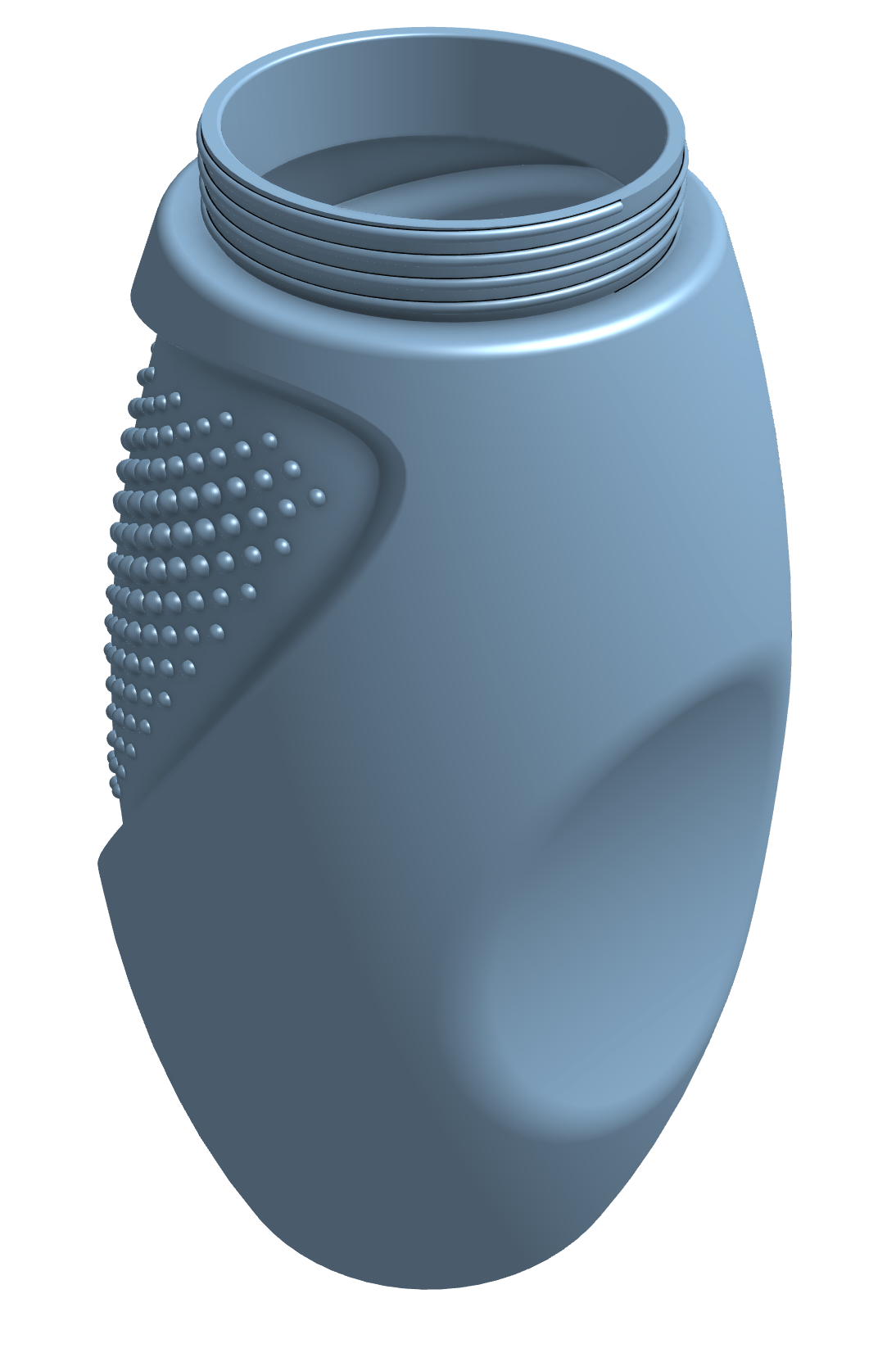
Maybe not a laundry detergent bottle, but here is a very cool bottle from Evan Reece.
I also love this video:
Other examples:

any "unique sculpting" scripts?
I've been on the lookout for scripts that can add "uniqueness" or "life" to some models.
To explain my question:
This is "wood grain" script (mainly used to "show" that a part is "wood-like") But if you don't use it for its "Intended Purposes" you can make intresting models…
If you know any script that have such possibilities, please write their name 🙏🏼


Re: Extrude depth angle
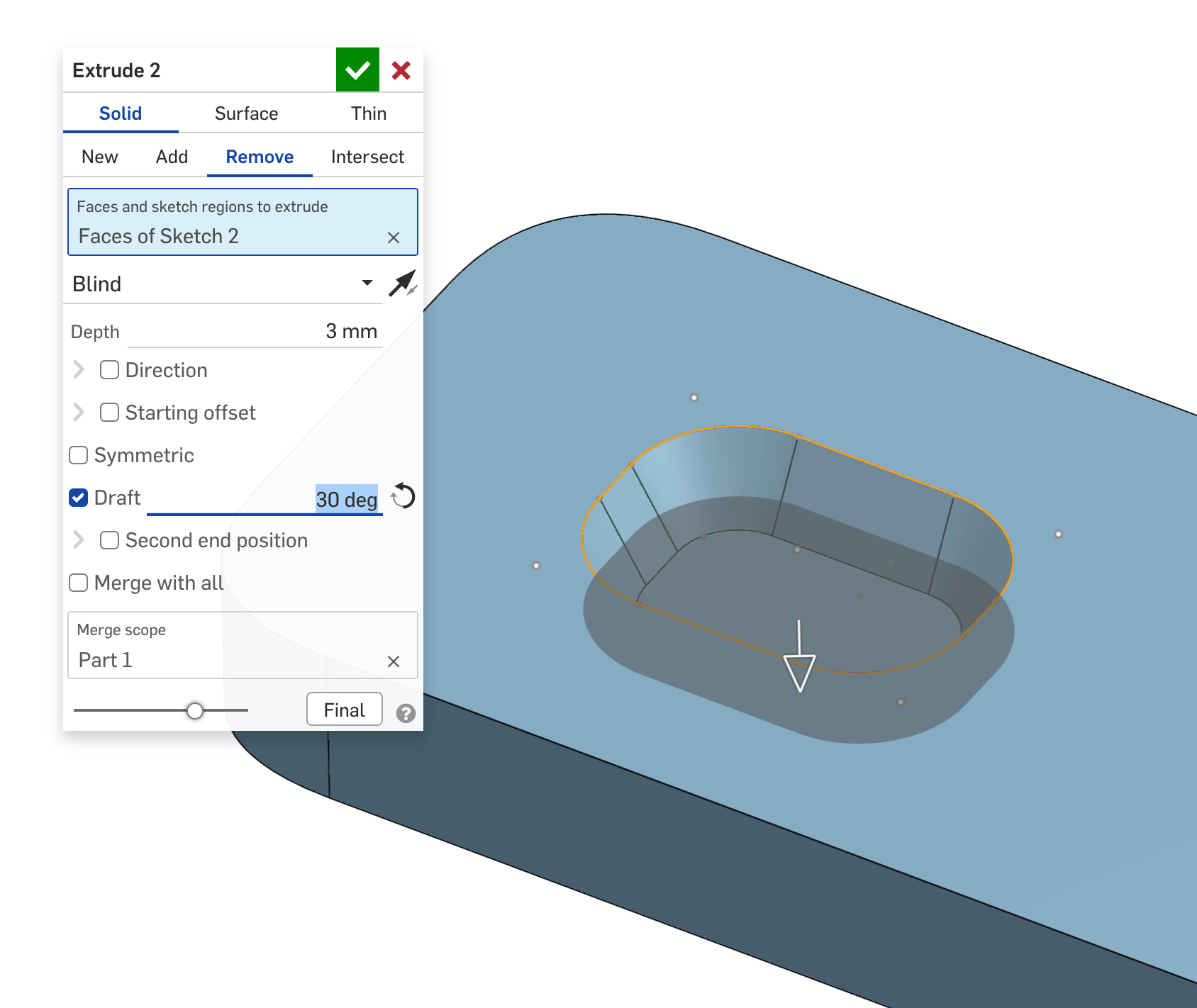
I think what you need is 'Draft' which is an option in the Extrude Dialogue window. Click the curved arrow to reverse the result
 GWS50
GWS50