Welcome to the Onshape forum! Ask questions and join in the discussions about everything Onshape.
First time visiting? Here are some places to start:- Looking for a certain topic? Check out the categories filter or use Search (upper right).
- Need support? Ask a question to our Community Support category.
- Please submit support tickets for bugs but you can request improvements in the Product Feedback category.
- Be respectful, on topic and if you see a problem, Flag it.
If you would like to contact our Community Manager personally, feel free to send a private message or an email.
Best Of
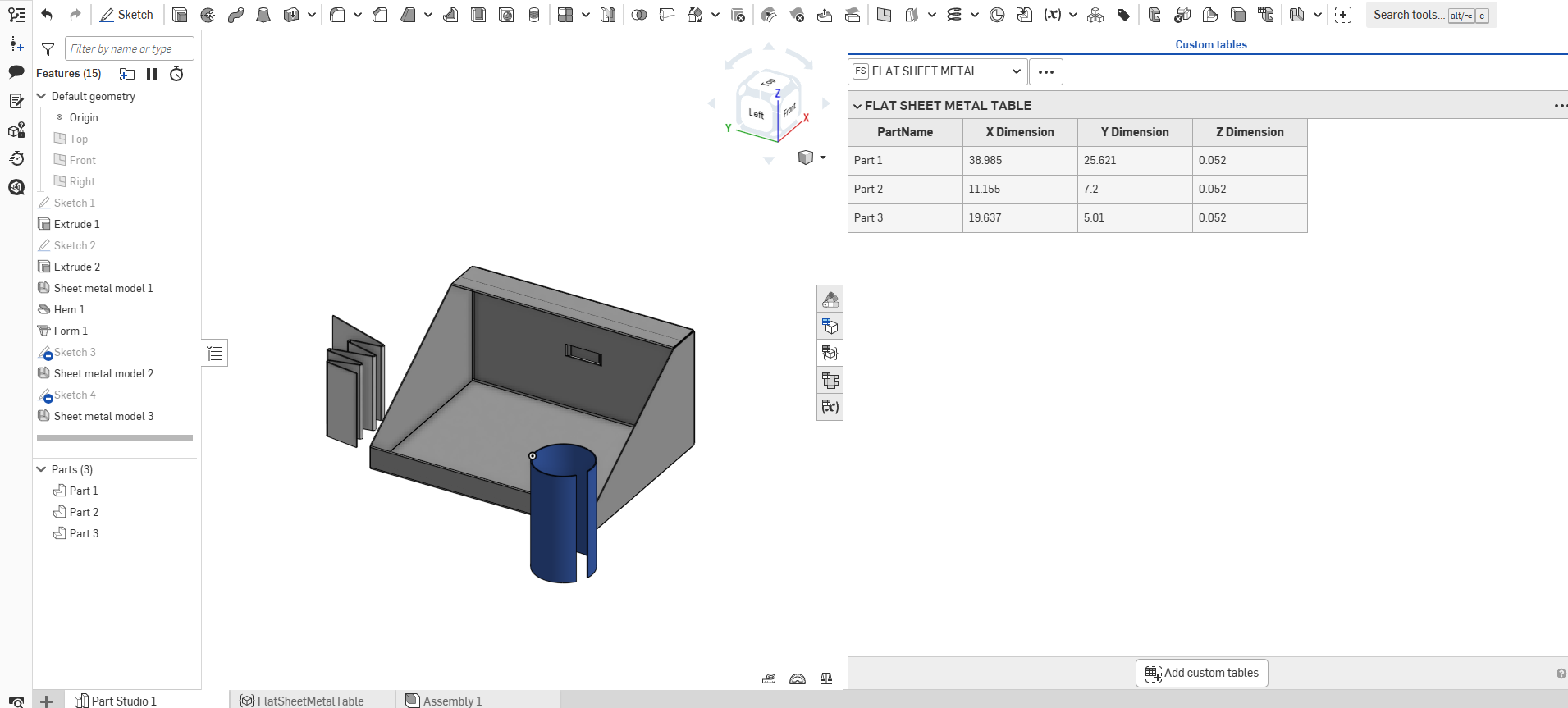
Custom table (FeatureScript) for Flat Dimensions of sheet metal parts in a Partstudio
https://cad.onshape.com/documents/5034c5130071ba379c79c5d0/w/c884b8a4fb6436460ae29e0c/e/364b16ed56555282bcb85297

Exporting Onshape Assembly as Independent HTML file
Hi everyone,
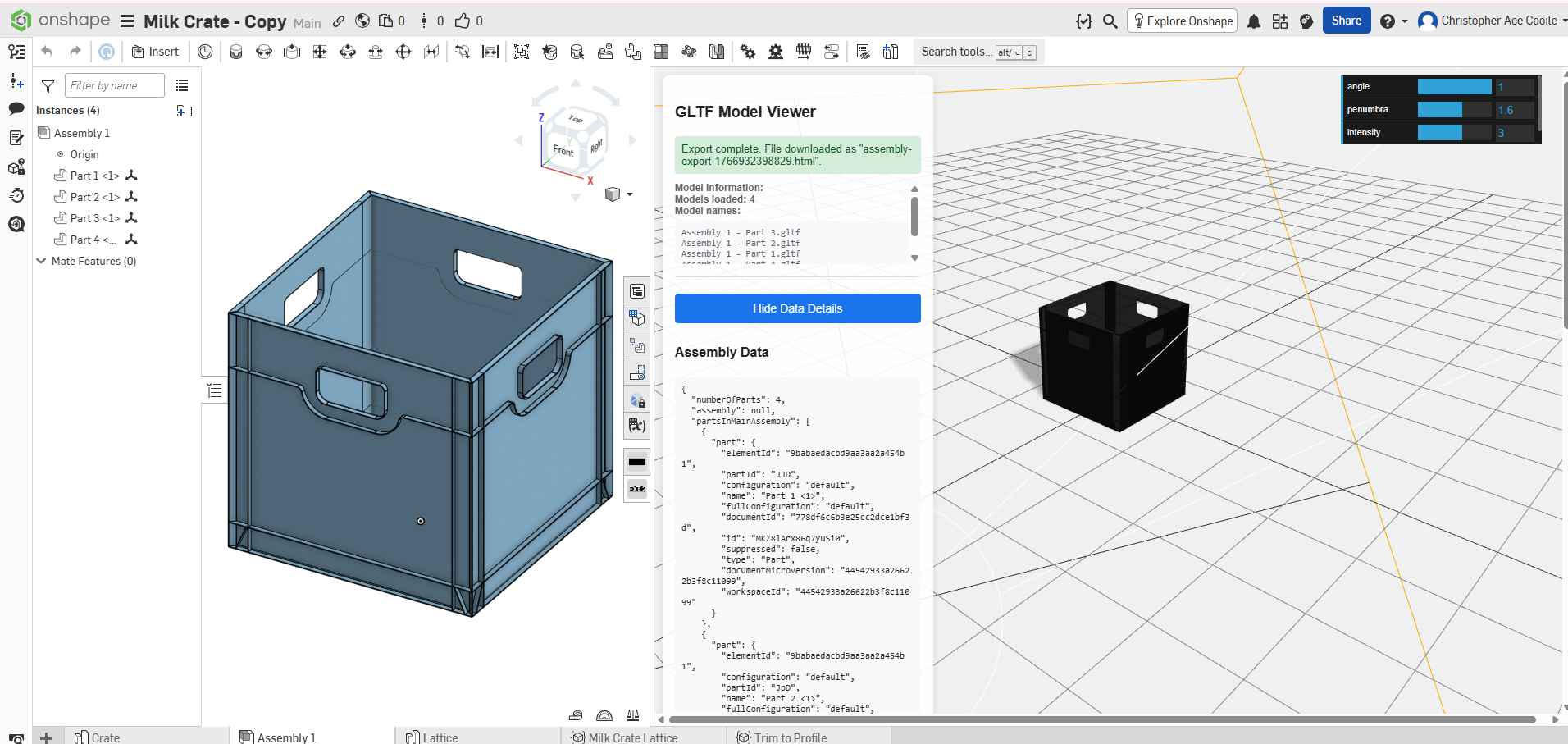
Just wanted to share a project I've been working on. It exports an Onshape assembly into a self-contained HTML file.
The extension embeds the GLTF geometry (and in my use case, assembly metadata) directly into the HTML, so it can be opened by anyone, without an Onshape account, and even offline.
It behaves like a lightweight 3D viewer — you can rotate, inspect, and interact with the assembly in a browser, with no external dependencies.
Re: How Does Surface Text Know Where a Circle Starts and Ends and which way is up?
@jnewth beat me to it! This question actually goes pretty deep so I thought it was a good reason to finally make a video about curve parameterization. See if this answers it..

Re: Custom Feature: Gridfinity Bin & Base Generators
Did I miss this somewhere? What about the clips?
 NAE
NAE
Re: How to revolute between two circular faces?
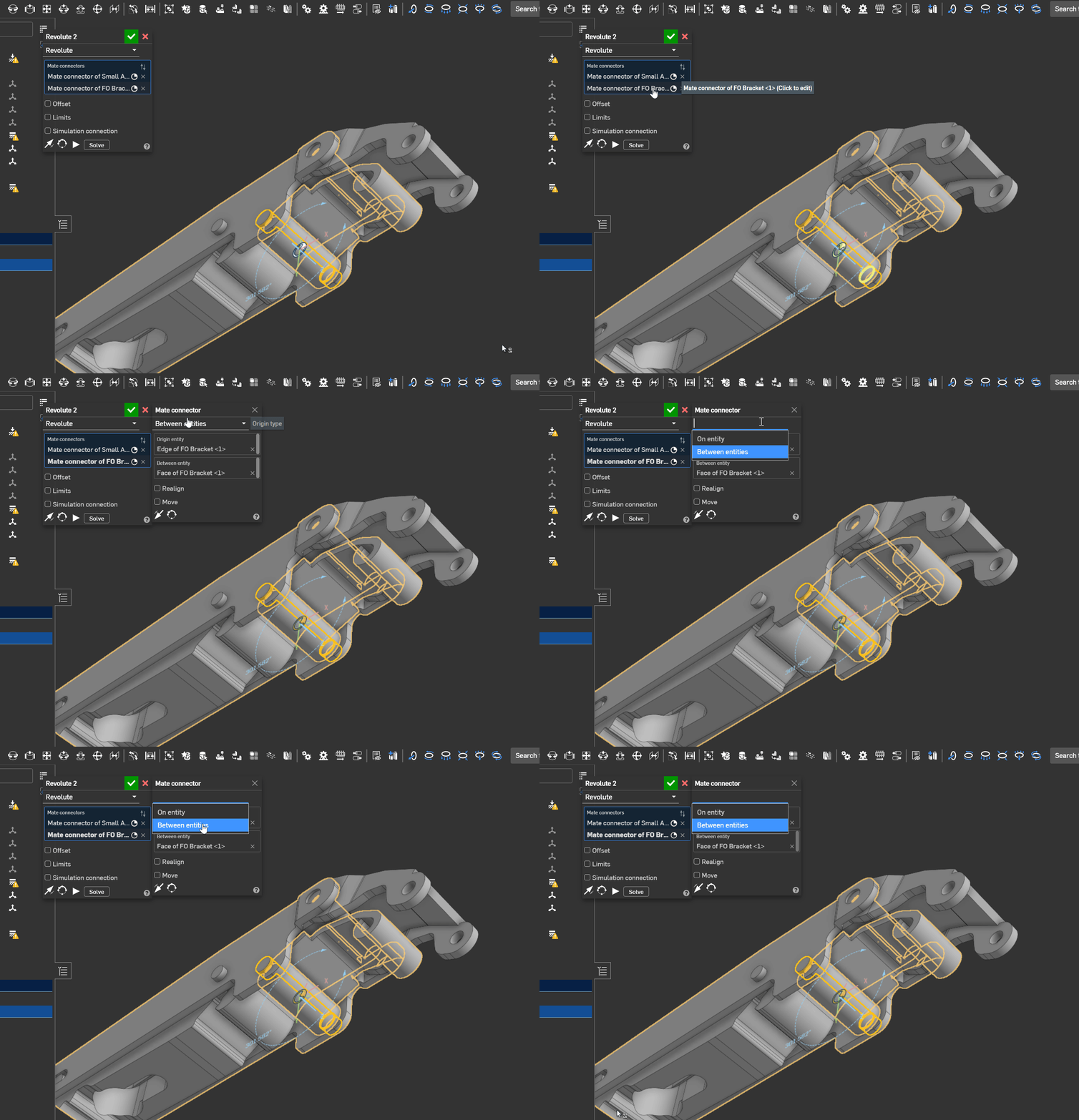
I found it…..It was hiding. See gif and demo video link:

Re: Assemblies - I would love to see planes in assembly mode - what am I missing??
It's well worth the effort to learn working with mates. I went through the same issue when transitioning from other CAD programs, but in a relatively short period of time I got used to OS methods and havent looked back. The mate connectors are quite flexible once you get used to them and require less input and less mates than previous CAD. You won't miss having default planes.
https://cad.onshape.com/help/Content/mateconnector_a.htm?Highlight=mate%20connecter

Re: JOIN PARTS WITHOUT LOSING EACH PART'S APPAREANCE?
Also the resulting boolean will keep the properties (part name, appearance, material, description, etc...) of the first thing you select for the boolean operation so you can use this to your advantage, in this case select the black housing first (and apply face appearances to the faces of the button and contacts first)

Re: Assemblies - I would love to see planes in assembly mode - what am I missing??
If the left and right side structures of your grow chamber are symmetrical, I'd recommend reflecting that in your assembly structure. Only design the right side insert that, and then apply assembly mirror to the whole side frame subassembly, instead of individual parts. That'll get you around lots of confusing dependencies. In-context design would then happen only inside the side frame subassy, and not interfere with the top level assembly mirror.
