Welcome to the Onshape forum! Ask questions and join in the discussions about everything Onshape.
First time visiting? Here are some places to start:- Looking for a certain topic? Check out the categories filter or use Search (upper right).
- Need support? Ask a question to our Community Support category.
- Please submit support tickets for bugs but you can request improvements in the Product Feedback category.
- Be respectful, on topic and if you see a problem, Flag it.
If you would like to contact our Community Manager personally, feel free to send a private message or an email.
Best Of
Re: Is anyone using CAM Studio Yet? I'm having a challenging time.
I feel like the UI doesn’t feel like OnShape at all. It’s completely inconsistent compared to the OnShape UI. With HSM Works for SolidWorks, that was exactly the great part—it was an add-on that blended seamlessly into the UI and felt like it was natively part of SolidWorks!
By now I’m a convinced OnShape user and I think the software and the whole philosophy behind it are fantastic! So please don’t get me wrong—OnShape is great, but Cam Studio is still far from being truly usable.
 Fladdie
How to hide the frame and name of a sketch in the workspace?
What I find annoying is that you cannot hide the rectangular frame and name of the active scetch in the workspace.
When I do such 2D drawings I always hide the main planes (front,...) so they do not disturb me.
It would be helpful to add a small checkbox in the "sketch feature window" (see picture attached) which hides this frame and name.
If there is any other way the hide it please give me a hint.
Re: How to remove several constraints at a time?
For anyone finding this years later you can now open the constraint manager from the sketch diagnostic tools which will let you select sketch entities and then their constraints and delete all.
Re: Enclose Surfaces Question
BY JOVE, I THINK I'VE GOT IT! Thank you for guiding me along this path (pun intended). I added in a longitudinal guide for the individual lofts at the shoulder and the problem resolved in that area. I think I'll add another guide and I'll have a pretty reasonable surface. I still wish I could get the End Profile Conditions to work without erroring.
Zebra Curves don't look so great but at least I don't have distinct edges between my lofts along the shoulder where I added the shoulder guide any longer. I will try the last guide piercing my curves and see if that finally cleans it up. It would work as is, but I have to keep trying to get it clean.
Thank you folks, this is a great community!

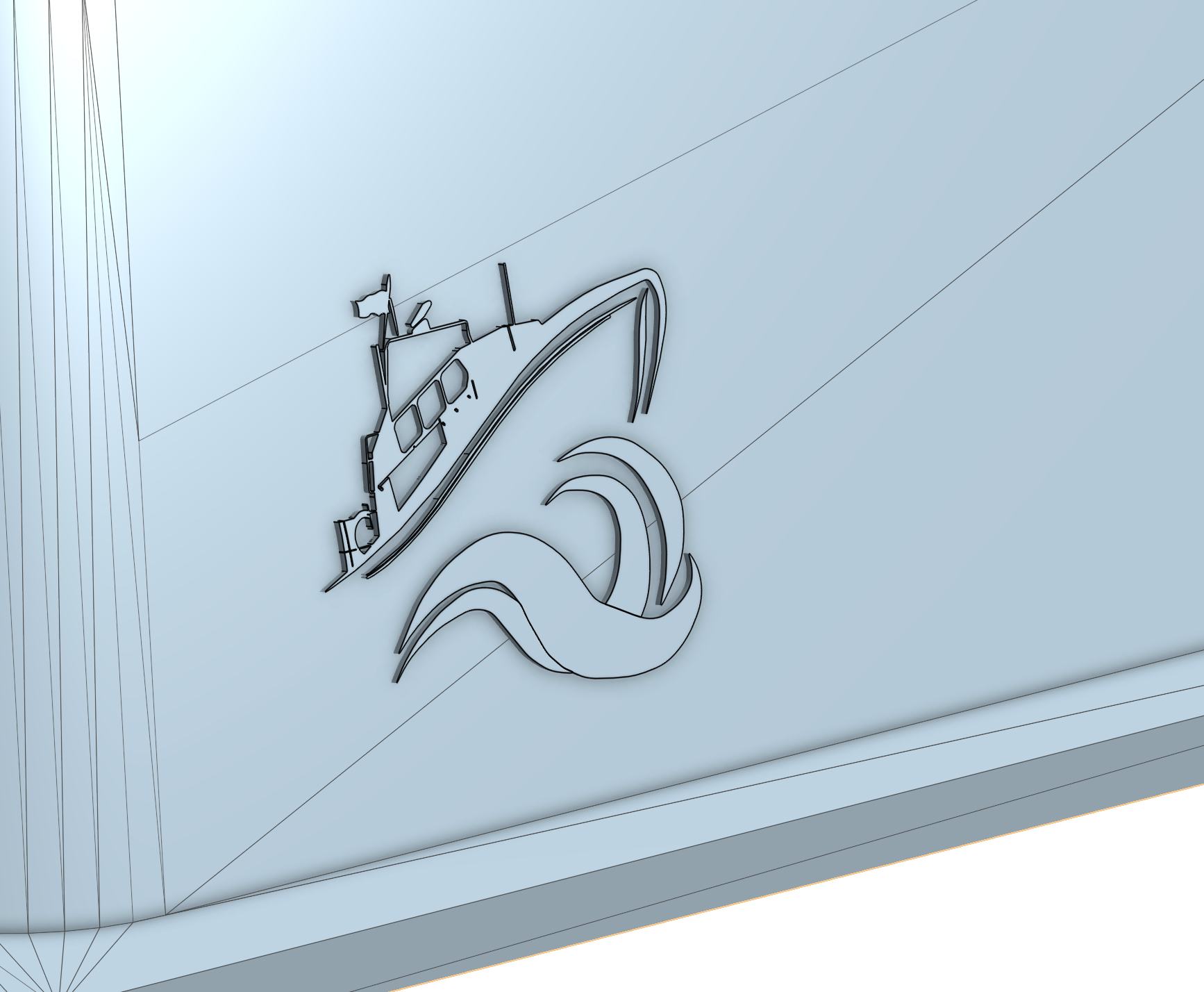
Re: New and Stuck with getting logo on a angled surface
There are some issues with your approach, but I think you can get to something workable anyway. I created a plane and moved your image trace there. It isn't working to boolean the parts together I think because the trace is fairly wonky, BUT if you don't mind the logo protruding instead of cutting away, this doesn't really matter as you can export and print as a single stl even if they're not merged here. You could possibly even subtract one part from the other in your slicer after the fact and it might work since it's doing very different math than Onshape needs to.
https://cad.onshape.com/documents/46f1ad47a3ebd866ca2d3536/w/8c57b9873c4afd22586d345b/e/46a232b1814a16a257655076

Re: curve meeting edge, but not a fillet
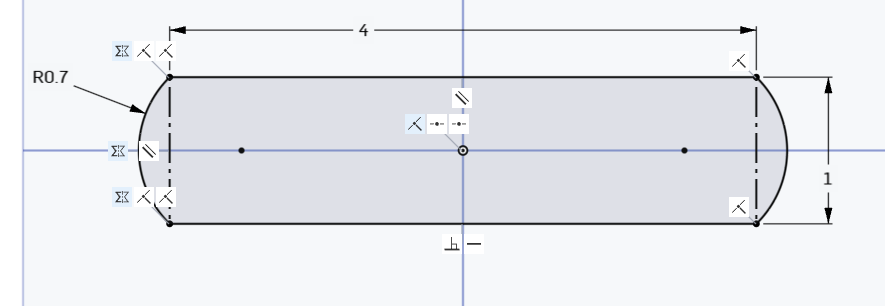
A centered rectangle and a couple of 3 point arcs (mirror first arc to save time and easier to update) will get you there. Make the vertical line construction.

Re: Simulation
Have you taken this Learning Center course?
Should be pretty technical and workflow-focused. Unless that's the one you found to be too salesy.
You can also go through the youtube playlist here:
