Welcome to the Onshape forum! Ask questions and join in the discussions about everything Onshape.
First time visiting? Here are some places to start:
- Looking for a certain topic? Check out the categories filter or use Search (upper right).
- Need support? Ask a question to our Community Support category.
- Please submit support tickets for bugs but you can request improvements in the Product Feedback category.
- Be respectful, on topic and if you see a problem, Flag it.
If you would like to contact our Community Manager personally, feel free to send a private message or an email.
Intersect Views (New Custom Feature!)

Intersect Views
(New Custom Feature!)
https://cad.onshape.com/documents/1755463e12cab51e4a5de51f/w/07865f22b67cc44e473c99a3/e/302fb7288b77057ca30414fb
How to add a custom feature to your tool bar:

▚▞▚▞▚▞▚▞▚
Comments
-
-
That's pretty cool1
-
What dark magic is this?Very cool
 0
0 -
-
太棒了!!0
-
-
@MichaelPascoe Is there a second example of showing how this feature works? When I try the script it does not make a part.0
-
@bryan_lagrange
I have added a "Show behind the scenes" configuration checkbox for the example tab. This should help explain how it works.
▚▞▚▞▚▞▚▞▚1 -
-
-
That's awesome
1 -
Intersect views has been moved to this location: Intersect viewsUpdate!
This feature has been completely re-written for the Onshape live 2022 contest. Hope you enjoy the update!- Sketch views can now be pre-selected and the feature will attempt to auto sort where each face goes.
- Intersect dashed lines visually show where the part is being intersected.
- Sub features now let you create additional extrudes with depths based on your sketch views.
 https://www.youtube.com/watch?v=6lo66mm_gDk
▚▞▚▞▚▞▚▞▚10 -
lord this is overpowered if you do drafting from autocad1
-
This update is provided by @emagdalenaC2i, thanks C2i for the update!Update!
- Keep Front reference origin.
- Hide reference lines.
- Sub feature Revolve.
- Sub feature boolean option "New".

▚▞▚▞▚▞▚▞▚4 -
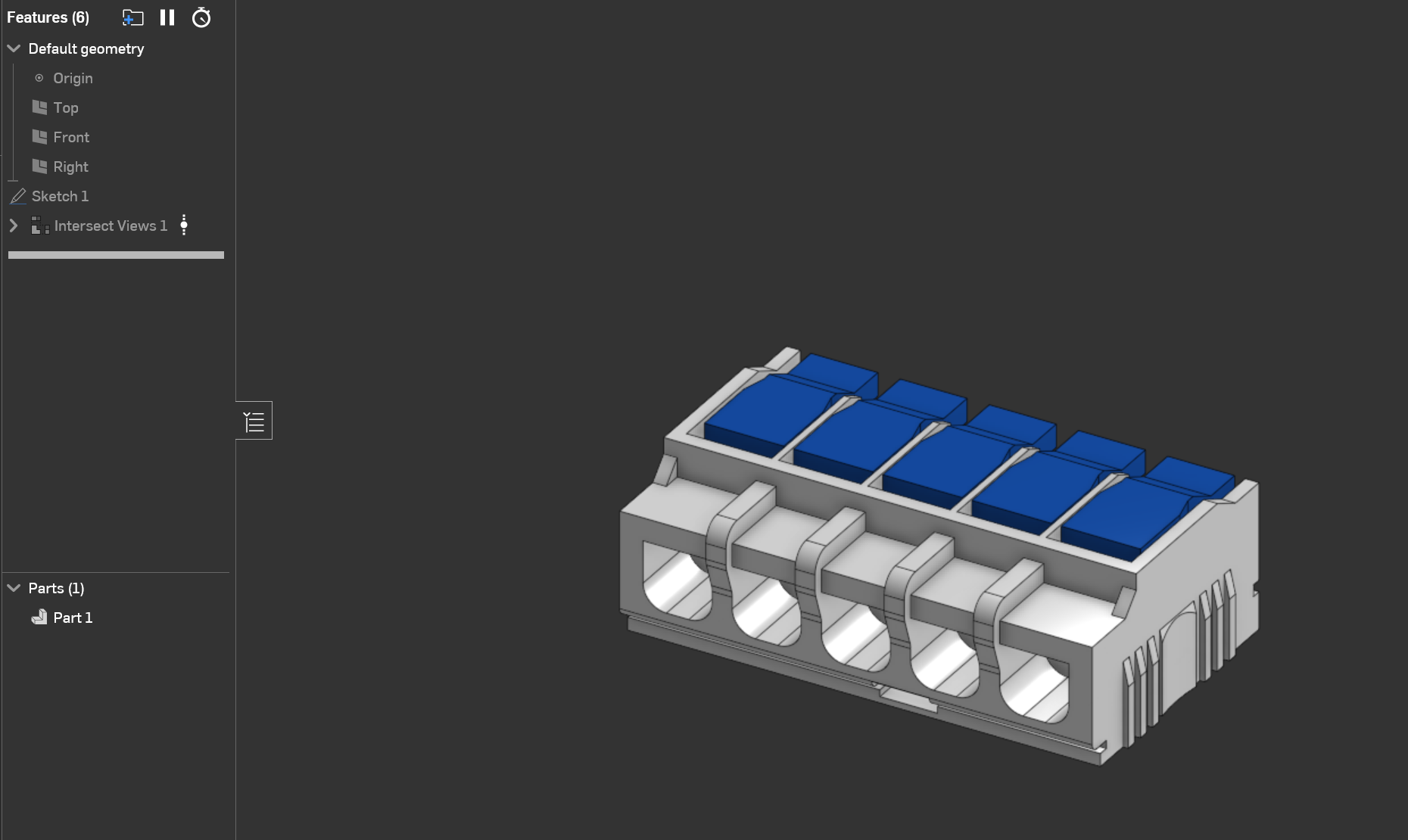
I made this using your featurescript. Thanks for making it, it's really cool.
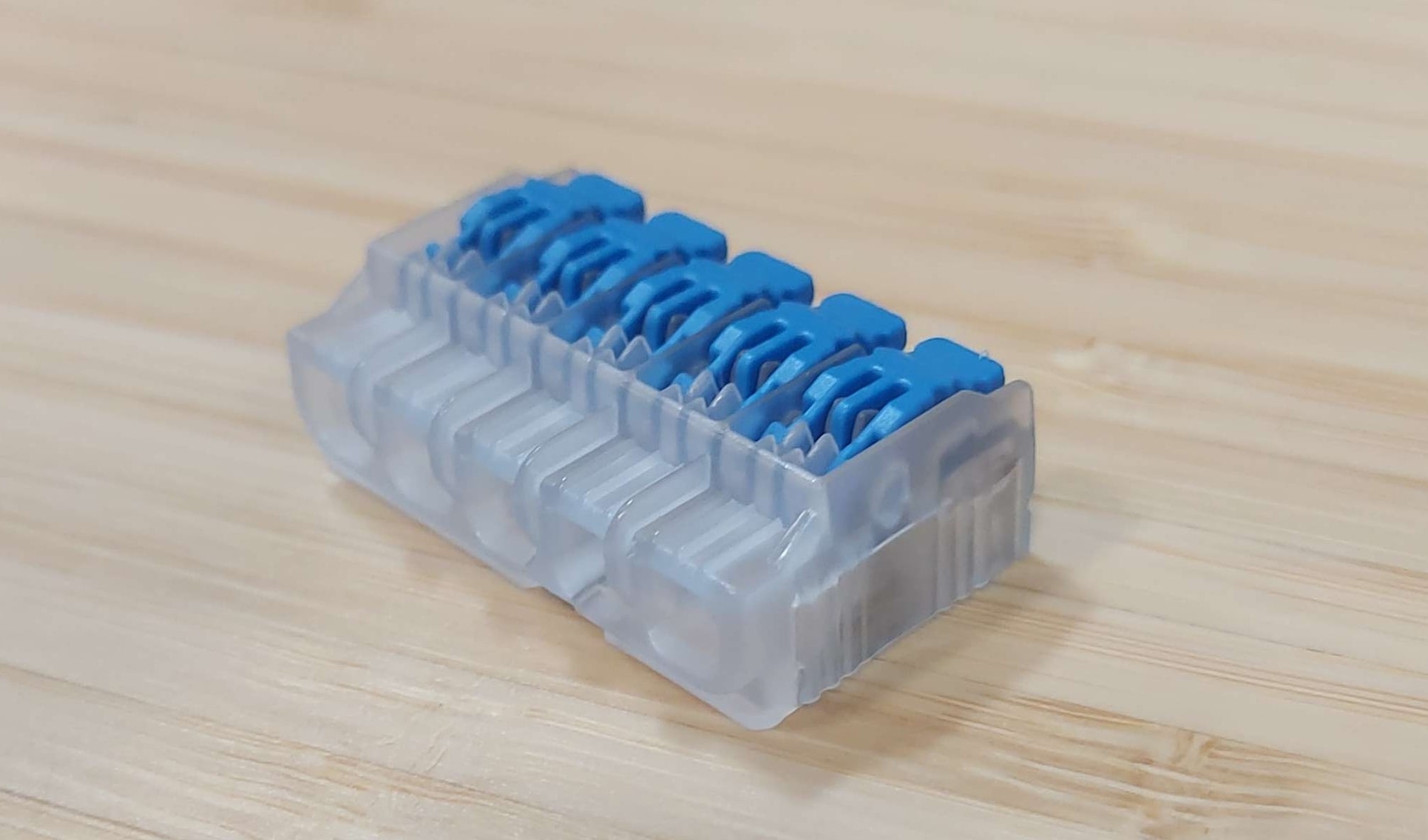
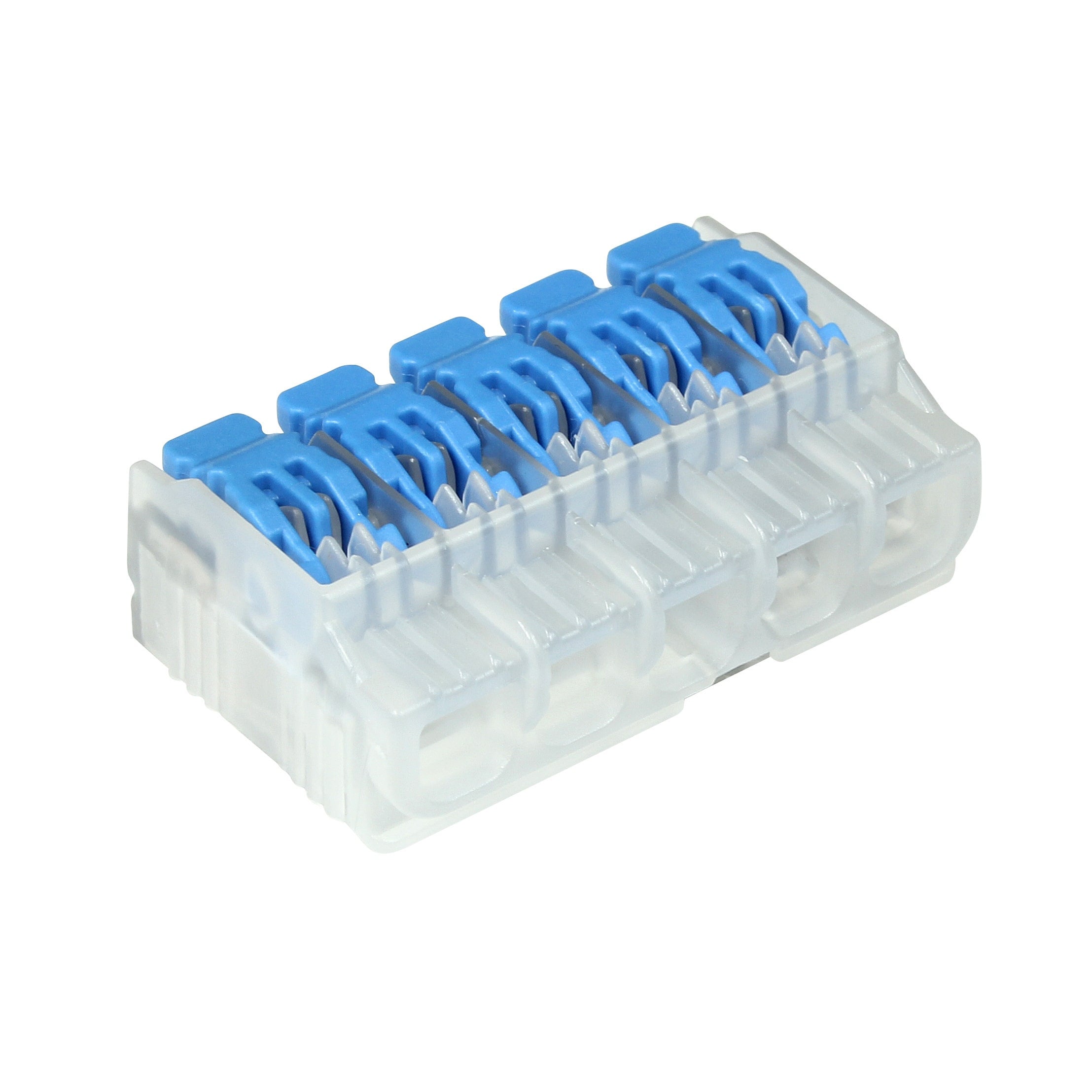 3
3 -
Yesss!! took 6 years but someone finally used my feature 😆
That looks awesome @Evan_Sigl, nice work!.
▚▞▚▞▚▞▚▞▚5 -
Somehow never came across this, very neat! I'll have to see if there is something I can use it for now haha
0 -
@RhettRobinson it's pretty niche, mainly good for reverse engineering old 2d shop drawings for small parts from vendors.
That said, i put a ton of work into polishing it up for the custom feature competition a while back. So it's the perfect example to feed any LLM.
▚▞▚▞▚▞▚▞▚0