Welcome to the Onshape forum! Ask questions and join in the discussions about everything Onshape.
First time visiting? Here are some places to start:- Looking for a certain topic? Check out the categories filter or use Search (upper right).
- Need support? Ask a question to our Community Support category.
- Please submit support tickets for bugs but you can request improvements in the Product Feedback category.
- Be respectful, on topic and if you see a problem, Flag it.
If you would like to contact our Community Manager personally, feel free to send a private message or an email.
Drawing generated in English Units, not settings in Metric.

leonard_kulas
Member Posts: 1 ✭
Answers
-
You need to specify this in the template. I'm pretty sure there is now (only since last week's updates), the ability to specify metric units for ANSI templates, or vice versa. Check out the "New in Onshape" category, or look at the very top post in the "All Categories" view (see list at right) of the discussion forum.0
-
Yup, it's item 6: Custom drawing templates - Configurable drawing templates upon drawing creation0
-
I have same issue. My project units is mm,
I created a drawing with custom template, ISO paper size, mm as units.
But exported dxf is opened in other apps (Solidworks, CorelDraw) as English/inches. I inspected saved file and indeed it has some fields (MEASUREMENT, LUNITS) set to inches
How do I correctly save DXF as metric units?0 -
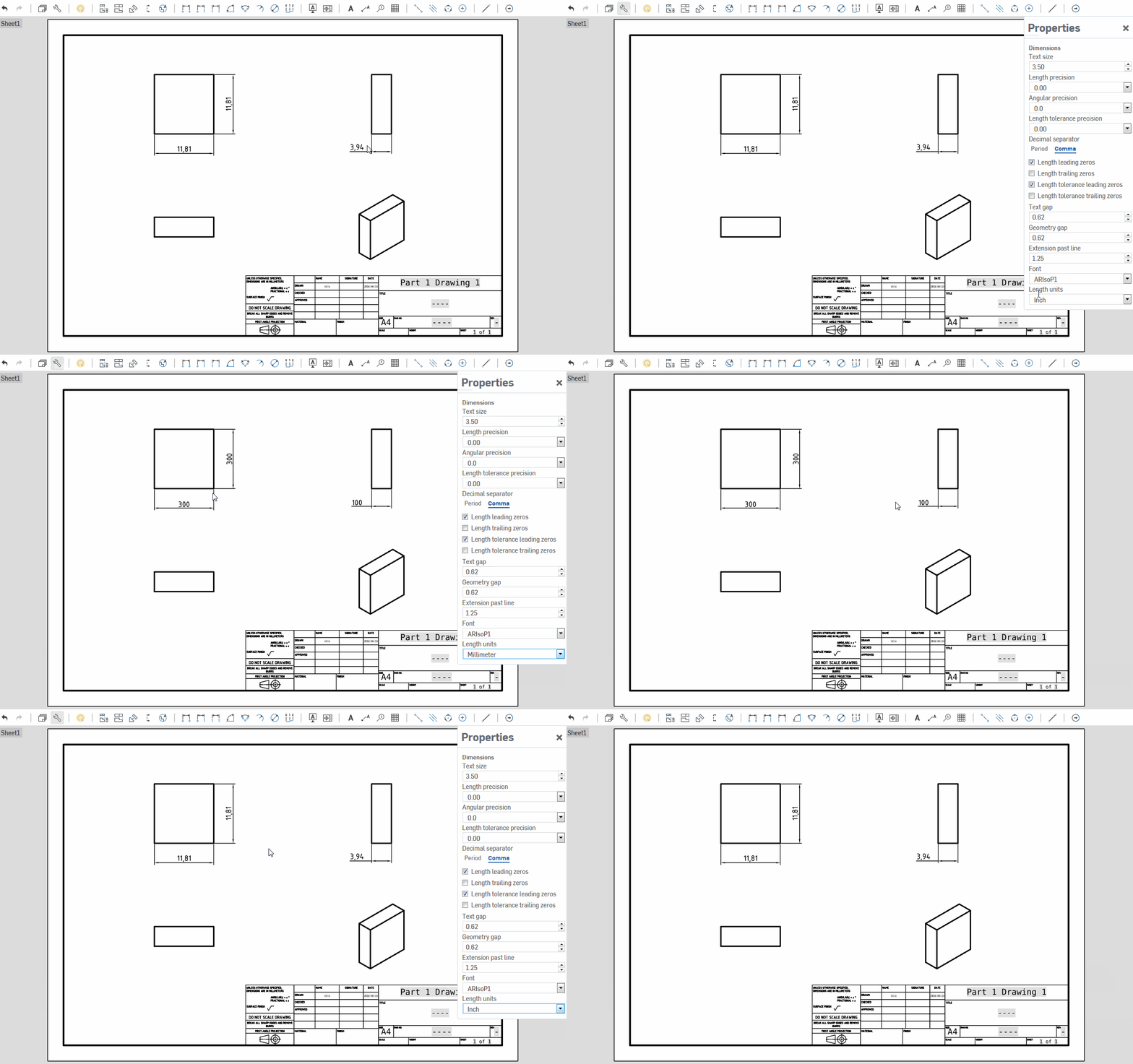
leonard_kulas and @oleksandr_masliuchenko , Kindly refer below video steps then you can change unit in drawing as per your requirement.
0
