Welcome to the Onshape forum! Ask questions and join in the discussions about everything Onshape.
First time visiting? Here are some places to start:- Looking for a certain topic? Check out the categories filter or use Search (upper right).
- Need support? Ask a question to our Community Support category.
- Please submit support tickets for bugs but you can request improvements in the Product Feedback category.
- Be respectful, on topic and if you see a problem, Flag it.
If you would like to contact our Community Manager personally, feel free to send a private message or an email.
Sweep creates surface, but fails as a solid
 Denwen
Member Posts: 29 ✭
Denwen
Member Posts: 29 ✭
I am sure this was asked before, but I can't quite find a cause for why this is happening to me.
As I was searching the forums, one reason I found for a solid sweep failing was that the sketch is not closed. I am trying to sweep a portion of an extruded part, so it should be an closed surface…
However, when I select Solid, I can no longer select the inner line (between the two parts), so that might be why, but I still don't understand why it doesn't work. Or, what the best/easiest way is to accomplish wha ti want.
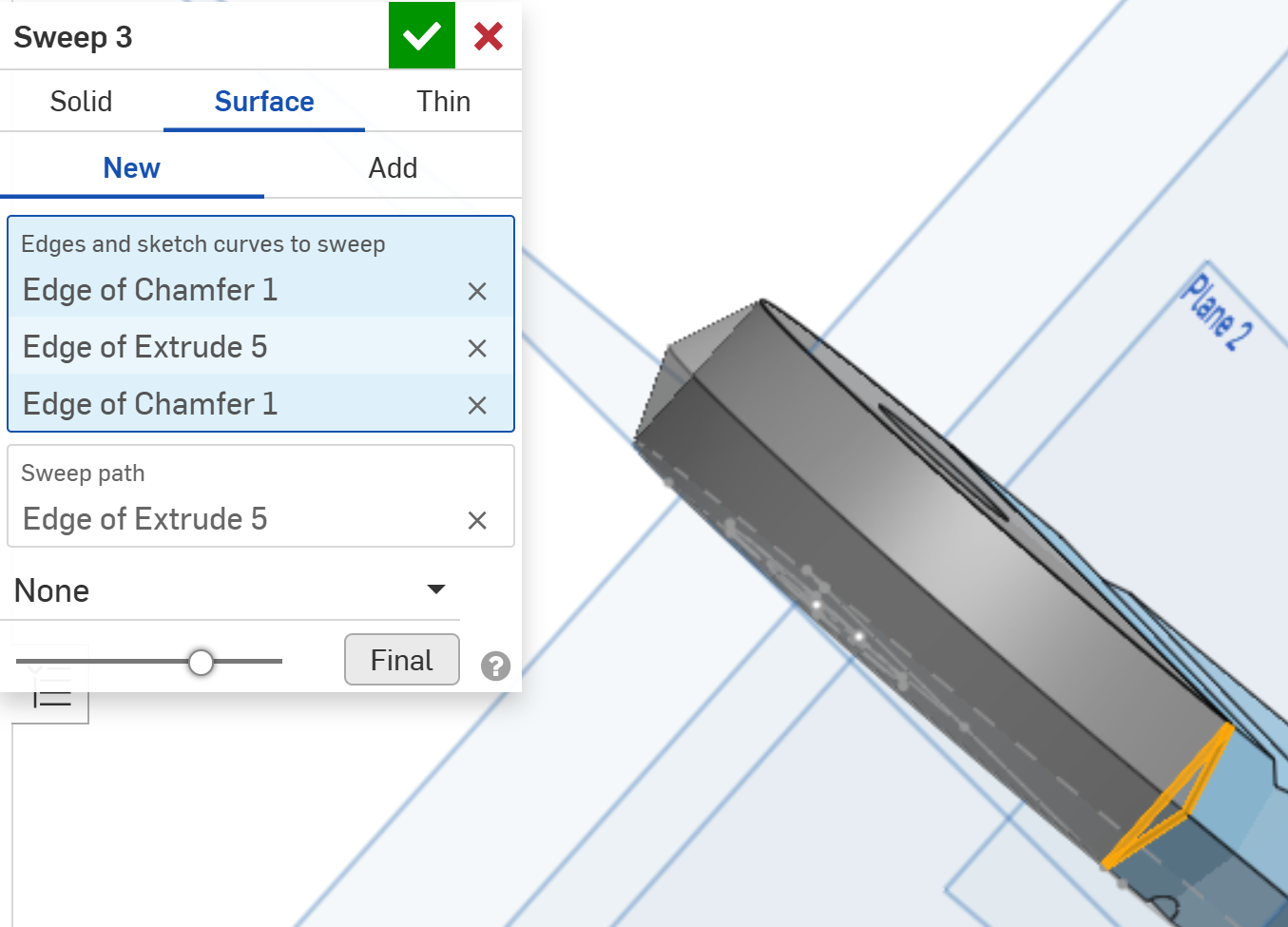
0
Comments
When sweeping a solid, you need to select a region, not lines or edges. If you share your document, it will be easier to troubleshoot.
Thanks Matt. I realized that I can just chamfer the whole object (I am a newbie, so I am constantly having aha moments), so I gave up trying it this way.
But I assume that in the example above, to select a surface, I would have had to first create a sketch with those lines? Or should I be able to select the surface between two parts?
Correct. You can just grab a surface to sweep. Ideally, that surface intersects the sweep path.