Welcome to the Onshape forum! Ask questions and join in the discussions about everything Onshape.
First time visiting? Here are some places to start:- Looking for a certain topic? Check out the categories filter or use Search (upper right).
- Need support? Ask a question to our Community Support category.
- Please submit support tickets for bugs but you can request improvements in the Product Feedback category.
- Be respectful, on topic and if you see a problem, Flag it.
If you would like to contact our Community Manager personally, feel free to send a private message or an email.
Help with fill pattern
 Denwen
Member Posts: 29 ✭
Denwen
Member Posts: 29 ✭
First off, thank you all for helping on previous questions I asked! I am just starting with onshape, and your help has been invaluable so far.
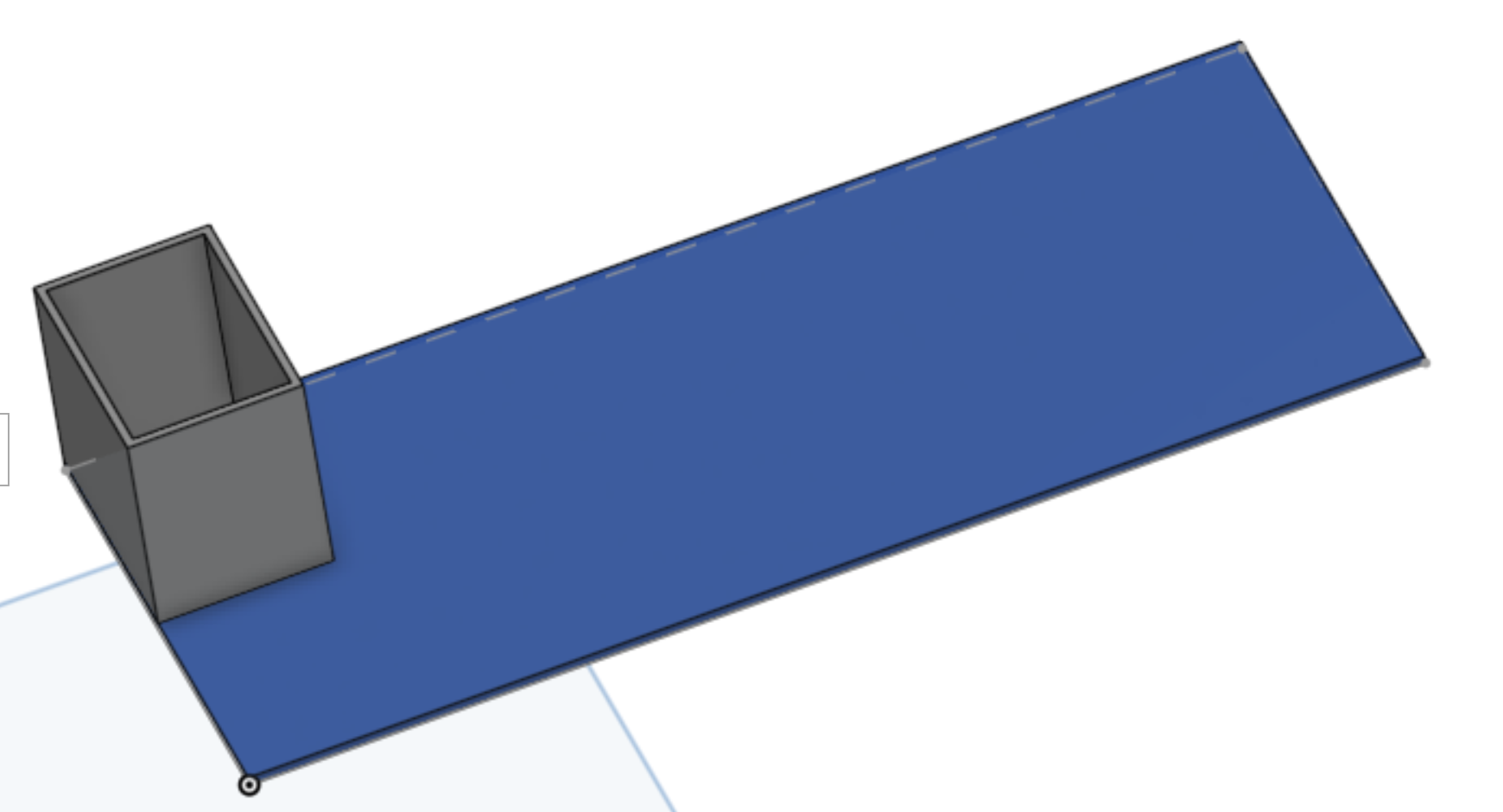
I am now trying to create a simple cable organizer box, and would like to use the fill pattern.
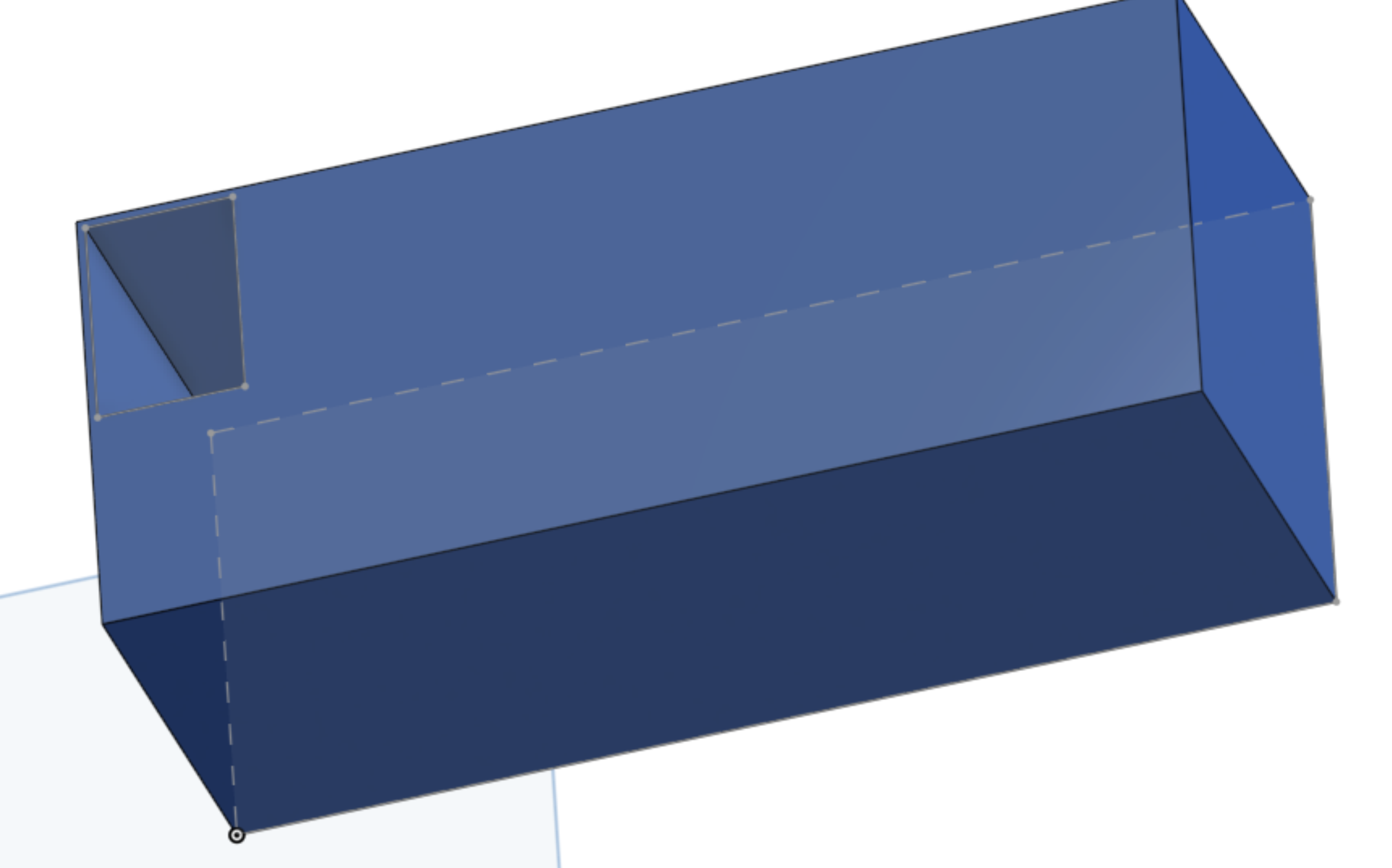
I tried both filling the bottom with cubes, and cutting the cubes, and both fail. I am surely doing something basic wrong, i just can't figure out what.
Here is my rudimentary document:
Tagged:
0
Comments
Hello Denwen. I'm not sure if Fill Pattern will accomplish what you want. Is the image below what you are trying to accomplish? - Scotty
This discussion may be of interest.
Yes, exactly
Thanks for the link! That seems useful. I am trying it now.
Thanks - that worked!
(not sure why Fill pattern doesn't work though, i theory it should….)
I think it could eventually be configured to work, but it seems you'd have to get the dimensions of the rectangles, the dimensions of the target, and the parameters of the feature script to all come together to get the desired results. - Scotty