Welcome to the Onshape forum! Ask questions and join in the discussions about everything Onshape.
First time visiting? Here are some places to start:- Looking for a certain topic? Check out the categories filter or use Search (upper right).
- Need support? Ask a question to our Community Support category.
- Please submit support tickets for bugs but you can request improvements in the Product Feedback category.
- Be respectful, on topic and if you see a problem, Flag it.
If you would like to contact our Community Manager personally, feel free to send a private message or an email.
Help merging surfaces
 jason_ryan337
Member Posts: 63 ✭
jason_ryan337
Member Posts: 63 ✭
Hi all. I have a part that has interrupted surfaces near a corner where I would like to add a fillet, but it is not working. I have been trying to use boolean plus to merge the surfaces, but I can't seem to figure it out either. Any help would be great!
There are actually several broken surfaces on that part. If there is a way to blend them all together, that would be cool too.
If anyone has any tips on how to get this to 3d print (without changing the shape, lol), I would appreciate it. My success rate to get it to print in my Bambu p1s is about 50-50. I just cannot find the right settings to deal with the loft above the half way point.
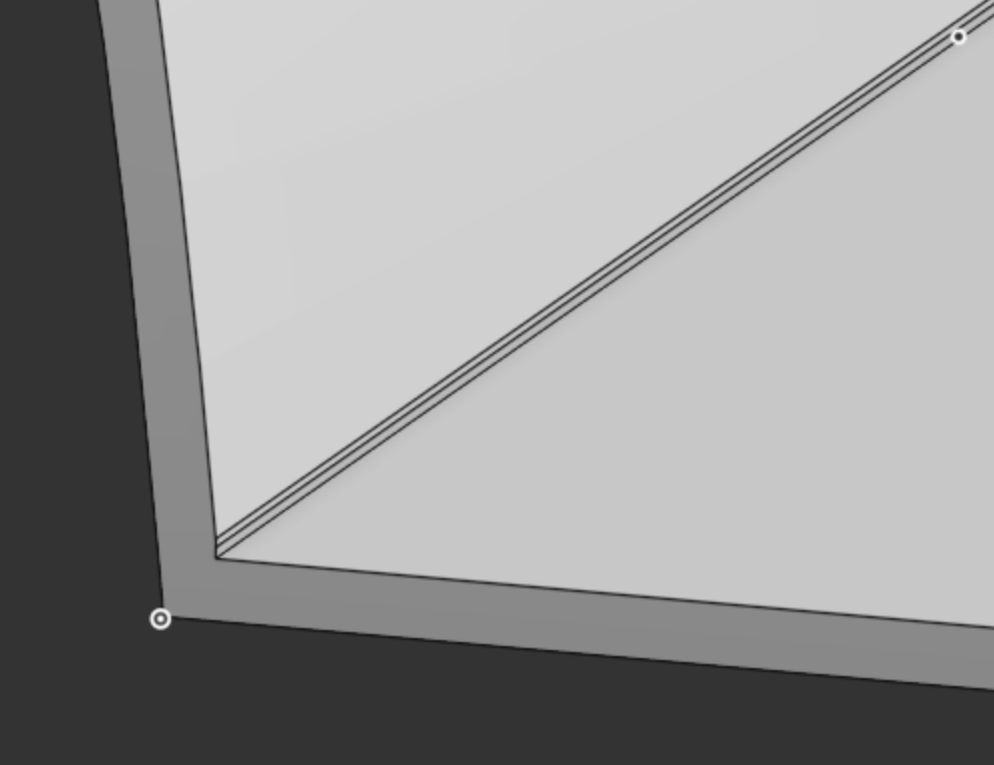
The part is in the folder inserts/test_Insert_Rooftop_Side_r3 Copy 1
https://cad.onshape.com/documents/c9cb42fc713cc403287aba35/w/b9eec17d2bfa5040d643a23a/e/7edd4c5c2819d90360433466
Comments
Hello Jason. I took a look at your document and made a copy to edit. Please pardon me if I misunderstand what you are trying to achieve. Take a look at the 'sweep thin' part studio. Is the resulting part what you are after? - Scotty
Document
Hi Scotty, thanks for taking a look! FWIW I did get a work around to my original problem. The method in the sweep thin studio for some reason generates different geometry that the mesh, and I need it to be the same as the mesh.
A was able to replicate the mesh and what I was trying to further do was to stitch together the seams that I ended up creating with all of the split commands. The primary reason was to face blend the corners that I mistakenly said to fillet. Once I realize my mistake, the face blend worked well.
I am still interested in learning how to use boolean plus or some other method to turn all of these segments into one continuous surface, but maybe that is impossible without some kind of blends.