Welcome to the Onshape forum! Ask questions and join in the discussions about everything Onshape.
First time visiting? Here are some places to start:- Looking for a certain topic? Check out the categories filter or use Search (upper right).
- Need support? Ask a question to our Community Support category.
- Please submit support tickets for bugs but you can request improvements in the Product Feedback category.
- Be respectful, on topic and if you see a problem, Flag it.
If you would like to contact our Community Manager personally, feel free to send a private message or an email.
Help rotating part of an object

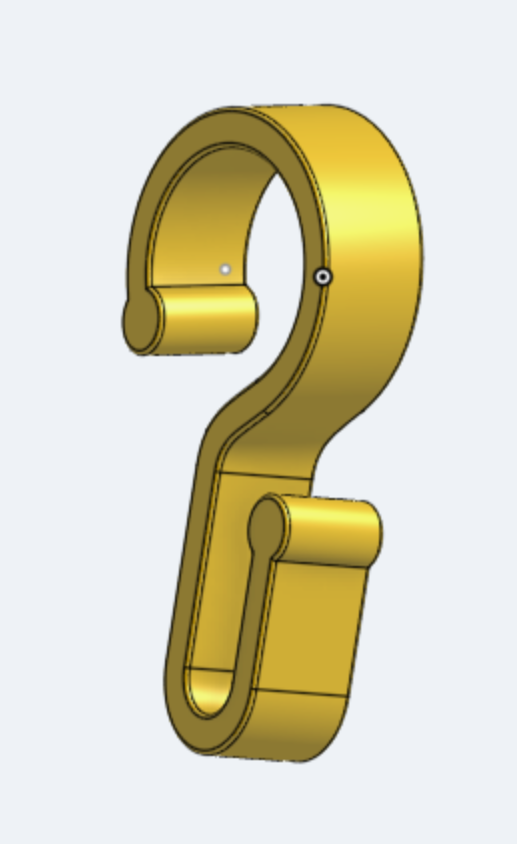
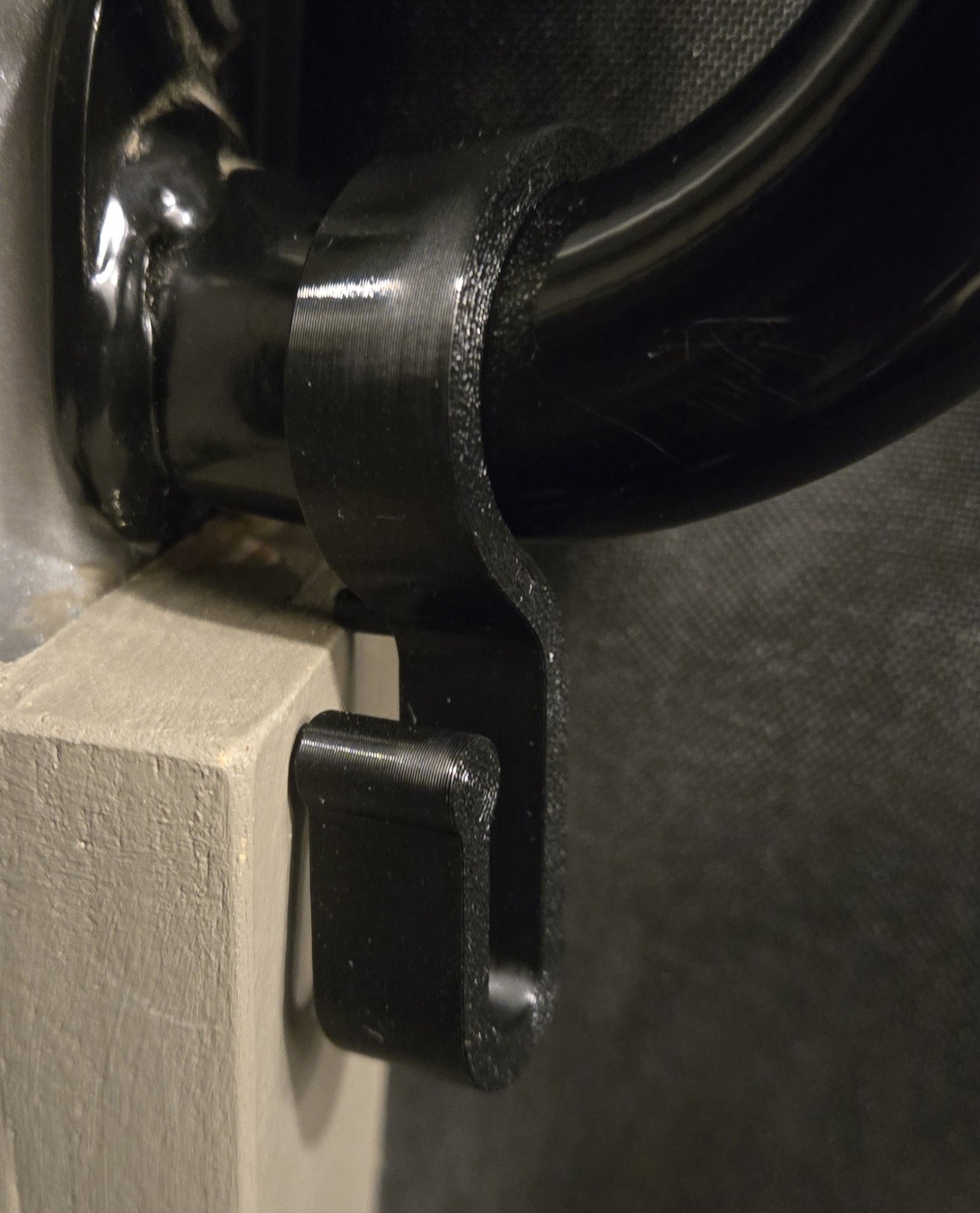
I am trying to design a hook. I got the top part ok (it goes on a handle that has an angle to it), but the bottom part should be rotated to the right about 45 degrees. what is the best way to achieve that?
Tagged:
0
Comments
Like this?
https://cad.onshape.com/documents/a9e816363a7464782074ef43/w/84312b1856165cd191a79032/e/4aab310c03f5a1a6e76c0854?renderMode=0&uiState=693fe12ad167fc2b802d5a84
Thanks! yes, something like that. I am looking now on how you did that.
While I was waiting for my post to get approved, I tried playing with planes, but i think I may have overcomplicated it quite a bit.
https://cad.onshape.com/documents/c2ad7e337ba4912d288f46ee/w/0ea4f14f544ef06fb7d95add/e/00a7b259b2f5489d9c08ca05
You can of course do that with planes, though it would require much more steps to achieve the same and it would also be less robust to downstream edits. The mate connector is easier and more powerful. Keep in mind that the magic trick is NOT to create the 'soft' portion of the part unless the 'hard' portions are ready and in their place. Only then create the twisted transition.