Welcome to the Onshape forum! Ask questions and join in the discussions about everything Onshape.
First time visiting? Here are some places to start:
- Looking for a certain topic? Check out the categories filter or use Search (upper right).
- Need support? Ask a question to our Community Support category.
- Please submit support tickets for bugs but you can request improvements in the Product Feedback category.
- Be respectful, on topic and if you see a problem, Flag it.
If you would like to contact our Community Manager personally, feel free to send a private message or an email.
Beginner question: How to use lines along with 3D-models?

Hey community! ✌️
I'm quite new to OS and 3D-printing (hobby).
So far I touched the surface of OS by YT-tutorials and my first 3D constructions.
Now I got stuck in using lines along with extruding these.
I assume I have to "convert" lines to an area (e.g. rectangle) in order to extrude them. In my case this can be very time consuming so I´m looking for a batter way.
By now I tried to use different extrude-options as well as thickening lines - without luck.
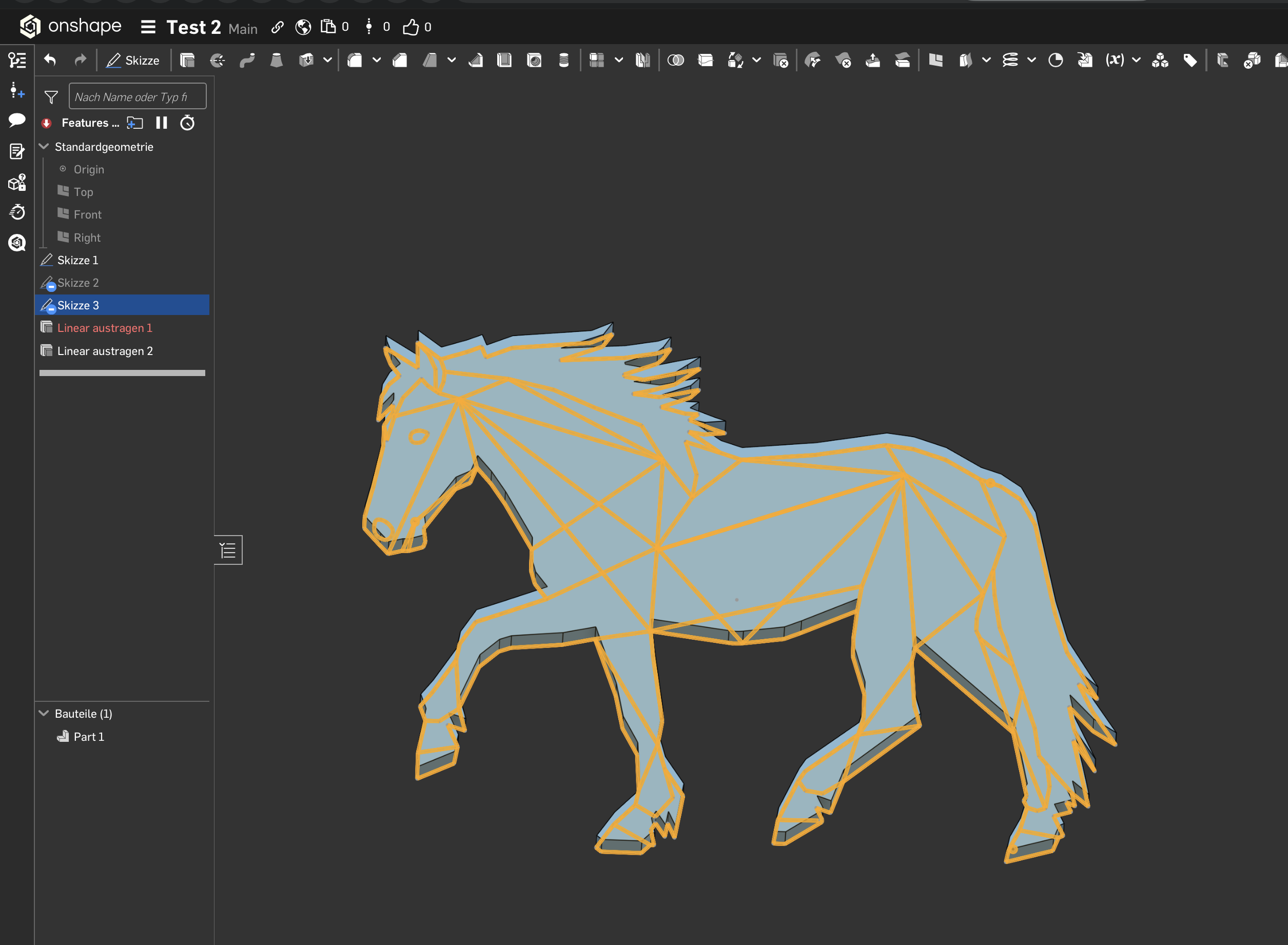
In my case (see attached screenshot) I´m trying to apply a kind of "line"-texture on a small 3D-model.
What is the best approach to do so?
Thanx in advance! 🙏
SUPERCREATIVE
Best Answer
-
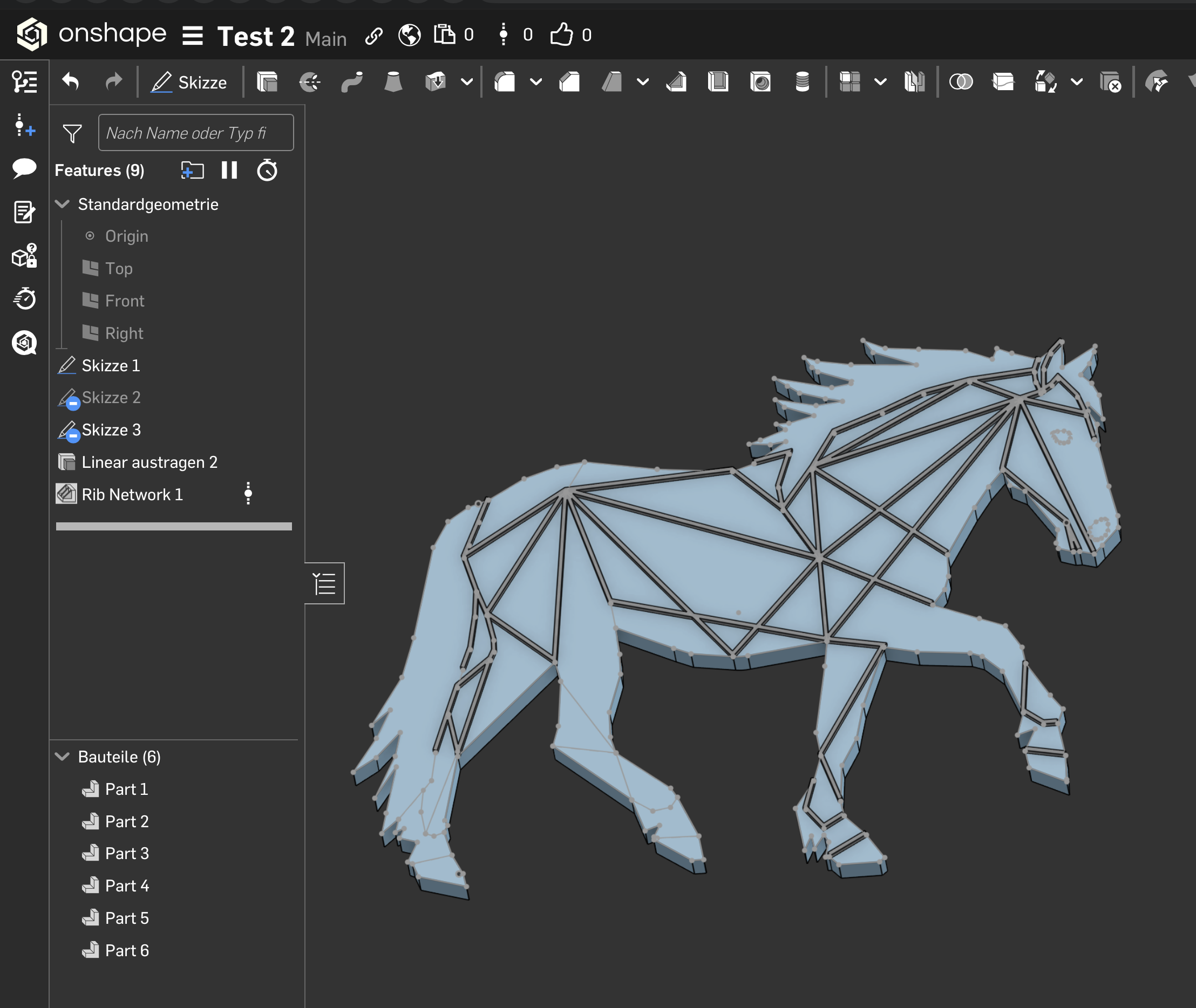
There's a FS called "rib network " that should do what you want
0

Answers
-
-
There's a FS called "rib network " that should do what you want
0 -
Bullseye! You made day!
🤩 1
1 -
Hey, thanks for your reply!
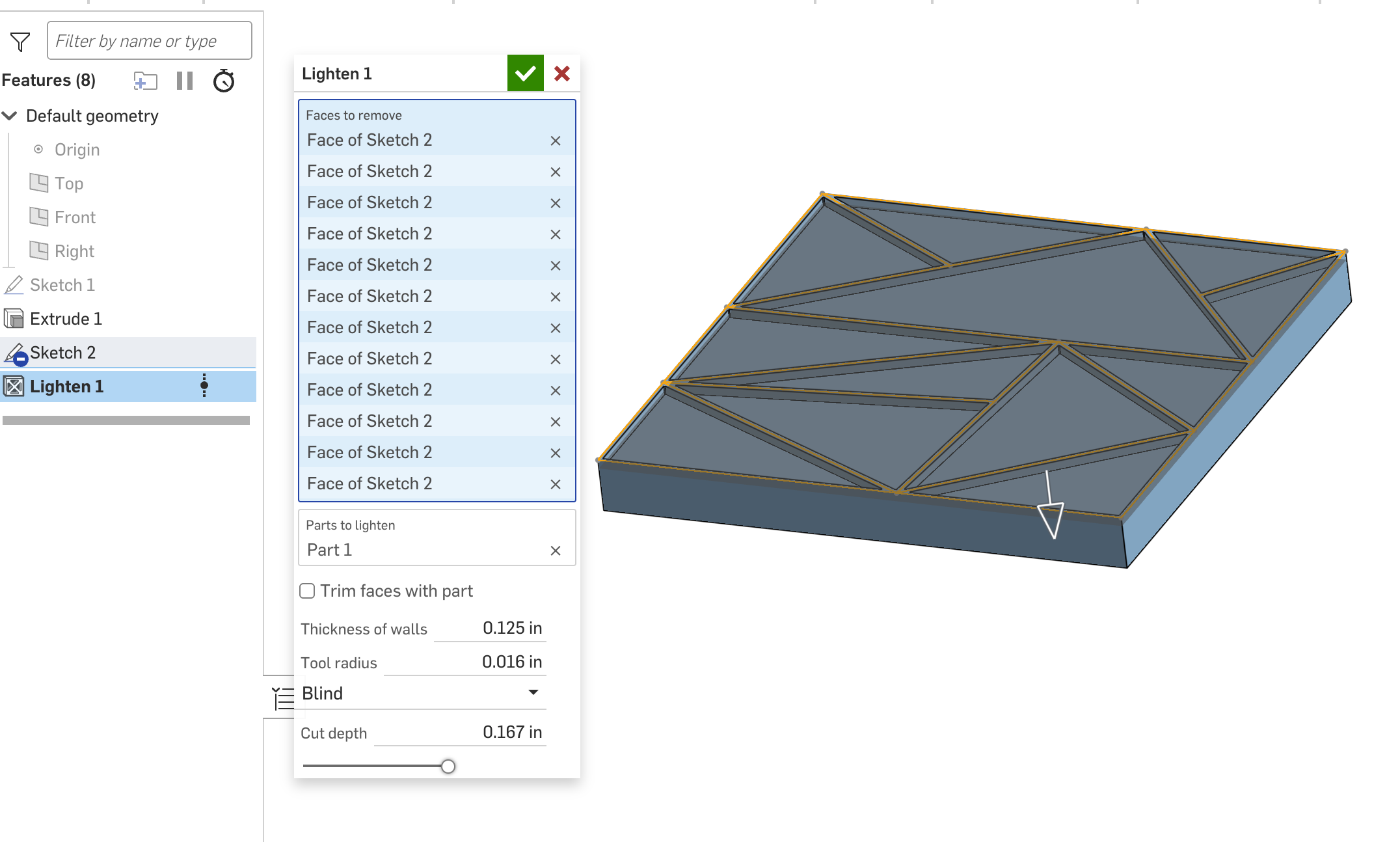
Unfortunately it doesn't help me out. It appears that the Lighten feature allows to select parts (areas) instead of lines.
This thread was unintentionally doubled by myself.
Please follow this tread:
https://forum.onshape.com/discussion/29629/beginner-how-to-use-lines-along-with-3d-models#latest
@mod: please delete this thread to avoid chaos ;-)
OR:
How to delete a tread?0