Welcome to the Onshape forum! Ask questions and join in the discussions about everything Onshape.
First time visiting? Here are some places to start:- Looking for a certain topic? Check out the categories filter or use Search (upper right).
- Need support? Ask a question to our Community Support category.
- Please submit support tickets for bugs but you can request improvements in the Product Feedback category.
- Be respectful, on topic and if you see a problem, Flag it.
If you would like to contact our Community Manager personally, feel free to send a private message or an email.
Cut Figures into puzzle items
 benjamin_schmidt816
Member Posts: 2 ✭
benjamin_schmidt816
Member Posts: 2 ✭
in Drawings
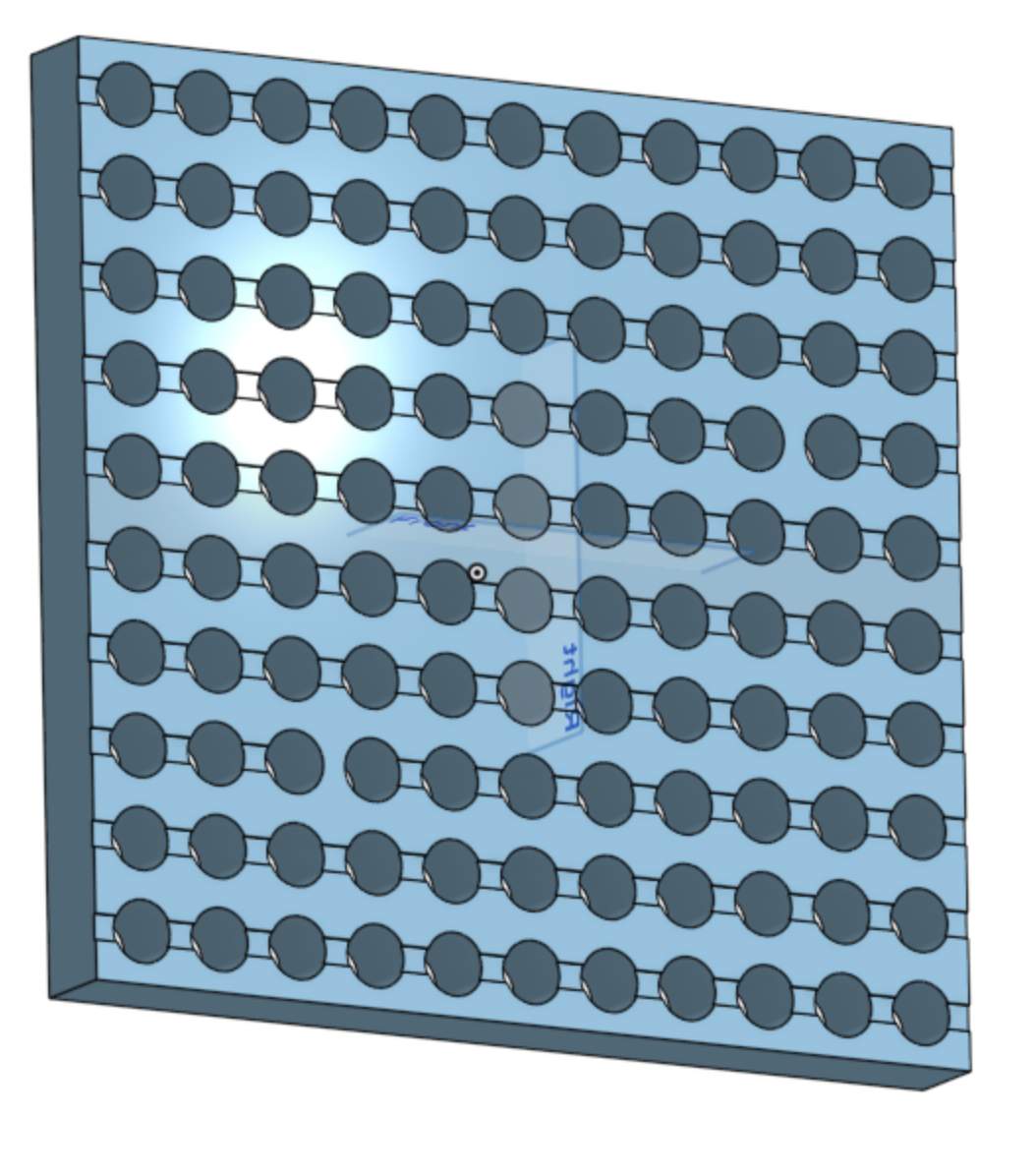
Helly, i have basicly an plate 500 x 500 x 10 an like to bring ist in 4 items and paste it together like an puzzle.
is it possible?
0
Comments
Hello Benjamin. Not sure of your intent. The title of your post uses the word 'cut' suggesting a 'take away' action, yet the text of the post used the word 'paste' suggesting a join operation.
Yes, it is possible. If the 4 other 'items' (parts) are created in the same part studio, use the Transform tool to locate them into the position you like. If the parts are from elsewhere, use the Derive tool to bring them into your part studio and use Transform in the same way. From there, use the Boolean tool, selecting the Union option to join (paste) the parts together or Remove to 'cut' one part from the other. - Scotty