Welcome to the Onshape forum! Ask questions and join in the discussions about everything Onshape.
First time visiting? Here are some places to start:- Looking for a certain topic? Check out the categories filter or use Search (upper right).
- Need support? Ask a question to our Community Support category.
- Please submit support tickets for bugs but you can request improvements in the Product Feedback category.
- Be respectful, on topic and if you see a problem, Flag it.
If you would like to contact our Community Manager personally, feel free to send a private message or an email.
Extruding two concentric circles separately when sketched on a part face

Often when making bolted connections between two parts, I like to have one sketch that defines the tap drill and clearance hole diameter. I then will extrude the two different circles in separate features so that the tap drill is on one part, and the clearance hole on the other. I've done this in NX my whole career.
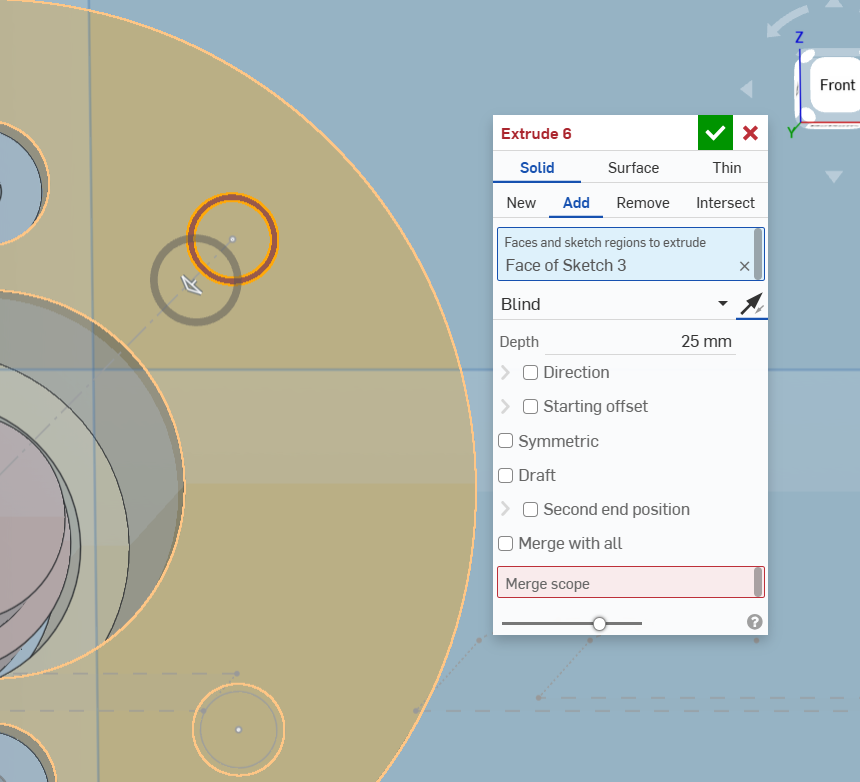
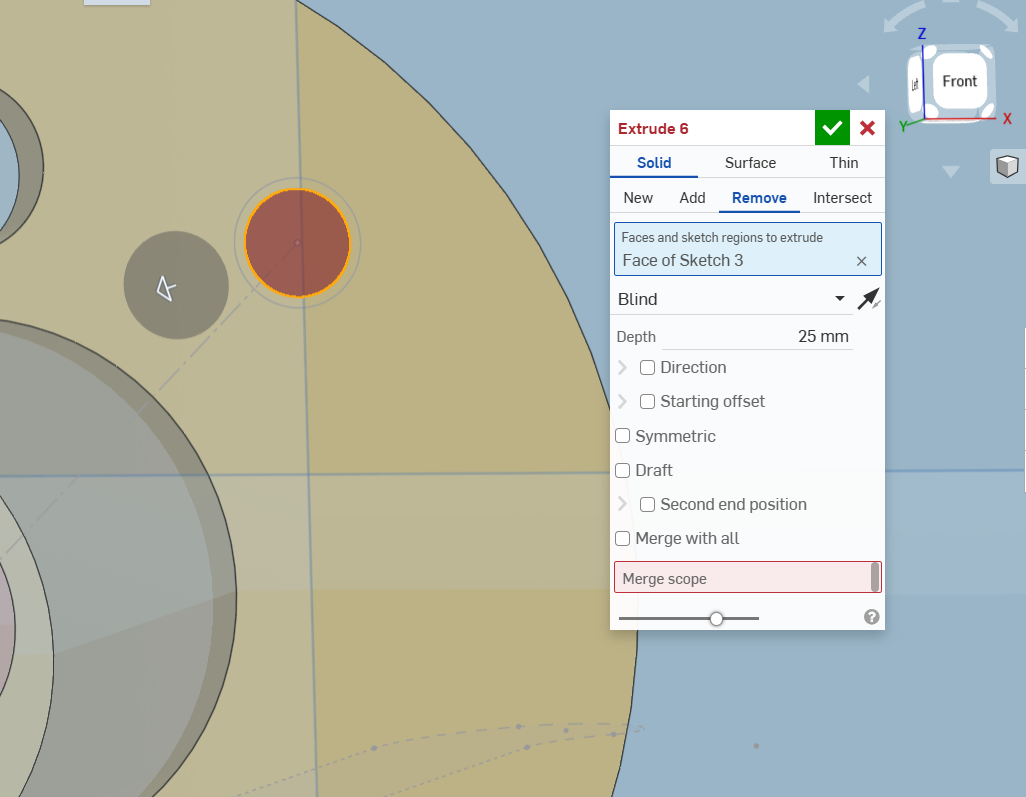
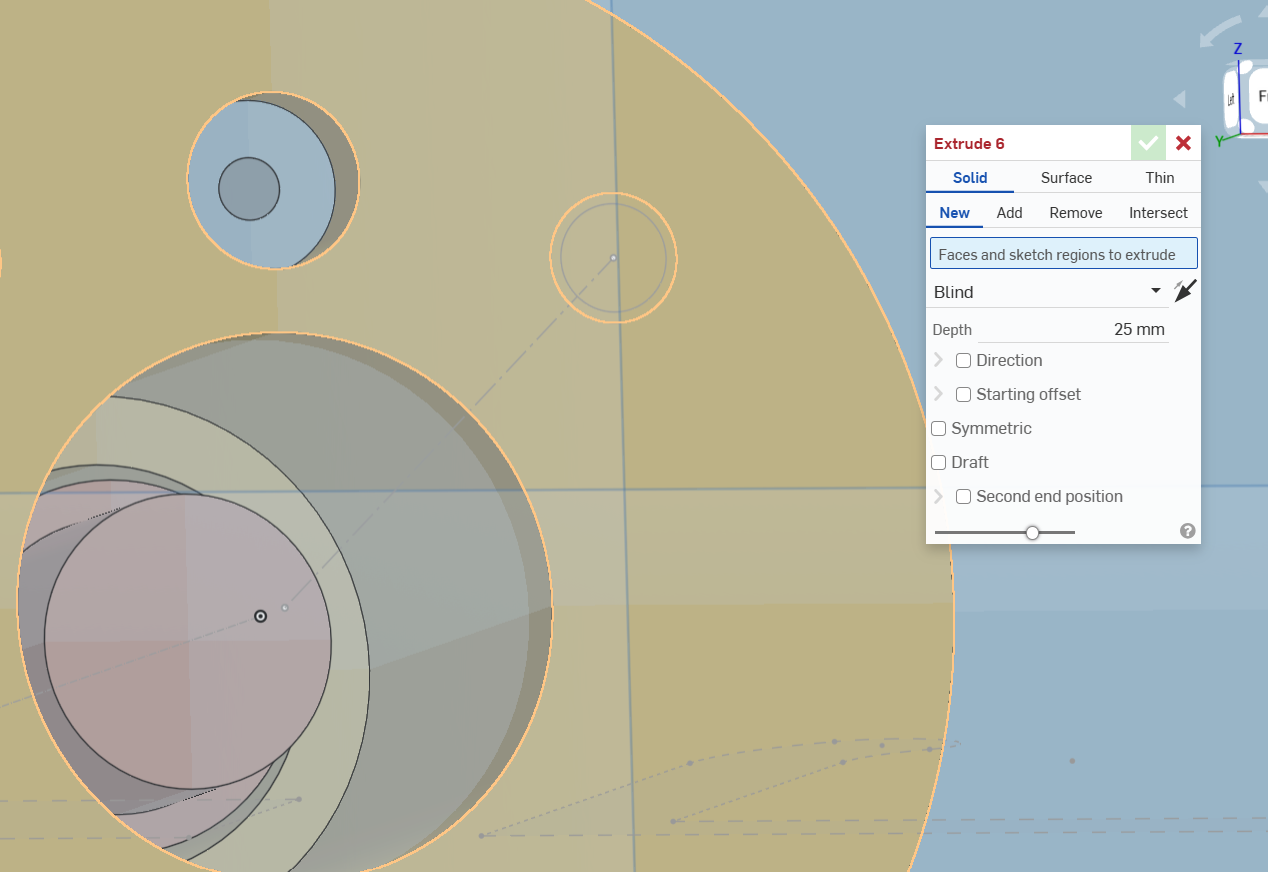
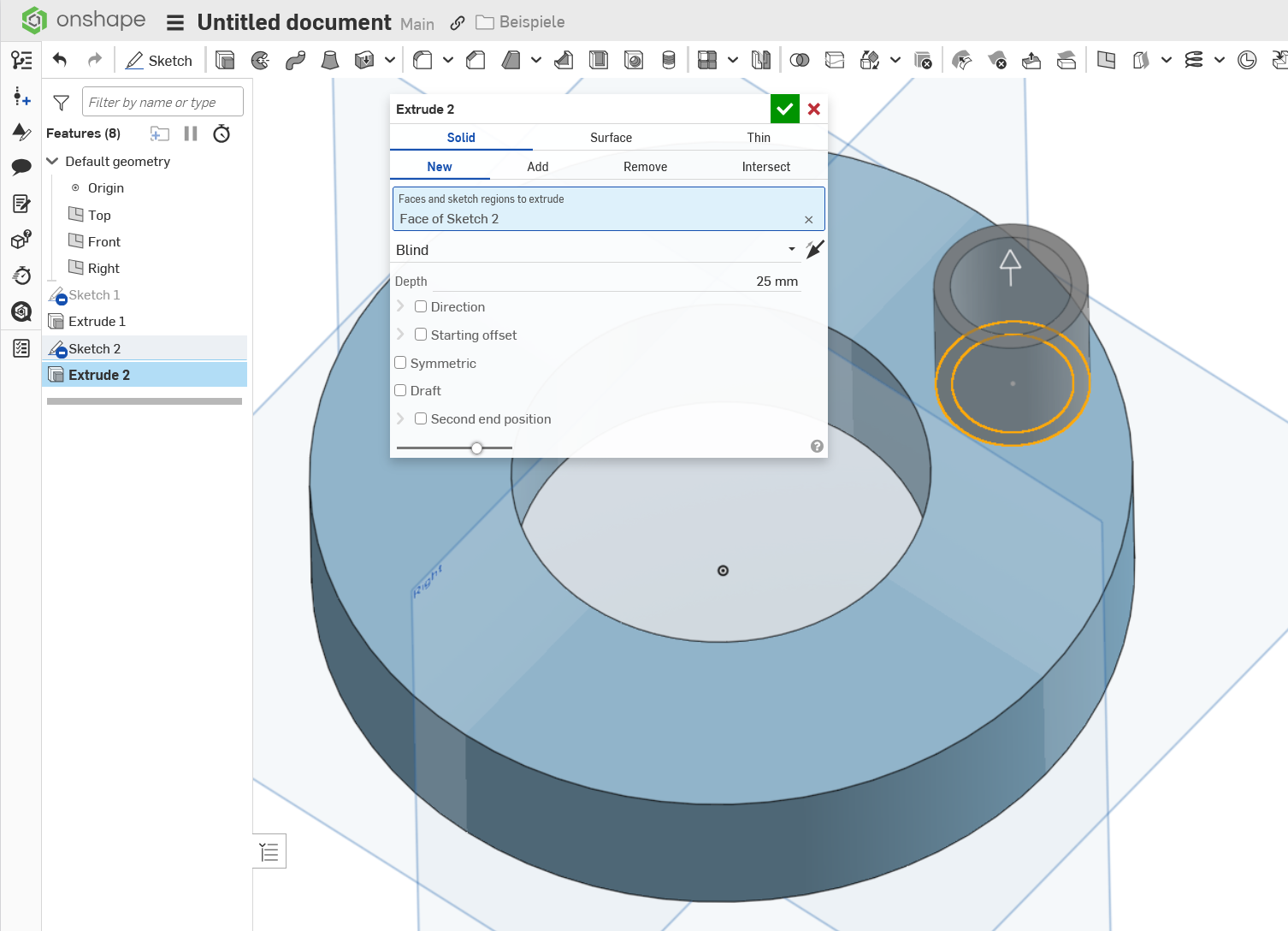
Trying to do this in onshape, and I can only select the interior circle by itself (see below), whole face of my part (see below), or both circles (see below). There doesn't appear to be a way to just select the outer circle to extrude it. Anyone have any idea if this is possible? Or do you have a make a separate sketch for each extrude (which seems like a pain). Note that my sketch plane is on the face of a part itself, which I think is causing the whole outline of the face to be selected when I try to capture the outer circle.
Answers
-
It is possible. Try to zoom in closer when picking. It might be a good idea to switch off 'imprinting' in the sketch, to prevent Onshape from including the whole face. Also, it is important to select the target body via the merge scope.
 0
0 -
-
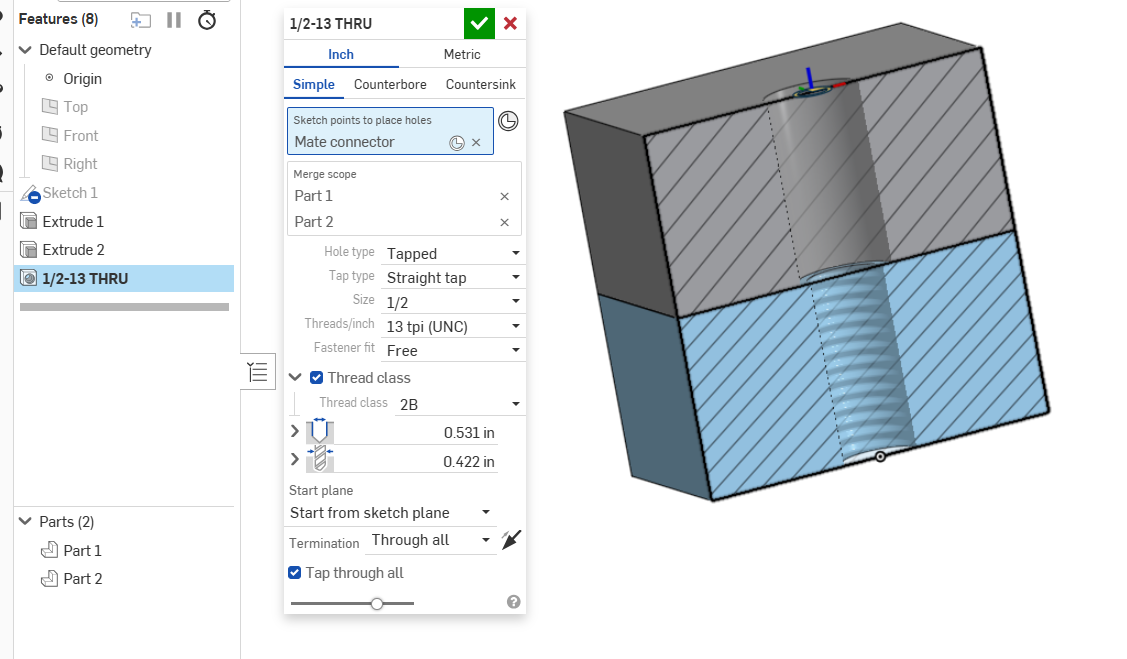
Unless the hole tool is missing the sizes you need, I would highly recommend using it as well. There are occasionally times where you might want to layout dimensions or visualize the actual sizes of the holes in a single sketch, but overall, the Hole tool is much more efficient and consistent.
Simon Gatrall | Product Development, Engineering, Design, Onshape | Ex- IDEO, PCH, Unagi, Carbon | LinkedIn
0 -
Hole tool does work - thanks.
1