Welcome to the Onshape forum! Ask questions and join in the discussions about everything Onshape.
First time visiting? Here are some places to start:- Looking for a certain topic? Check out the categories filter or use Search (upper right).
- Need support? Ask a question to our Community Support category.
- Please submit support tickets for bugs but you can request improvements in the Product Feedback category.
- Be respectful, on topic and if you see a problem, Flag it.
If you would like to contact our Community Manager personally, feel free to send a private message or an email.
Best workflow/tools for creating smooth compound curves on a ring (not blocky boolean results)
 scott_matheson494
Member Posts: 1 ✭
scott_matheson494
Member Posts: 1 ✭
Hi all,
I’m working on a signet-style ring design that involves smooth compound curves (ergonomic band, tapered sides, subtle flats and bevels), and I’m trying to find the right modeling approach in Onshape rather than brute-forcing it.
What I’ve tried so far:
- Created a rectangular block
- Placed reference images of the ring on the top, front, and side faces
- Used remove extrude operations to carve away excess material
This technically worked, but the result was very blocky, and I couldn’t find a clean or controllable way to smooth it out afterward. Fillets alone didn’t really solve the underlying geometry.
I’m not looking for someone to model the ring for me — I’m happy to do the learning and work. What I’m hoping for is guidance on:
- Which tools/features are best suited for this kind of compound curvature
- Whether this should be approached with lofts, sweeps, boundary surfaces, guide curves, or surface modeling rather than solids-first booleans
- Any recommended workflow patterns for organic-but-controlled shapes like rings
This will eventually be 3D printed, so I’m also trying to keep the geometry clean and manufacturable.
If there’s a fundamentally better way to think about this shape than carving from a block, I’m open to rethinking the approach.
Thanks in advance.
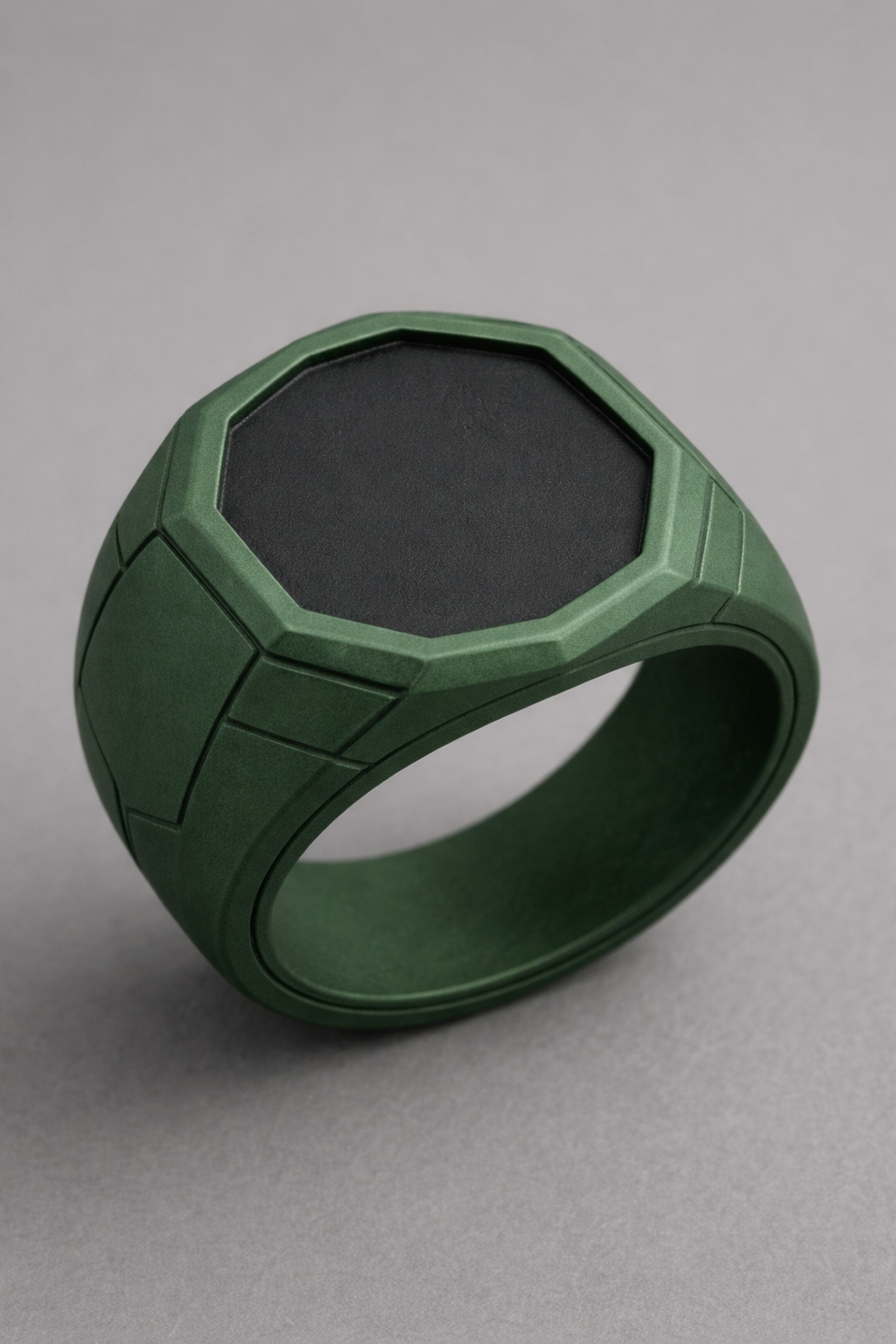
Answers
There are a few ways to do it.
Here is how I would approach it:
You could offset these sketch faces as surfaces then mirror them so that you could do one large loft.
RENDERCAD
rendercad.ai - Photorealistic product rendering.
▚▞▚▞▚▞▚▞▚
________________________________________________________________________