Welcome to the Onshape forum! Ask questions and join in the discussions about everything Onshape.
First time visiting? Here are some places to start:- Looking for a certain topic? Check out the categories filter or use Search (upper right).
- Need support? Ask a question to our Community Support category.
- Please submit support tickets for bugs but you can request improvements in the Product Feedback category.
- Be respectful, on topic and if you see a problem, Flag it.
If you would like to contact our Community Manager personally, feel free to send a private message or an email.
Logo inbedded
 andre_engdahl
Member Posts: 7 EDU
andre_engdahl
Member Posts: 7 EDU
in General
New kind of problem. Having a hard time trying to get an logo on to a part. The logo is
https://apps.associatedelectrics.com/downloads/index.html We are AE black
i have downloded the png and converted it on convertio.co to a dxf file
The link to my part is
https://cad.onshape.com/.../e/cb95d0990ebb6a0ec52d01da
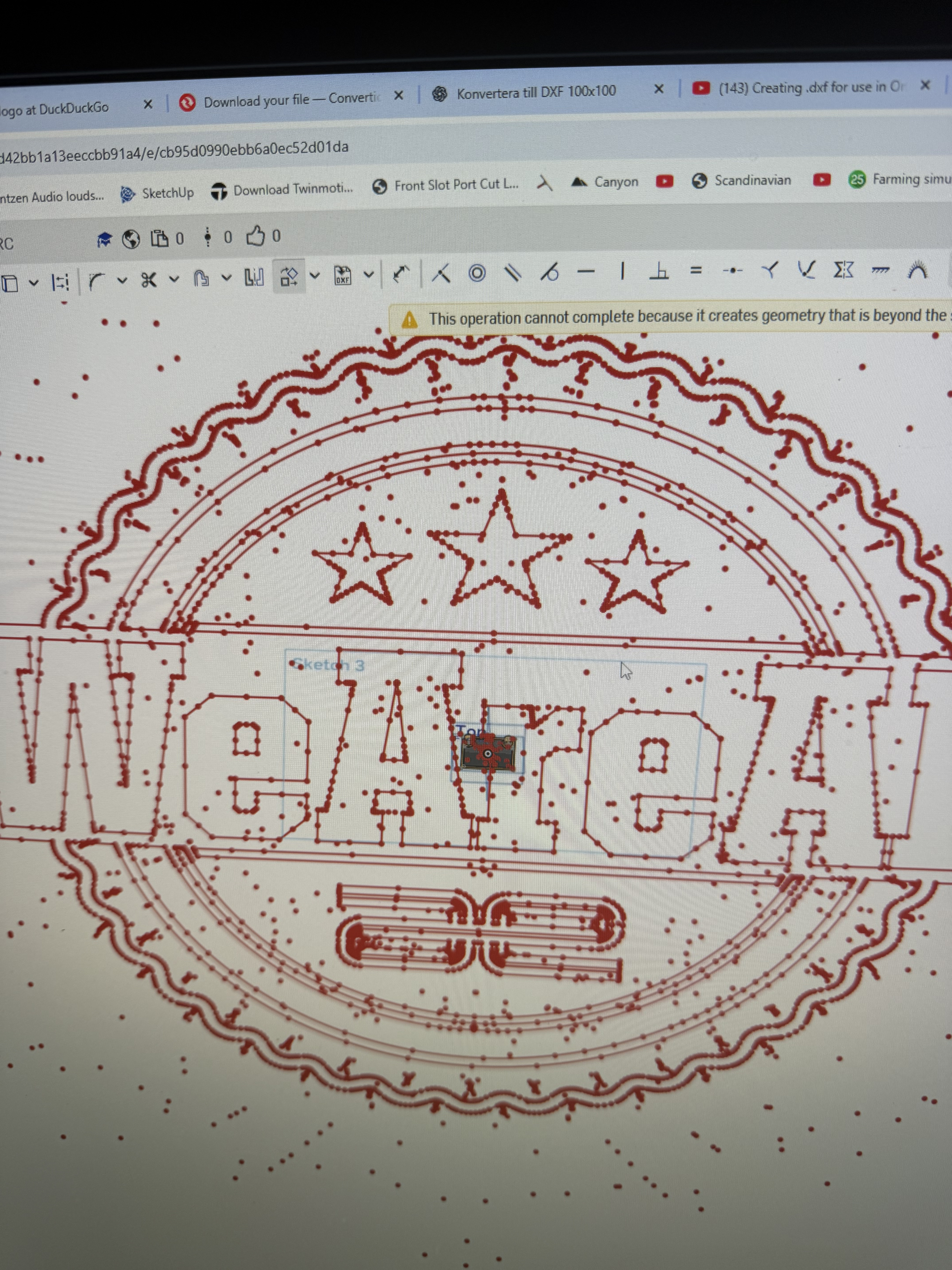
This is what happens :)
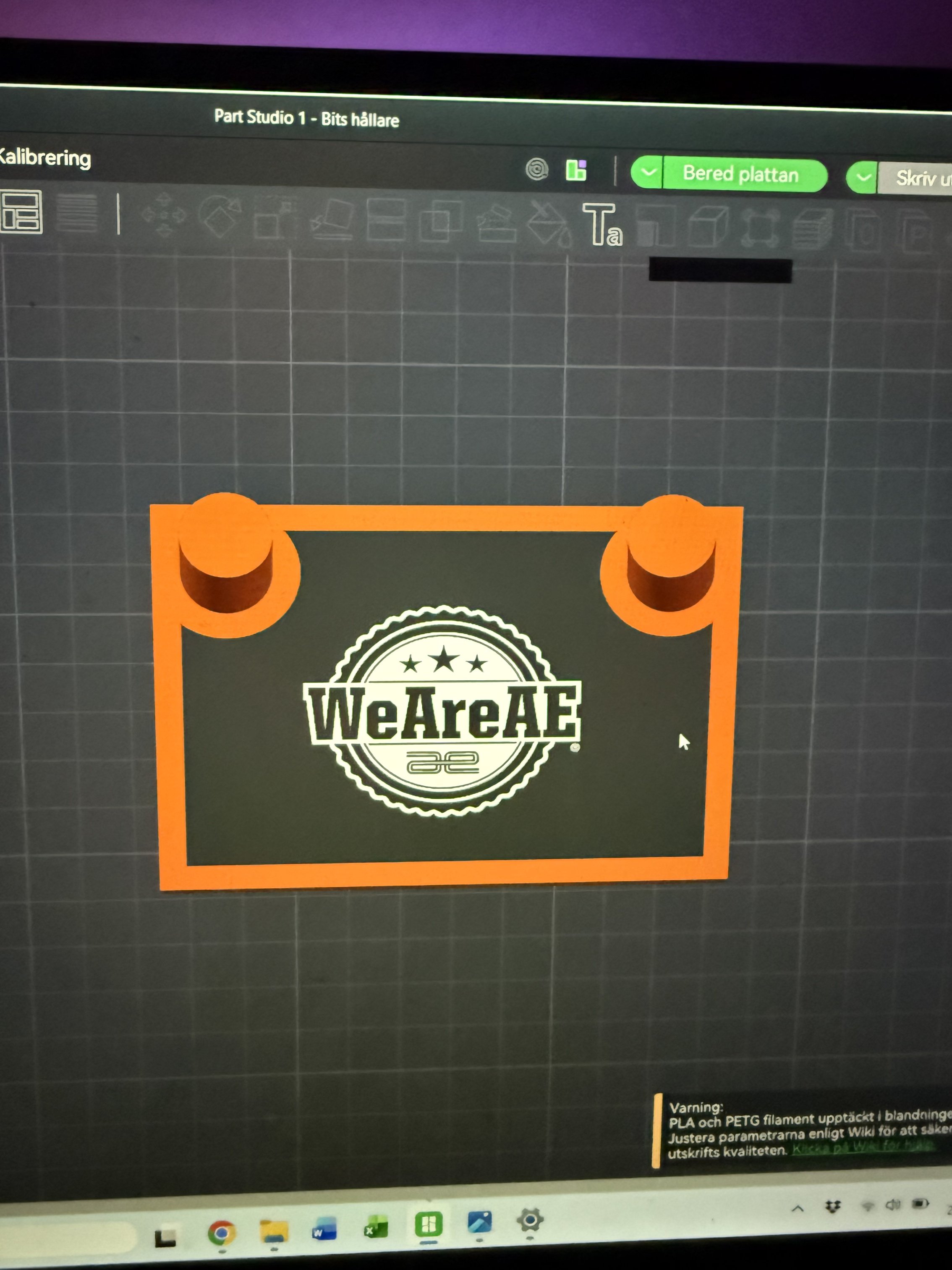
This is what i want it to look like
Tagged:
0
Comments
Hello Andre. My guess is that it would take gazillions of operations for the Onshape to complete your extrussion task (as the error message indicates). Looks like you're going to have to use other software to convert the downloaded png logo to vector and save the vector file as a dfx. I took it into Inksape and the results were good except for the smaller text at the bottom of the logo. I suspect the conversion in Inkscape could be better with the tweeking of some settings. Here's the results. - Scotty
Yeah that's one of the non-obvious things about the sketch solver in Onshape, especially in regards to imports. The more items you have in a sketch the more potential things need to align to resolve to a manifold surface to do future operations with. After a certain number of objects and constraints you find yourself melting a server blade trying to work out how to make everything square up
Derek Van Allen | Engineering Consultant | Meddler