Welcome to the Onshape forum! Ask questions and join in the discussions about everything Onshape.
First time visiting? Here are some places to start:- Looking for a certain topic? Check out the categories filter or use Search (upper right).
- Need support? Ask a question to our Community Support category.
- Please submit support tickets for bugs but you can request improvements in the Product Feedback category.
- Be respectful, on topic and if you see a problem, Flag it.
If you would like to contact our Community Manager personally, feel free to send a private message or an email.
Renaissance - Gif Maker
 Caden_Armstrong
Member Posts: 413 PRO
Caden_Armstrong
Member Posts: 413 PRO
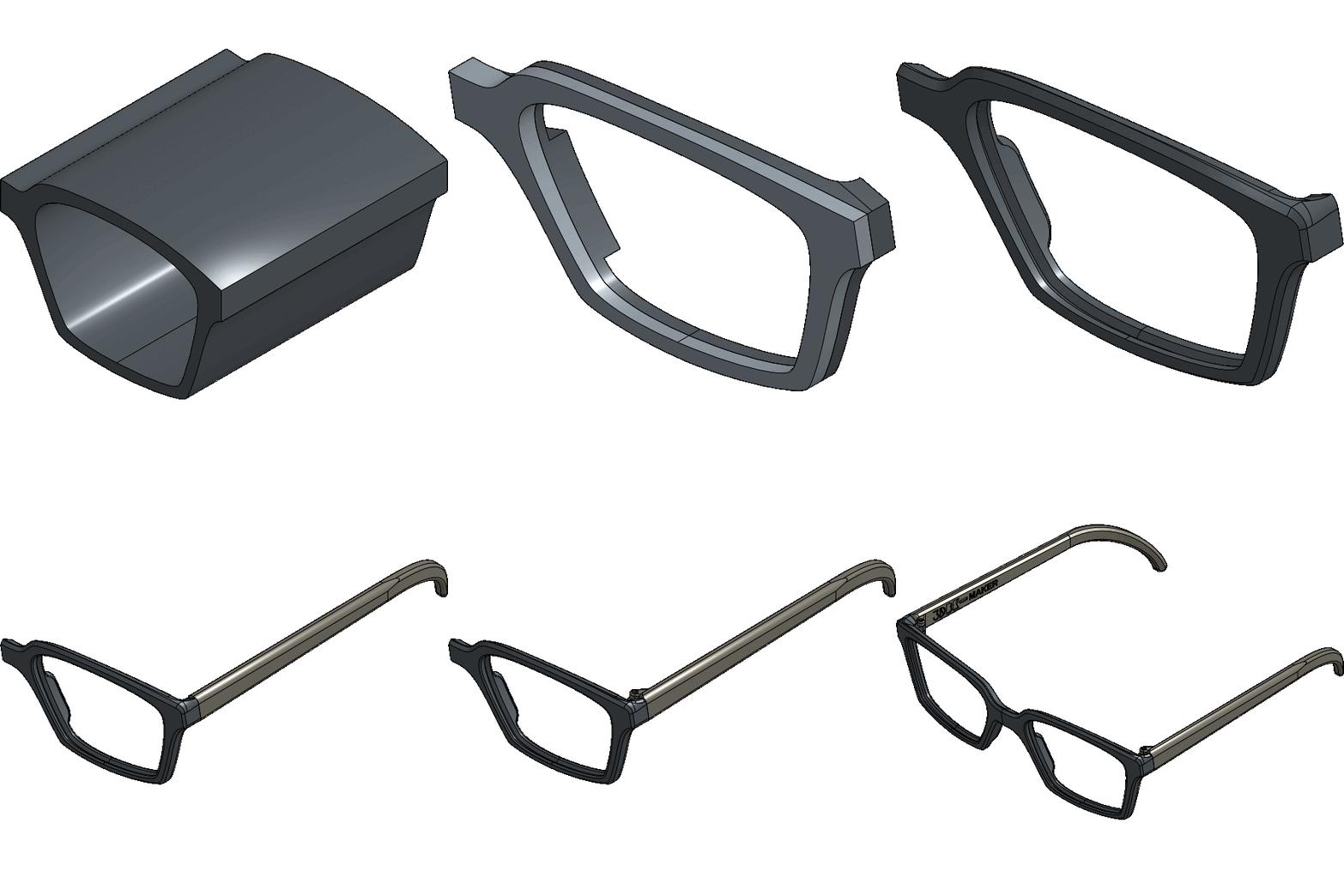
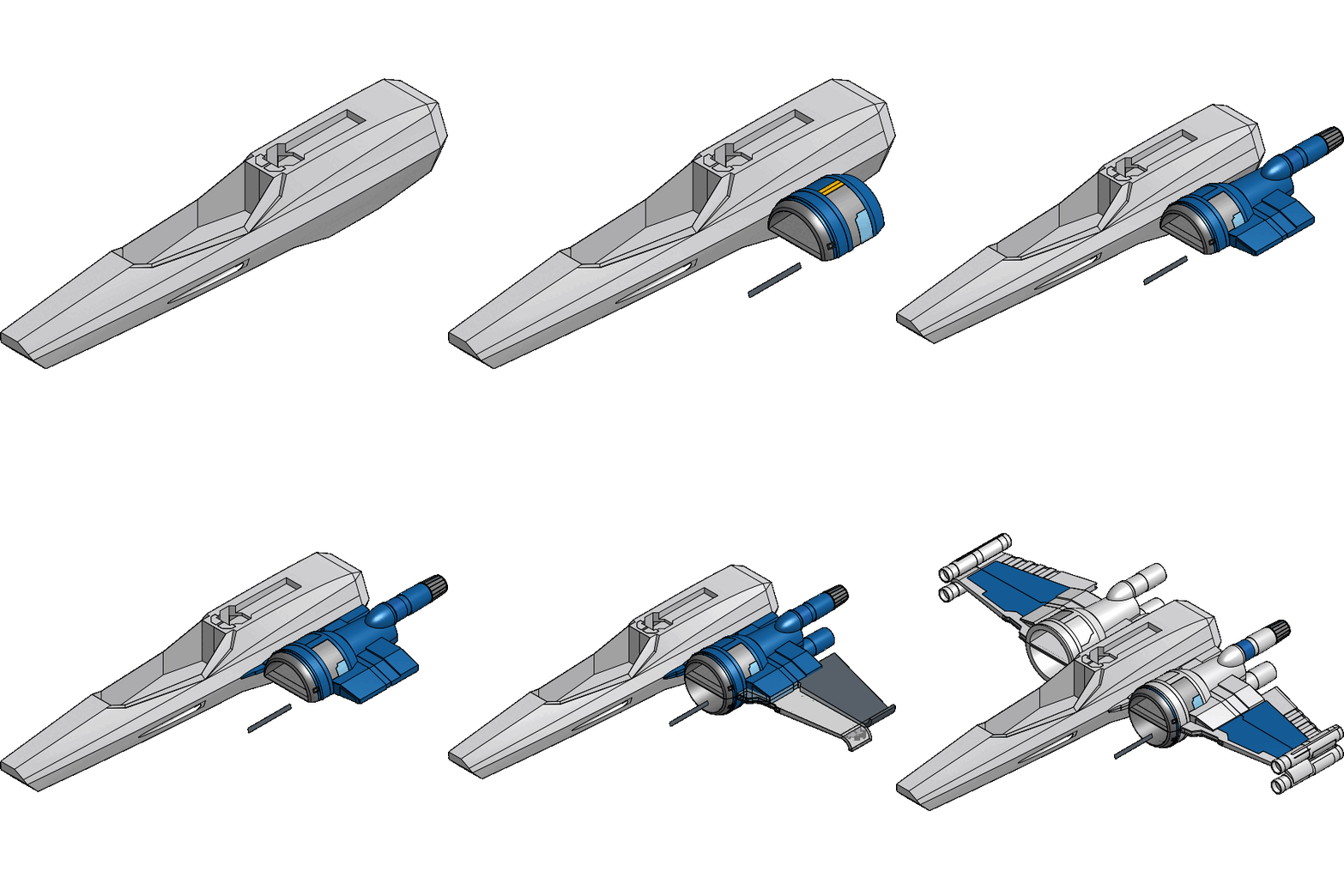
Renaissance has a new tool - GIF Maker!
The Images tool inside of Renaissance can make gifs of either the feature tree or version graph.
Renaissance is a powerful suite of automation tools for Onshape. Packed full of tools such as Release Export, Assembly Export, Find and Replace, and more.
Try for free for 30 days in the Onshape app store.
Heres a few samples from the super popular public models

www.smartbenchsoftware.com --- Renaissance --- fs.place
Experts in Onshape Automation - Custom Features and Integrated Applications
Experts in Onshape Automation - Custom Features and Integrated Applications
Tagged:
6
Comments
This is a really cool idea! Nice work, Caden
The Onsherpa | Reach peak Onshape productivity
www.theonsherpa.com
I've wished for such a thing many a time.
Simon Gatrall | Product Development, Engineering, Design, Onshape | Ex- IDEO, PCH, Unagi, Carbon | LinkedIn
Sweet, I've wanted this for a while now. Did a few manually and was a pain.
.
RENDERCAD
rendercad.ai - Photorealistic product rendering.
▚▞▚▞▚▞▚▞▚
________________________________________________________________________
Tempted to try this out on the CAD Battle submissions to better visualize the entries' approaches by comparison. Looking at the trees is one thing but seeing all the different levels of chaos play out side by side could be interesting.
Derek Van Allen | Engineering Consultant | MeddlerOne thing to note is that only surface/solid geometry changes get rendered. Sketches are skipped over. And make sure you include the export options for wires and surfaces.
That would be interesting to see a comparison of the different methods converging to the same solution.
Experts in Onshape Automation - Custom Features and Integrated Applications