Welcome to the Onshape forum! Ask questions and join in the discussions about everything Onshape.
First time visiting? Here are some places to start:- Looking for a certain topic? Check out the categories filter or use Search (upper right).
- Need support? Ask a question to our Community Support category.
- Please submit support tickets for bugs but you can request improvements in the Product Feedback category.
- Be respectful, on topic and if you see a problem, Flag it.
If you would like to contact our Community Manager personally, feel free to send a private message or an email.
Converting "Welded Sheet Metal Assembly" into its component sheet metal parts
 conorbyrne
Member Posts: 8 ✭
conorbyrne
Member Posts: 8 ✭
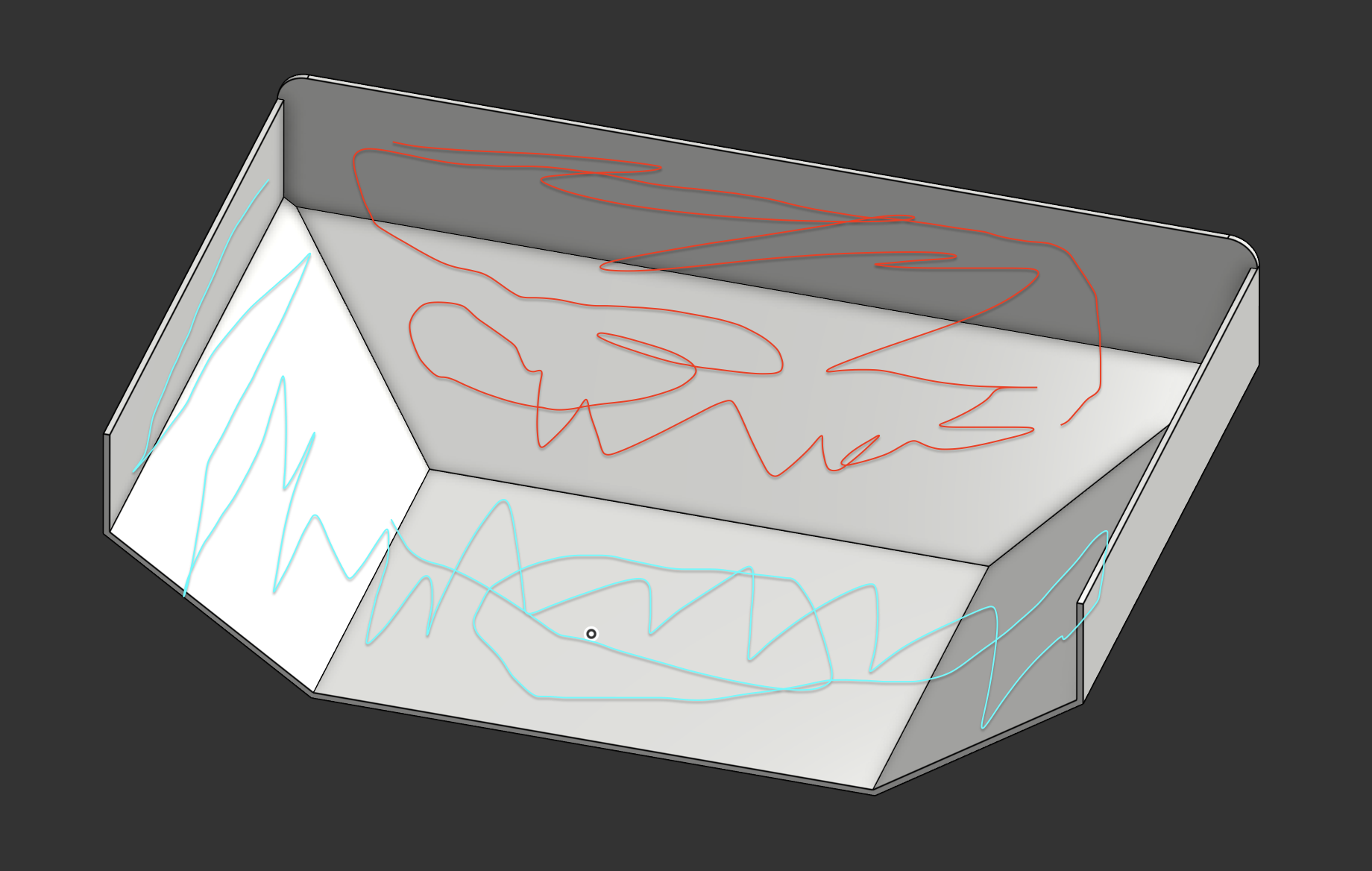
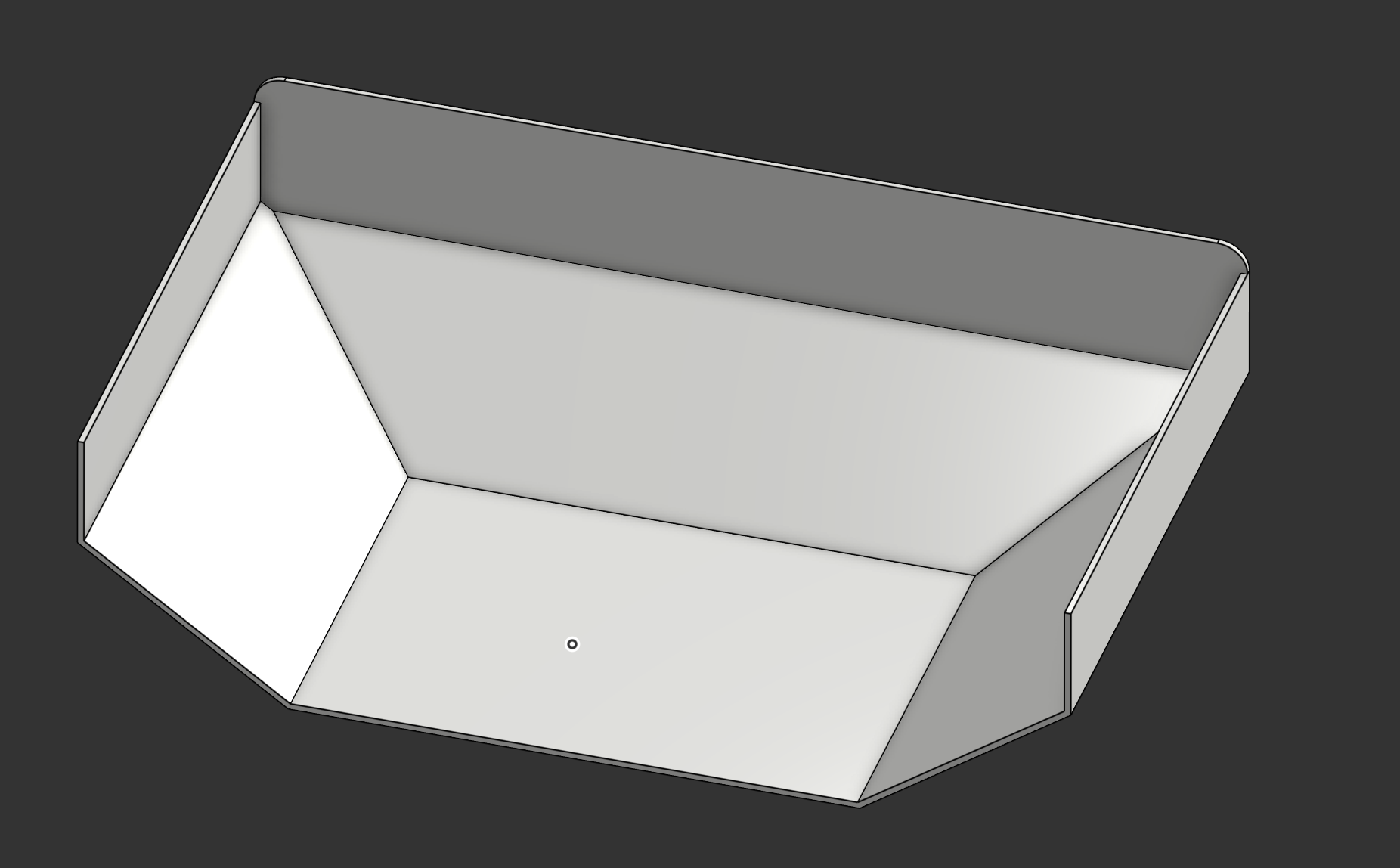
I am try to convert a "finished" welded sheet metal assembly back into its 2 component sheet metal part (highlighted in red and blue). What is the best way to do this? I do not have access to any original files, only this finished one with 1 single whole part.
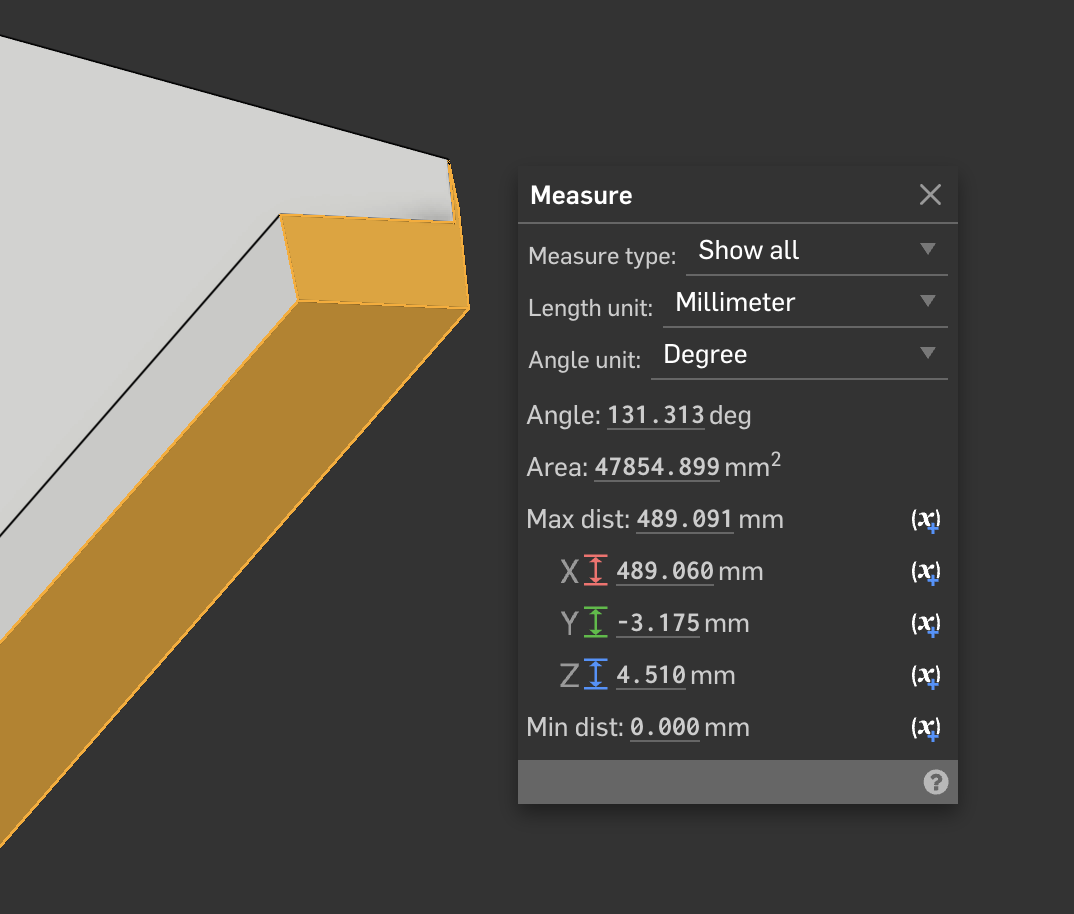
I am currently attempting to create planes and use the split feature, but it's just not working nicely given that not everything is at a 90 deg angle, and it's producing sheet metal with angled edges. I'm now manually editing these, moving faces, extrude cutting weird stuff. Without doing any of this stuff, the convert to sheet metal function just does not work well, and changes the geometry.
Is there a better way to make this into sheet metal parts that I can get manufactured?
Comments
Select the outside faces and use thicken instead of convert. Convert is more used for things like selecting all of the outside faces of a solid like a cube than this kind of geometry.
Derek Van Allen | Engineering Consultant | Meddler@conorbyrne here's an example document I set up using the sheet metal feature set to thicken instead of convert. The corners of the back face needed a little bit of joint modification to get the sides to clean up but all you need to do to get those to work right is click on the rip style in the sheet metal context in the right window and switch it to one of the butt joint styles.
Derek Van Allen | Engineering Consultant | Meddler