Welcome to the Onshape forum! Ask questions and join in the discussions about everything Onshape.
First time visiting? Here are some places to start:- Looking for a certain topic? Check out the categories filter or use Search (upper right).
- Need support? Ask a question to our Community Support category.
- Please submit support tickets for bugs but you can request improvements in the Product Feedback category.
- Be respectful, on topic and if you see a problem, Flag it.
If you would like to contact our Community Manager personally, feel free to send a private message or an email.
How to make unique copy of an assembly?
 troy_ostrander
Member Posts: 77 ✭✭
troy_ostrander
Member Posts: 77 ✭✭
in General
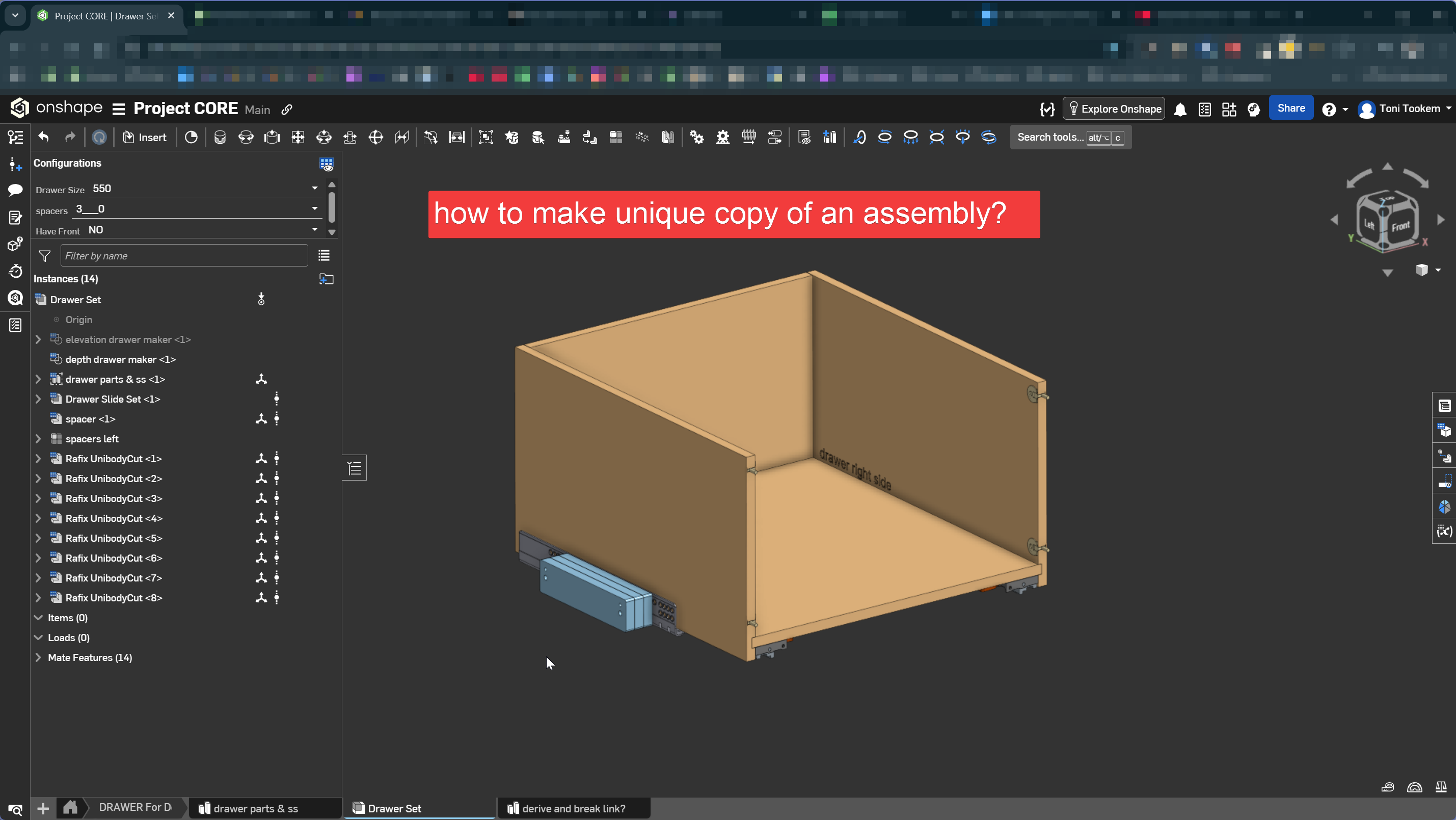
- I need to make a unique copy of an assembly to have it driven by a new set of variables. eg H x W xD
- 1. Create new part studio, derive source part studio and "break" the derived link? Then rebuild in assembly studio.
- or
- 2. Copy source document and only copy tabs I want back to source document?
- or
- 3. rebuild the whole thing from scratch?
- Here is a video demo https://youtu.be/usS-SY2lQ0Q
0
Answers
Wouldn't a new configuration (using the new variables) do that job?
Else, you could of course have as many assembies re-using the same parts as you like. In that case, duplicating the assembly tab and swapping some parts might be an option.
Thanks for the suggestion @martin_kopplow I need to add unique height x depth x width variables to this assembly. So unfortunately, it’s not a simple configuration switch. In Fusion you can just derive and then break the link. I’m pretty new to Onshape so maybe I’m missing some method to achieve this.
Do you really want to assign the unique variables to the assembly itself? Or do you actually want to introduce a unique part that follows different H x W x D variables into an assembly which is otherwise similar and have it drive the positioning of the other parts? That wouldn't necessarily require a competely new assembly, but only a modified duplicate of the assembly with that unique part replacing the original. I sometimes do that when exploring variants: Just right-click on the assembly tab, select "Duplicate", go to the new duplicate tab, right-click on the part in question in the tree, select "replace component" and choose the part you want to swap in. You may have to fix some broken mates, if the new part is really unique and not just one other version or configuration of the original part.
That would leave you with two different assemblies within your original document, all links intact and no need to rebuild.
Would this workflow be applicable?