Welcome to the Onshape forum! Ask questions and join in the discussions about everything Onshape.
First time visiting? Here are some places to start:- Looking for a certain topic? Check out the categories filter or use Search (upper right).
- Need support? Ask a question to our Community Support category.
- Please submit support tickets for bugs but you can request improvements in the Product Feedback category.
- Be respectful, on topic and if you see a problem, Flag it.
If you would like to contact our Community Manager personally, feel free to send a private message or an email.
First day with Onshape, I need a actual BSP thread, G1 for a 3d printed plug

Good afternoon all My first day with Onshape, and i saw someone else had the exact same question issue, but a few years back. I want to model and cut not virtual , a 1" BSP external straight pipe thread, Or 1"x11 TPI, or i think a G1 thread. Why is this so hard, my other CAD program would not do this either. I have read several articles about importing a ThreadCreator " sub script" in the add custom feature area. This has not worked. I have searched and searched for PP_thread creator v2 in all sorts of different permutations of the spelling etc, Still no luck, I have opened or attached several thread creator add ins, but none of them offer BSP, or even a thread profile with adjustable angle, i have gotten a bit close with a threadcreator v1, but it is way off , the pitch calls out for I guess a very small scientific notation for XXX.-y ,to full 3.xxx pitch, but no luck there either, if i try pitch 11, i get 8TPI, if i try .909 pitch i cant get it to accept.
when I look for other Thread creator add ins, most of them are greyed out, Can anyone explain the basics here. Are these addins created by other users? is there a better way to find a add in that has adjustable angle?. or just a defined BSP thread? I am pretty lost as this is for real my first day with Onshape.
This is a very simple 3d printed plastic plug, But now i am a bit PO'd or ADD'd about this , and i want to find this exact thread, not something close. lets pretend i need this in metal and it needs to work in a female metal thread.
thanks
Answers
-
I found the " threadlab" it just took a bit more googleing to find the correct name
0 -
Do you want to create the actual threads in Onshape? Don't flame me, but I don't think british pipe thread is used very commonly any more. Hence it's omission from the standard thread creation tools.
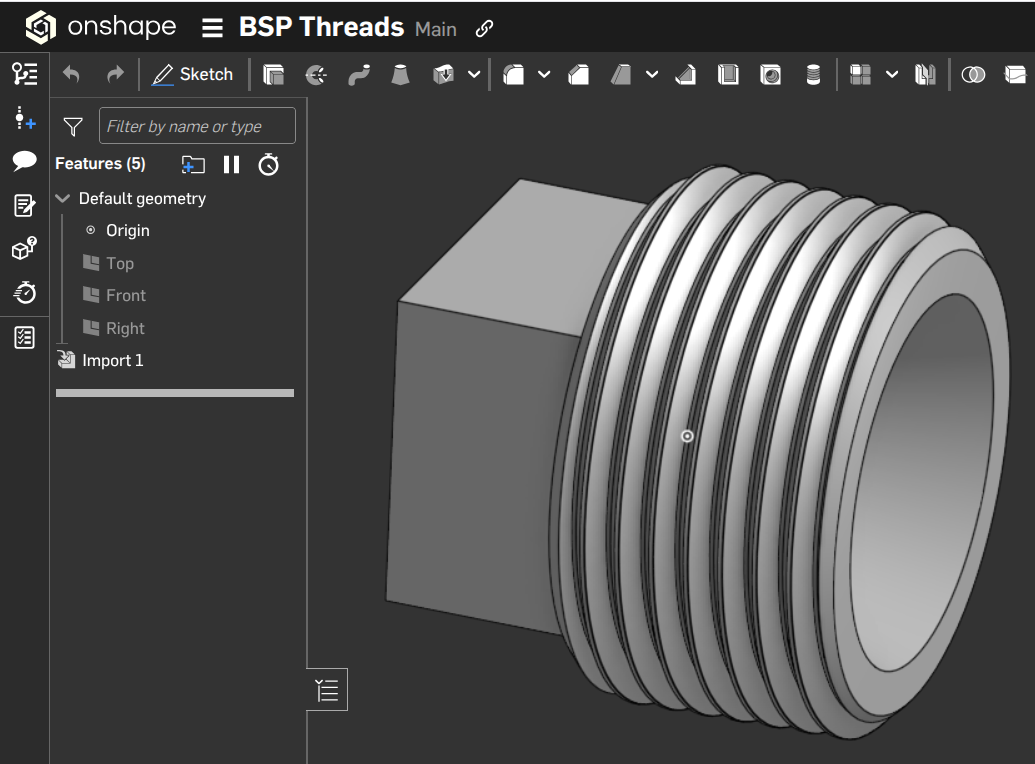
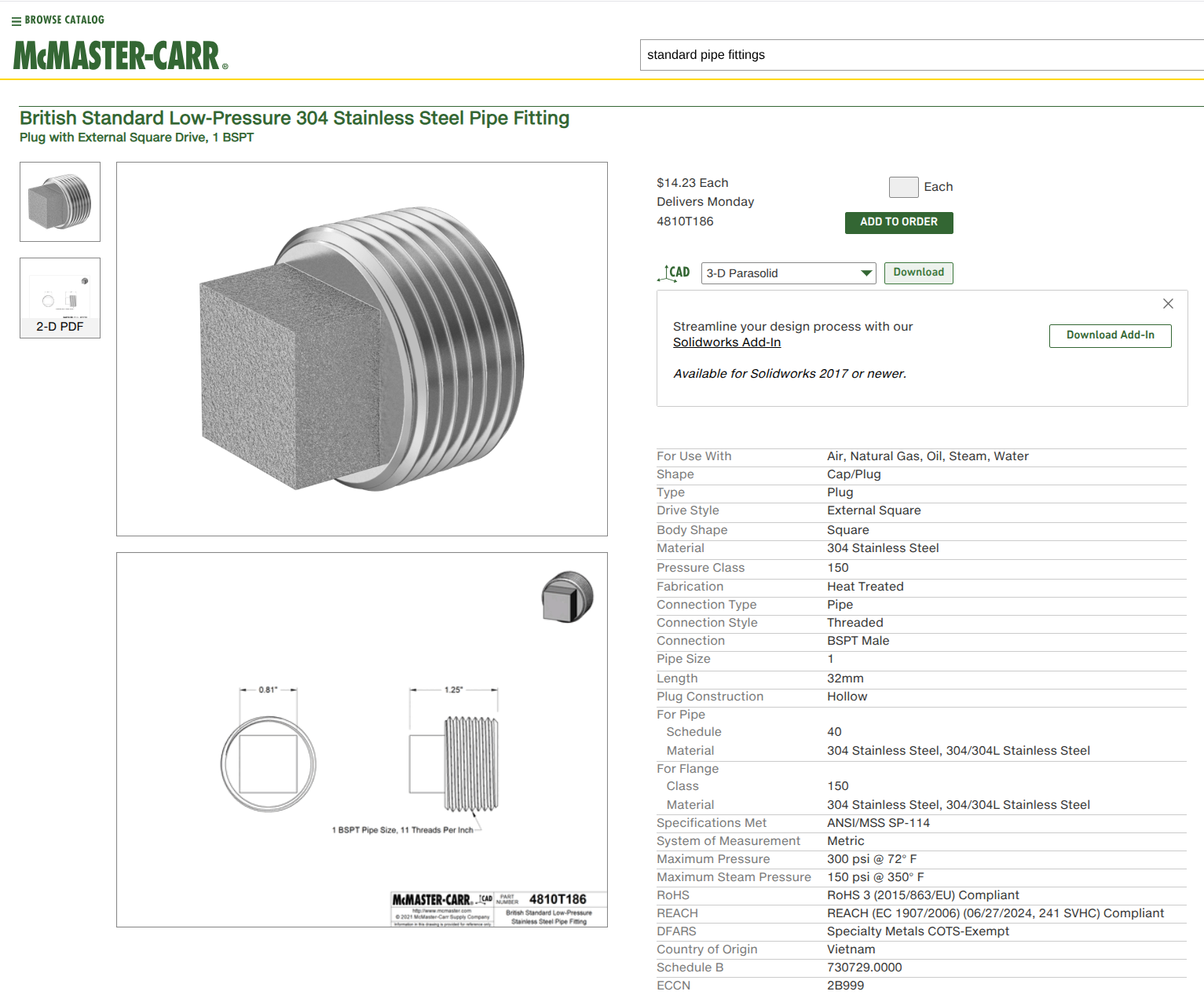
If it's not necessary to create the threads natively, just download a 3d model from Mcmaster-Carr or similar.
1" British Pipe thread plug model from Mcmaster-Carr.
 0
0 -
did i post this in the correct spot on the forum?
0 -
Any thread form can always be created the old fashioned way of a helix and a sweep on the helix, in any CAD program. The helix can also be tapered. Those are good to know, even in today's CAD of automated thread creation tools, for when you want a truly custom shape. That's typically not a first day CAD project, however.
0 -
If I remember correctly, The BSP came from a WitWorth Standard design for straight pipe threads and continued on for gas fittings even in North America. Dont make me look through my old machinery hand book. The print is awfully small for me to read even with cheater glasses.
0 -
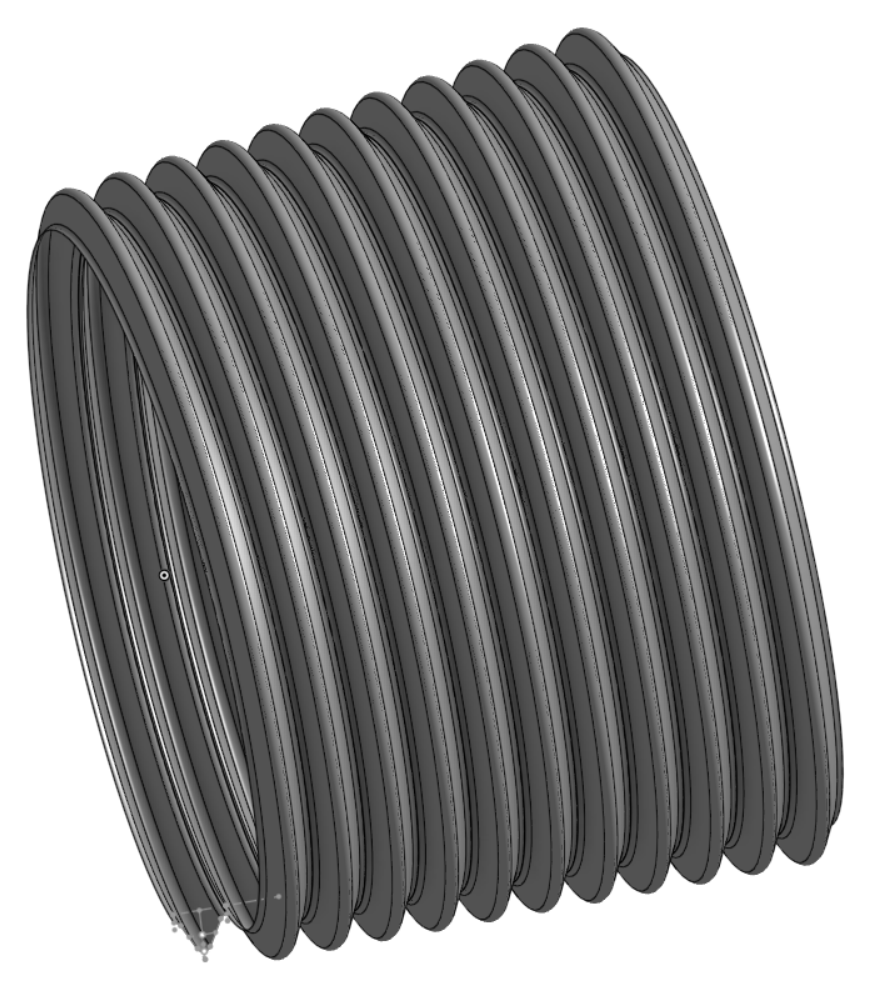
Tried to make a BSP thread the old fashioned way. PIA to get right based on Machineries handbook. It's tapered and based on the Whitworth thread form. Yeah…me neither.
90% there, but my root diameter is off. I give up. Not worth the time.
Upshot; don't use BSP because it's basically defunct. If you have to for some reason. Download a model from McMaster.
 0
0
