Welcome to the Onshape forum! Ask questions and join in the discussions about everything Onshape.
First time visiting? Here are some places to start:- Looking for a certain topic? Check out the categories filter or use Search (upper right).
- Need support? Ask a question to our Community Support category.
- Please submit support tickets for bugs but you can request improvements in the Product Feedback category.
- Be respectful, on topic and if you see a problem, Flag it.
If you would like to contact our Community Manager personally, feel free to send a private message or an email.
Where is the MOST simplest getting started tutorial?
 stefan_ludwig565
Member Posts: 2 ✭
stefan_ludwig565
Member Posts: 2 ✭
just signed in to OnShape.
I have experience with AutoCAd and IronCAD. SO I am not completely new to CAD.
AutoCad is 2D-sketches based, IronCAD is 3D-shape based. So I know both basic concepts.
Still Now after signing up I am lost. I started to watch the Introduction to Part Studios tutorial.
But it is NOT suited for persons that are completely new to OnShape
So can somebody guide me to that tutorial that starts here
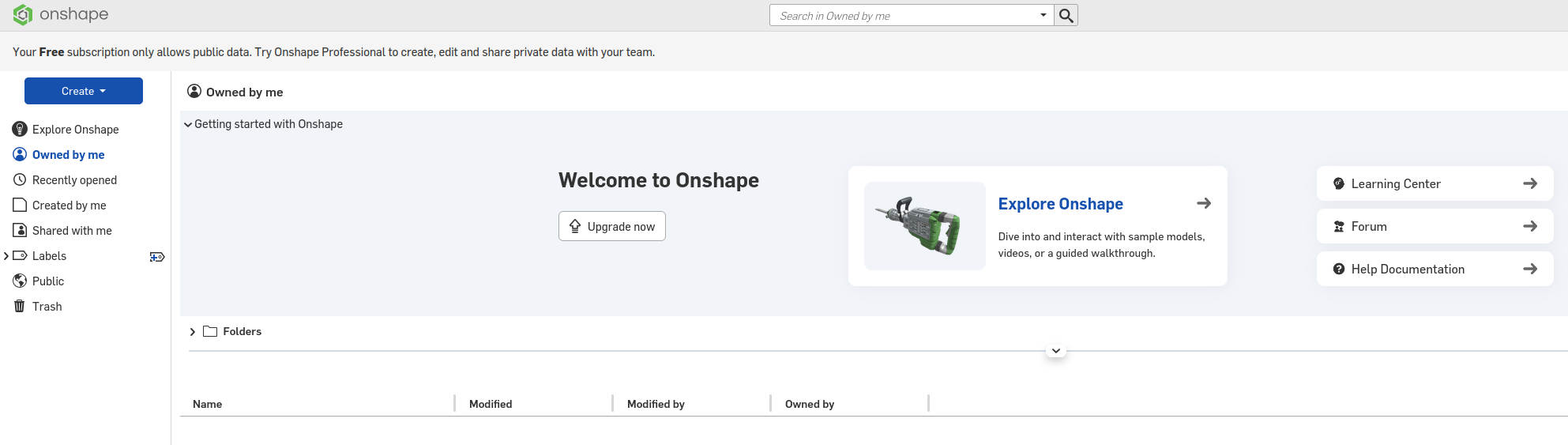
Where and what do I have to click to get to the most basic tutorial that guides me throuh the most initial steps
best regards
Stefan
Comments
Click on this "new to cad" and do the courses there in order. Those will be the most basic.
Link: https://learn.onshape.com
https://learn.onshape.com/learn/learning-path/onshape-fundamentals
If you prefer to watch videos, this is a good resource, there are some very basic step by step that are good for getting going as well as some more advanced and practical examples: