Welcome to the Onshape forum! Ask questions and join in the discussions about everything Onshape.
First time visiting? Here are some places to start:- Looking for a certain topic? Check out the categories filter or use Search (upper right).
- Need support? Ask a question to our Community Support category.
- Please submit support tickets for bugs but you can request improvements in the Product Feedback category.
- Be respectful, on topic and if you see a problem, Flag it.
If you would like to contact our Community Manager personally, feel free to send a private message or an email.
Sheetmetal model issue - Thicken isn't merging faces

Hi guys. I'm having trouble modelling a reasonably basic sheet metal part. In the attached document I have a studio of what the intended part (Intended part) will look like using extruded sketches but I couldn't figure out how to make the 2 parts merge.
https://cad.onshape.com/documents/7b45b1a06897dfbadc489b66/w/0d23dd4eab43a60567b0fe47/e/a58e5fc9e23d5d5f27412d29?renderMode=0&uiState=69f7c9f711debef71f6e6a0e
The part is a flashing corner, where 2 angled profiles meet but I want the top to be continuous so I dont need to weld up the crease.
I'm also not sure I used the most efficient method to remove unwanted material either so I tried another method in studio "Planar sketch" by creating angled planes representing the tops of my parts then I wanted to turn that into a sheet metal model then add the flanges.
So, My issue with the method there is if I used a single sheet metal thicken feature then the 2 faces wont merge into a single part but I also cant use a boolean union on them.
I tried using a regular extrude to thicken them and then sheet metal convert but that's throwing an error at me.
I feel as though the method in 'planar sketch' is more efficient but I just need it to make a single part. But is there a better way I could be doing this?
Thanks in advance.
Answers
-
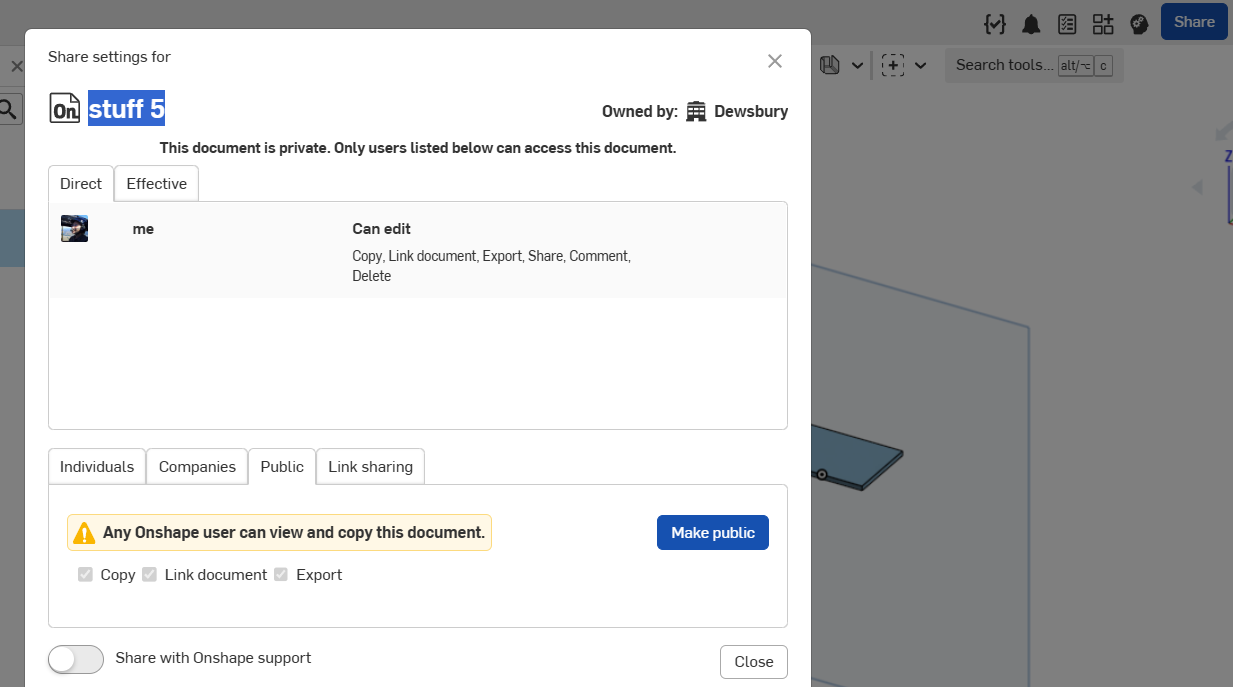
Can you make this document public? That way a copy can be edited to demonstrate method. I think this can be one piece.
 0
0 -
Aah, yes. Sorry. Should be public now.
0
