Welcome to the Onshape forum! Ask questions and join in the discussions about everything Onshape.
First time visiting? Here are some places to start:
- Looking for a certain topic? Check out the categories filter or use Search (upper right).
- Need support? Ask a question to our Community Support category.
- Please submit support tickets for bugs but you can request improvements in the Product Feedback category.
- Be respectful, on topic and if you see a problem, Flag it.
If you would like to contact our Community Manager personally, feel free to send a private message or an email.
NVIDIA Isaac Sim: Import from Onshape - flips all rotational mates

I created an assembly of a robot hand. Defined all mates with limits and everything looks good for now:
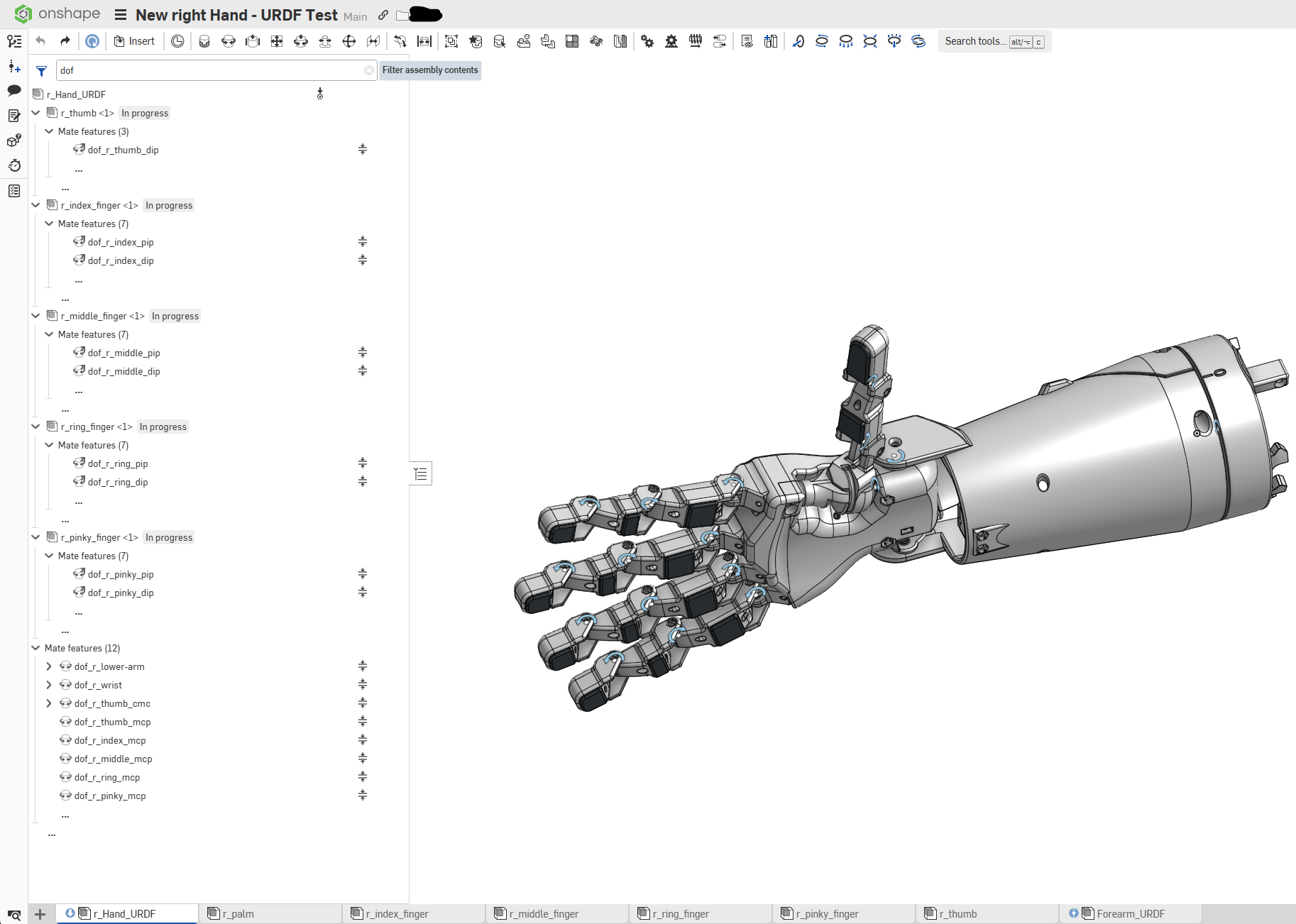
But when I use "Import from Onshape" in NVIDIA Isaac Sim, all rotational joints are turning in the wrong direction. It is like the joints are flipped during the import.
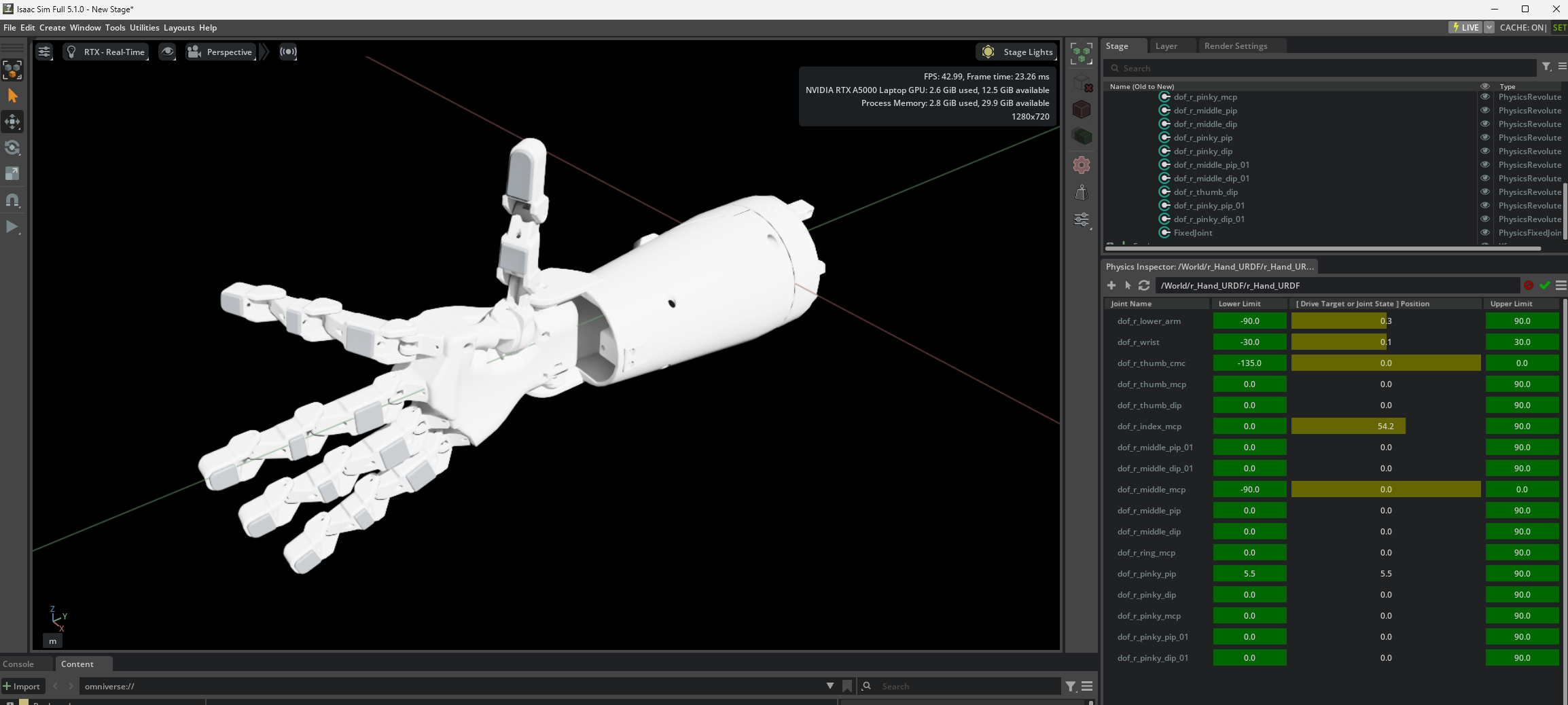
Does anyone know a way to correct this?
Of course I could define the mates in Onshape "wrong" and then after the import they are correct. But this is not a good solution, since the assembly will be used in other simulation softwares and then they are wrong again.
I also noticed that there is a problem with the names of the joints in Isaac. There are duplicate names with a "_01" and they use the wrong name?
Thanks!