Welcome to the Onshape forum! Ask questions and join in the discussions about everything Onshape.
First time visiting? Here are some places to start:- Looking for a certain topic? Check out the categories filter or use Search (upper right).
- Need support? Ask a question to our Community Support category.
- Please submit support tickets for bugs but you can request improvements in the Product Feedback category.
- Be respectful, on topic and if you see a problem, Flag it.
If you would like to contact our Community Manager personally, feel free to send a private message or an email.
Having trouble with Design
 noah_miller379
Member Posts: 2 ✭
noah_miller379
Member Posts: 2 ✭
Hello there, I'm currently working on green lantern power rings in onshape. They recently released a new lantern corps called the Sorrow Lantern Corps. Their symbol is what I can only describe as a Teardrop swirl (links to images down below) and I'm having trouble recreating the symbol in onshape for the ring. For specs on the rings, the maximum diameter is 17 mm, and the lines for the symbols are 1.75mm thick.
Original Image: https://static0.srcdn.com/wordpress/wp-content/uploads/2024/07/nathan-becomes-first-sorrow-lantern-dc.jpg
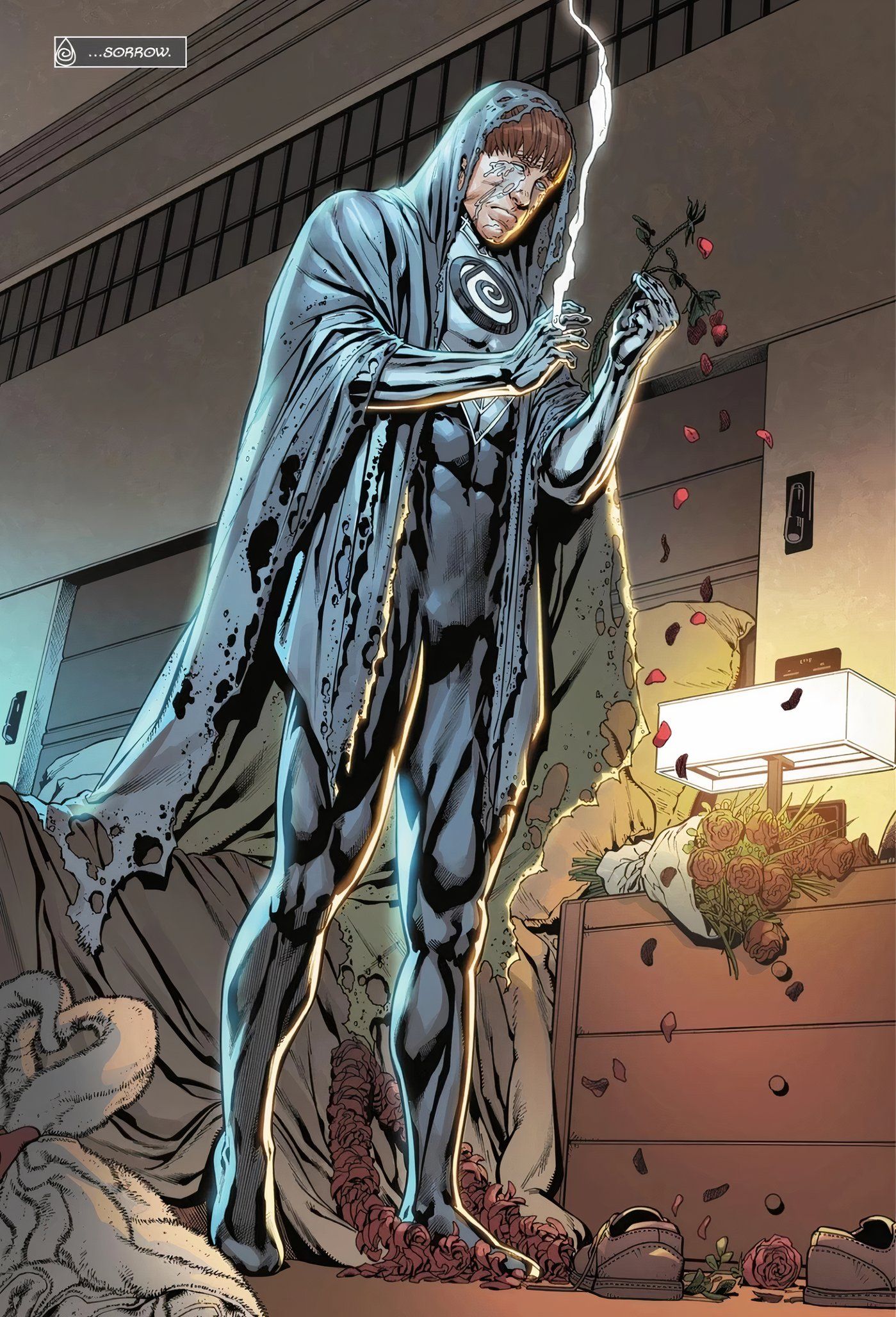
Basic Shape: https://diablobodyjewelry.com/bmz_cache/2/2ca3a725910d3fc808195046d700d57d.image.500x392.jpg

Comments
RENDERCAD
rendercad.ai - Photorealistic product rendering.
▚▞▚▞▚▞▚▞▚
________________________________________________________________________