Welcome to the Onshape forum! Ask questions and join in the discussions about everything Onshape.
First time visiting? Here are some places to start:- Looking for a certain topic? Check out the categories filter or use Search (upper right).
- Need support? Ask a question to our Community Support category.
- Please submit support tickets for bugs but you can request improvements in the Product Feedback category.
- Be respectful, on topic and if you see a problem, Flag it.
If you would like to contact our Community Manager personally, feel free to send a private message or an email.

Comments
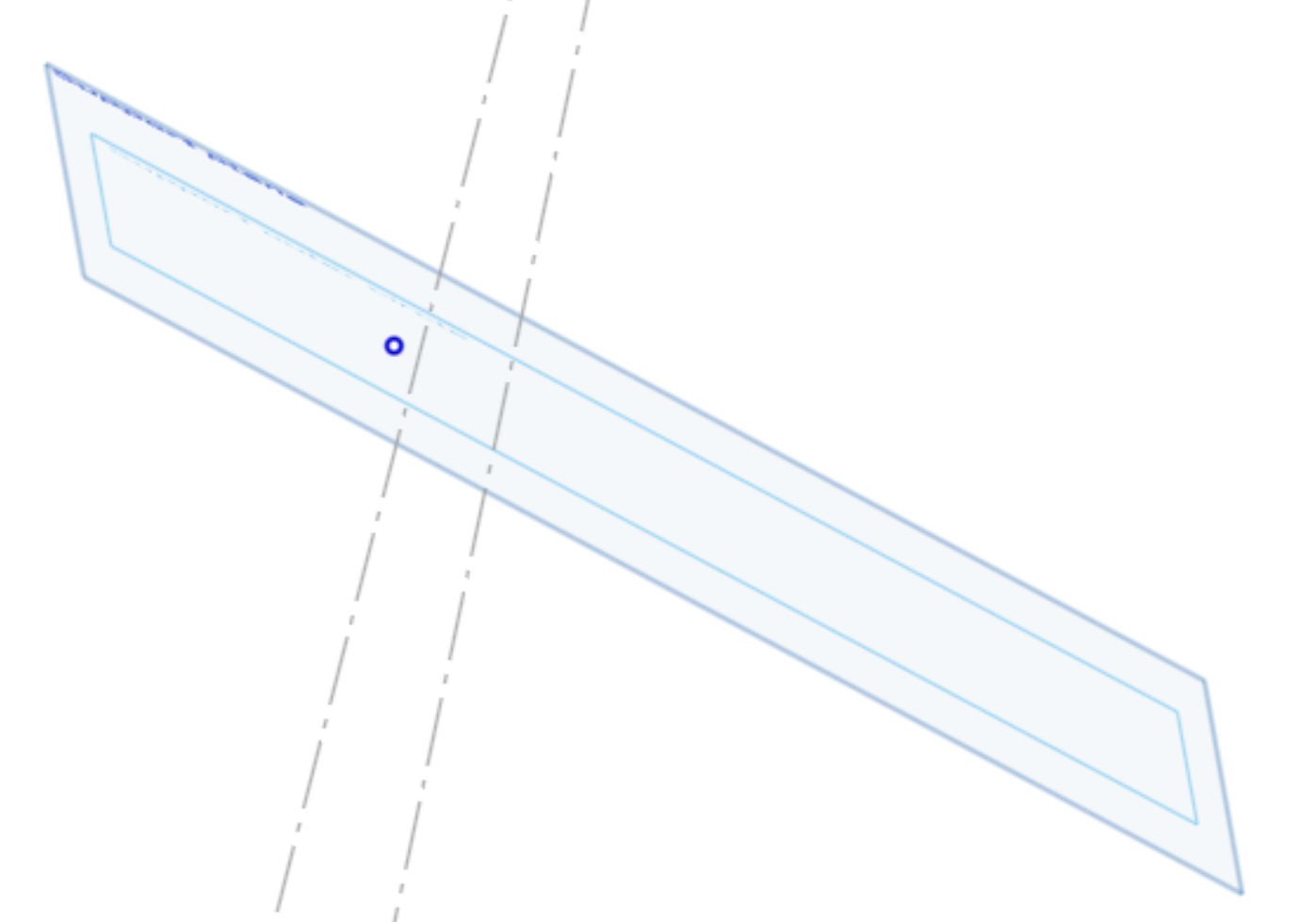
Pierce (shift+g)
Coincident works, too. You need two coincident conditions: One point-line and one point-plane. No problem. Make sure there is no other accidental coincident constraint on the point, such as line mid point or such. That'll kill it.