Welcome to the Onshape forum! Ask questions and join in the discussions about everything Onshape.
First time visiting? Here are some places to start:- Looking for a certain topic? Check out the categories filter or use Search (upper right).
- Need support? Ask a question to our Community Support category.
- Please submit support tickets for bugs but you can request improvements in the Product Feedback category.
- Be respectful, on topic and if you see a problem, Flag it.
If you would like to contact our Community Manager personally, feel free to send a private message or an email.
Extrude depth angle
 angelo_consuegra
Member Posts: 5 ✭
angelo_consuegra
Member Posts: 5 ✭
Recently discovered Onshape and I'm relly liking this "cloud CAD" concept.
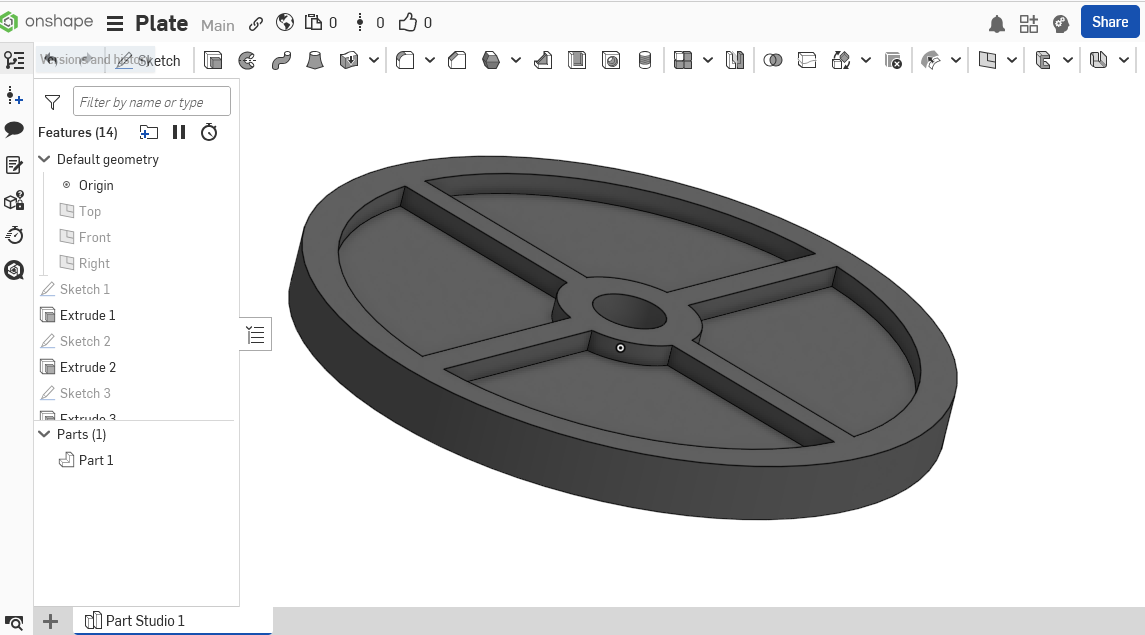
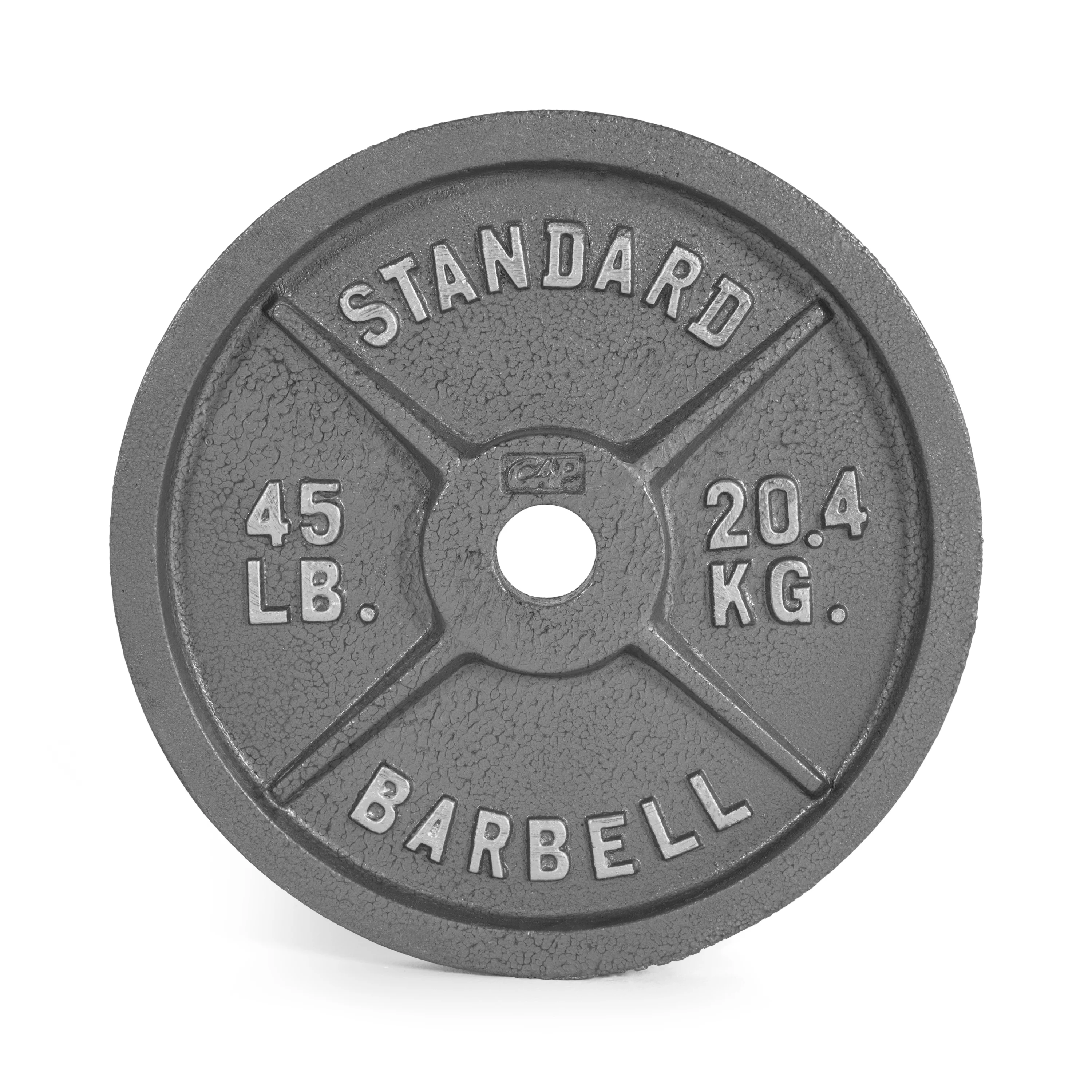
I'm stock in this project. Trying to create a gym plate but can't figure out hout to extrude so the dept or height of the sketch is not regular in the whole piece which I'm assuming could be achieved by giving an "angle" to the extrude fuction. Pictures for reference. Thanks in advance
0
Answers
I think what you need is 'Draft' which is an option in the Extrude Dialogue window. Click the curved arrow to reverse the result
Hello Angelo. Perhaps you also want the ribs to be sloped. This document uses a profile for the rib and a circular pattern of it's extrude to do that. In a different approach, the body of the plate is created with a Revolve rather than extrudes. Have fun creating with Onshape. - Scotty
I appreciate both replies. Will be creating this and more beginner desings over the weeked. Will update this thread with the results
The ribs tool was useful the design now looks very similar to what I pictured in my head, can still play with the fillets/chamfers to change it a little bit but I´m pretty okay with it so far