Welcome to the Onshape forum! Ask questions and join in the discussions about everything Onshape.
First time visiting? Here are some places to start:- Looking for a certain topic? Check out the categories filter or use Search (upper right).
- Need support? Ask a question to our Community Support category.
- Please submit support tickets for bugs but you can request improvements in the Product Feedback category.
- Be respectful, on topic and if you see a problem, Flag it.
If you would like to contact our Community Manager personally, feel free to send a private message or an email.
Bend/Slope Help
 thayne_walters
Member Posts: 4 ✭
thayne_walters
Member Posts: 4 ✭
Good morning/Afternoon!
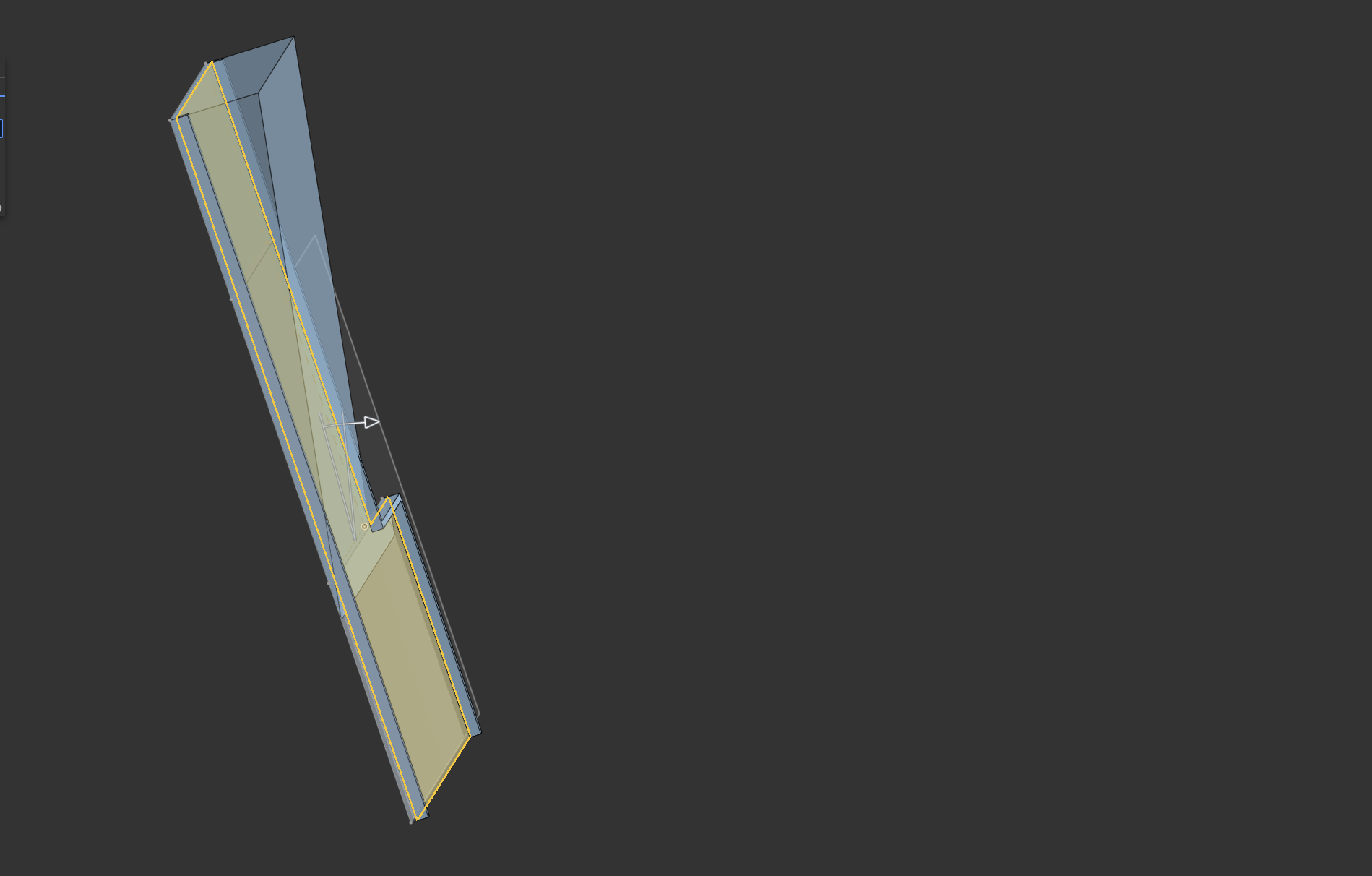
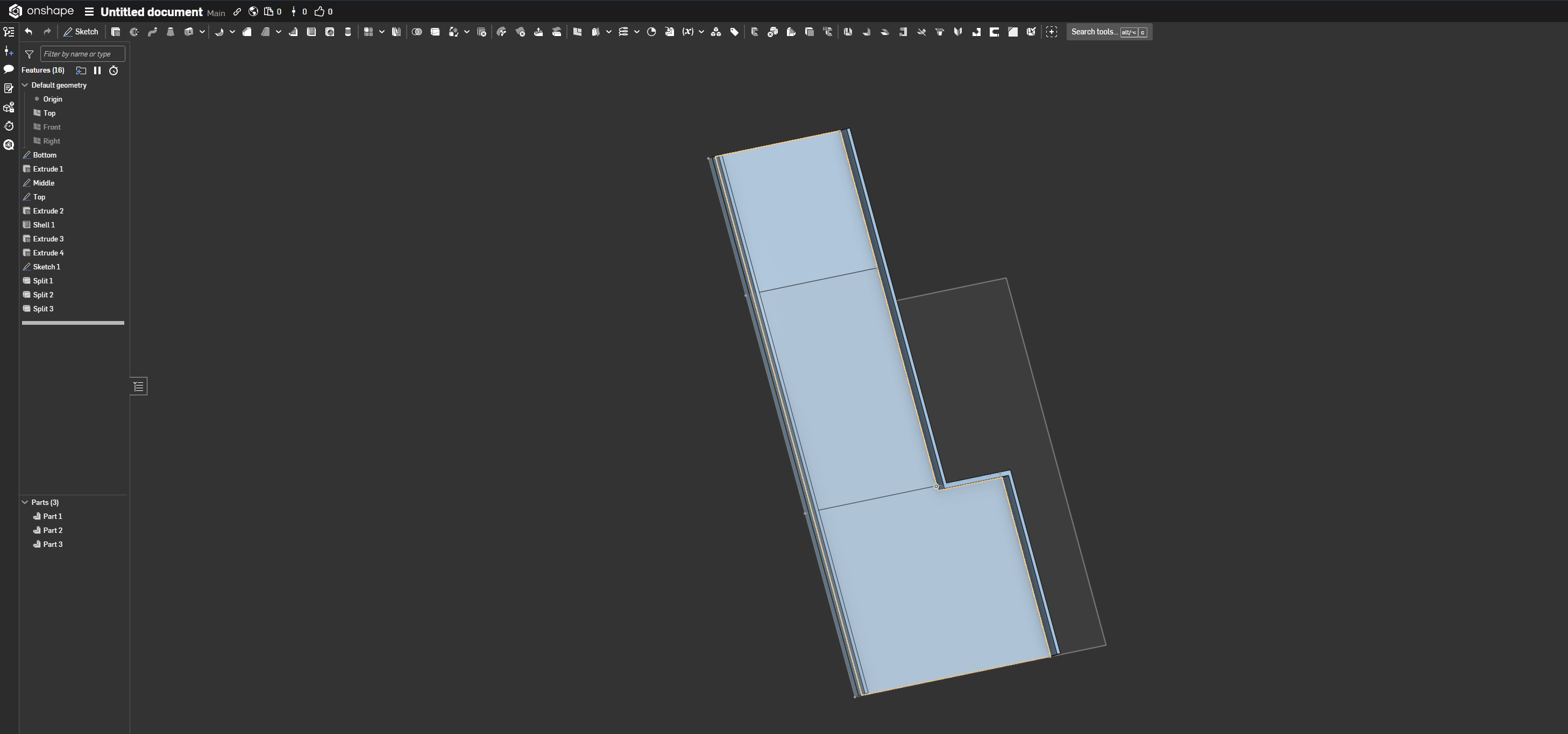
Thank you for taking your time and hopefully reading this... lol. I am new to CAD so please go easy on me. I am trying to model a tray for my car to replace. The tray has a "slope/angle" and fits snuggly into the compartment. I was able to split my face up into 3 faces (where I want to bend/angle/slope) but move face is not achieving what I want. I would appreciate anyone's help!
Thank you!!
0
Comments
Hello Thayne. Perhaps a simpler approach would be to create a sketch of straight lines that represent the flat areas of the tray, use the Extrude Thin tool to create 3 flat areas and see if what you then have enables you to continue from there to complete the part. Example document. - Scotty (GTI owner)
Hello Scotty!
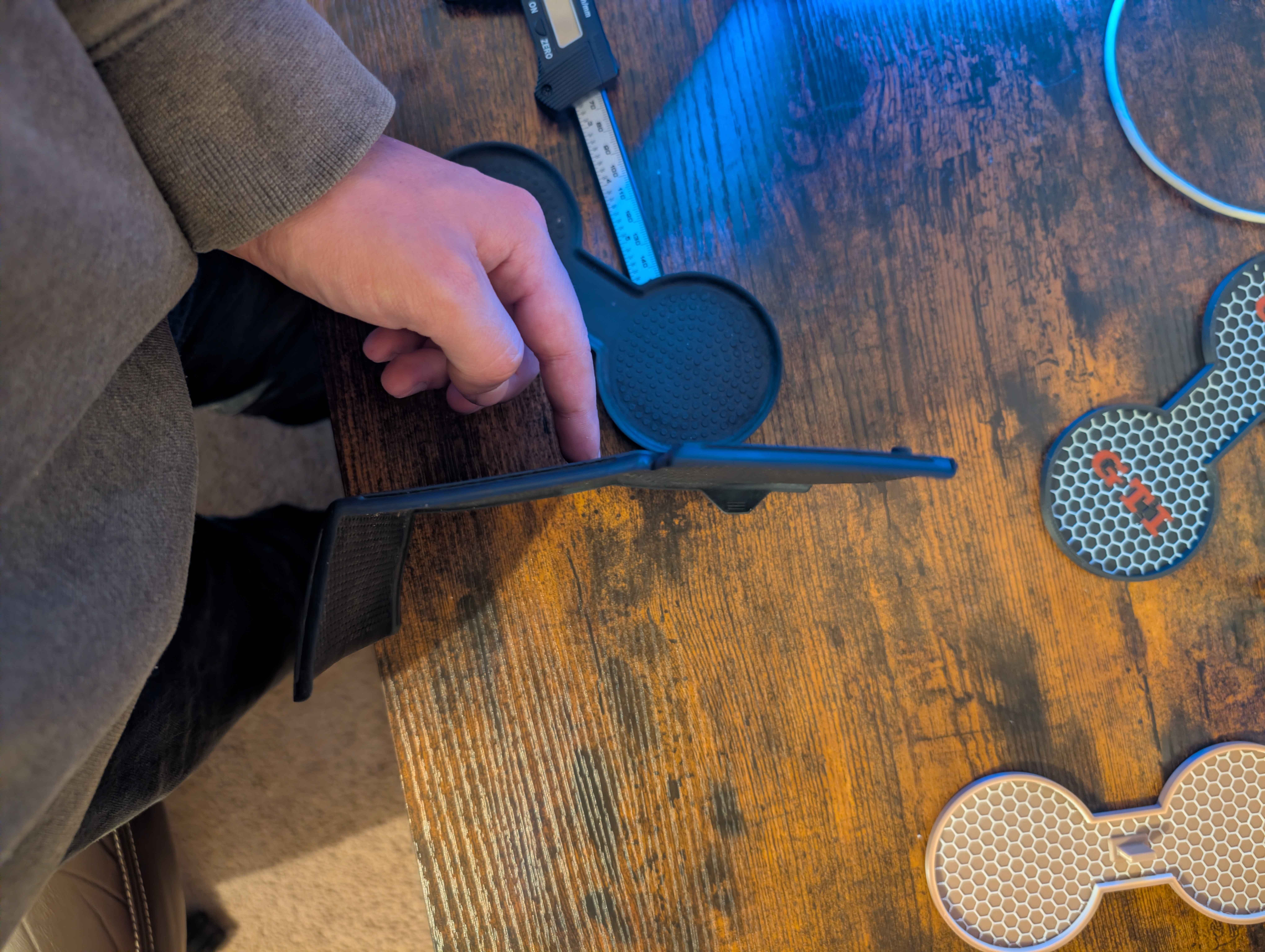
I honestly cannot express how much I appreciate your help, with something probably so simple for you... lol. As you can see from the picture, I was able to successfully model myself the middle cup holder tray, which will be made from ASA in final.
Another quick question if you have a second, is there an easier way to model honeycomb? I am currently making one polygon, then doing a linear pattern and duplicating that across the plane. My only issue I have with that is I can't seem to have it mate perfectly up to the inside faces as I extrude the honeycomb down as a remove. This results in the part having holes and I have to extrude another wall down to "cover/hide" the holes. This is working on the final product, but I am sure there is a better way and would result in a cleaner part.
I am totally unsure if allowed, but if there's any way for me to buy you a "coffee", please let me know. You have helped me out tremendously already.
Cheers!
Hey Thane. Appreciate the offer; just glad to help.
I've updated the document of the link previously posted with an example. For your results (if you are able to do so based on what you already have) select the appropriate sketch entities and create a surface (a cookie cutter) and use it to split the pattern.
Other than that method, there is a Custom Feature that might interest you.