Welcome to the Onshape forum! Ask questions and join in the discussions about everything Onshape.
First time visiting? Here are some places to start:- Looking for a certain topic? Check out the categories filter or use Search (upper right).
- Need support? Ask a question to our Community Support category.
- Please submit support tickets for bugs but you can request improvements in the Product Feedback category.
- Be respectful, on topic and if you see a problem, Flag it.
If you would like to contact our Community Manager personally, feel free to send a private message or an email.
Answered: How to dimension to midpoint?
 troy_ostrander
Member Posts: 77 ✭✭
troy_ostrander
Member Posts: 77 ✭✭
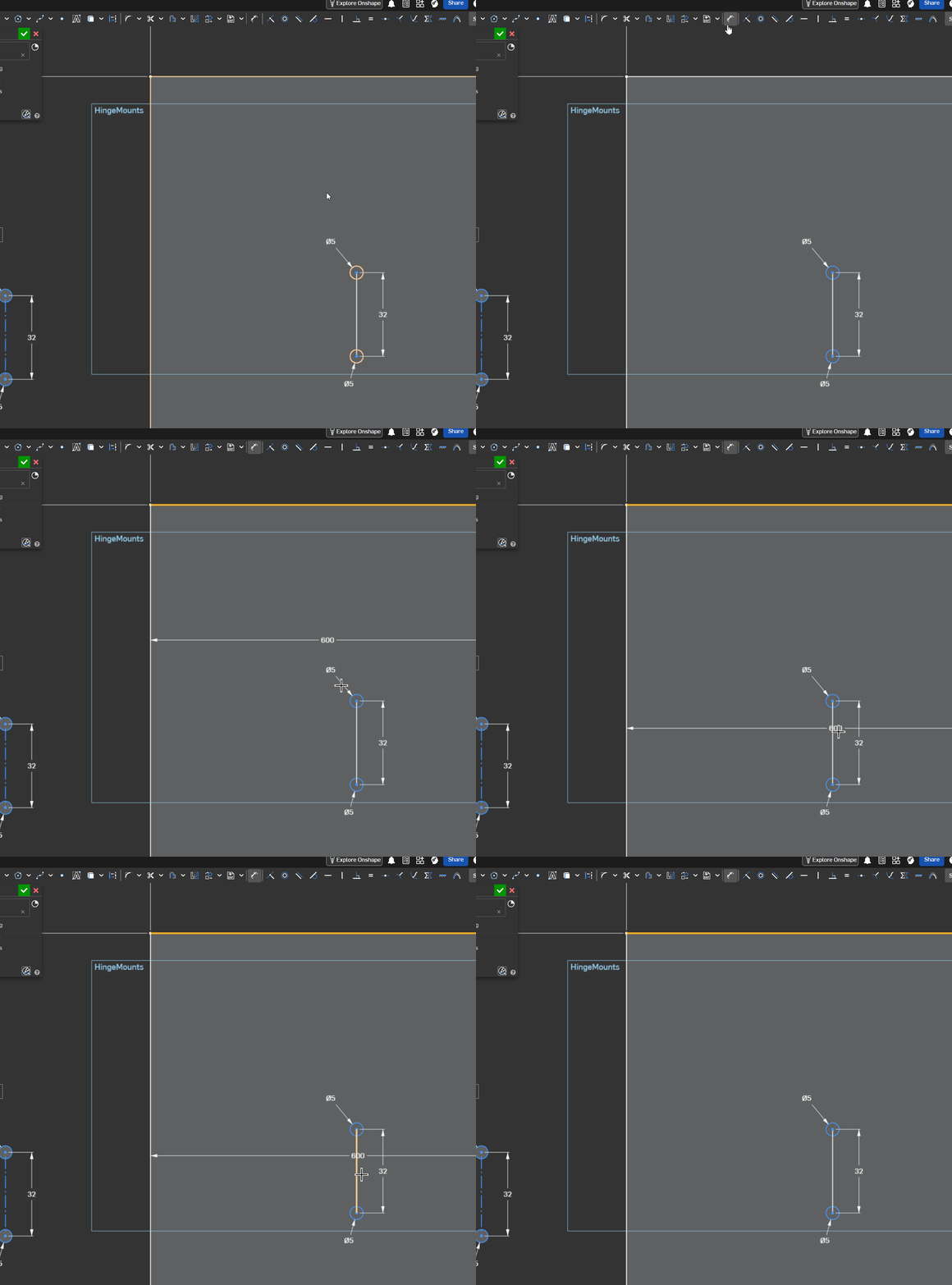
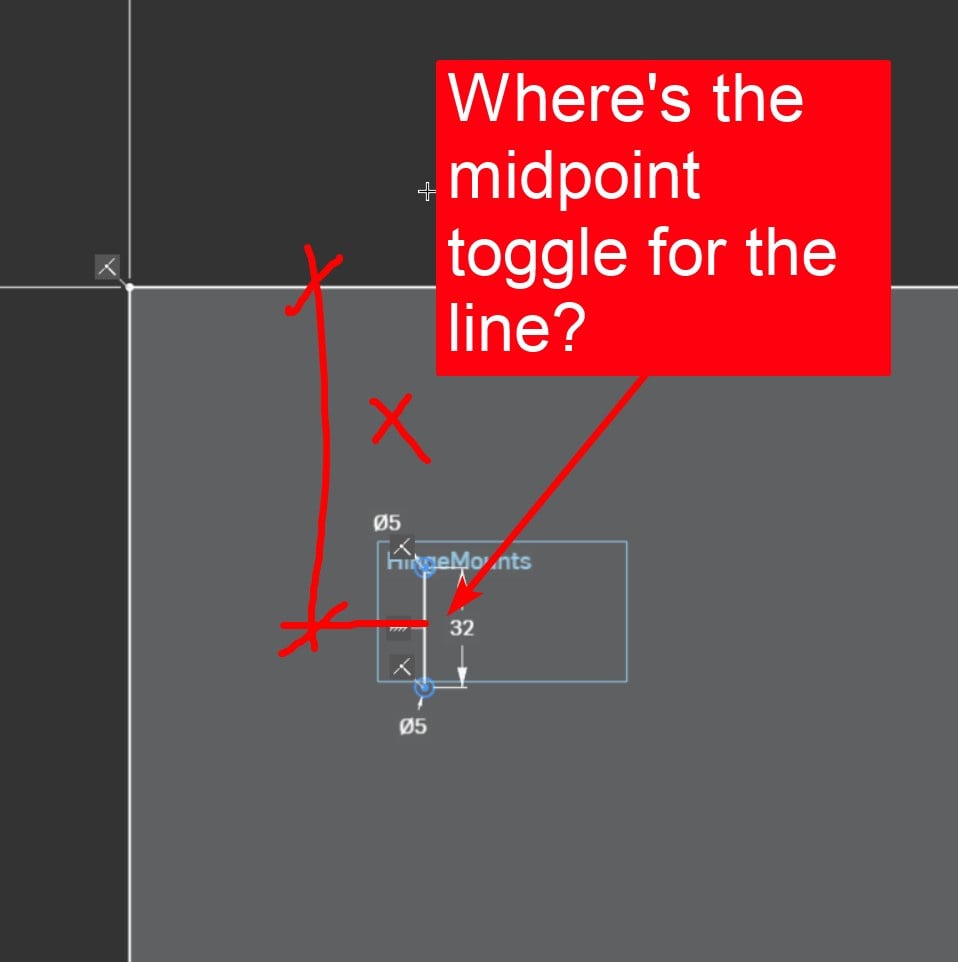
I am new to Onshape. Can't seem to find it easy way to do this. I'm sure there is.
0
Comments
Might have to put a construction line/ centre line in there.
Or just a point. - Scotty
Add a centerline, as a construction line. It will snap to the midpoint.
Delete one of the circle dims and click on both circles then press the letter E, which will make them equal.
Or, if you know the midpoint will be important, draw a midpoint line instead. It'll have a midpoint ex works.
I think it is no good practice to dimension to an average line's midpoint because it might easily get corrupted in later edits. I always use an ecplicit axis for this reason.
Thanks @martin_kopplow, line with midpoint is new to me thank you. The midpoint is very important to me and you said "….I always use an explicit axis for this reason." How do make an explicit axis?
@troy_ostrander Just draw a line and make it 'construction', maybe even constrain it fix it in the sketch. A construction line used as an axis will allow you to dimension to diameter, even if you only draw one side of a rotational or symmetrical body. I guess that this will also eliminate the need to dimension to midpoint in 99% of the possible cases.