Welcome to the Onshape forum! Ask questions and join in the discussions about everything Onshape.
First time visiting? Here are some places to start:- Looking for a certain topic? Check out the categories filter or use Search (upper right).
- Need support? Ask a question to our Community Support category.
- Please submit support tickets for bugs but you can request improvements in the Product Feedback category.
- Be respectful, on topic and if you see a problem, Flag it.
If you would like to contact our Community Manager personally, feel free to send a private message or an email.
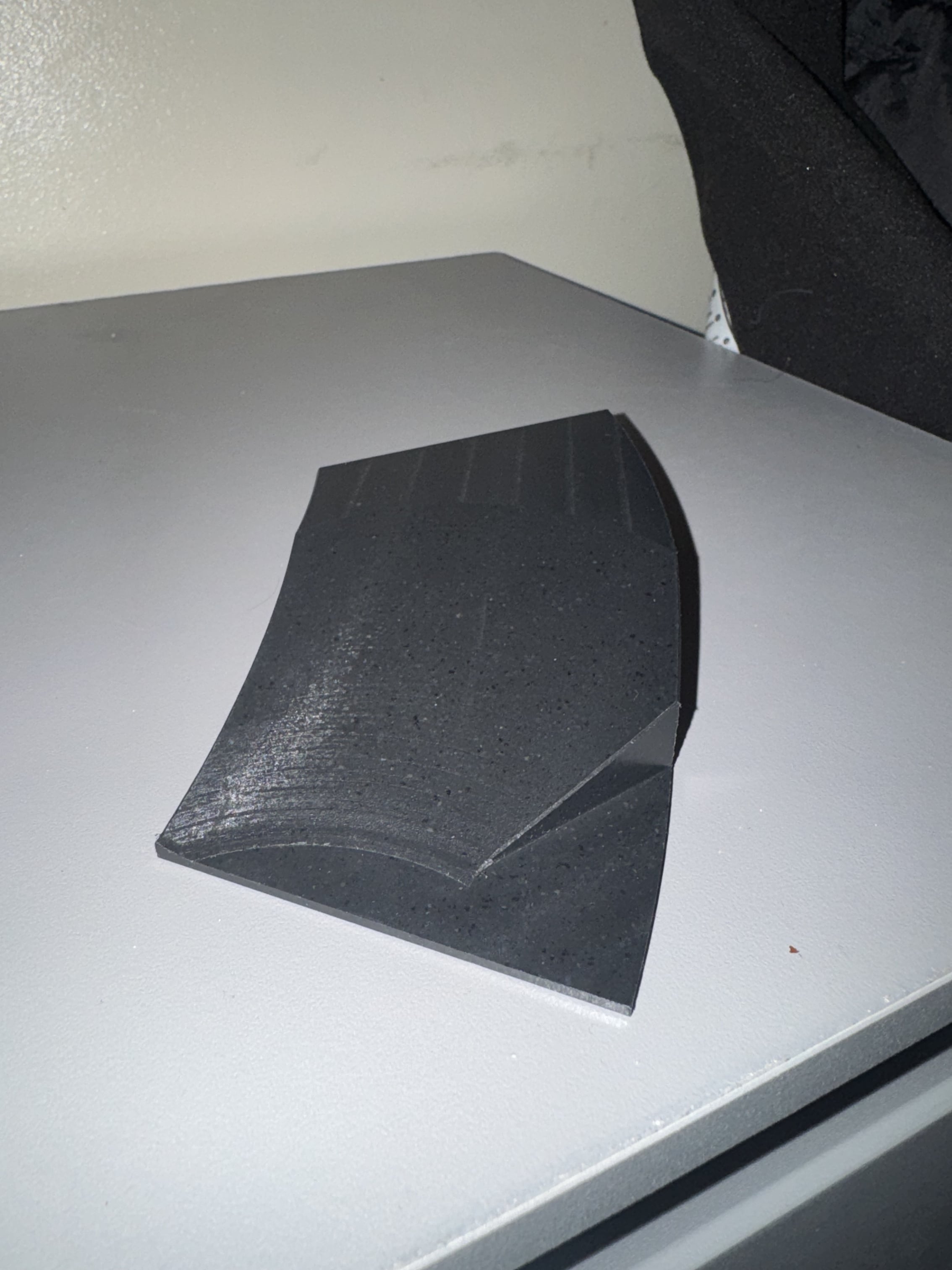
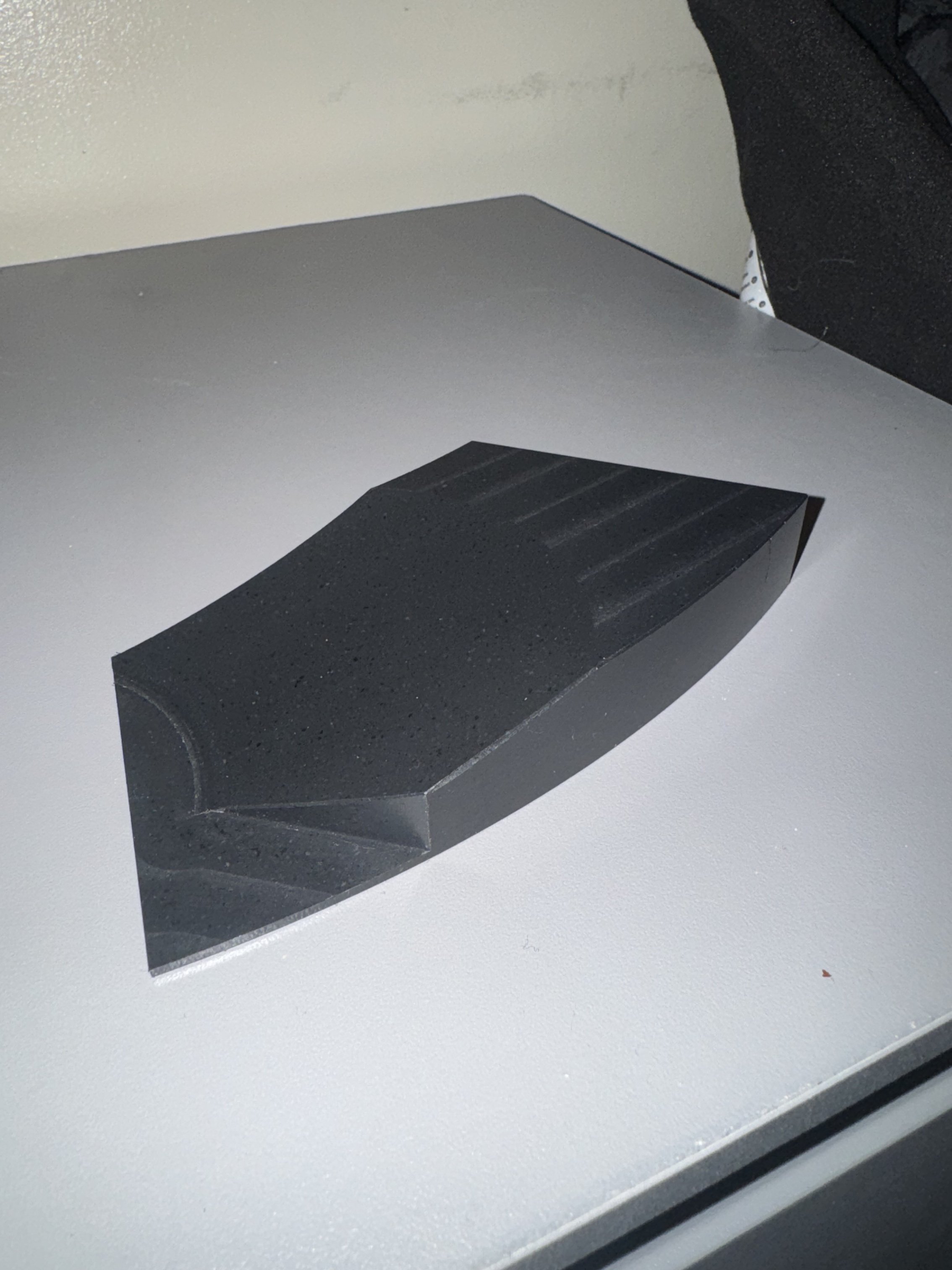
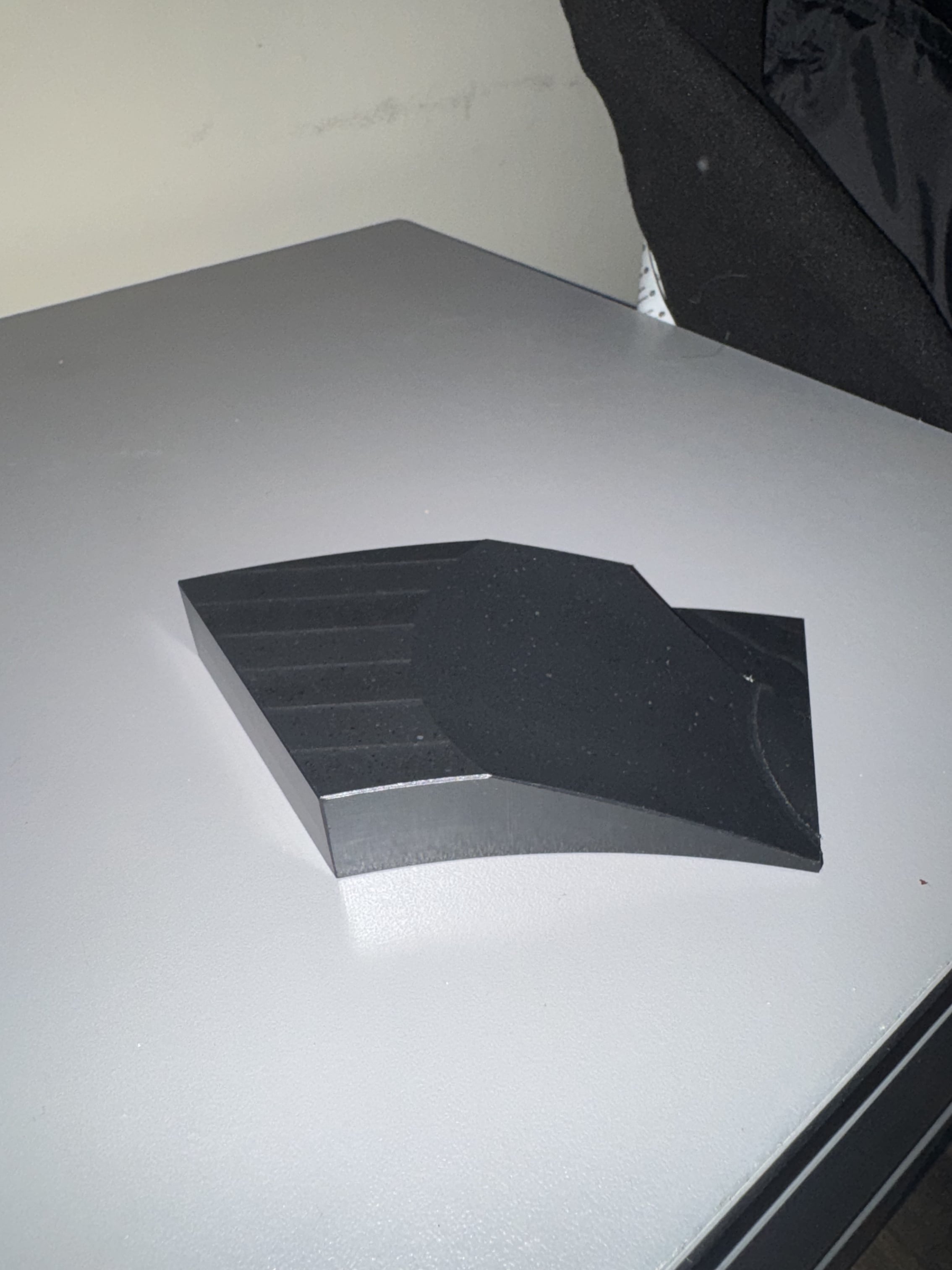
Starting this shape (check image)
 john_smith577
Member Posts: 2 ✭
john_smith577
Member Posts: 2 ✭
in Drawings
Hi guys, new here, but I’ve been using onshape at a beginner level for a couple weeks now. I’ve been been meaning to draw and 3d print this shape, however, I don’t even know where to start with some aspects of it. I have been rough time trying to emulate the cut across the top but with no luck. Any ideas would be helpful.
0
Answers
A recent video by @TooTallToby covers this fairly well.
Unemployed Onshaper - Operating on European time - More of me here ➤➤ https://linktr.ee/Liam.G
This would get better response in a subforum other than Drawings…
It's hard to tell what you are referring to. Are you talking about the pattern on top that looks like end mill machining passes? Can you take a better pic?
Beginners constantly call 3d part modeling "drawings" and end up here. I've put in a helpdesk request a while back to rename this section to "2D Drawings" or similar…